ESP32-S3 Projects: 3 Round-Screen Builds You Can 3D Print and Flash From a Browser

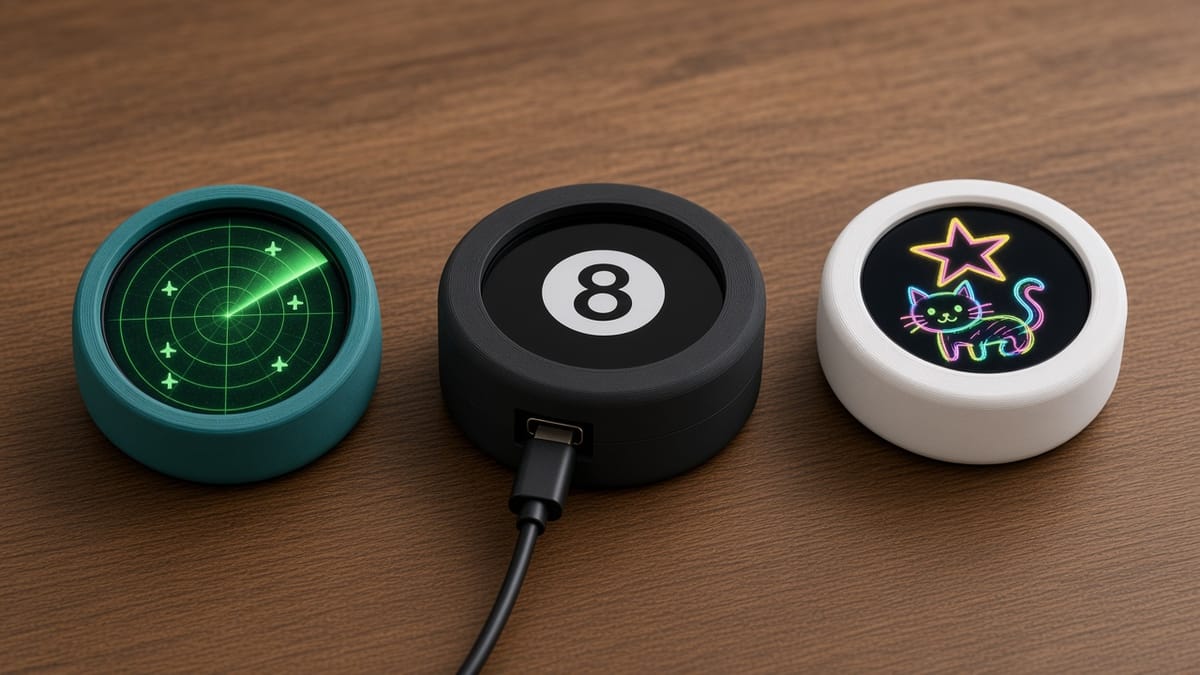
The ESP32-S3 is the chip to pick when a project needs a screen, touch, a motion sensor, and Wi-Fi for under $30. It is Arduino-compatible, has native USB, and enough memory to redraw a whole display without flicker.
Every ESP32-S3 project in the PrintPal build library uses the same round board, so one puck covers all three. Each guide ships with a 3D printable snap-fit shell, the Arduino sketch, and a Flash to board button that writes the firmware from Chrome or Edge. Nothing to install.
The board every project uses
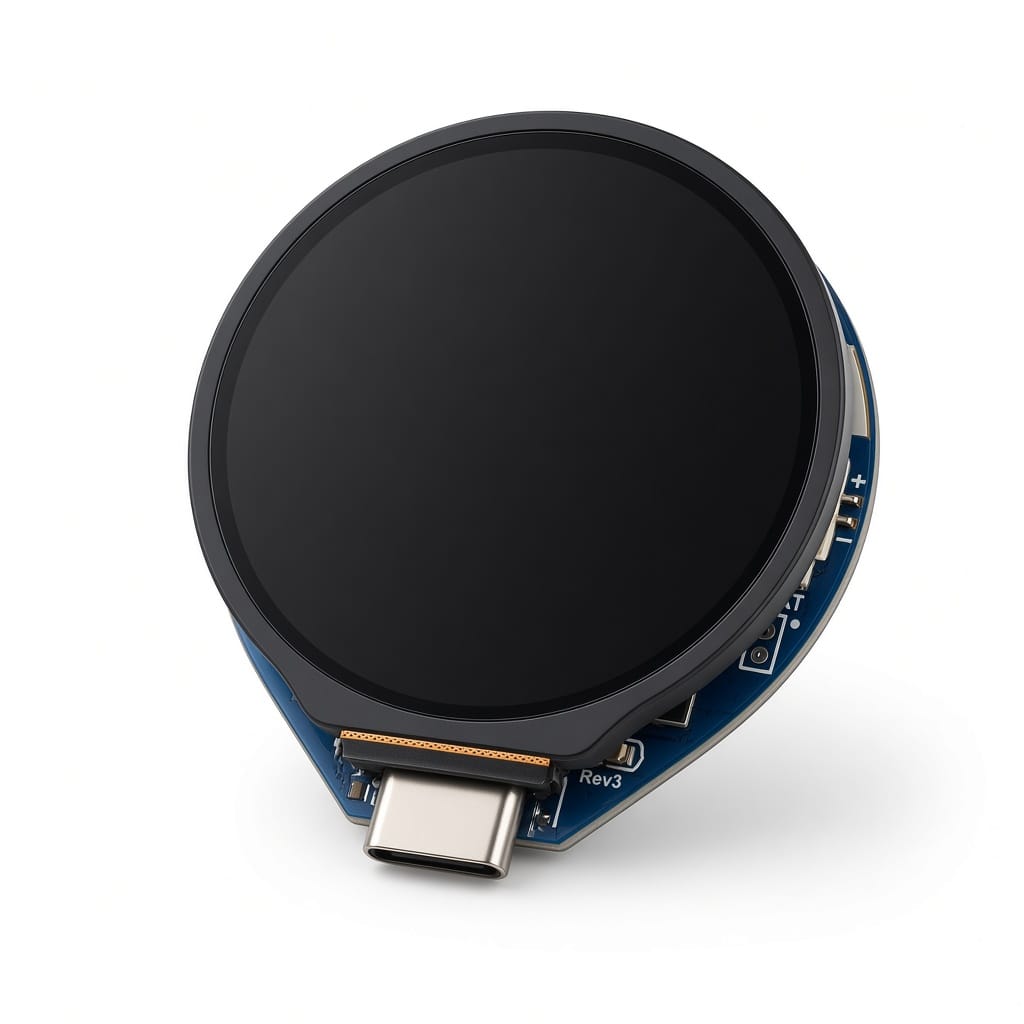
All three run on the Waveshare ESP32-S3-Touch-LCD-1.28 (Amazon B0CM68M8LR), the PrintPal Desk Pal puck:
- ESP32-S3 dual-core at 240 MHz, 16 MB flash, PSRAM, 2.4 GHz Wi-Fi, Bluetooth LE, native USB-C
- 1.28" GC9A01 round LCD, 240 × 240 pixels, about 39 mm across
- CST816S capacitive touch glass
- QMI8658 6-axis IMU for shake and tilt
- MX1.25 battery header with charging
1. ESP32-S3 plane radar (Wi-Fi + live data)
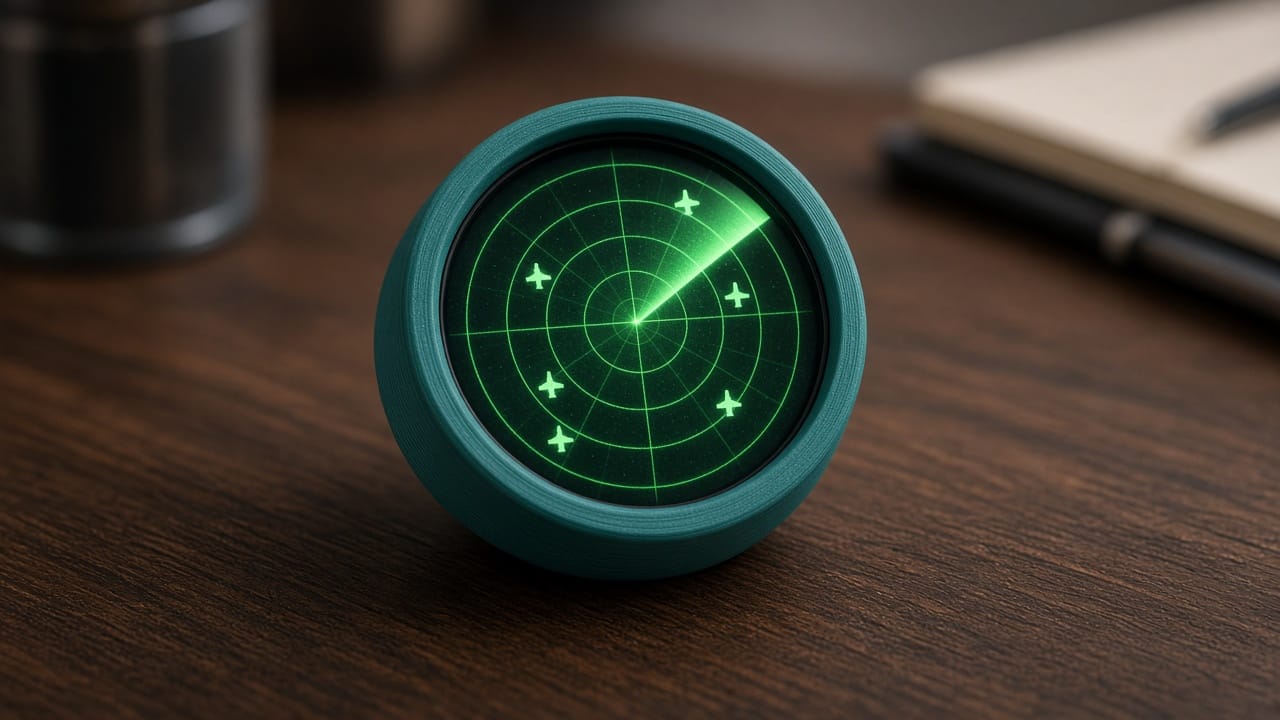
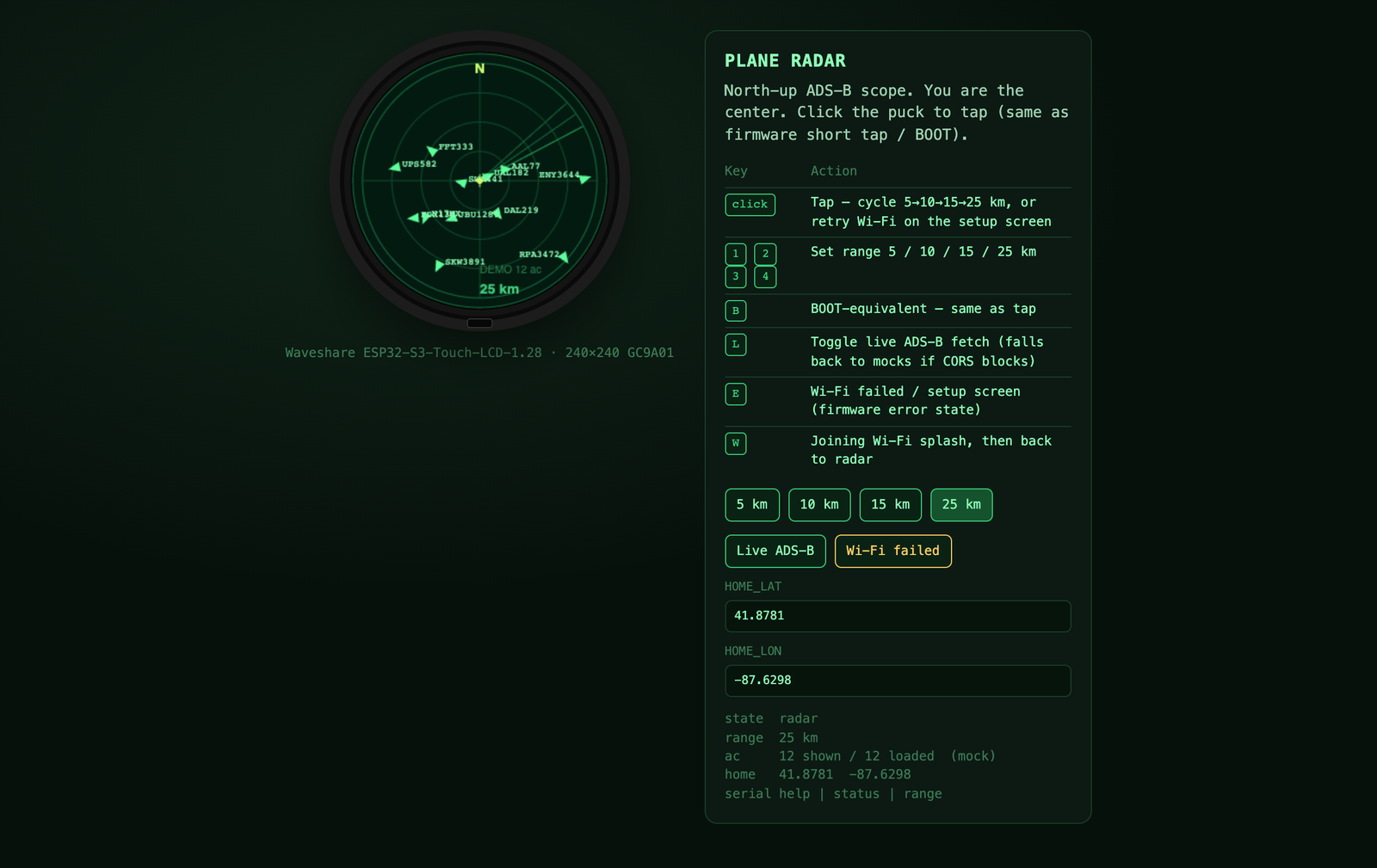
A north-up ADS-B scope with you at the center. The puck asks opendata.adsb.fi over Wi-Fi for aircraft near your home coordinates, parses the JSON, and draws each plane as a heading triangle with its callsign. Tap to zoom 5 → 10 → 15 → 25 km. If Wi-Fi drops, it falls back to demo traffic. Pick this one to learn HTTP, JSON, and background tasks.
Intermediate · 1 h 30 m · 4 steps · about $32 → Build guide · How it works
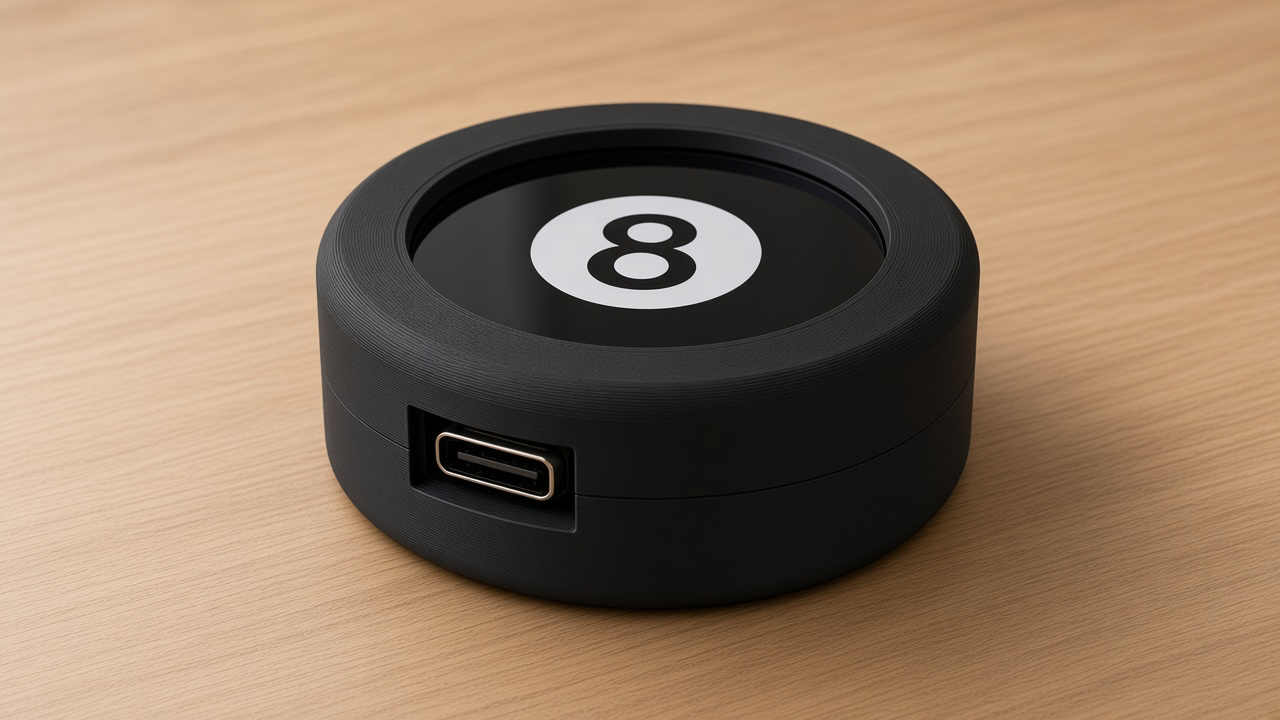
2. ESP32-S3 magic 8-ball (IMU + state machine)
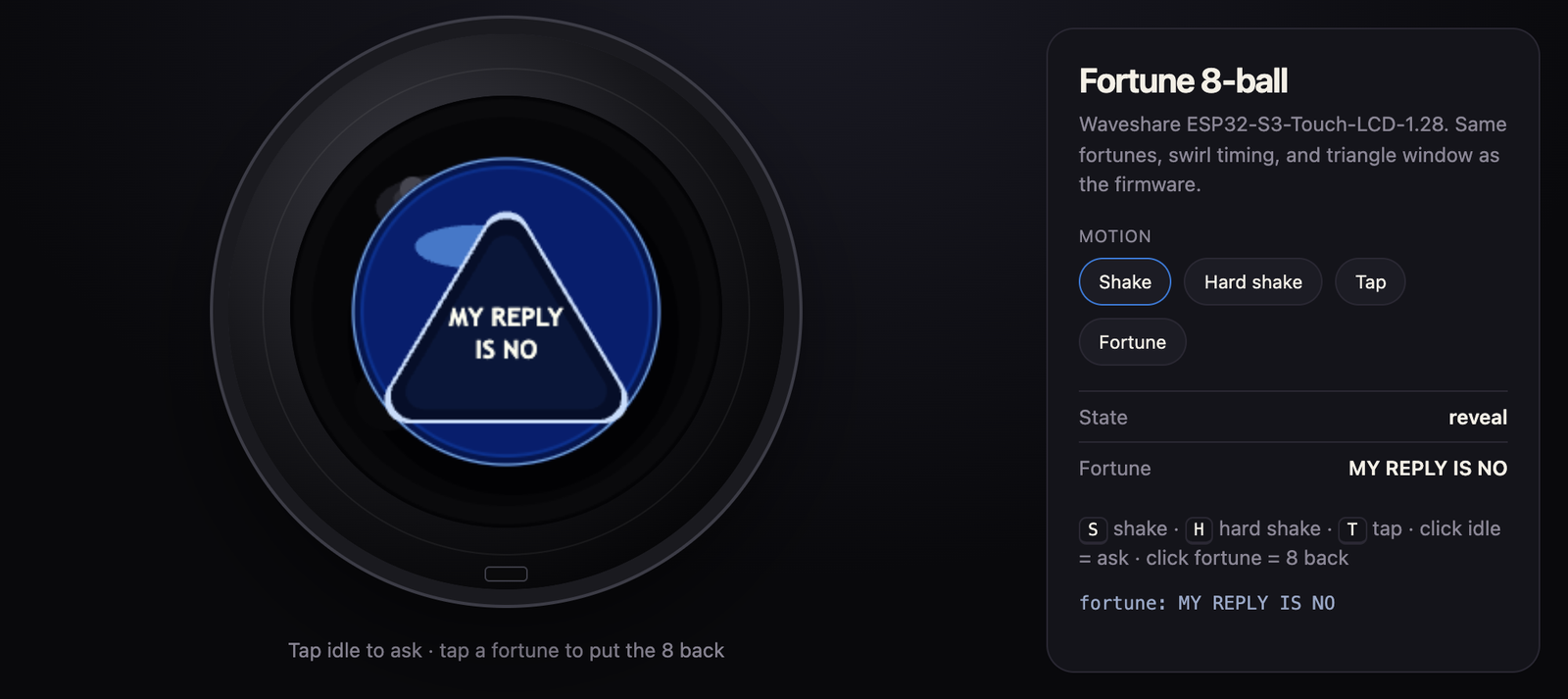
Shake the puck. A blue window swirls, a triangle rises, and a two-line fortune appears. Tap to ask, tap again to bring the 8 back. No Wi-Fi needed.
A three-state machine (idle → swirl → reveal) drives it, a 90 ms shake threshold ignores desk bumps, and the 20 fortunes sit in a plain array you can edit. The easiest sketch to personalize.
Beginner · 45 min · 3 steps · about $30 → Build guide · How it works
3. ESP32-S3 touch doodle (touch + pixels)
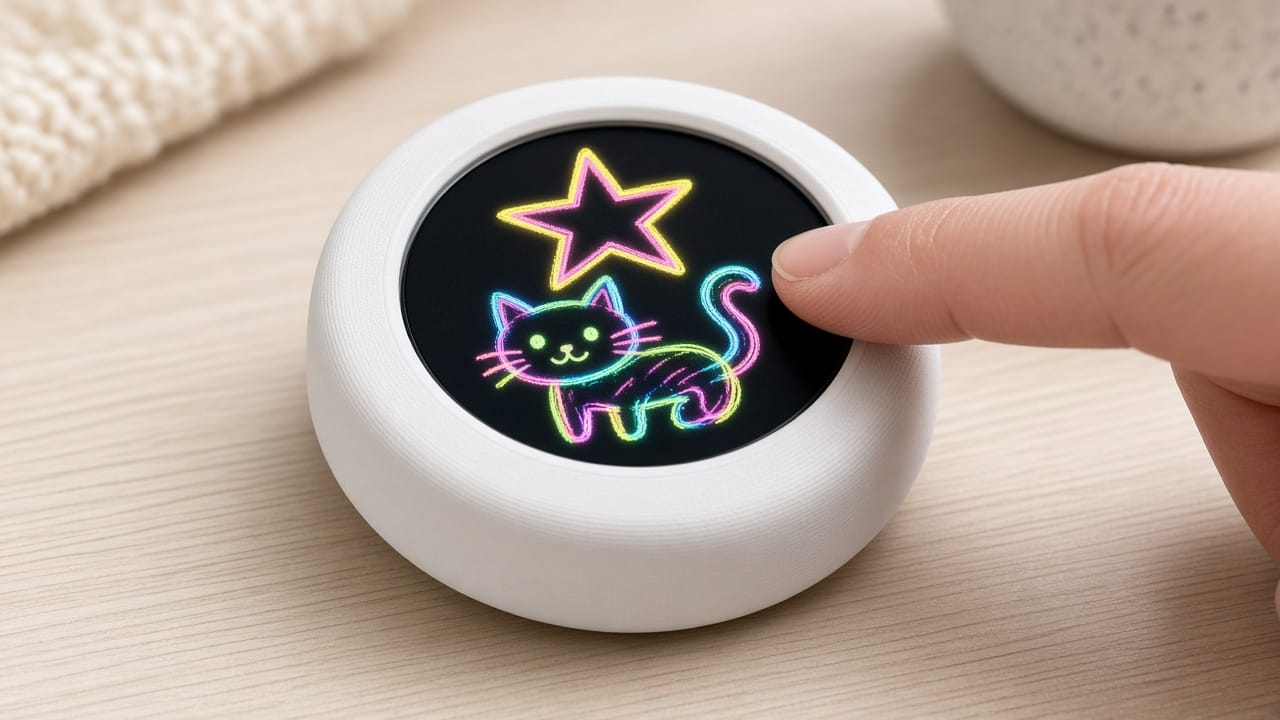
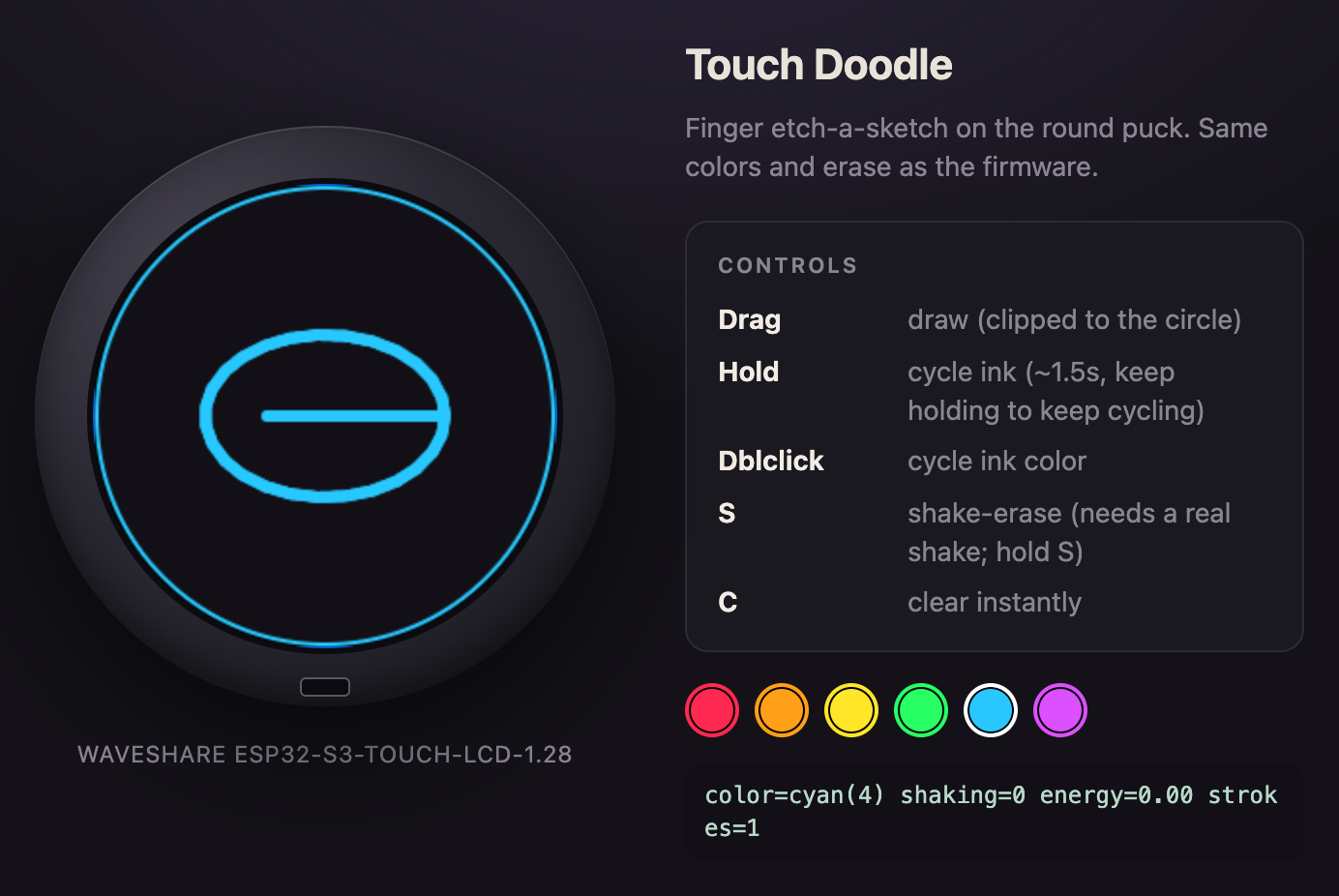
Finger-paint on the round LCD. Drag to draw, hold or double-tap to cycle six neon inks, and shake the puck to dust-erase the picture like an Etch A Sketch.
The clearest intro to how displays work: touch arrives as an x, y pair on a 240 × 240 grid, colors are packed to RGB565, and each frame is drawn to a PSRAM sprite and pushed in one go, so the line never tears.
Beginner · 40 min · 3 steps · about $30 → Build guide · How it works
3D print the case
Each project includes an OpenSCAD shell keyed to the real board, with a labeled USB-C slot.
| Setting | Value |
|---|---|
| Material | PLA or PETG |
| Layer height | 0.2 mm (0.16 mm for the 8-ball) |
| Walls | 3 |
| Supports | None, print face down |
| Filament | 15–25 g per shell |
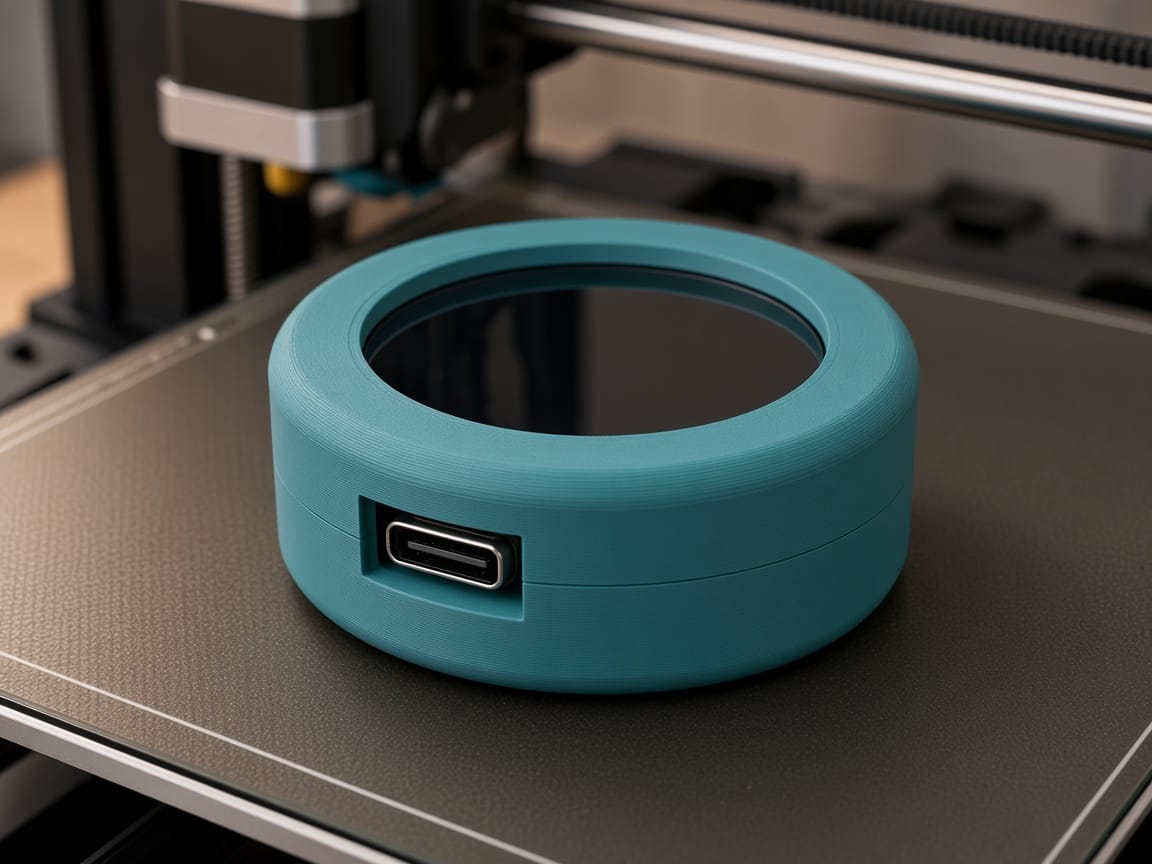
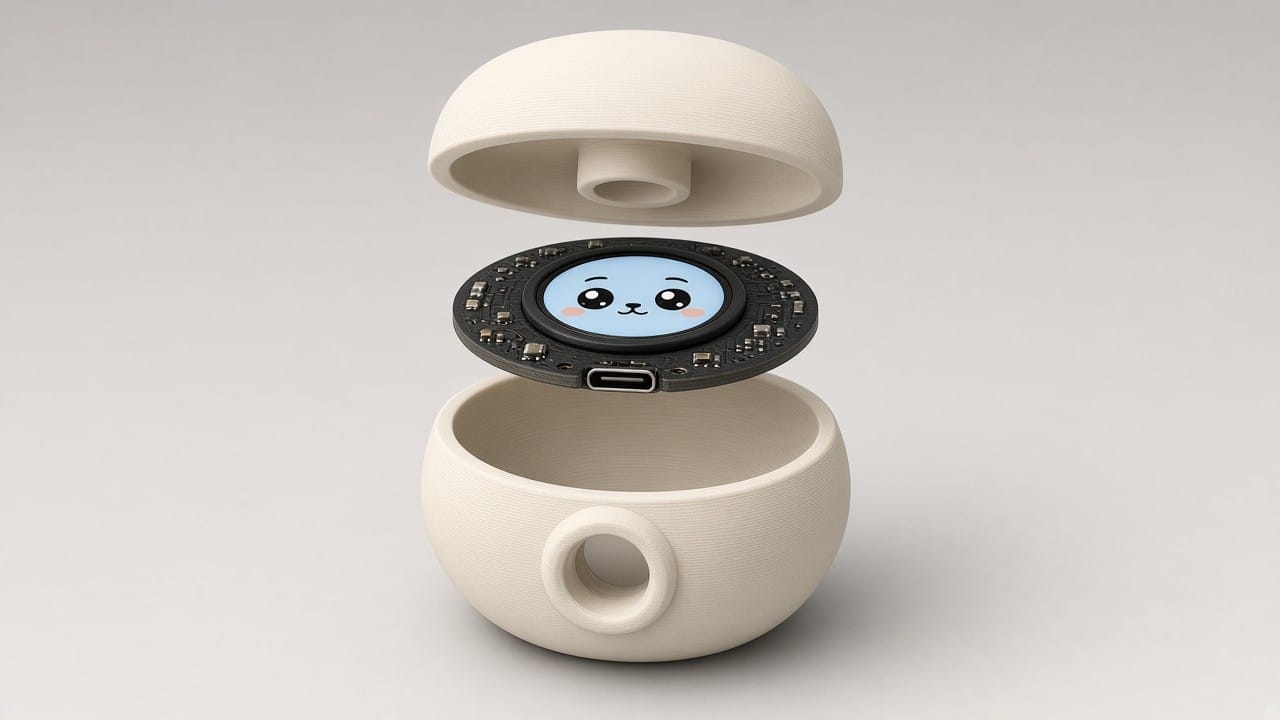
Want the same board inside a cat, bear, or robot instead? The Desk Pal Maker cuts the cavity, bezel, and USB-C channel into any head and exports a multi-color 3MF.
Flash it in 60 seconds, no Arduino install
- Open the project page in Chrome or Edge on a computer (Safari has no Web Serial).
- Plug in the puck with a data USB-C cable.
- Click Flash to board and pick the port. No port? Hold BOOT, tap RESET, release BOOT. Windows may need the WCH CH34x driver.
To edit the code, open the .ino in Arduino IDE as ESP32S3 Dev Module (16 MB flash, USB CDC On Boot) and keep USE_HSPI_PORT in the display config or the GC9A01 stays black. Serial is 115200.
Which ESP32-S3 project first?
| You want to learn | Start with |
|---|---|
| Touch input and pixels | Touch doodle |
| Sensors and state machines | Fortune 8-ball |
| Wi-Fi, HTTP, and JSON | Plane radar |
FAQ
Is the ESP32-S3 good for beginners? Yes. It programs like any Arduino board, and two of these projects are rated beginner.
Do I need a 3D printer? No. The firmware runs on the bare board; the shell just makes it a desk object.
Does it work on 5 GHz Wi-Fi? No. The ESP32-S3 radio is 2.4 GHz only. Only the plane radar needs Wi-Fi.
Can it run on battery? Yes. The board has a lithium battery header with charging.
One board, three ESP32-S3 projects, a flash button on every page. Order the puck, print a shell, and browse printpal.io/projects. Prefer the rectangular ESP32-C6 slab? The top Arduino projects of 2026 covers both boards.