Top Arduino Projects in 2026: 9 Builds You Can Flash from a Browser

The best Arduino projects in 2026 are not blinking an LED on a breadboard. They are small finished objects: a screen, a printed case, and a program you can load from Chrome or Edge without installing a toolchain first. These nine are the ones on PrintPal right now. Each guide is written so a kid about eight or older can follow it, and each one teaches a real idea (Wi-Fi, pixels, random numbers, animation) instead of only a shopping list.
All of them live in the PrintPal projects library. They use two boards, both programmed in the Arduino style.
The two boards
Round puck. The Waveshare ESP32-S3-Touch-LCD-1.28 (Amazon B0CM68M8LR) is the PrintPal Desk Pal board. It is about 39 mm across, with a 240×240 GC9A01 round LCD, a CST816S touch glass, a QMI8658 motion sensor, and USB-C. Its Wi-Fi is 2.4 GHz only.
Rectangular slab. The Waveshare ESP32-C6-LCD-1.47 (Amazon B0DK5J6LX3) is a 172×320 ST7789. It has a TF card slot, one WS2812 LED on GPIO8, and a BOOT button on GPIO9. It has no touch and no motion sensor. Keep the backlight at 50% or below so the panel does not heat-spot. A short BOOT press does the main action. Holding BOOT for about 0.7 seconds rotates the screen, except on the two sketches that stay landscape.
Flash any of them from the project page in Chrome or Edge on a computer, with a USB-C cable that carries data. If no port appears, hold BOOT, tap RESET, and release BOOT.
Arduino projects on the round display
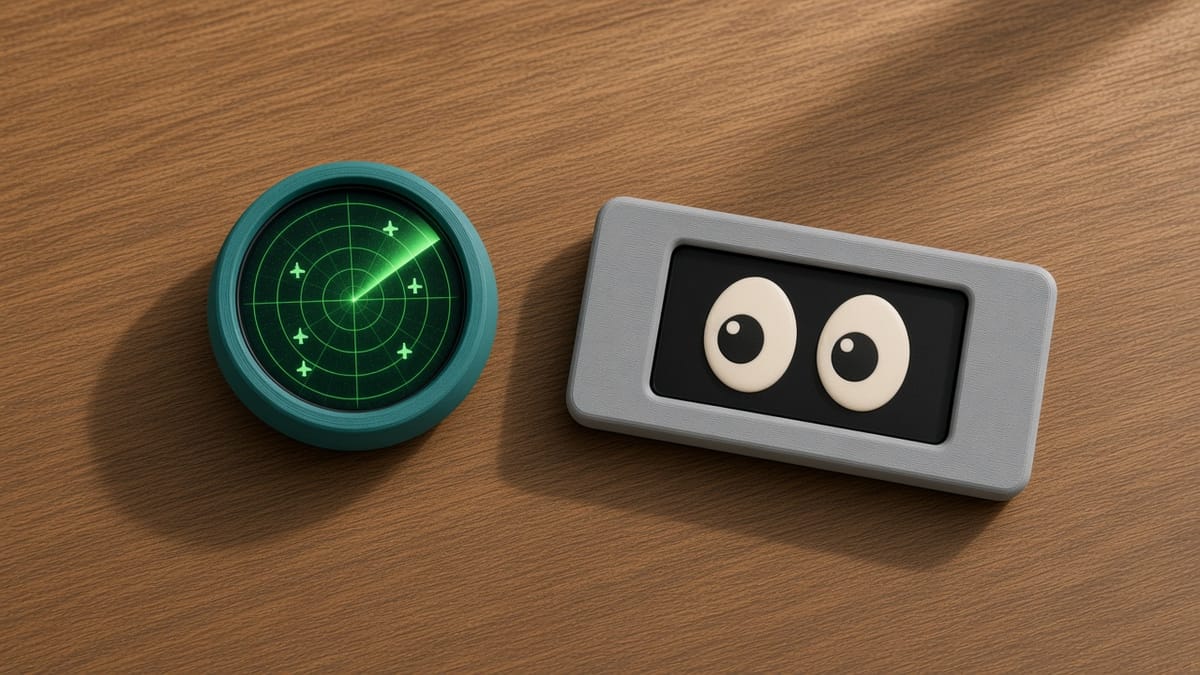
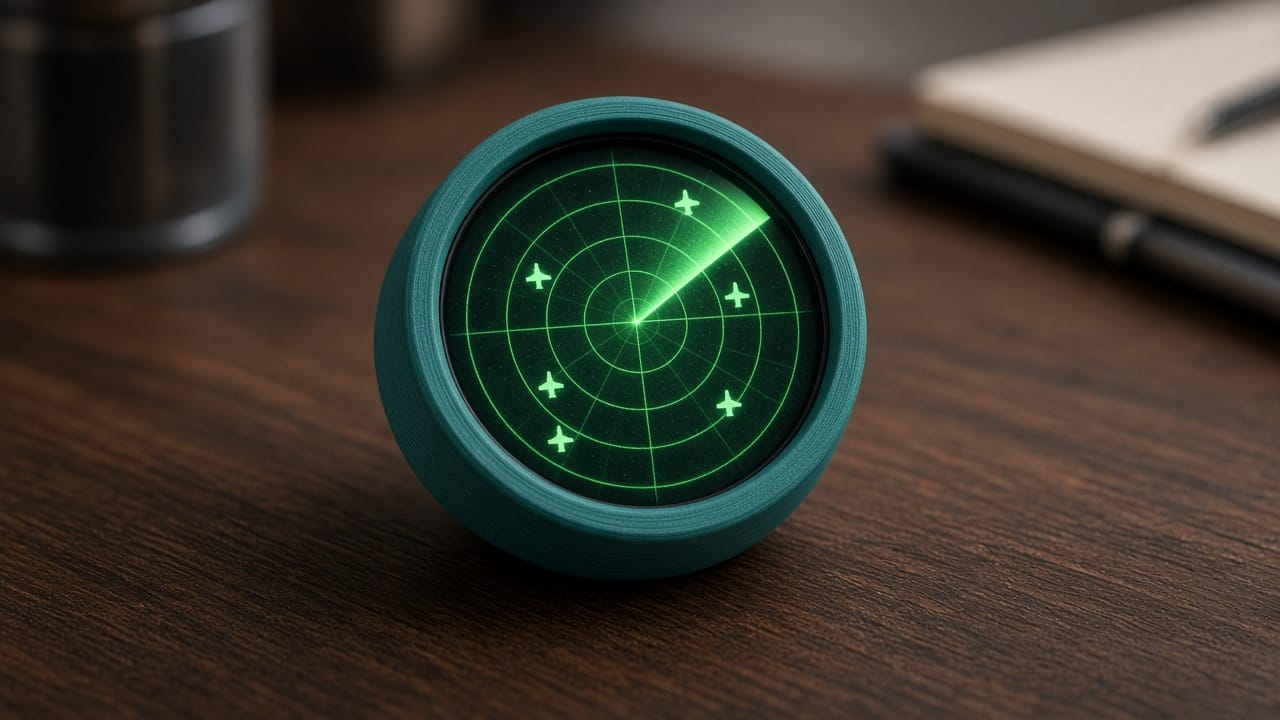
Desk Pal plane radar. A north-up air-traffic scope. You sit at the center. Nearby planes are heading triangles plus a callsign. The puck asks opendata.adsb.fi over Wi-Fi and falls back to demo traffic if the feed is empty. Tap or BOOT zooms 5 → 10 → 15 → 25 km. The download is always the 25 km circle. This is the project to pick when you want to learn HTTP and JSON.
Desk Pal fortune 8-ball. Shake the puck. A blue window swirls, then a two-line fortune appears. Tap to ask, tap again to bring the 8 back. No Wi-Fi. The lesson is a state machine (idle, swirl, reveal) plus the motion sensor. A normal shake swirls for 1.6 seconds. A hard shake swirls for 2.4 seconds.
Desk Pal touch doodle. Finger paint on the round LCD. Drag to draw inside the circle. Hold about 1.5 seconds, or double-tap, to change ink. A hard shake dust-erases the picture. It is the clearest way to see that a screen is graph paper: 240 by 240 pixels, and color is three numbers.
Arduino projects on the 1.47 inch slab
Split-flap departure slab. A pocket airport board. Short BOOT flips Departures and Calendar. Portrait shows 5 big rows. Landscape shows 3. It ships with a canned schedule (default airport ORD) and can load the same JSON shape from a URL: destination, time, and status ONTIME, DELAY, or GATE. The RGB LED goes green for on time and red for delayed.
Desk command slab. Clock, weather, and a note from your phone. Short BOOT cycles the three pages. Leave Wi-Fi blank and the board opens a network named DeskCommand with no password, then accepts POST /msg (up to 140 characters). Join your own 2.4 GHz network and it pulls the time from pool.ntp.org and the forecast from Open-Meteo. The default location in the file is Chicago. Change the latitude and longitude before you trust the weather.
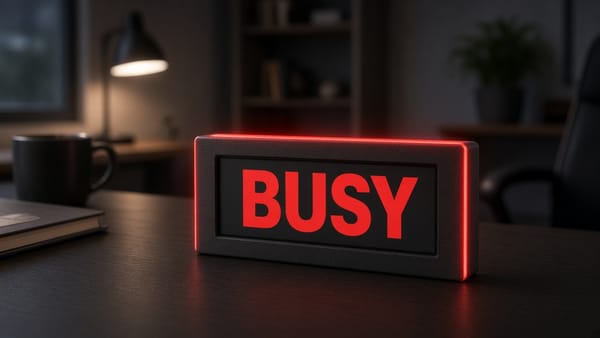
RGB busy lamp. Four moods: FREE (green), FOCUS (amber), MEETING (red), AWAY (dim blue). The word on the screen and the single WS2812 use the same color. Short BOOT cycles them. The last mood is saved, so unplugging the lamp does not forget it. Wi-Fi is optional. If you add it, POST /state?set=focus changes the mood from a phone.
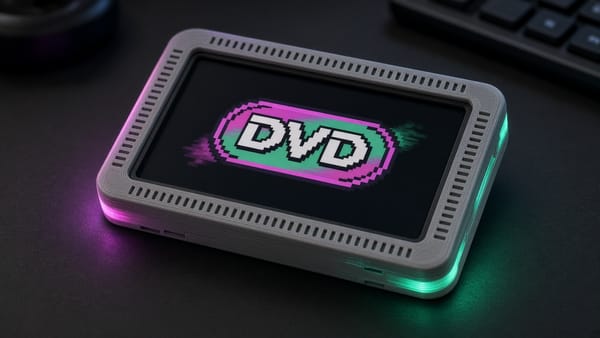
Pixel-art GIF player. Three built-in loops need no card: a bouncing logo, a dino run, and a space invader. Short BOOT skips to the next one. Drop more files in /gifs on a FAT TF card (up to 48 GIFs). The sketch draws each frame off-screen, then pushes the finished picture, so the animation does not tear.
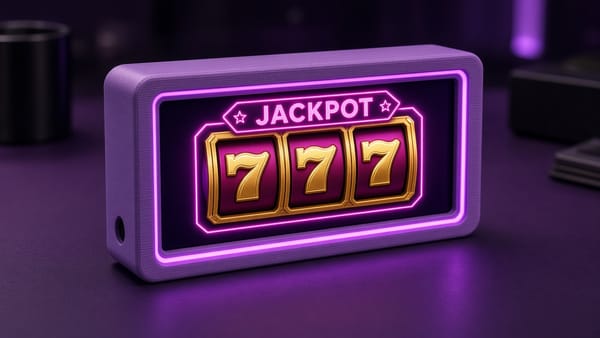
Lucky slab slot machine. A landscape toy, not a casino. It stays at 320×172. Short BOOT spins three reels. Hold BOOT to switch the Vegas, Diner, and Cyber cabinets. There are 7 symbols. You start with 24 play credits. A spin costs 1. A pair pays 3. Three of a kind pays 24. Three 7s pays 77. Nothing in the sketch takes real money. The lesson is random() plus “are these three variables equal?”
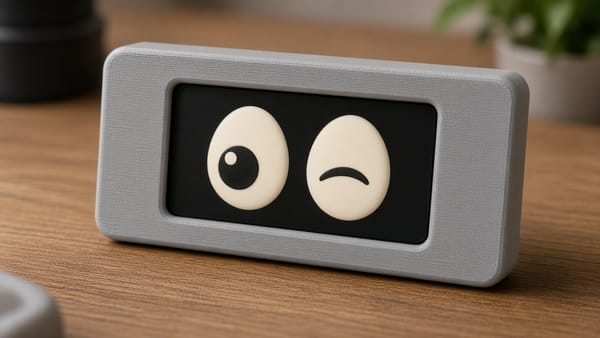
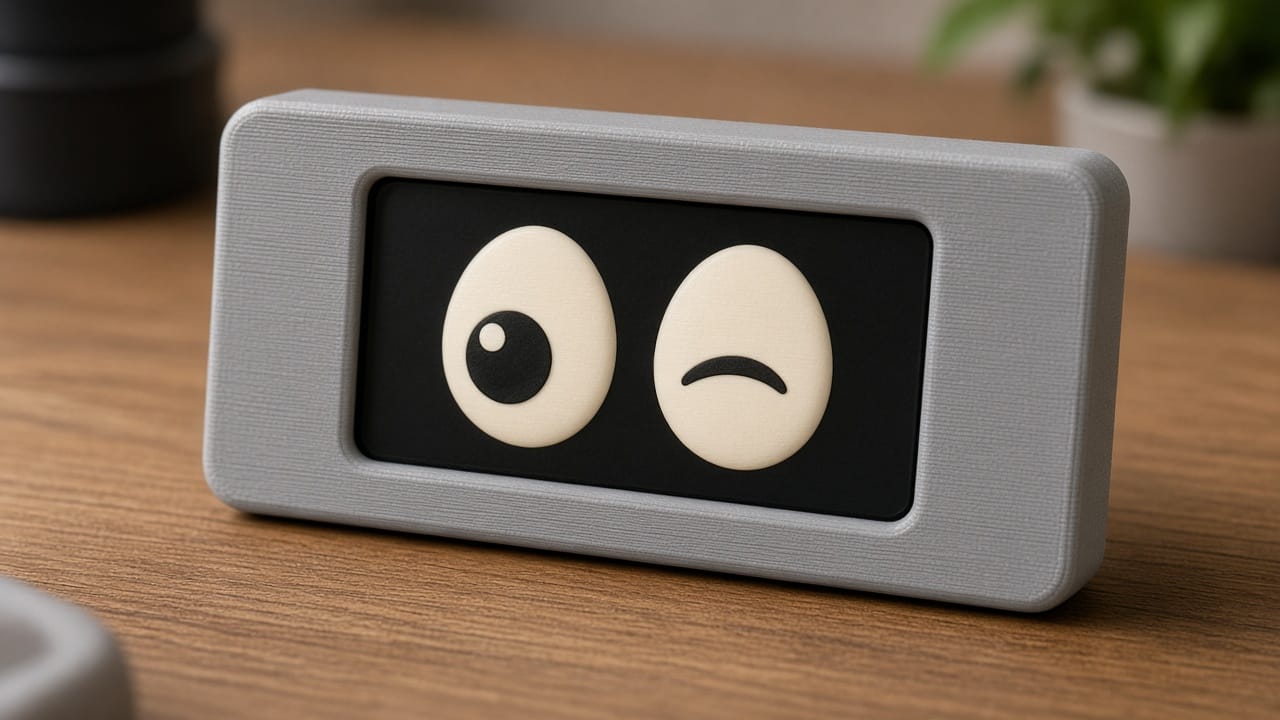
Slab eyes. Landscape cartoon eyes that look around, wink, and fall asleep on their own. This board cannot feel a tilt, so do not expect the pupils to follow the desk. Short BOOT pokes them. Hold BOOT cycles nine color looks, from cloud to ghost. If you wanted eyes inside a round animal head, that is a different board and a different tool: Desk Pal Maker.
Which one to build first
| If you want to learn… | Start here |
|---|---|
| Pixels and touch | Touch doodle |
| A program with moods | Fortune 8-ball or the busy lamp |
| Wi-Fi, without a map | Desk command slab |
| Asking the internet for live data | Plane radar |
| Animation | GIF player or slab eyes |
| Random numbers | Lucky slab |
| Tables and one button that means two things | Split-flap board |
Print the shell in PLA or PETG at 0.2 mm layers. The cavities are keyed. USB-C sits in a labeled cutout. Do not force a round puck into a slab case, or the other way around.
That is the 2026 list worth handing to a beginner: nine Arduino project ideas, two real boards, and a flash button on every page.