How to Turn Any 3D Model Into a 3D Printed Jigsaw Puzzle

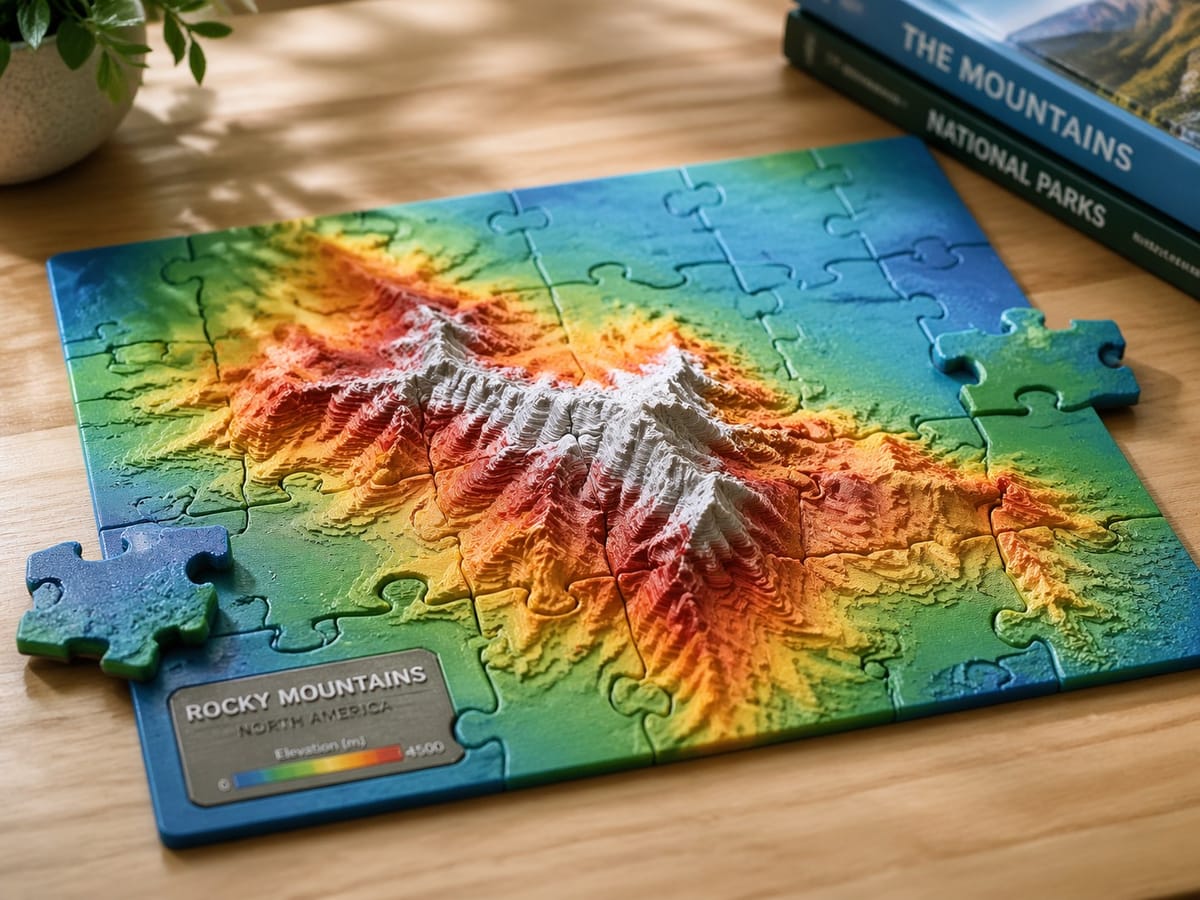
A 3D printed puzzle is one of the easiest custom gifts you can make. Pick any model, slice it into interlocking pieces, print it, and you have a physical jigsaw of a pet photo, a map, a logo, a child's name, or anything else you can dream up. No CAD skills required.
The PrintPal 3D Puzzle Cutter is a free browser tool that does the whole job for you. Upload an STL or OBJ, pick a grid, and export all of the pieces ready to print.
What the Tool Does
The Puzzle Cutter takes your 3D model and cuts it into a grid of jigsaw pieces that lock together like a real puzzle. Each piece has rounded studs and matching notches with built in print tolerances so the assembled puzzle fits together cleanly off the printer.
It runs entirely in your browser. No uploads to a server, no signup, no credits.
Quick Start in 5 Steps
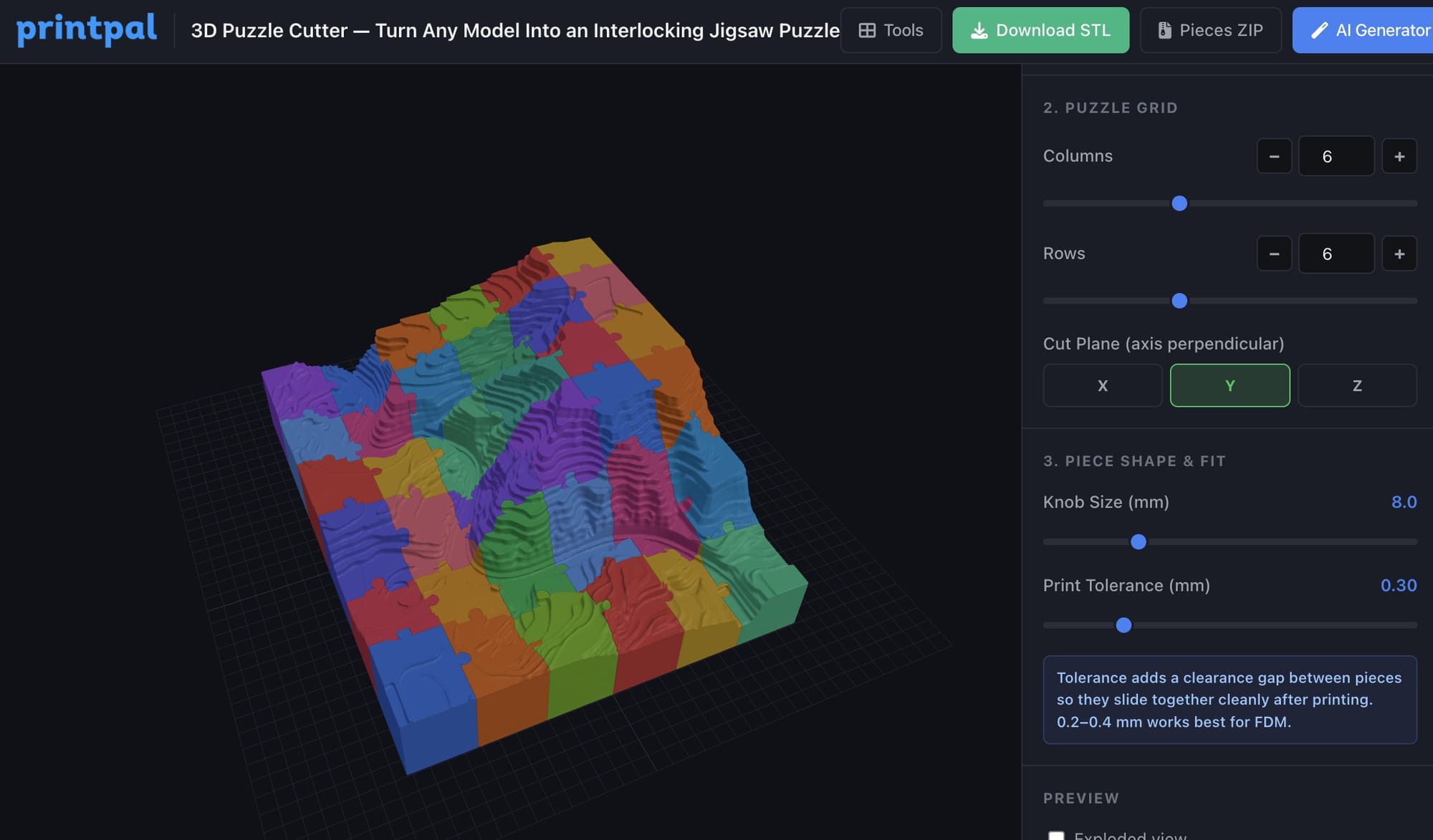
- Open the 3D Puzzle Cutter and drop in an STL or OBJ file.
- Click a print bed preset (Small, Default, or Large) to scale the model to your printer.
- Set the number of columns and rows. Start with 4 by 4 for a first print.
- Pick the cut axis (Y is a good default for most flat relief and lithophane style models).
- Click Single STL or Pieces ZIP to download.
That is the whole workflow. If you enable Animate Assembly, you can watch the pieces drop in one at a time to verify the cut looks right before printing.
The Settings That Actually Matter
You only need to touch three controls for most prints.
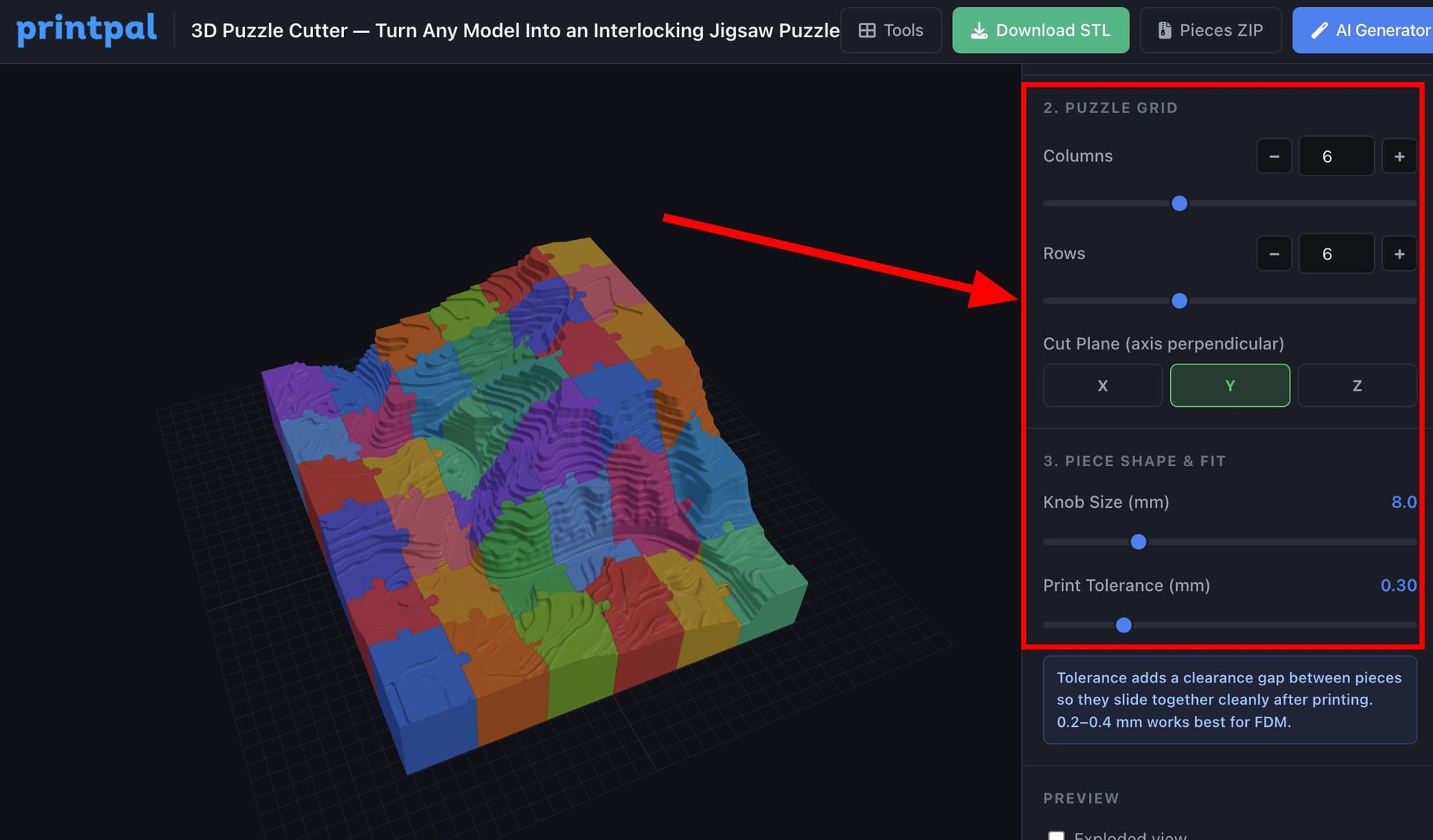
- Knob Size. How big the interlocking studs are. Larger knobs feel more solid in the hand. Smaller knobs look more like a classic cardboard jigsaw. Default is fine for most prints.
- Print Tolerance. The clearance between pieces. Start at 0.30 mm for PLA on a well tuned Bambu Lab, Prusa, or Creality printer. Bump to 0.40 mm if your first print is too tight. Drop to 0.20 mm on a resin printer.
- Cut Axis. The direction the cutter slices through. Use Y for flat models like lithophanes, maps, and reliefs. Use X or Z for sculptures you want to split side to side or top to bottom.
Printing Settings for Puzzle Pieces
These work on any FDM printer:
| Setting | Value |
|---|---|
| Material | PLA or PETG |
| Layer height | 0.20 mm |
| Infill | 15 to 20 percent |
| Walls | 3 perimeters |
| Supports | Usually not needed for flat puzzles |
| Orientation | Flat on the bed, cut side down |
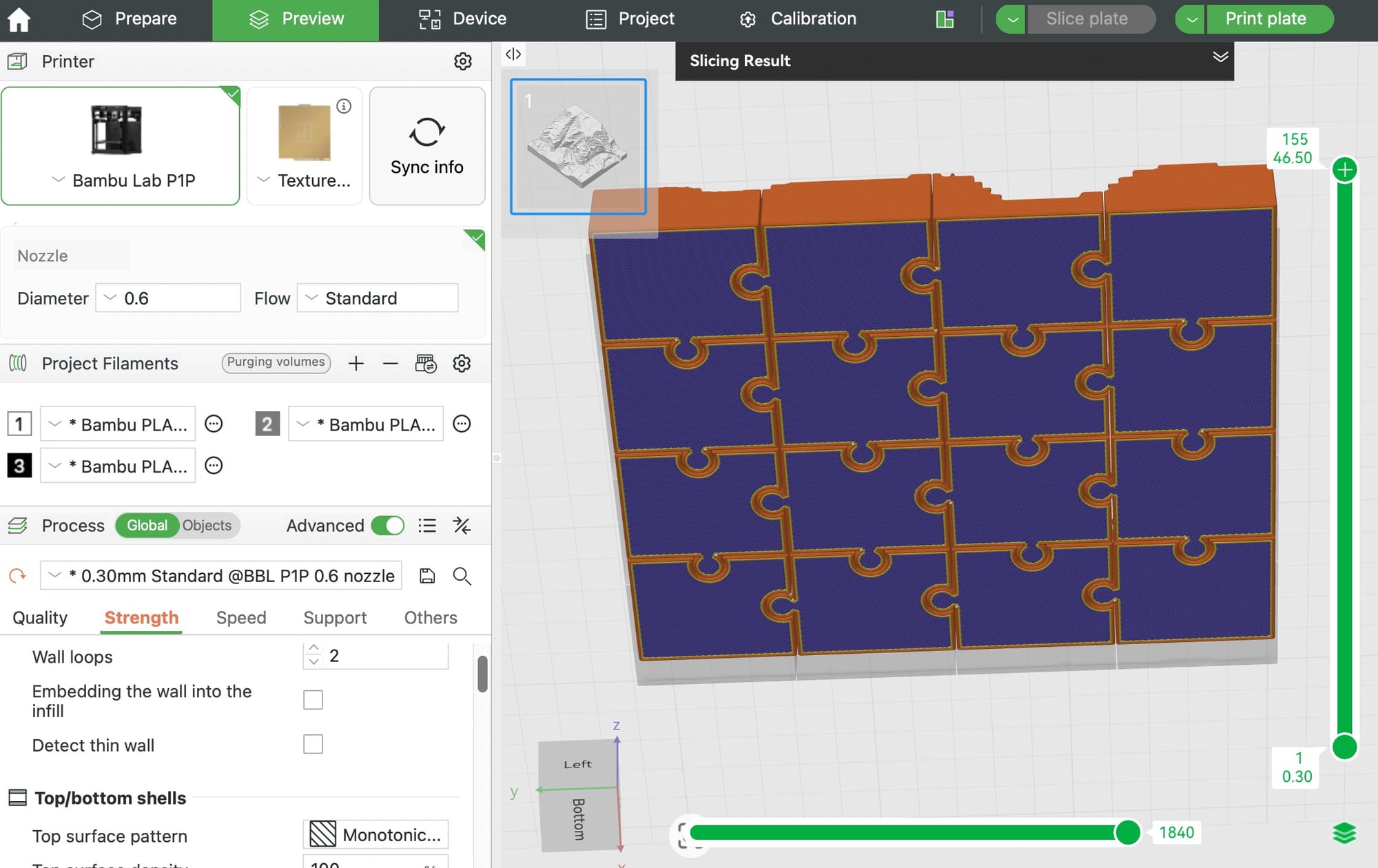
Arrange every piece on the bed at once and print as a single job. For a 4 by 3 puzzle on a 256 mm bed, all 12 pieces fit easily.
Project Ideas for Beginners
- Photo lithophane puzzles. Convert a family photo to a lithophane, then cut it into a puzzle. Pairs perfectly as a gift.
- Map puzzles. Slice a topographic map of a favorite hike, city, or national park.
- Kid name puzzles. Large chunky letters spelling a child's name, cut into 4 to 6 pieces. Great toddler gift.
- Logo or brand puzzles. Company logo in 3D, cut into a desk puzzle.
- Pet silhouette puzzles. A raised silhouette of a dog or cat, cut into 6 to 9 pieces.
Do Not Have a 3D Model Yet?
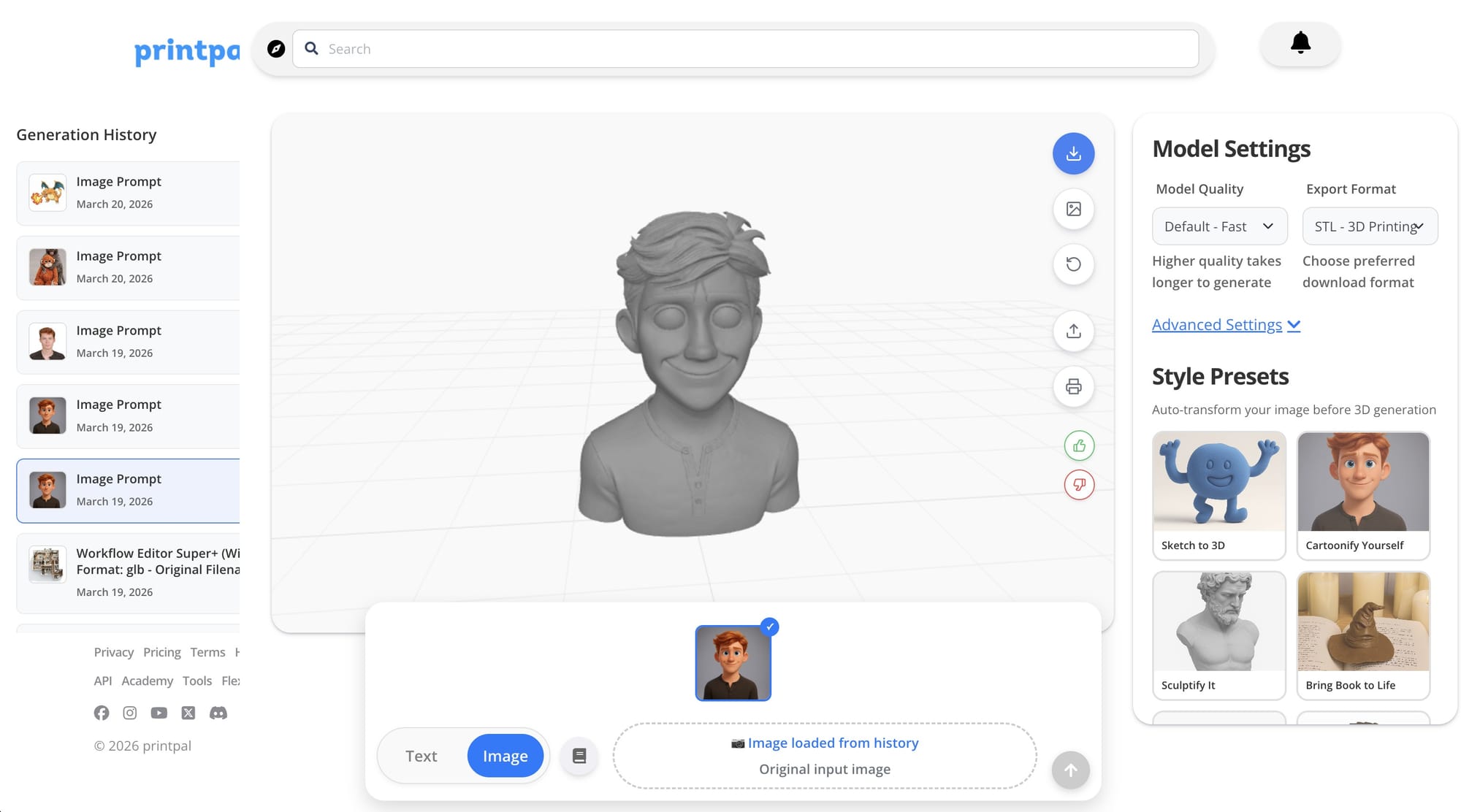
If you do not have a model to cut up, use the PrintPal AI 3D Generator to create one. Type a text prompt or drop in a reference image and get a high resolution 3D printable STL back. You can go straight from that file into the Puzzle Cutter and turn your AI generated model into a physical jigsaw in a single sitting.
Frequently Asked Questions
Will the pieces actually snap together? Yes. Each stud is wider at the bulb than at the neck, so once assembled the pieces mechanically resist pulling apart. This is a true jigsaw lock, not just a visual cut.
What file types can I upload? STL and OBJ. The model must be watertight (no holes or flipped normals). If the cutter rejects your file, repair it in Blender, Meshmixer, or Microsoft 3D Builder first.
What if my model is tiny or came from a game asset? The tool auto scales any model under 5 mm to about 100 mm so the puzzle knobs are printable. You can then click a bed preset to fine tune.
Can I use this for resin printing? Yes. Lower the tolerance to 0.15 to 0.20 mm since resin is more dimensionally accurate than FDM.
Is there a piece count limit? You can go up to 15 by 15. For most gifts, 4 by 3 to 6 by 5 looks and feels best.
Summary
| Goal | What to Do |
|---|---|
| Make a puzzle from a model you already have | Open the Puzzle Cutter |
| Create a 3D model from text or a photo | Open the AI 3D Generator |
| Explore other free 3D design tools | Browse all tools |
The entire puzzle workflow runs in your browser, takes under a minute per design, and costs nothing. Upload, cut, download, print.