How to 3D Print a Funko Pop Style Figure of Your Favorite Soccer Player

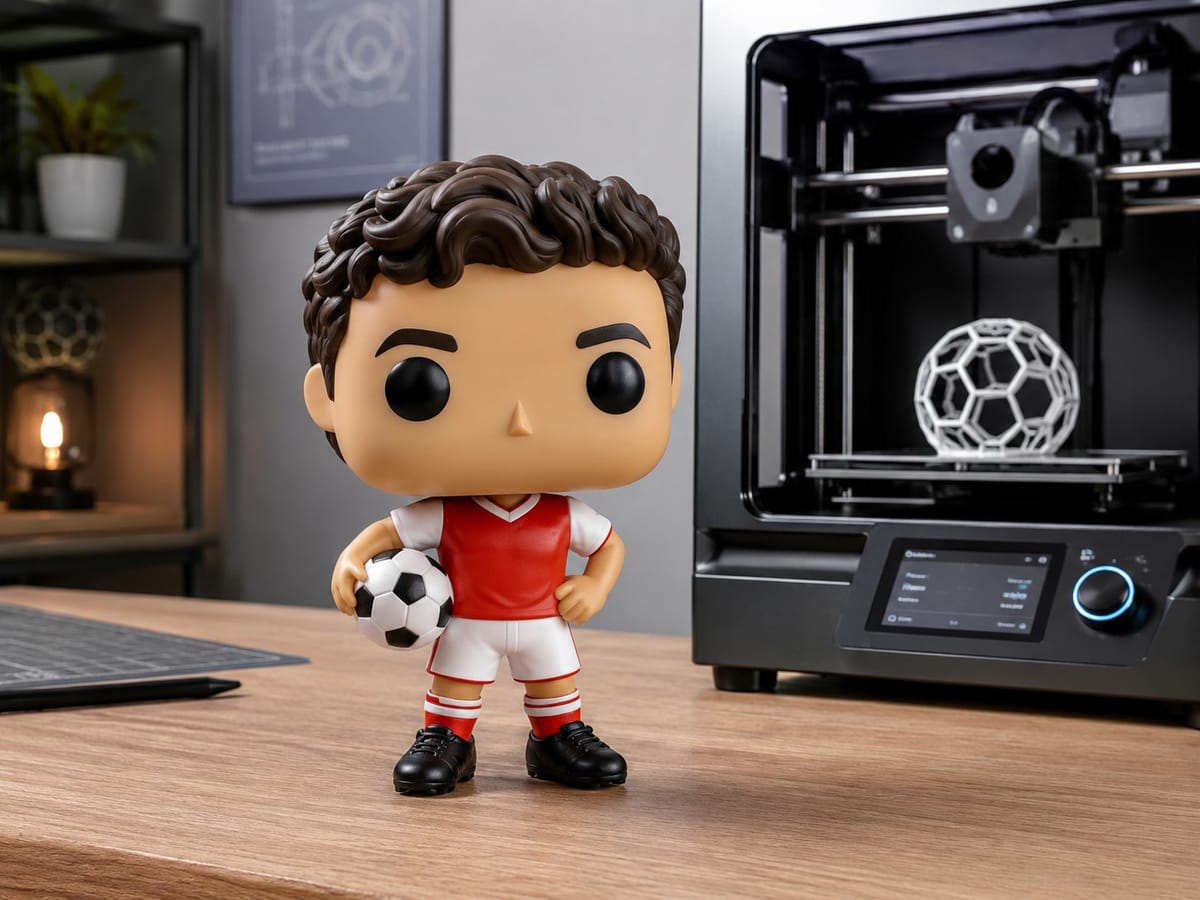
The World Cup is the one time every few years when everyone has a favorite player again. Instead of buying another scarf or jersey, you can make something nobody else has: a Funko Pop style figure of the player you actually cheer for, printed in full color on your own 3D printer.
You do not need to know how to sculpt or model. With PrintPal's 3D Model Generator you start from a single photo or a short text description, and the tool builds a clean, print ready 3D model for you. Here is the whole process, start to finish.
What you will need
- A clear reference, either a photo of the player or a short text description
- A PrintPal account
- A 3D printer (a color capable setup like an AMS or MMU is ideal, but single color works too)
That is it. The model itself takes a couple of minutes to generate.
Step 1: Pick a good reference
The quality of your figure depends almost entirely on what you feed in. You have two options.
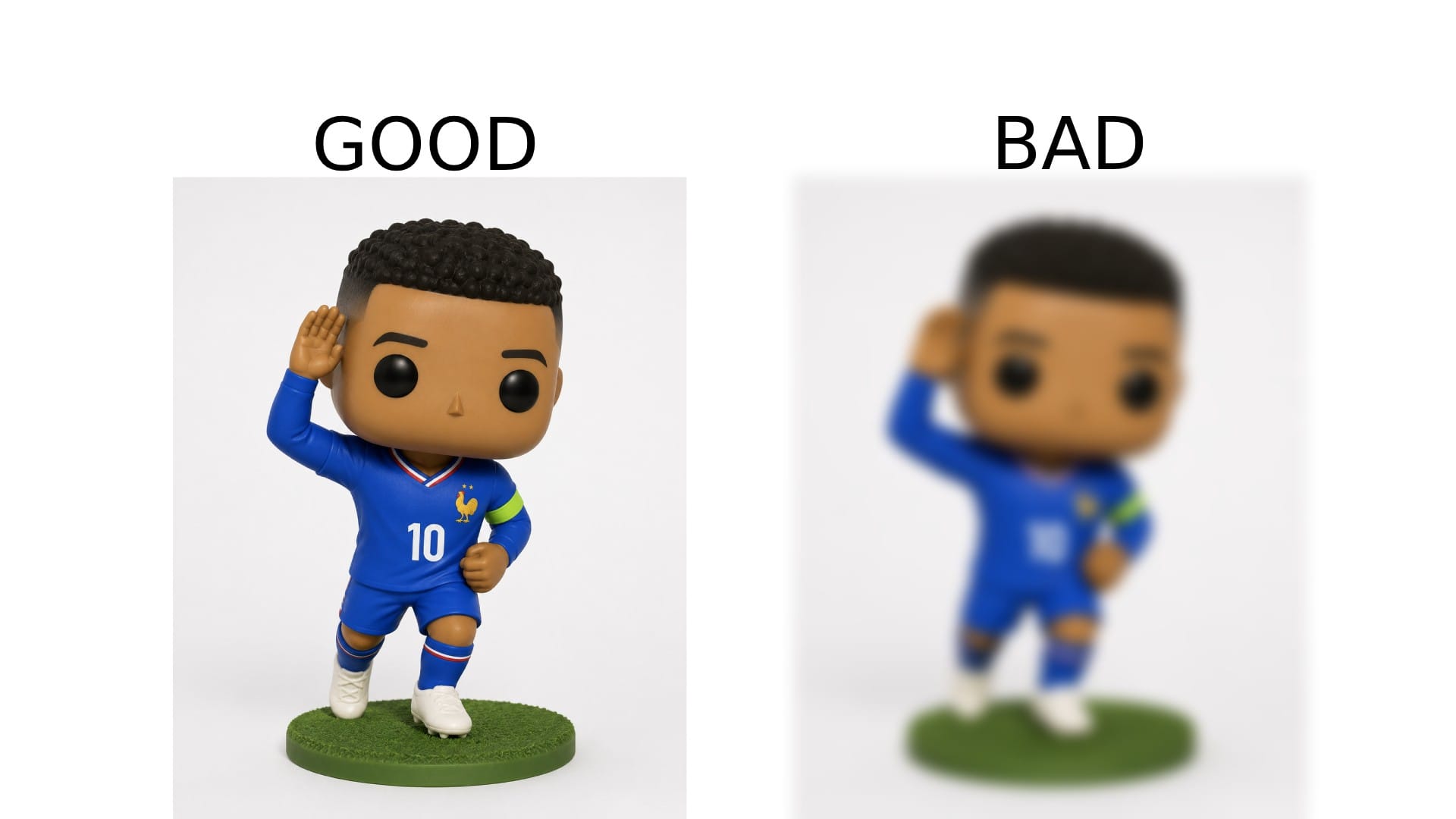
If you want to use a photo, choose one where the player is facing the camera, well lit, and not blocked by other people. A clean headshot or a posed kit photo works best. Faces that are turned to the side or motion blurred from a match are harder to capture.
If you would rather describe the player in words, that works too. Something like "a soccer player with short curly hair, a beard, and a blue and white striped jersey" gives the generator enough to work with. You can be as specific as you like with hair, skin tone, kit colors, and number.
Step 2: Open the generator and choose your input
Head to the 3D Model Generator. You can either upload your photo or type your description into the prompt box.
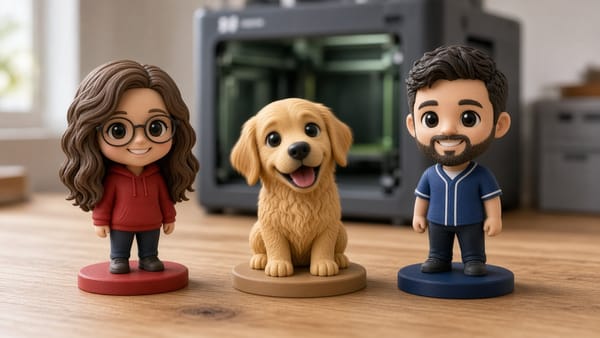
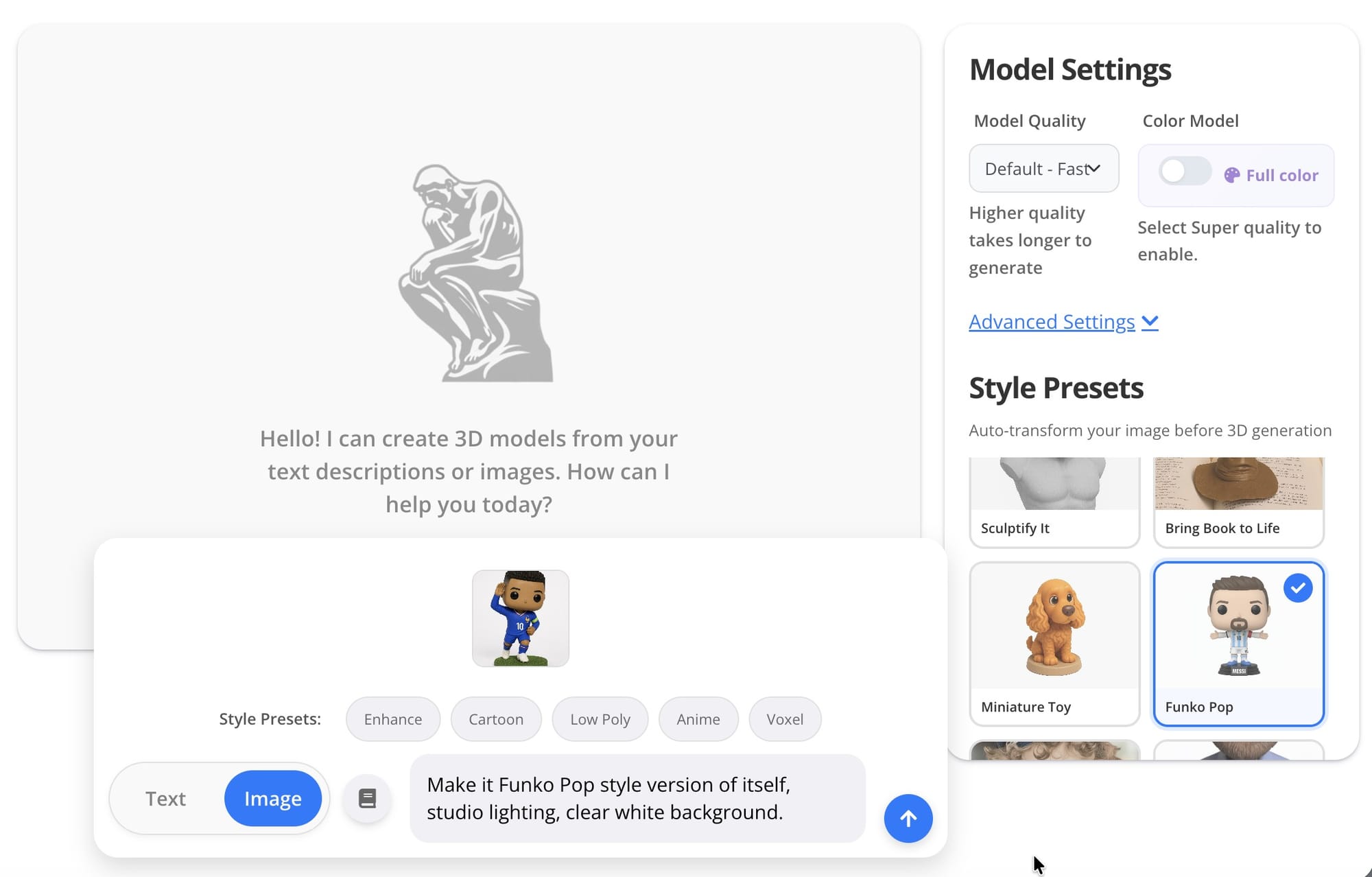
If you are going for the Funko Pop look specifically, add that to your prompt or use it alongside your image. A description like "Funko Pop style figure of [player], big head, small body, vinyl toy look, holding a soccer ball" pushes the model toward that chunky, collectible shape rather than a realistic one.
Step 3: Use a preset to lock in the style
Presets save you from guessing. Instead of fiddling with settings, pick one that matches the look you want and let it handle the rest. For this project, choose a stylized or figurine preset so the proportions lean cartoonish and toy like rather than lifelike.
Presets are also the easiest way to stay consistent if you plan to make a whole squad. Make one player, then reuse the same preset for the rest so the figures look like a matching set on your shelf.
Step 4: Generate in full color
Hit generate and give it a moment. PrintPal builds a high quality 3D model and applies full color directly to the surface, so the kit, skin tone, hair, and ball all come through without you painting anything by hand.
This is the part that usually makes people smile. The colors are baked into the model, which means if you print on a color capable machine, the figure comes off the bed already looking finished.
Step 5: Check it and regenerate if needed
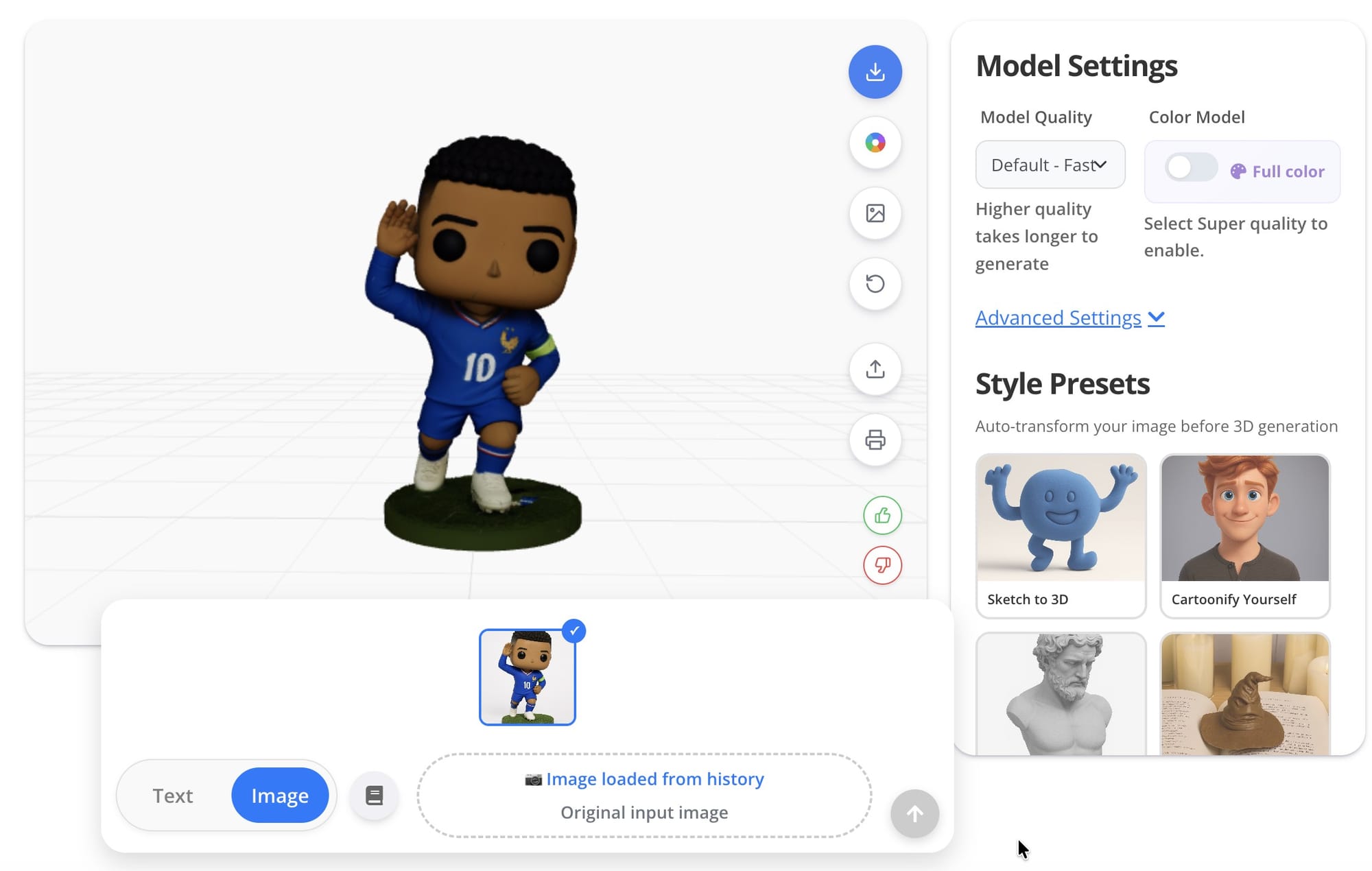
Spin the model around in the viewer and look at it from every angle. Check the face, the kit colors, and the overall shape. If something is off, like the hair is wrong or the jersey color missed, tweak your prompt or swap the reference photo and generate again. A small wording change often fixes it.
Do not aim for a perfect portrait. The Funko Pop style is forgiving by design, and a slightly stylized face is part of the charm.
Step 6: Export and print
Once you are happy with it, export the model. PrintPal sends it out in a print ready format that drops straight into your slicer, with the color information intact for AMS and multi material setups.
A few quick settings that help with figures like this:
- Print the figure standing up if your printer handles overhangs well, or split it and print the head separately for cleaner detail
- A 0.2 mm layer height is a good balance of speed and detail for the size
- Keep supports light, mostly under the chin and arms
Then start the print, and in a couple of hours you have your player.
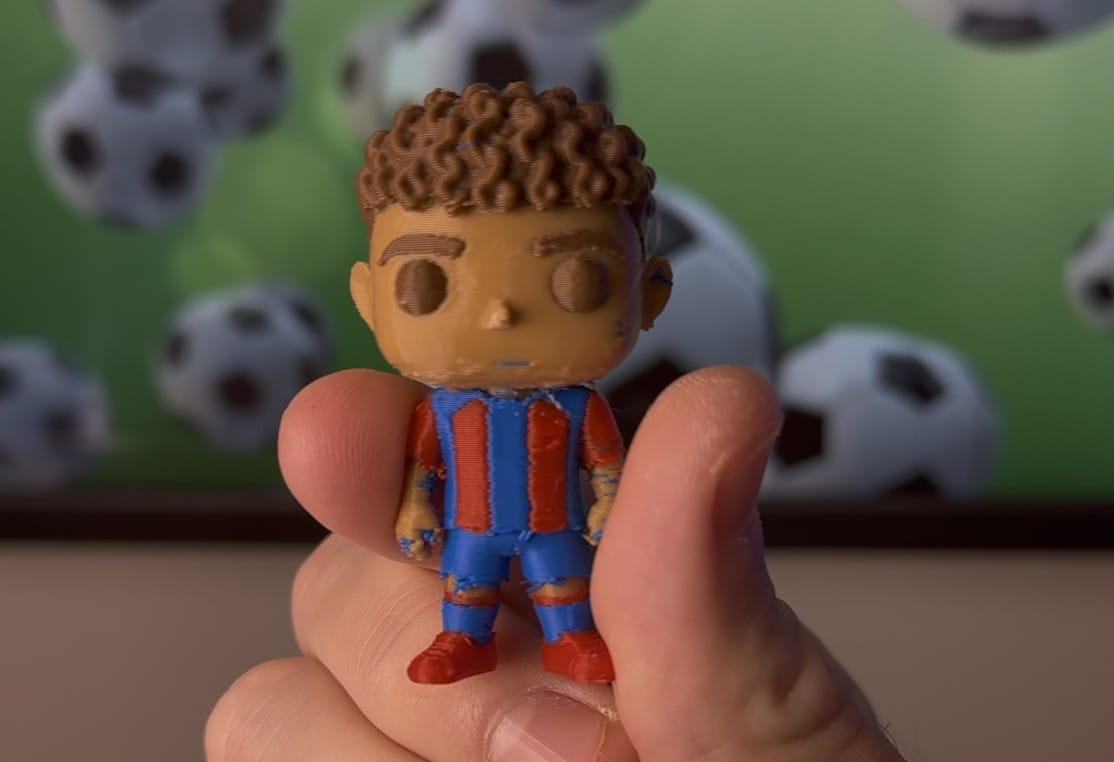
Tips for a better figure
- Match the kit number and colors. Adding "wearing number 10 in a yellow and green kit" makes it instantly recognizable.
- Make the whole starting eleven. Once you have a preset dialed in, a full team lined up on a shelf looks great and makes a fun gift.
- Add a base. A small round base with the player's name or country flag turns it from a toy into a keepsake.
Frequently asked questions
Do I need 3D modeling experience? No. The generator builds the model from your photo or text. You never open modeling software.
Can I print it in color without painting? Yes. The model is generated in full color and exports with that color information, so a color capable printer handles it for you. On a single color printer you can still print it and paint it after.
What makes a good reference photo? Front facing, well lit, and unobstructed. Clear portraits beat action shots every time.
Can I make players from any team? Yes. Describe or upload anyone, set the kit colors, and generate.
Ready to make your own
Pick your player, grab a photo, and turn them into a figure you can actually hold this World Cup. Start with the PrintPal 3D Model Generator and have your first one printing today.