ESP32 GIF Player: Play Pixel Art on an ESP32-C6

A movie is a flipbook. You hold a stack of still pictures and flip them fast, and your eyes see motion. That is the whole trick inside this little slab.
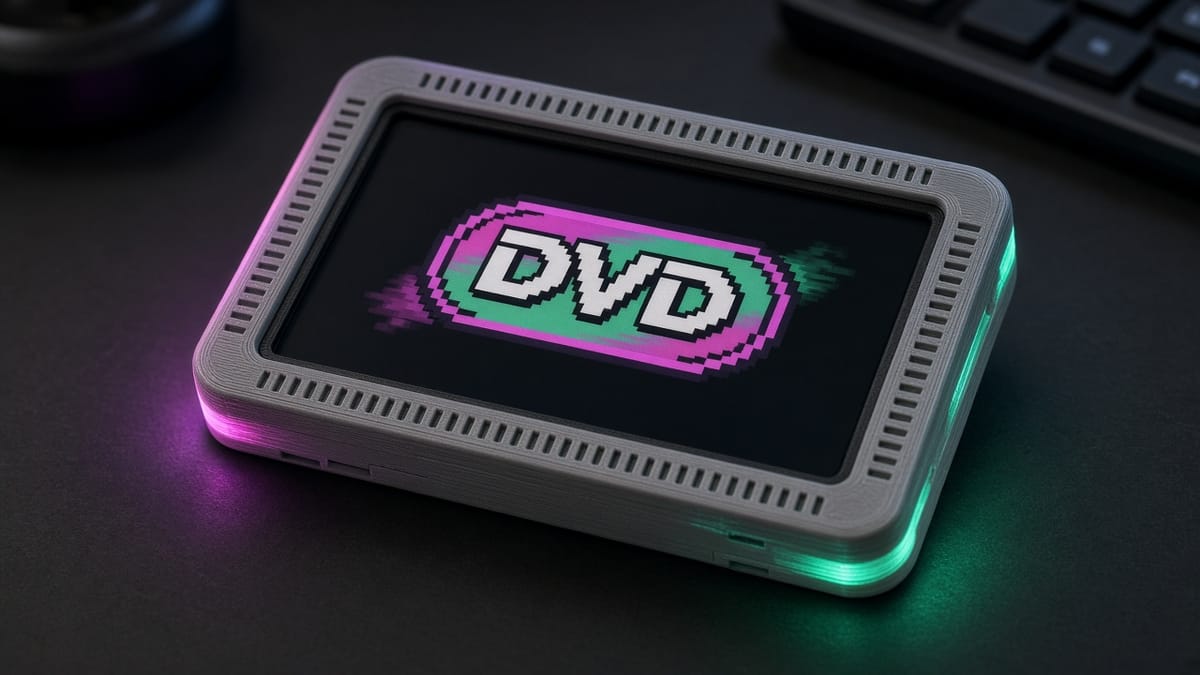
The board is a Waveshare ESP32-C6-LCD-1.47. The screen is 172 pixels wide and 320 pixels tall, driven by an ST7789 chip. You change the picture with the BOOT button (GPIO9, the pin the button is already wired to). The build guide, the case, and the firmware live on PrintPal: Pixel-art GIF player slab.
Frames are still pictures
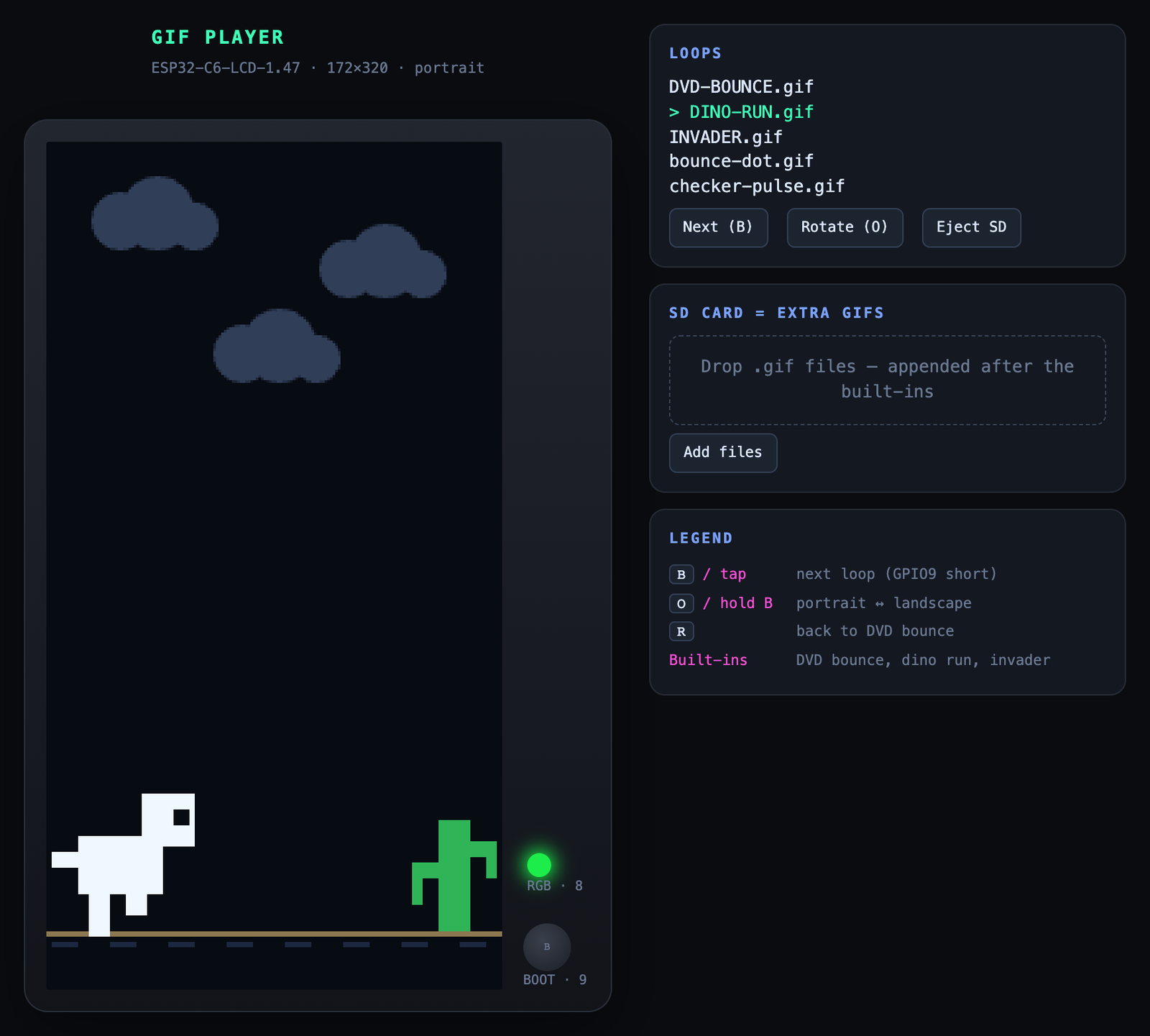
This ESP32 GIF player starts with three loops that need no card. Their names in the program are DVD-BOUNCE, DINO-RUN, and INVADER.
DVD-BOUNCE is a logo that slides. Each frame, the program adds a little to x and y. When the logo hits an edge, that direction flips. DINO-RUN is a dino and a cactus. The legs swap, and sometimes the dino hops. INVADER is an 8×8 space-invader sprite, drawn bigger, sliding around a star field until it bounces.
Each loop is one picture, then another picture, then another. The built-in loops wait 32 milliseconds between frames, about 30 pictures a second. Your eye blends them. That blend is the ST7789 animation.
A short press of BOOT skips to the next loop: DVD bounce, then the dino, then the invader, then back to the start. Hold BOOT for about 0.7 seconds and the picture turns sideways. Portrait is 172×320. Landscape is 320×172. The backlight stays at half brightness (a PWM value of 128, half of 255) so the panel stays cool.
Draw the picture off to the side, then push it
The screen can show a torn picture if you paint it in little pieces. Draw the cactus, then the dino, then the ground, straight onto the glass, and for a moment the glass holds half of the old frame and half of the new one. That glitch is called tearing. It is timing.
The fix is a spare picture in the chip's memory. People call that spare picture a framebuffer. The sketch draws the dino, the cactus, and the logo into that memory first. When the whole postcard is ready, it sends the postcard once with draw16bitRGBBitmap. The panel receives one finished picture. Leftover scraps from the old position are erased after the new picture is in place.
Games use the same habit: update the world, draw it somewhere hidden, then show it. This DIY pixel art display does that for the three built-in loops.
A GIF file is bytes on a TF card
The slab has a TF card slot. A TF card is the tiny card people also call microSD. To play a GIF on an ESP32-C6 from that card, the card needs a FAT filesystem. FAT is the set of rules that say where each file's bytes live, and what the file is named. On a computer, formatting the card as FAT32 is the usual way to get those rules.
The sketch looks in one folder: /gifs. A file there must end in .gif.
A GIF is a file with a name, a length, and a stream of bytes. The sketch can open that file and read the bytes. A library turns the bytes into rows of pixels. Storage, then bytes, then pictures.
Limits this firmware states:
- At most 48 GIF files. The sketch calls that
MAX_GIFS. - Each path sits in an 80-byte buffer (
MAX_PATH). The last byte is a zero that ends the text, so/gifs/plus the file name can use 79 characters. gif.begin(0)asks for 16-bit RGB565 color on the way to the screen. RGB565 spends 5 bits on red, 6 on green, and 5 on blue.- Inside the file, a pixel is a number that picks a color from a palette (a short list of colors). The AnimatedGIF library this sketch links allows 256 palette colors (
MAX_COLORS) and a width up to 480 pixels (MAX_WIDTH). - A GIF smaller than the screen is centered. Each decoded line is clipped to the screen. The line buffer is 320 pixels wide.
- The sketch sets no maximum file size in bytes.
The card and the screen share two wires, MOSI and SCLK. The sketch starts the card once, when you type sd in the serial monitor at 115200 baud. list then prints DVD-BOUNCE, DINO-RUN, INVADER, and any files it found under /gifs. Starting the card a second time can freeze those shared wires, so the program mounts it a single time.
On the board, that short BOOT press cycles the three built-in loops. Type sd when you want the microSD ESP32 card scanned. The PrintPal project has the case, the sketch, and a merged .bin you can flash from Chrome or Edge over USB-C.
Try it
Flash the slab and watch DVD-BOUNCE hit the edges. Count the bounces in ten seconds. Hold BOOT and see the same loop in landscape. With a FAT card, make a folder named gifs, copy a .gif in, and type sd then list.
You just used the three ideas: frames in a flipbook, a picture finished off-screen before it is shown, and a GIF as bytes sitting in a folder on a TF card.