ESP32 Desk Clock with Weather and a Message Page

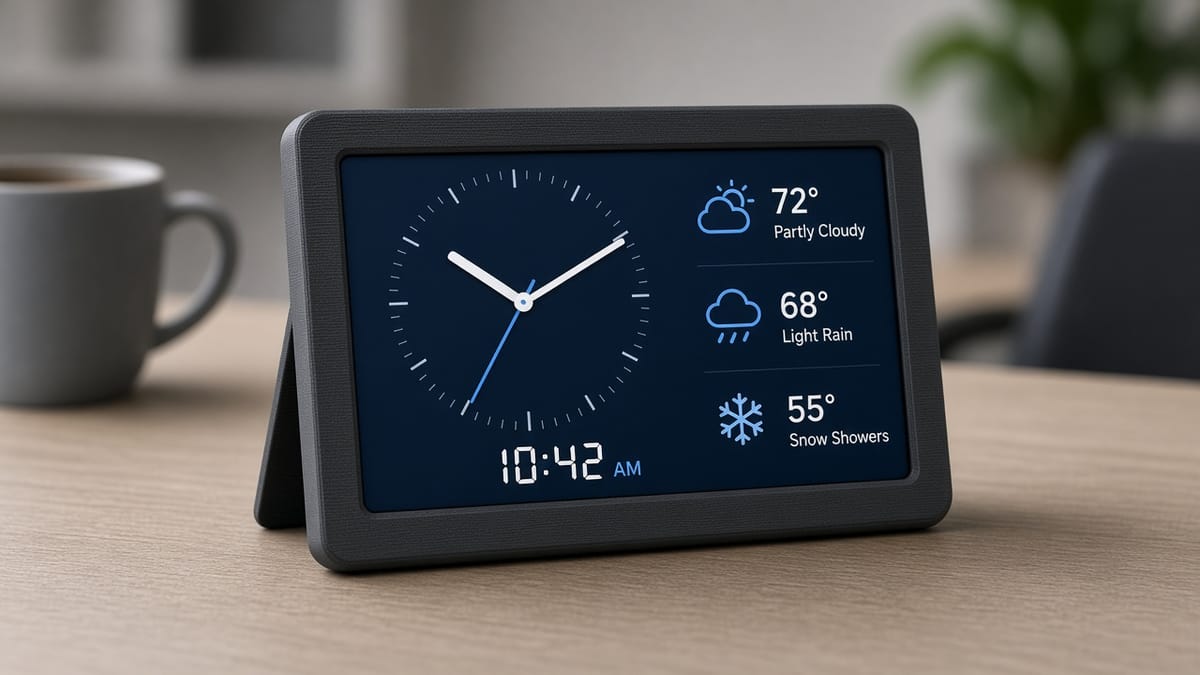
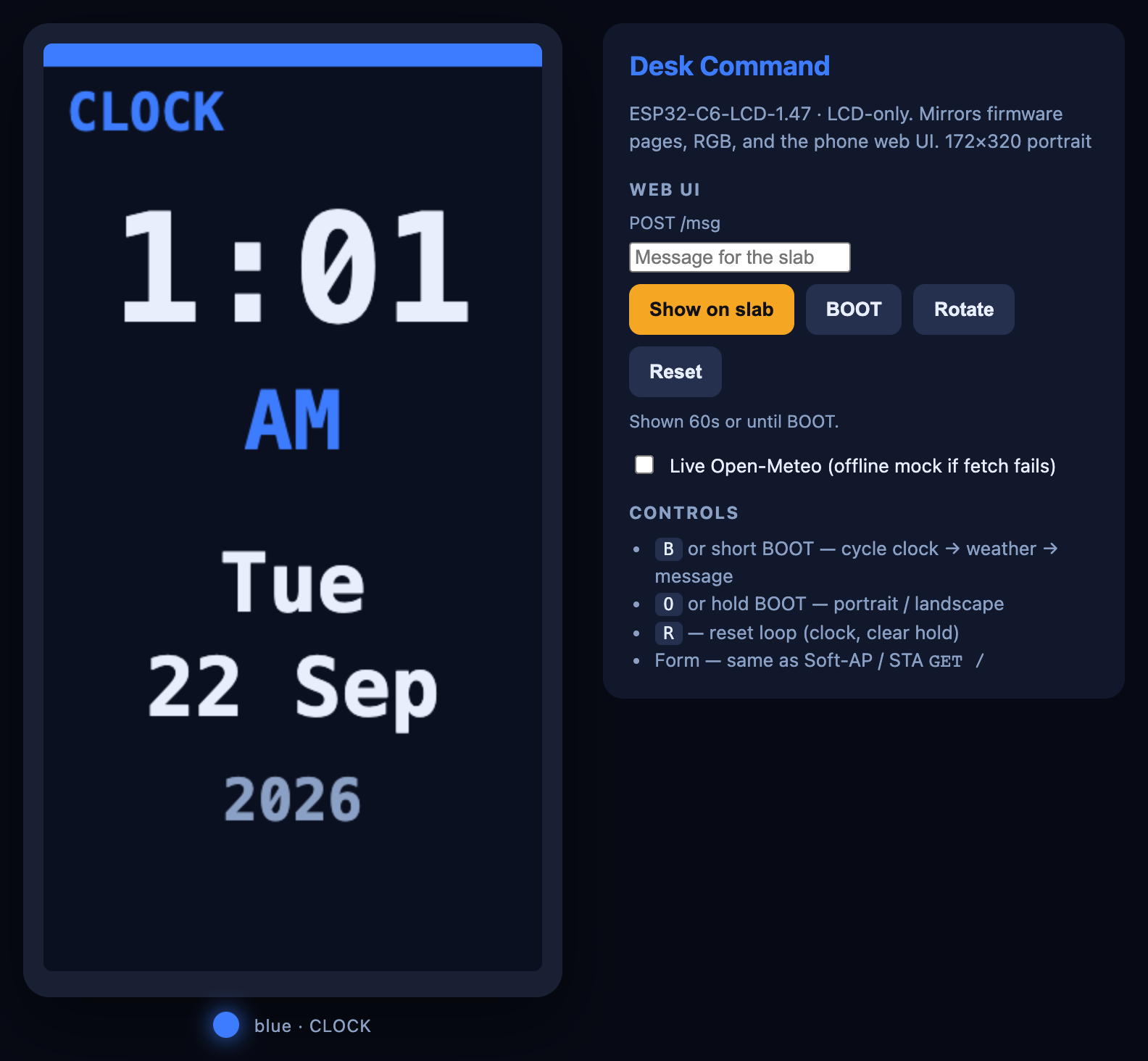
Three screens live in one little slab: a clock, today’s weather, and a note you send from your phone. That is the whole desk command slab. It is an ESP32 desk clock that also answers a web page.
The hardware is the Waveshare ESP32-C6-LCD-1.47 (Amazon B0DK5J6LX3). The display is 172×320, an ST7789, in portrait unless you rotate it. There is no touchscreen and no IMU. BOOT is GPIO9. The onboard RGB LED is GPIO8. Hold the backlight at 50% or less so the panel does not heat-spot. Files and the browser flash button are on the desk command slab project.
The board can be a tiny website
Leave the Wi-Fi name empty and the slab starts its own network called DeskCommand, with no password. Join that network from a phone, open the page the board is serving, and send a message. The sketch listens for GET / (show the form) and POST /msg (save the note). The note can be up to 140 characters and stays on the message page for about 60 seconds (MSG_HOLD_MS).
If you fill in WIFI_SSID and WIFI_PASSWORD, it joins your router instead. This radio is 2.4 GHz only. A 5 GHz-only name will never connect. The published sketch ships with empty strings so it never contains a real password.
A short BOOT press cycles clock → weather → message. A hold of about 0.7 seconds flips portrait and landscape. The RGB LED follows the page: blue for the clock, cyan for weather, amber for the message.
Weather is someone else’s JSON
The weather page asks Open-Meteo. You do not need an API key. You do need a latitude and longitude. The sketch defaults to Chicago (41.8781, -87.6298) and Fahrenheit. Change WEATHER_LAT and WEATHER_LON before you flash. The board caches the answer for 15 minutes (WEATHER_TTL_MS is 900000), so it is not hitting the website on every frame.
The reply is JSON: labeled numbers for temperature and a weather code. The program reads the labels it cares about and ignores the rest. That is the same skill as the plane radar project, on a quieter screen.
Clocks need a time server
A microcontroller does not know what time it is after you unplug it. This sketch asks pool.ntp.org (and time.nist.gov as a backup) for NTP, the network time protocol. TZ_OFFSET_HOURS is the offset from UTC. The default in the file is -6, with a one-hour daylight-saving bump. Set those to your own zone or the clock will be honest and wrong.
Flash it
Chrome or Edge, data-capable USB-C, then Flash to board on the project page. Arduino IDE: ESP32C6 Dev Module, USB CDC On Boot, serial 115200. Try help, status, page 1, and rotate.
Print the shell in PLA or PETG, 0.2 mm, with the USB-C and button cutouts from the OpenSCAD file. The cavity is keyed. If the board will not sit flat, check that you are not pressing it in upside down.
You have built three ideas at once: a clock that asks the internet what time it is, a weather page that reads JSON, and a web server small enough to live inside the display.