3D Printed Puzzles for Kids: A Free Tool for Teachers and Parents

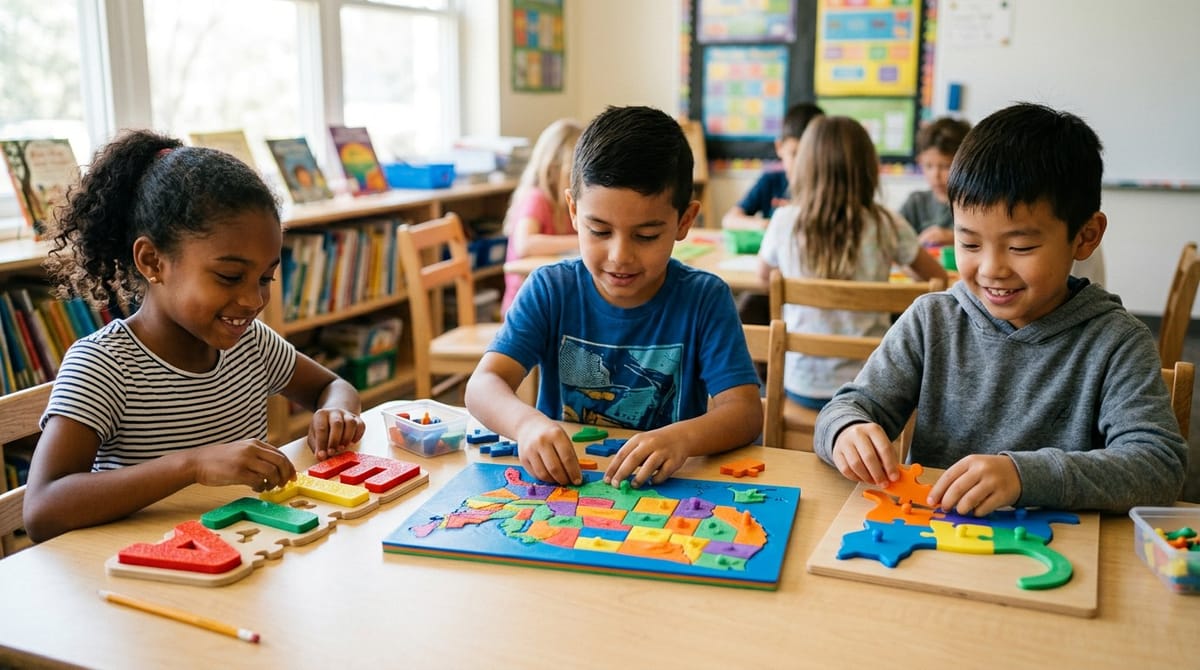
If you have a 3D printer at home or in your classroom, one of the highest impact projects you can do with it is a custom jigsaw puzzle. Kids love them, they are cheap to print, and every puzzle can be tailored to the child or the lesson you are teaching.
With the free PrintPal 3D Puzzle Maker you can turn any 3D model into a printable interlocking puzzle in under a minute. No CAD software, no Blender, no design skills. Just upload, pick a grid, and download.
Why 3D Printed Puzzles Work So Well in Education
A good educational toy is cheap, durable, and infinitely customizable. 3D printed puzzles are all three.
- Durable. PLA puzzles survive drops, chewing, and being thrown in a backpack far better than cardboard.
- Washable. Wipe them down with a cloth and soap. No more mystery stains on classroom materials.
- Customizable. Every student can get a puzzle with their own name, their own photo, or the specific concept you are teaching that week.
- Reprintable. Lose a piece? Reprint just that one piece from the original file in a few minutes.
- Cheap. A 4 by 3 name puzzle uses about 30 grams of PLA. That is roughly 60 cents in material.
Classroom and Home Puzzle Ideas by Age
Children (Ages 5+)
- Name puzzle. 4 to 6 chunky letter pieces spelling the child's first name. A classic first puzzle, and a great birthday gift.
- Shape sorter puzzle. A 2 by 3 grid with simple shapes (circle, square, star, triangle, heart, diamond).
- Animal silhouette puzzle. A raised outline of a dog, cat, or lion, cut into 4 large pieces.
Use large knob sizes and a 0.50 mm tolerance so little hands can assemble and disassemble easily. Be very careful to not print pieces too small so the children do not choke on the pieces.
Elementary (Ages 5 to 10)
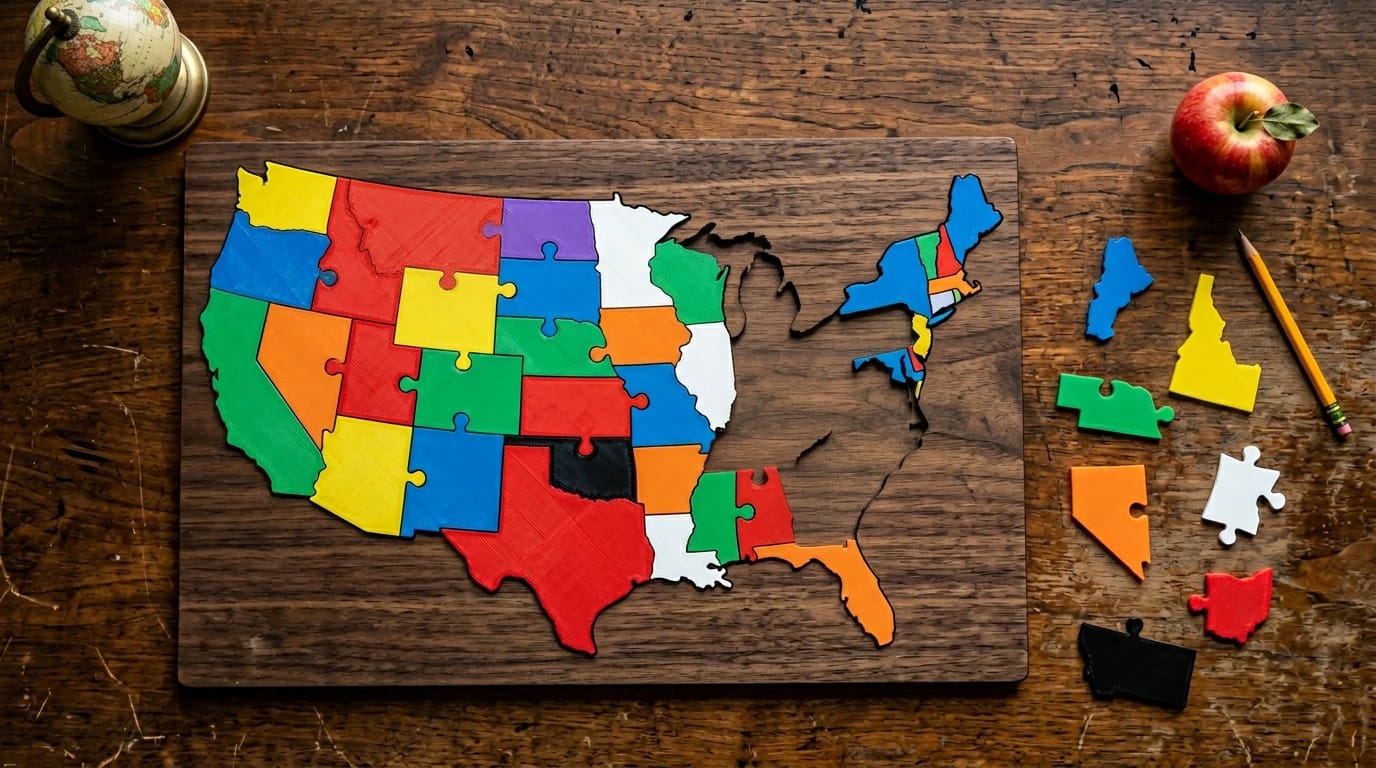
- US or world map. Print a continent or country map and cut it into 12 to 20 pieces. Perfect for geography lessons.
- Solar system puzzle. A relief of the sun and planets, cut into 8 pieces, one per planet.
- Letter puzzles. The alphabet spread across 26 pieces for kindergarten letter recognition.
- Times tables. A grid with multiplication facts printed on each piece.
Middle School and Above (Ages 11+)
- Topographic puzzles. Local terrain maps for earth science class. Students assemble them to identify landforms.
- Molecular or anatomy models. Cut a 3D printed skull or molecule into sections for biology or chemistry.
- Historical maps. Cut a map of a battle, ancient empire, or trade route into region pieces.
How to Make a Custom Puzzle in Under 5 Minutes
You do not need to be a designer. Here is the full workflow:
- Find or generate a 3D model. For lithophane photos use any free lithophane generator. For text or logos use the PrintPal 3D Text Generator or Name Sign Generator.
- Open the 3D Puzzle Maker and drop in the STL or OBJ file.
- Click a print bed preset so the puzzle fits your printer.
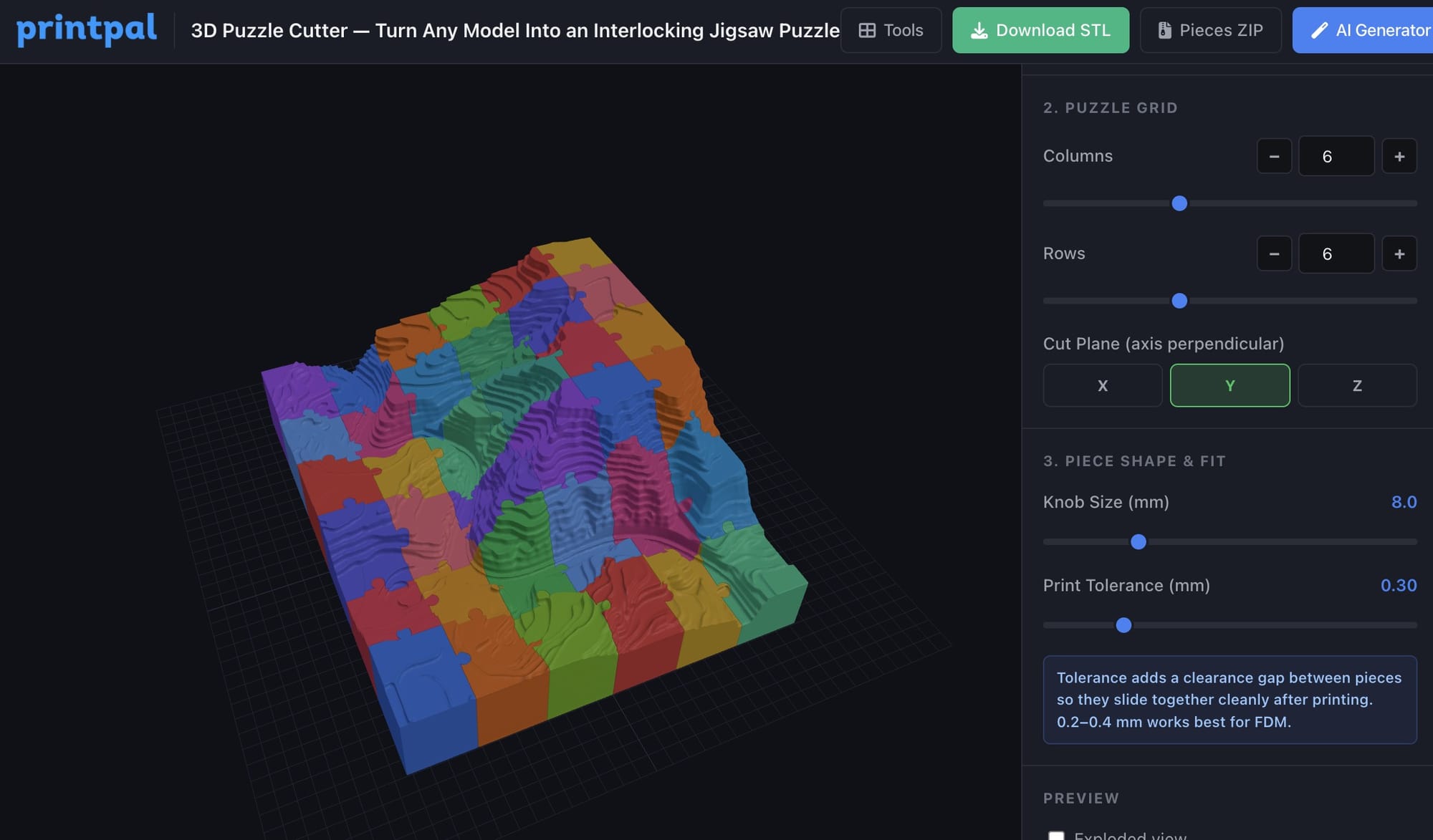
- Set the number of rows and columns (4 by 3 is a great starting point for younger kids).
- Click Single STL or Pieces ZIP to download.
Load the file in your slicer, color each piece a different color of PLA (or use an AMS for a single job), and print. Most kid puzzles print in 45 to 90 minutes.
Recommended Settings for Kid Safe Puzzles
| Setting | Value |
|---|---|
| Material | PLA (food safe colors from reputable brands) |
| Layer height | 0.20 mm |
| Walls | 4 perimeters for extra durability |
| Infill | 20 percent |
| Knob size | Default to large |
| Tolerance | 0.40 to 0.50 mm so little hands can separate pieces |
| Piece minimum size | At least 25 mm across to avoid choking hazards for kids under 3 |
Always supervise children under 3 with any small parts. For young children, stick to chunky 4 to 6 piece puzzles with pieces at least 40 mm wide.
STEM Lesson Plan Starter
Here is a 45 minute lesson that works from elementary through middle school.
Goal. Students learn how a 3D model becomes a physical object, and how tolerance and fit affect real world manufacturing.
- Discuss (10 min). Show the class a normal jigsaw puzzle. Ask why the pieces fit. Introduce the idea of tolerance (the tiny gap that lets things fit together).
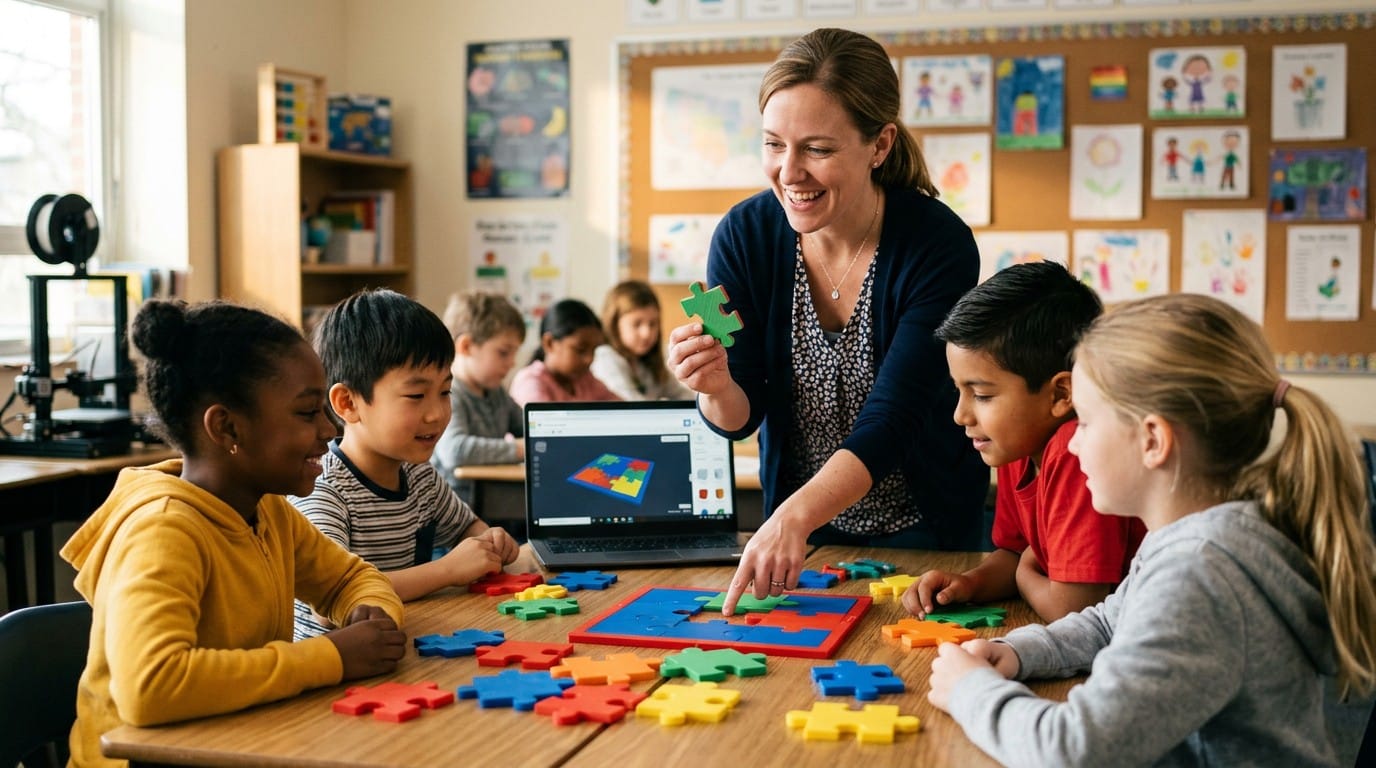
- Design (10 min). As a class, pick a topic. A local state map, the class name, a favorite animal. Generate the base STL together using PrintPal AI from a text prompt.
- Slice the puzzle (5 min). Load the model in the 3D Puzzle Maker. Show the class how rows, columns, knob size, and tolerance each change the output. Let a student pick the final settings.
- Print (homework / background). The print itself can run overnight or during lunch.
- Assemble (15 min). Once printed, hand out pieces to each student and have them find which piece goes where. Discuss what happens if the tolerance is too tight or too loose.
- Reflect (5 min). Ask what else could be turned into a puzzle. What tolerance would be needed for larger pieces versus smaller ones.
Do Not Have a 3D Model to Start From?
This is where most teachers and parents get stuck. You have a great idea, but no STL to feed into the puzzle maker.
PrintPal solves this with a free AI 3D Generator. Describe what you want ("a simple relief of the state of Texas", "a cartoon dinosaur silhouette", "the letters A B C D in bubble style") and get a 3D printable STL back in under a minute. You can send that file straight to the 3D Puzzle Maker and have a custom classroom puzzle ready to print before the end of your lunch break.
PrintPal is built for teachers, parents, and hobbyists. Everything is free to start, no credit card required, no CAD knowledge needed. The tools all run in your browser on any laptop or Chromebook, which matters a lot in classroom environments.
Frequently Asked Questions
Is the 3D Puzzle Maker free for teachers? Yes. The tool is free with a PrintPal account. No classroom licenses, no per student fees, no watermarks. Use it for as many student projects as you want.
Can I use a Chromebook? Yes. The 3D Puzzle Maker runs entirely in the browser, so any modern Chromebook, laptop, iPad, or desktop works.
What printer do I need? Any FDM printer works. Bambu Lab A1 and A1 Mini, Prusa MK4, Creality Ender 3, and Anycubic Kobra are all great classroom choices. Pick one with an enclosed build or keep it in a supervised area around young kids.
Is PLA safe for kids? PLA is plant based and non toxic. For kids under 3, make sure the pieces are large enough to not be a choking hazard (at least 40 mm across).
How long does one puzzle take to print? A typical 4 by 3 classroom puzzle takes 45 to 90 minutes depending on size and piece thickness. A larger 6 by 5 map puzzle might take 2 to 3 hours.
Can the kids design their own puzzles? Yes. This is one of the best parts. Older students can use the PrintPal AI 3D Generator to type a prompt and create their own model, then run it through the Puzzle Maker themselves.
Summary
| Goal | What to Do |
|---|---|
| Make a custom kids puzzle | Open the 3D Puzzle Maker |
| Create a classroom model from a text prompt | Open the AI 3D Generator |
| Make 3D letters or names | Open the 3D Text Generator |
| Browse all free teacher tools | PrintPal tools |
A custom name puzzle, a US map, a solar system relief, or a lithophane of a student's drawing is a great weekend or lunch break project. The 3D Puzzle Maker makes the slicing part trivial, so you can focus on the lesson or the gift rather than the CAD.