Which Bambu Lab Printer Is Right for You? A 2026 Buyer's Guide

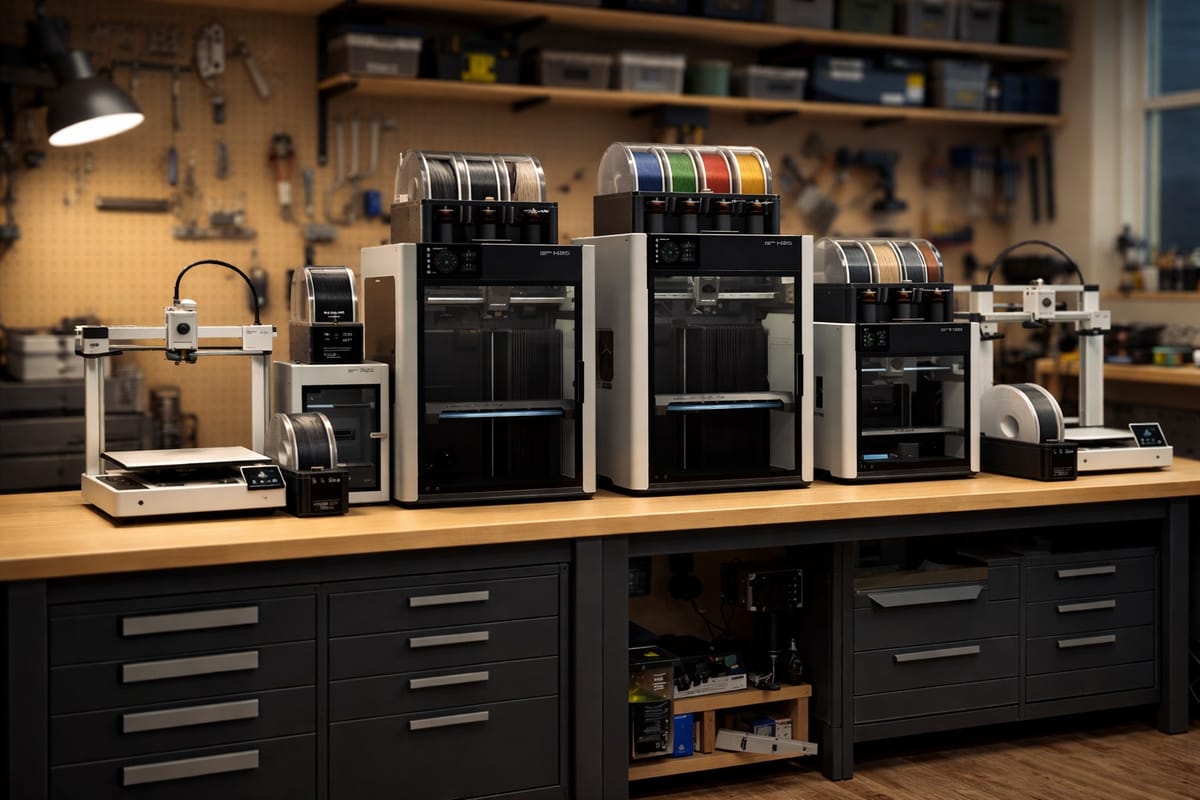
Bambu Lab sells eight different 3D printers in the US in 2026, and the lineup has gotten confusing fast. The A1 Mini is great for beginners. The H2D cuts and engraves with a laser. The X2D has two nozzles. The P2S just replaced the best-selling P1S. Prices range from $219 to over $2,500.
This guide cuts through it. We cover every current model, who each one is for, real US pricing, and which one you should actually buy based on what you want to make. If you are a total beginner or a small business buying your first Bambu, this is the order to think about it in.
If you want free designs to print once your machine arrives, PrintPal has a growing set of browser-based design generators and AI 3D model tools. You can build custom name plates, keychains, brackets, and organizers in under a minute without opening CAD software. It is a nice way to fill up your first few print days while you learn the slicer.
The Current Bambu Lab Lineup (2026)
Bambu Lab groups its printers into four series:
- A Series (A1 Mini, A1): beginner, open frame, low price
- P Series (P1S, P2S): mid-range, fully enclosed, engineering materials
- X Series (X2D): prosumer, dual nozzle, premium features
- H Series (H2S, H2D, H2C): large format, multi-material, laser and cutter optional
Here is how they stack up at a glance.
| Printer | US Price | Build Volume | Enclosed | Best For |
|---|---|---|---|---|
| A1 Mini | $219 / $329 combo | 180 x 180 x 180mm | No Enclosure | First-time buyers, kids, small spaces |
| A1 | $299 / $399 combo | 256 x 256 x 256mm | No | Beginners wanting full size |
| P1S | $399 / $549 combo | 256 x 256 x 256mm | Yes | Do-it-all buyers, ABS and ASA |
| P2S | $549 / $799 combo | 256 x 256 x 256mm | Yes | Upgraded P1S, touchscreen, AI |
| X2D | $649 / $899 combo | 256 x 256 x 260mm | Yes | Dual-material, clean supports |
| H2S | Varies | 325 x 320 x 325mm | Yes | Large single-nozzle prints |
| H2D | $2,549+ | 325 x 320 x 325mm | Yes | Dual nozzle, laser, cutter |
| H2C | $2,399+ | 325 x 320 x 325mm | Yes | Up to 7 materials, minimal waste |
Prices are standalone printer / Combo with AMS multi-color system.
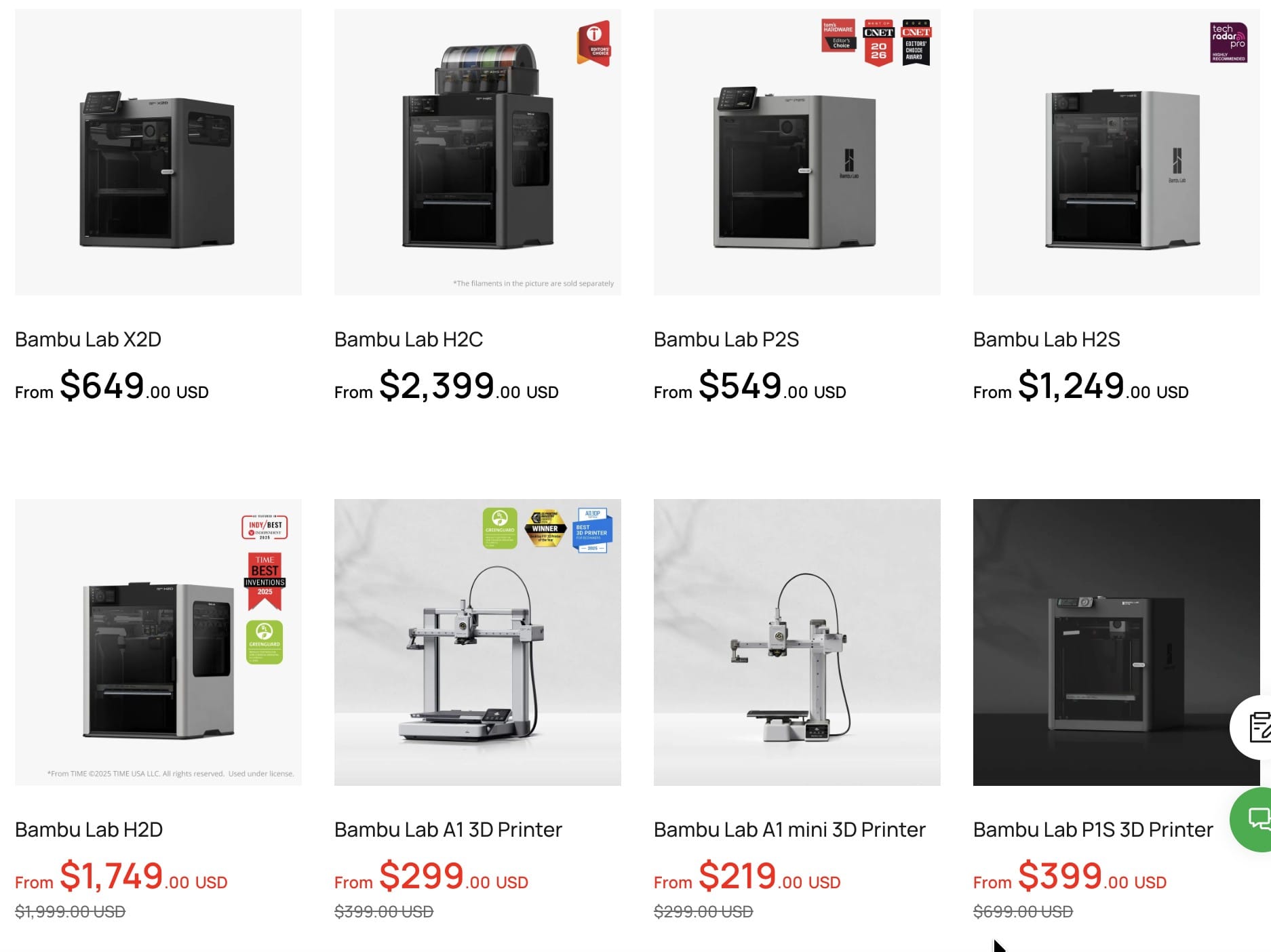
A1 Mini: The Best Starter 3D Printer Under $250
Price: $219 standalone, $329 Combo with AMS lite (4-color) Build Volume: 180 x 180 x 180mm Who it is for: Absolute beginners, kids and teens, classrooms, small apartments, gift buyers
The A1 Mini is the cheapest way to get into real 3D printing in 2026. It sets up in 20 minutes, runs full auto-calibration on every print, and produces surface quality that matches printers three times its price. The 180mm cube build volume is the only real limitation. If you mostly print keychains, miniatures, small organizers, toys, and gadgets under 7 inches, you will never outgrow it.
Pick the A1 Mini if: you want the lowest-risk entry into 3D printing or you are buying a first printer for someone else. Skip it if: you already know you want to print large props, cosplay, or engineering parts.
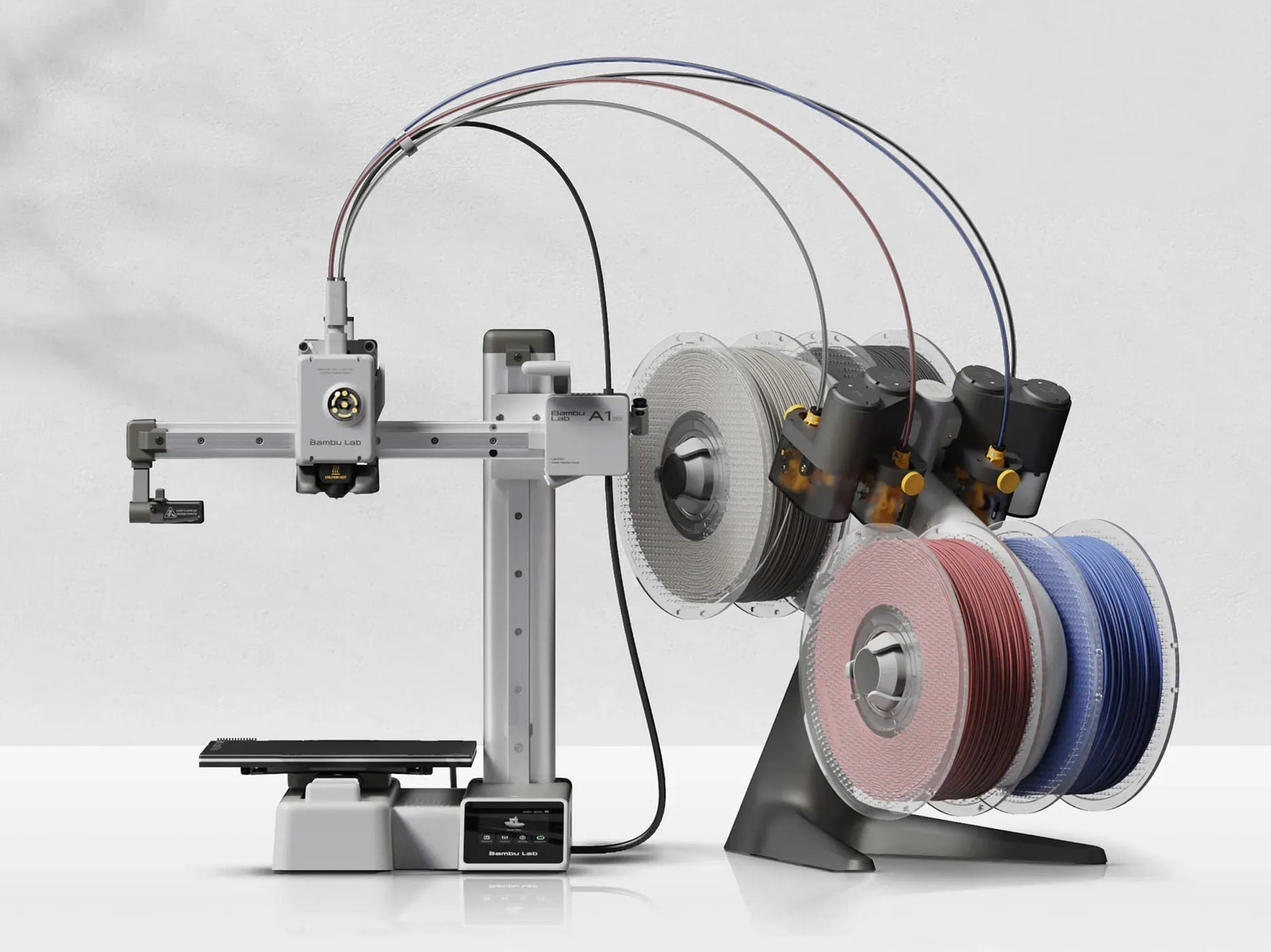
A1: Full-Size Beginner Printer
Price: $299 standalone, $399 Combo with AMS lite Build Volume: 256 x 256 x 256mm Who it is for: Beginners who want a bigger build volume, families, hobbyists printing PLA and PETG
The A1 is basically a bigger A1 Mini. Same ease of use, same auto-calibration, same quiet operation, but with a full 256mm cube build plate so you can print helmets, planters, larger cosplay pieces, and desk organizers in one go. It is still open frame, so it is limited to PLA, PETG, and TPU. If you do not need ABS or engineering materials, this is the sweet spot for most hobbyists.
Pick the A1 if: you want max build volume for the money and you print mostly PLA. Skip it if: you want to print ABS, ASA, nylon, or carbon fiber composites.
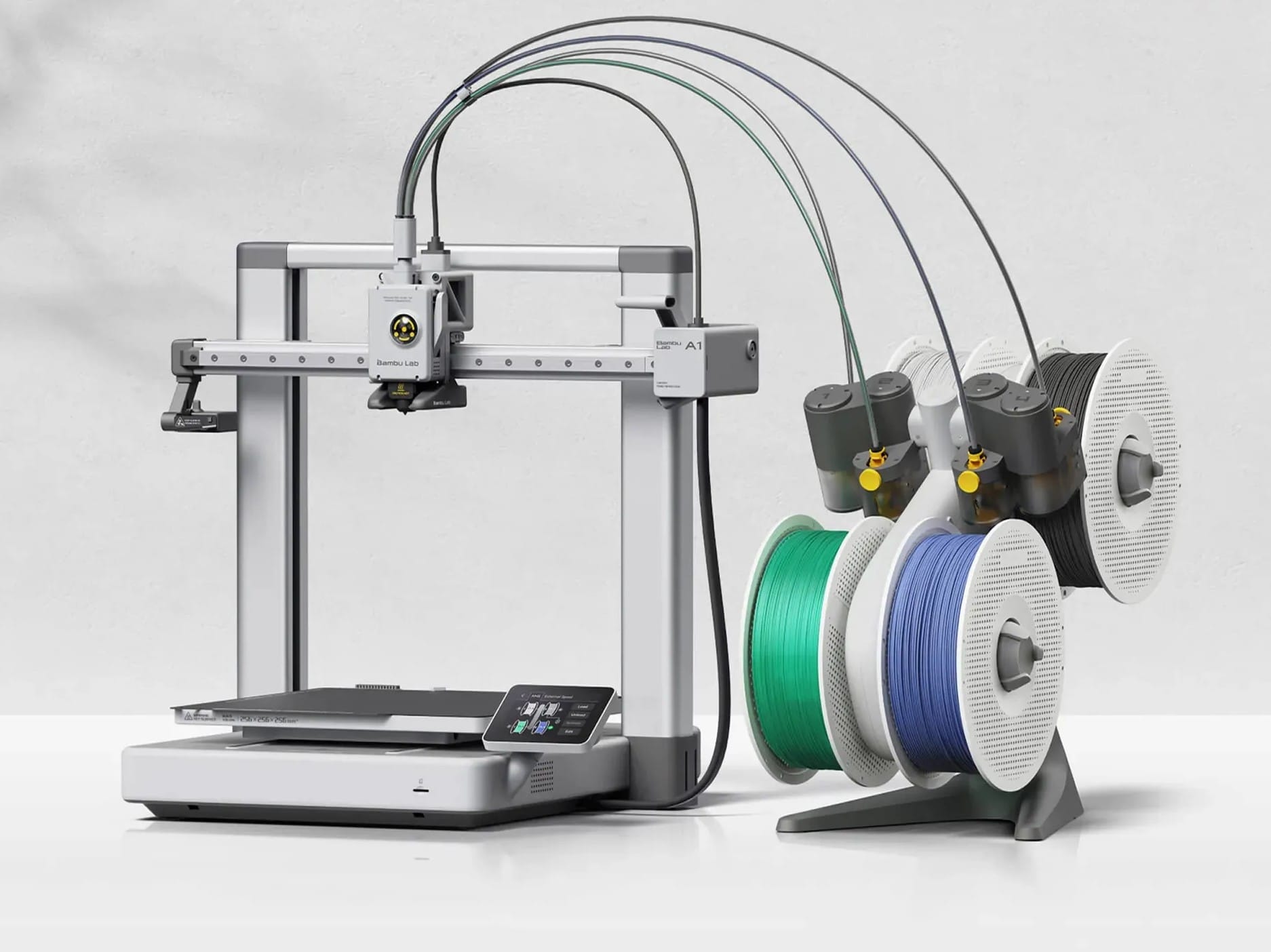
P1S: The "Buy It Once" Printer Most People Should Get
Price: $399 standalone, $549 Combo with AMS, $639 Combo with AMS 2 Pro Build Volume: 256 x 256 x 256mm Who it is for: Anyone who wants one printer that does everything for years
The P1S is the printer Bambu built its reputation on. Fully enclosed, CoreXY motion system, 16-color capable with stacked AMS units, and proven reliable in thousands of 24/7 print farms. It prints ABS, ASA, PC, and PA in addition to the easy filaments. At $399 standalone it is the same price as the open-frame A1 but far more capable.
The downside: no touchscreen and no AI camera. If those matter, look at the P2S.
Pick the P1S if: you want the best all-around 3D printer under $600. Skip it if: you want the latest tech features or you print exotic filaments.
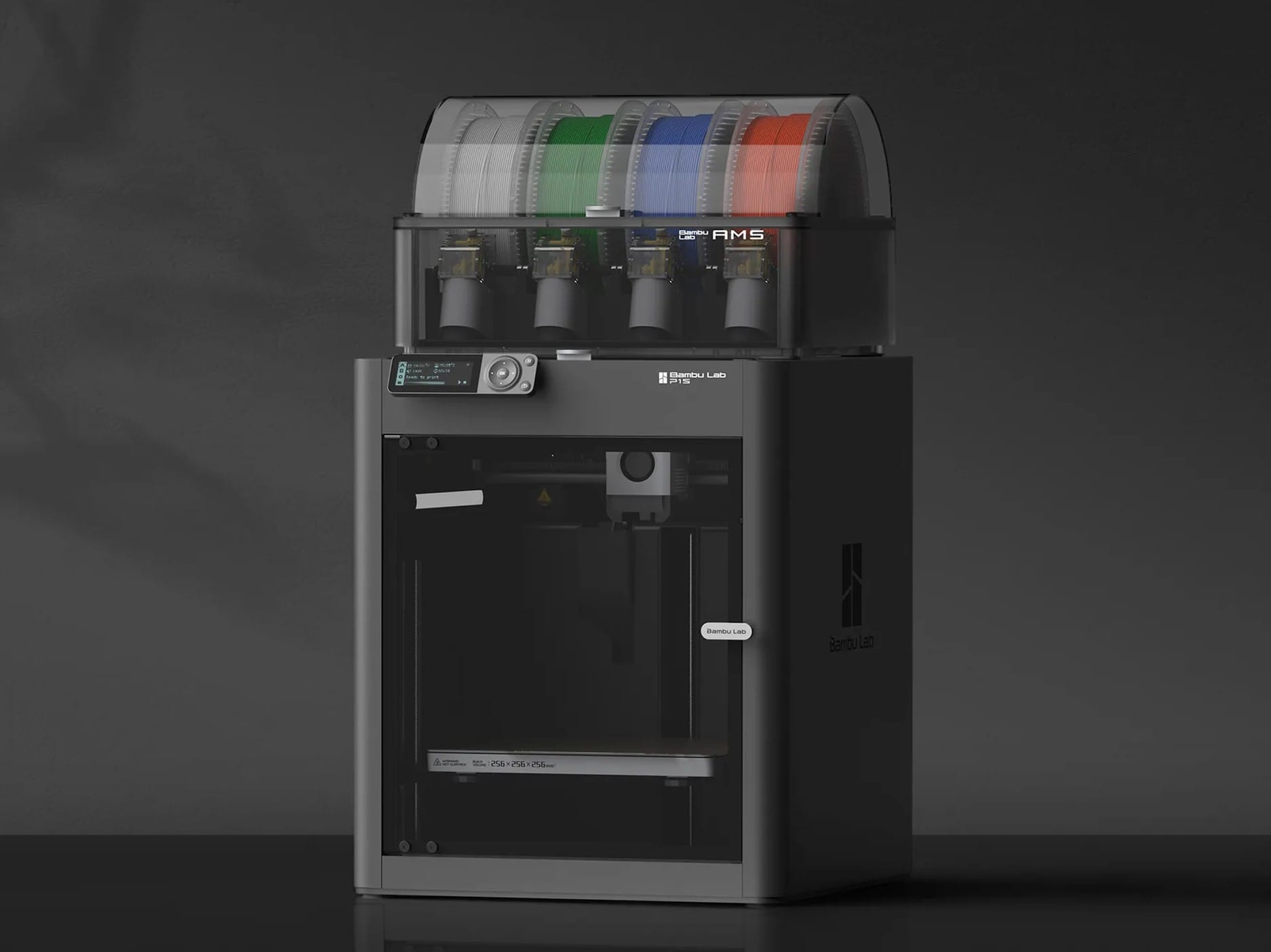
P2S: The P1S, Modernized
Price: $549 standalone, $799 Combo with AMS 2 Pro Build Volume: 256 x 256 x 256mm Who it is for: Buyers who want the P1S reliability with upgraded features
Released late 2025, the P2S keeps the P1S formula and adds a 5-inch color touchscreen, AI-powered error detection (spaghetti, nozzle clumping, purge jams), a 50C actively regulated chamber, 300C nozzle, 70 percent stronger extruder, and quieter operation. Build volume is the same. It works with the AMS 2 Pro, which also dries filament while it prints.
For 150 dollars more than the P1S you get a noticeably better user experience and the ability to print fiber-reinforced filaments with the right nozzle.
Pick the P2S if: you want the smoothest modern experience and plan to print engineering filaments. Skip it if: budget is tight or the P1S already does what you need.
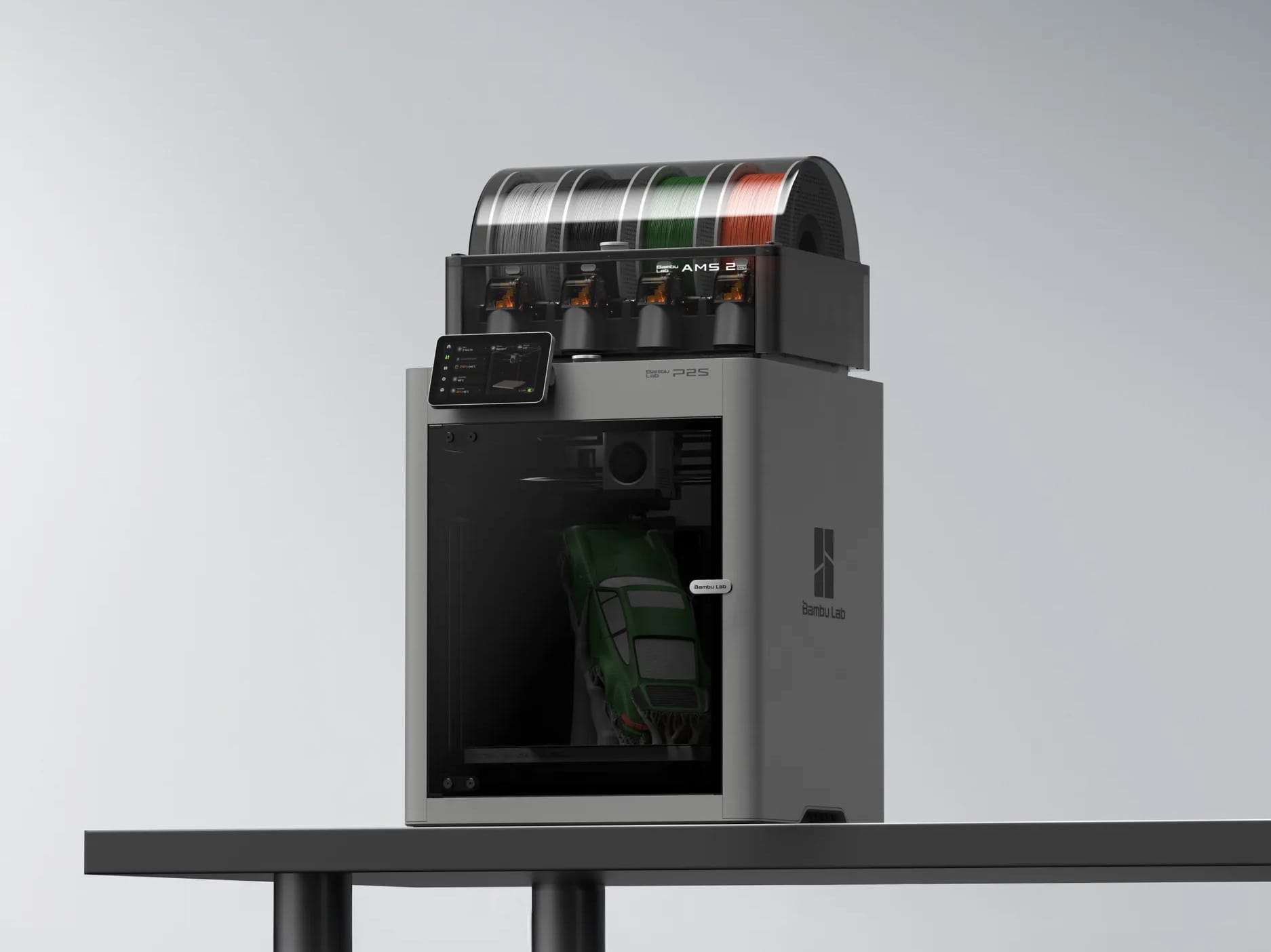
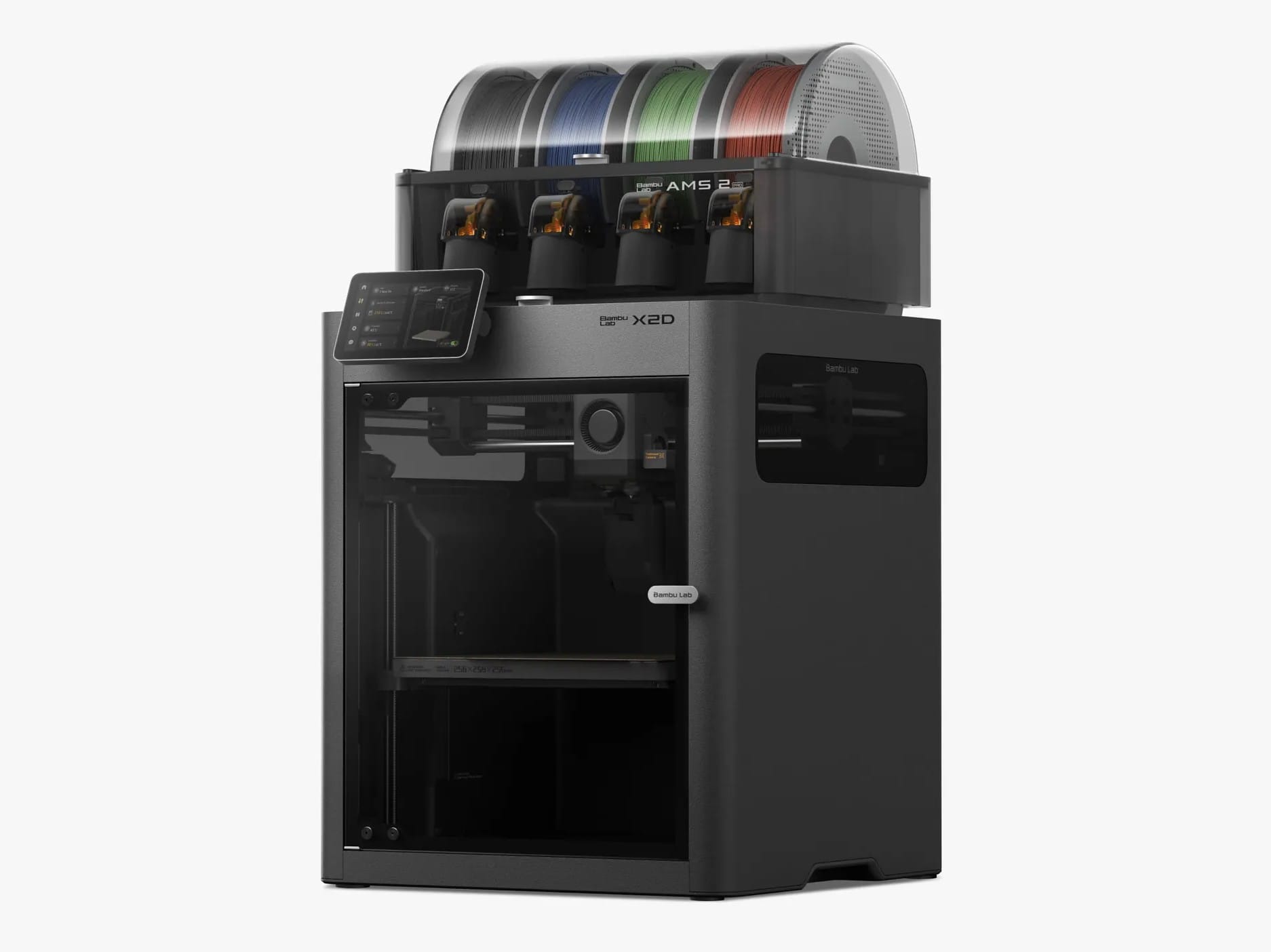
X2D: Dual Nozzle Without the H2D Price
Price: $649 standalone, $899 AMS Combo Build Volume: 256 x 256 x 260mm Who it is for: Makers who hate cleaning supports or want clean multi-material prints
The X2D (released 2026) is essentially the X1 Carbon's spiritual successor with a headline feature: two nozzles. The main nozzle prints your part in one material. The auxiliary nozzle prints supports in a different material that peels off clean. Combined with a 300C nozzle and 65C actively heated chamber, it handles almost any filament including carbon fiber composites.
Multi-color changes are faster than AMS-only printers because the second nozzle eliminates purge waste for the main color. It is a real step up from the P2S if you print functional parts with complex geometry.
Pick the X2D if: you do a lot of multi-material work or you hate cleaning up PLA supports. Skip it if: you mostly print single-color PLA or you want the larger H series build volume.
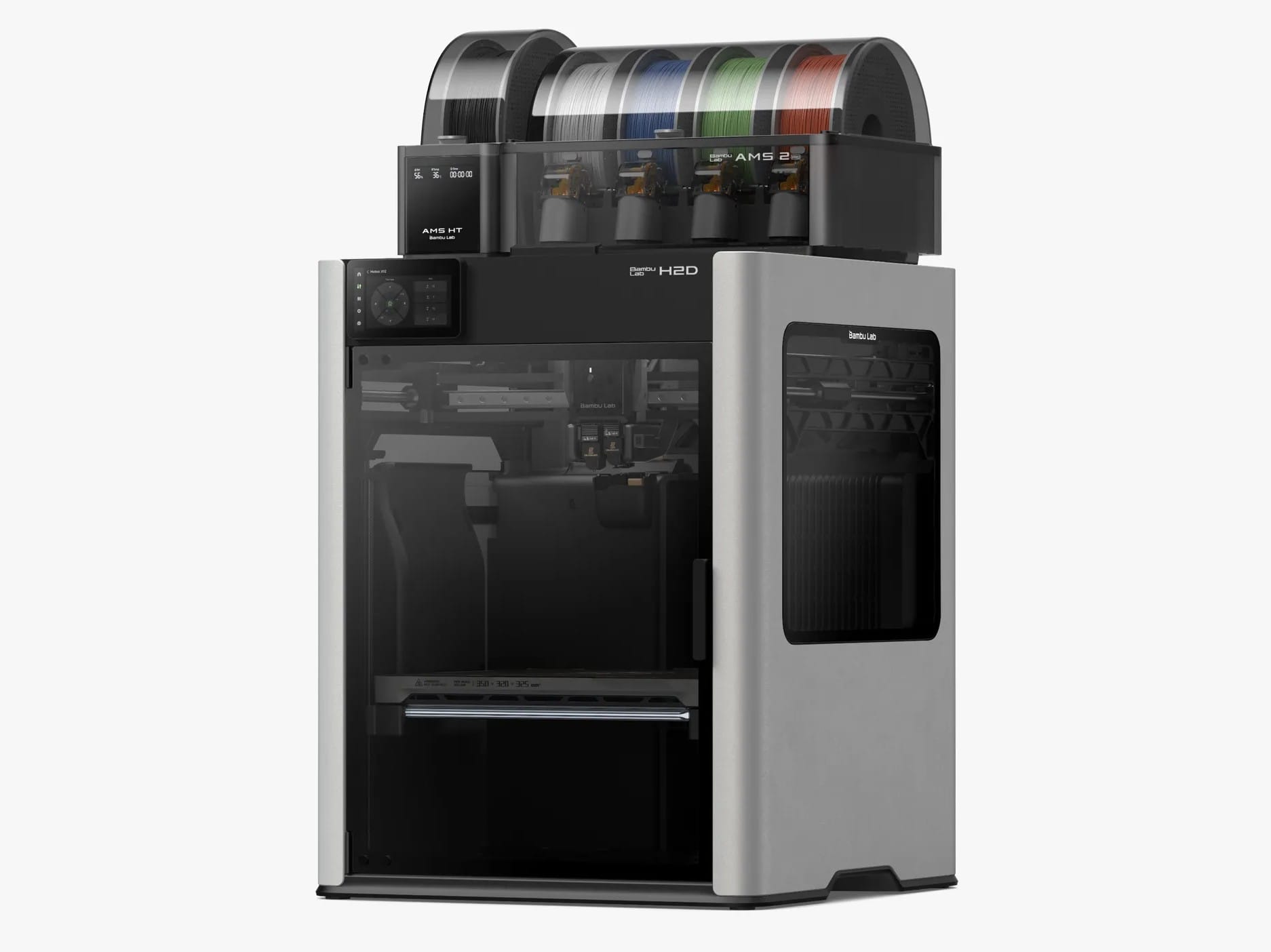
H Series (H2S, H2D, H2C): Large Format, Pro Features
Price: $2,399 to $3,000+ depending on configuration Build Volume: roughly 325 x 320 x 325mm (much larger than everything else) Who it is for: Small businesses, serious prop and cosplay makers, multi-material power users
The H series is Bambu's prosumer tier. All three share the same large enclosed chassis, 350C nozzle, and 65C active chamber heating.
- H2S: single-nozzle entry point, AMS workflows, best value in the series
- H2D ($2,549+): dual nozzle printing plus optional 10W or 40W laser engraving and cutting modules. A 3D printer, laser engraver, and plotter in one.
- H2C ($2,399+): uses the Vortek hotend-swap system to print up to 7 different materials in a single job with far less purge waste than AMS
If you are reading a buyer's guide, you are probably not the H series target. These make sense for production shops, Etsy sellers scaling up, schools, and advanced hobbyists who print every day.
Pick an H series printer if: you print for income, need a build volume over 320mm, or want the laser and cutter combo. Skip it if: this is your first or second printer. Start smaller.
Quick Decision Guide
If your budget is under $350 and you are new to 3D printing: A1 Mini Combo ($329). No brainer.
If you want a full-size printer for PLA and PETG: A1 Combo ($399).
If you want one printer that lasts you years and handles any filament: P1S Combo ($549). The best value in the entire lineup.
If you want the latest features and AI monitoring: P2S Combo ($799).
If support cleanup or multi-material matters: X2D AMS Combo ($899).
If you run a small print business or make income from printing: H2D or H2C.
If you are unsure: start with the A1 Combo or P1S Combo. Both are easy to resell if you upgrade later, and the Bambu ecosystem carries the same AMS units and filament across models.
What About the X1 Carbon?
As of 2026, the X1 Carbon is no longer in Bambu's main consumer lineup. The X2D replaces it at a lower price with more features. If you find a deal on a used X1C, it is still an excellent printer, but new buyers should pick the X2D instead.
Final Thoughts
Most buyers overthink this. The A1 Mini, A1, and P1S cover 95 percent of what hobby and home users actually need, and every Bambu Lab printer produces quality that used to cost three to five times as much just a few years ago. Pick the smallest and cheapest one that fits what you want to make today, not what you might make in three years. You can always upgrade later, and Bambu's AMS units, filament, and slicer transfer cleanly between models.
Once your printer lands, grab a quick design from PrintPal or MakerWorld, slice it in Bambu Studio, and hit print.
Happy printing.