How to Sell Custom 3D Printed Fidget Clickers on Etsy

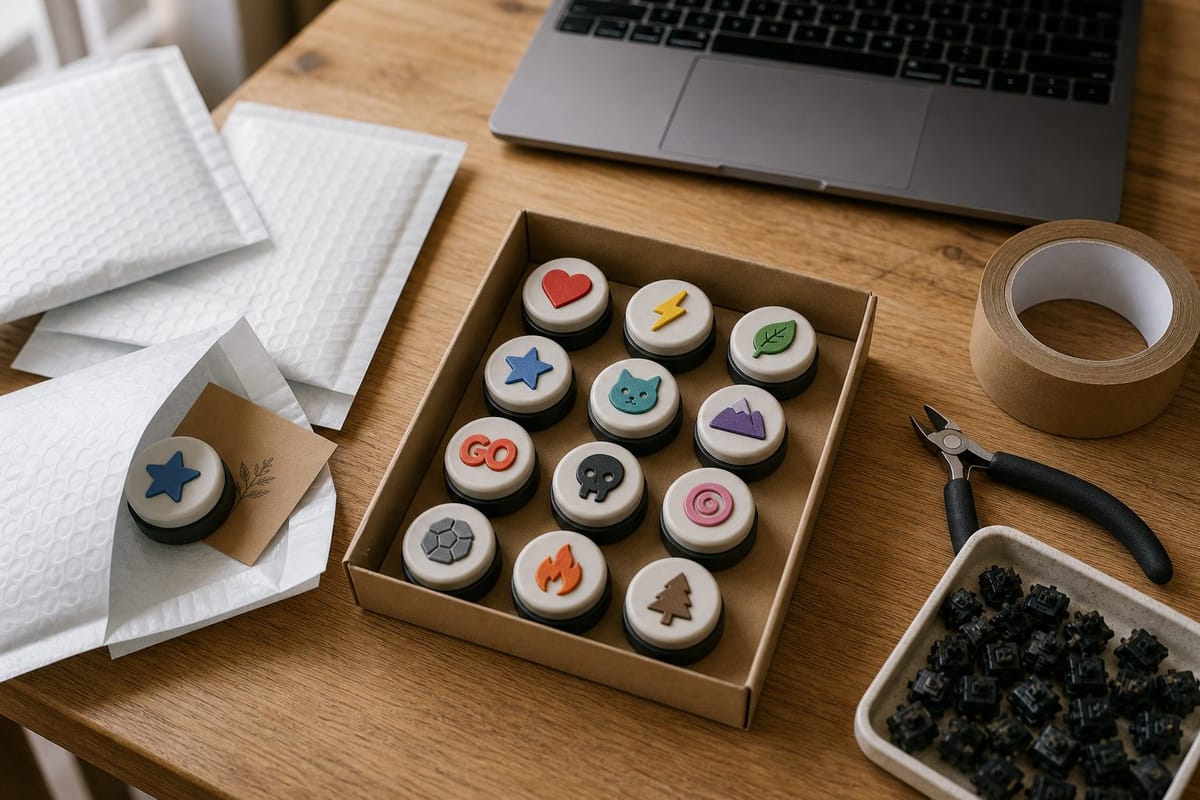
Most 3D printing shops fail for the same boring reason: the products take too long to print, cost too much to ship, and look exactly like the free model everyone else downloaded.
Custom fidget clickers dodge all three. They're small, they print in under an hour, they ship in a padded mailer for a few dollars, and — because every single one carries different artwork — nobody can undercut you with the identical listing. A clicker with a customer's dog on it is not a commodity.
This guide is the operational version: what a unit actually costs, what the margin looks like after Etsy takes its cut, how to produce them in batches without going insane, how to write listings that get found, and what you can and can't legally put on top.
Why clickers work as a product
Four things have to be true for a 3D printed product to make money on a marketplace. Clickers are one of the few things that hit all four.
| Requirement | Why clickers pass |
|---|---|
| Fast to print | Two small parts, roughly 45–60 minutes solo, far less per unit when batched |
| Cheap to ship | Around 15 g of plastic; a packed order is a couple of ounces |
| Hard to commoditize | Personalized artwork means no two listings compete directly |
| Impulse price point | $12–$20 needs no deliberation from the buyer |
There's a fifth advantage that's less obvious. A clicker is a demo object. Hand someone one at a market stall and they press it. That's the entire sales pitch, and it works on people who have no idea what a 3D printer is.
The product itself
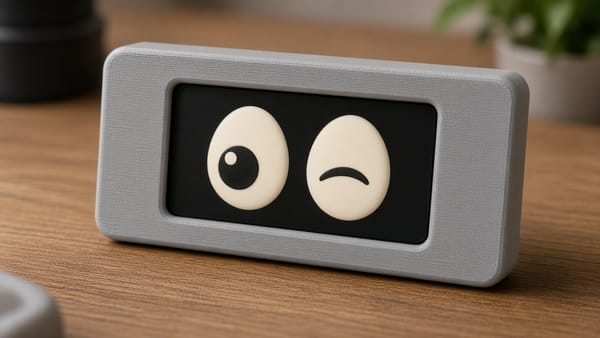
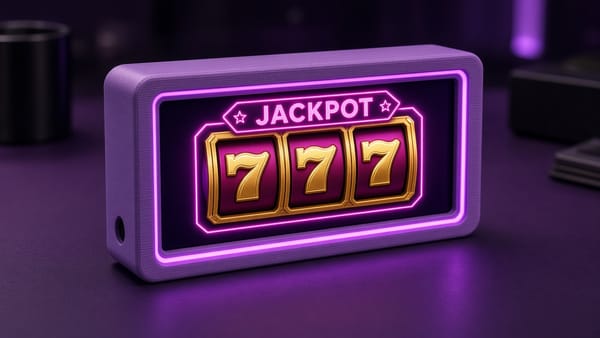
A built clicker is three pieces: a printed cap with your artwork inlaid into the face, a printed housing, and a standard MX mechanical keyboard switch snapped between them. The click comes from the real switch, which is why it feels like a $30 desk toy instead of a printed snap-fit that wears out after a week.
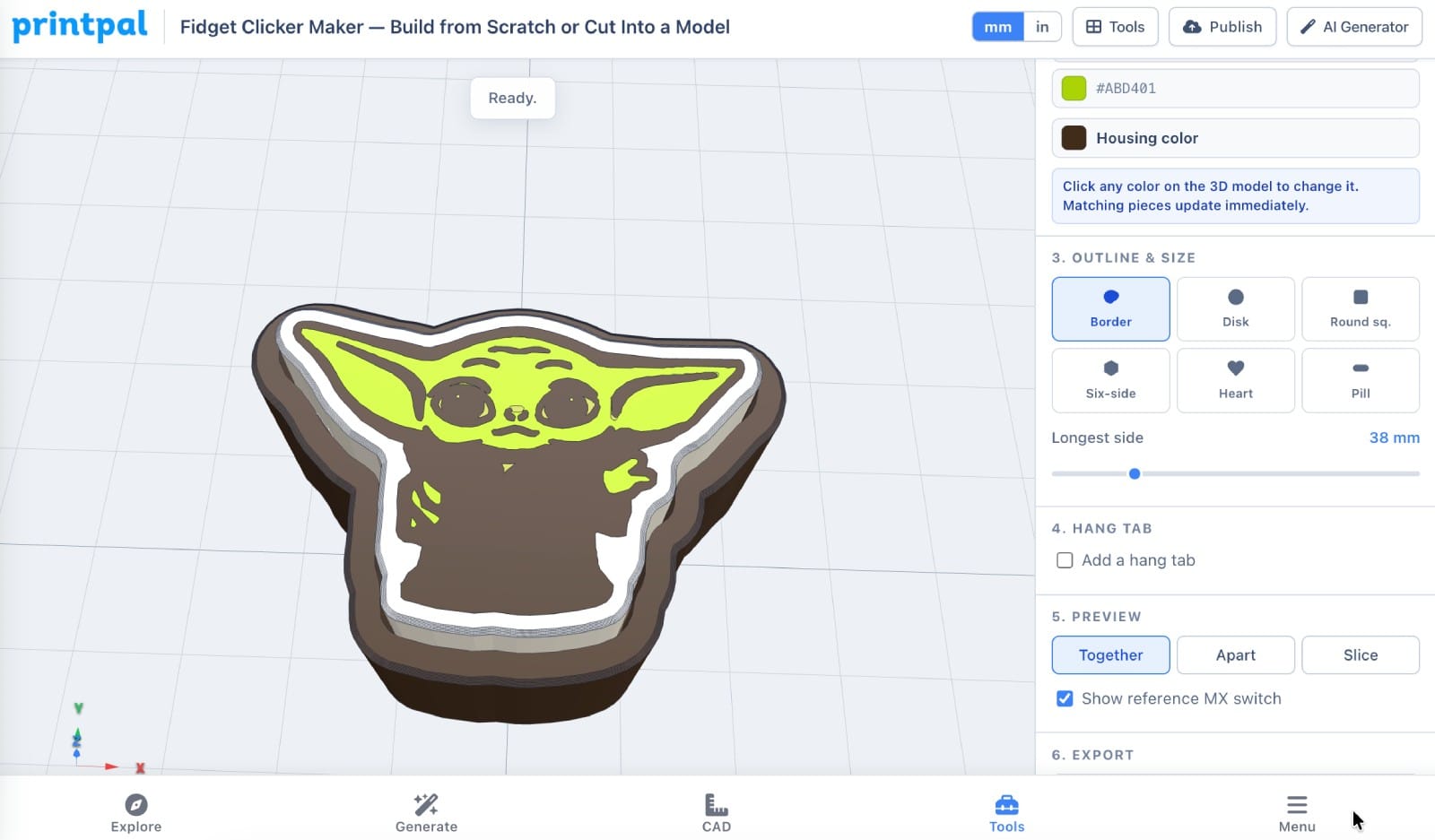
You design them in the PrintPal Fidget Clicker Maker on the Build from Scratch tab: drop in artwork or type a word, and it separates the colors, wraps the shell, and hands you a multi-color 3MF. If you want the full walkthrough of the design side, read How to Make Your Own Custom Fidget Clicker first. This article assumes you can already make one and picks up at "now sell it."
Unit economics: the actual numbers
Here's a single 38 mm clicker with a keyring loop, sold at $14 plus $4.50 shipping. Substitute your own numbers — the point is the shape of the thing, not my filament supplier.
What it costs you:
| Cost | Amount | Notes |
|---|---|---|
| Filament | $0.28 | ~14 g total across cap and housing at $20/kg |
| MX switch | $0.35 | Bulk 100-packs; $0.50–0.60 in tens |
| Mailer + label + insert | $0.40 | Padded mailer, thermal label, kraft thank-you card |
| Postage | $4.30 | US domestic, lightweight parcel |
| Electricity | $0.05 | |
| Failure allowance | $0.30 | Assumes ~5% scrap |
| Total COGS | $5.68 |
What Etsy takes (on $18.50 collected):
| Fee | Amount |
|---|---|
| Listing fee | $0.20 |
| Transaction fee, 6.5% of $14.00 | $0.91 |
| Shipping transaction fee, 6.5% of $4.50 | $0.29 |
| Payment processing, 3% + $0.25 | $0.81 |
| Total fees | $2.21 |
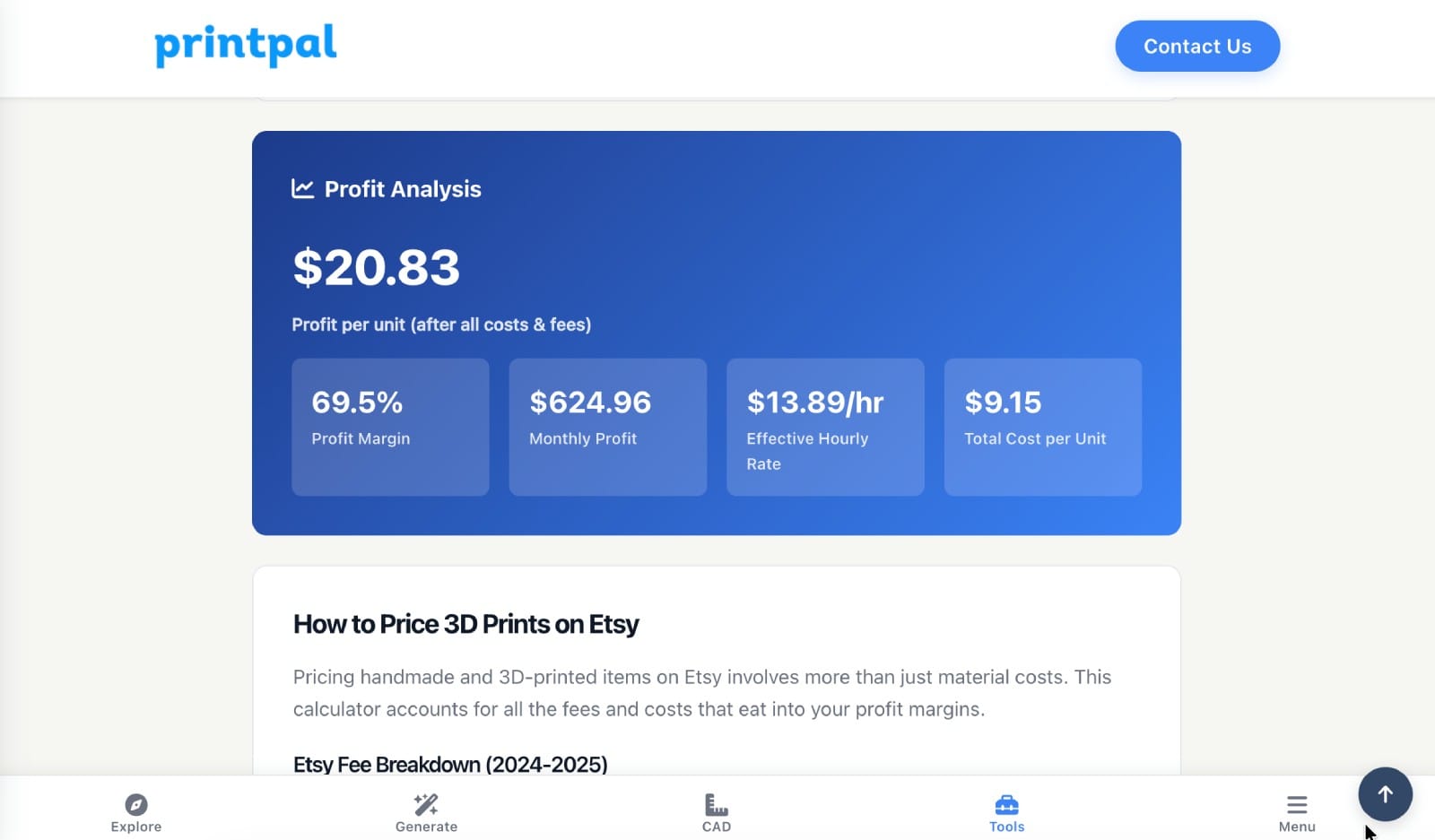
Net: $18.50 − $5.68 − $2.21 = $10.61 per unit before your labor.
Call it four minutes of hands-on time per order — snapping the switch in, packing, printing the label. At a $20/hour rate for yourself, that's $1.33, leaving roughly $9.28.
Two things will eat into that and you should plan for them:
- Offsite Ads. Etsy charges 15% of the order total on attributed sales (12% once you clear $10k/year), and participation is mandatory above that threshold. On a $18.50 order that's $2.78 — it turns a great order into a merely decent one.
- Free shipping. Etsy's search heavily favors listings with free domestic shipping. Rolling the $4.30 into the item price means listing at $18–19 rather than $14, which is fine, but it also raises the 6.5% transaction fee. Model it before you commit.
Run your own version in the Etsy Profit Calculator — it keeps the current fee structure so you're not doing this arithmetic against numbers from a two-year-old blog post.
Batch production without losing your mind
The mistake is printing one clicker per order. Don't.
Split the product into stock and custom
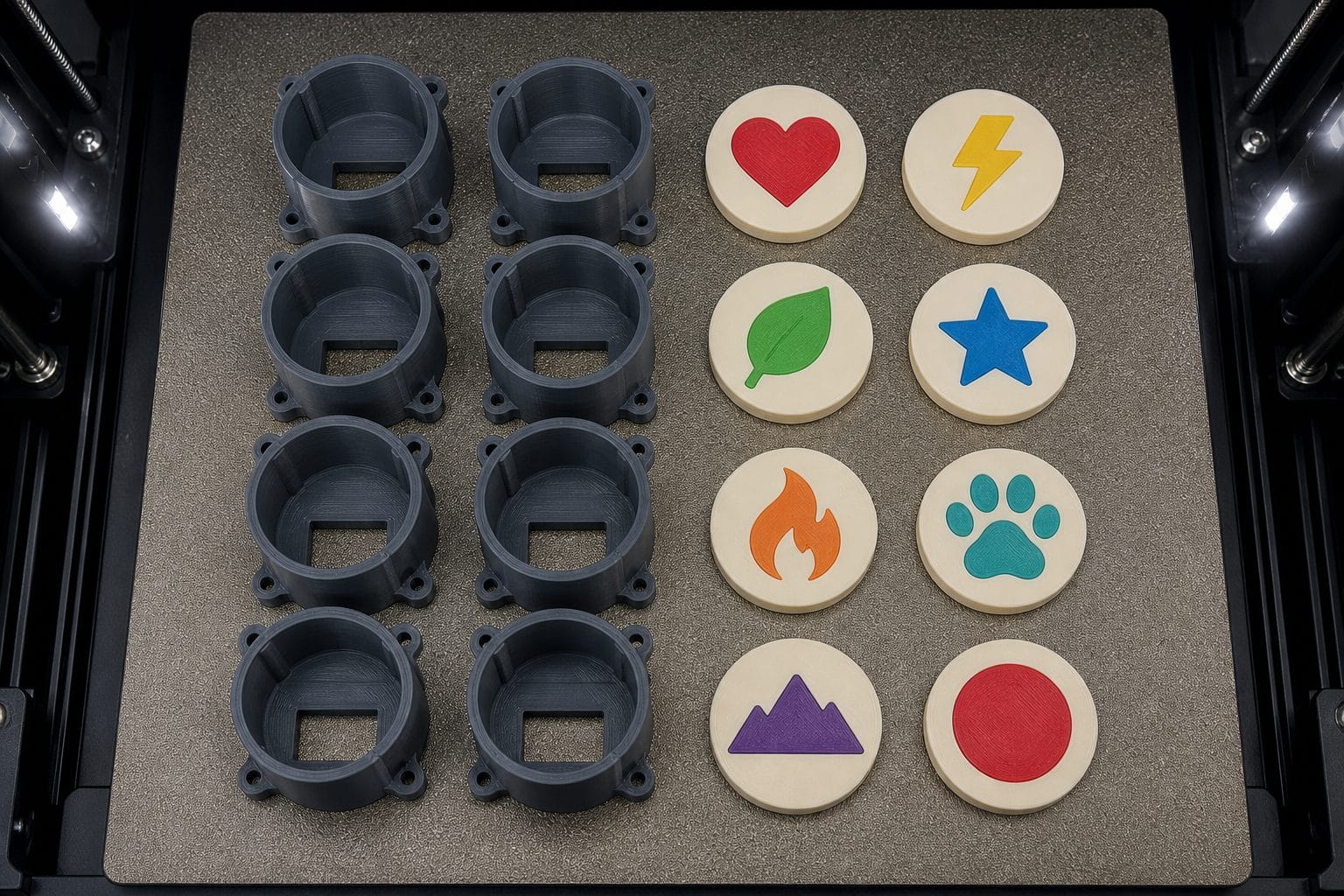
The housing is the same object on almost every order. Only the cap carries the artwork.
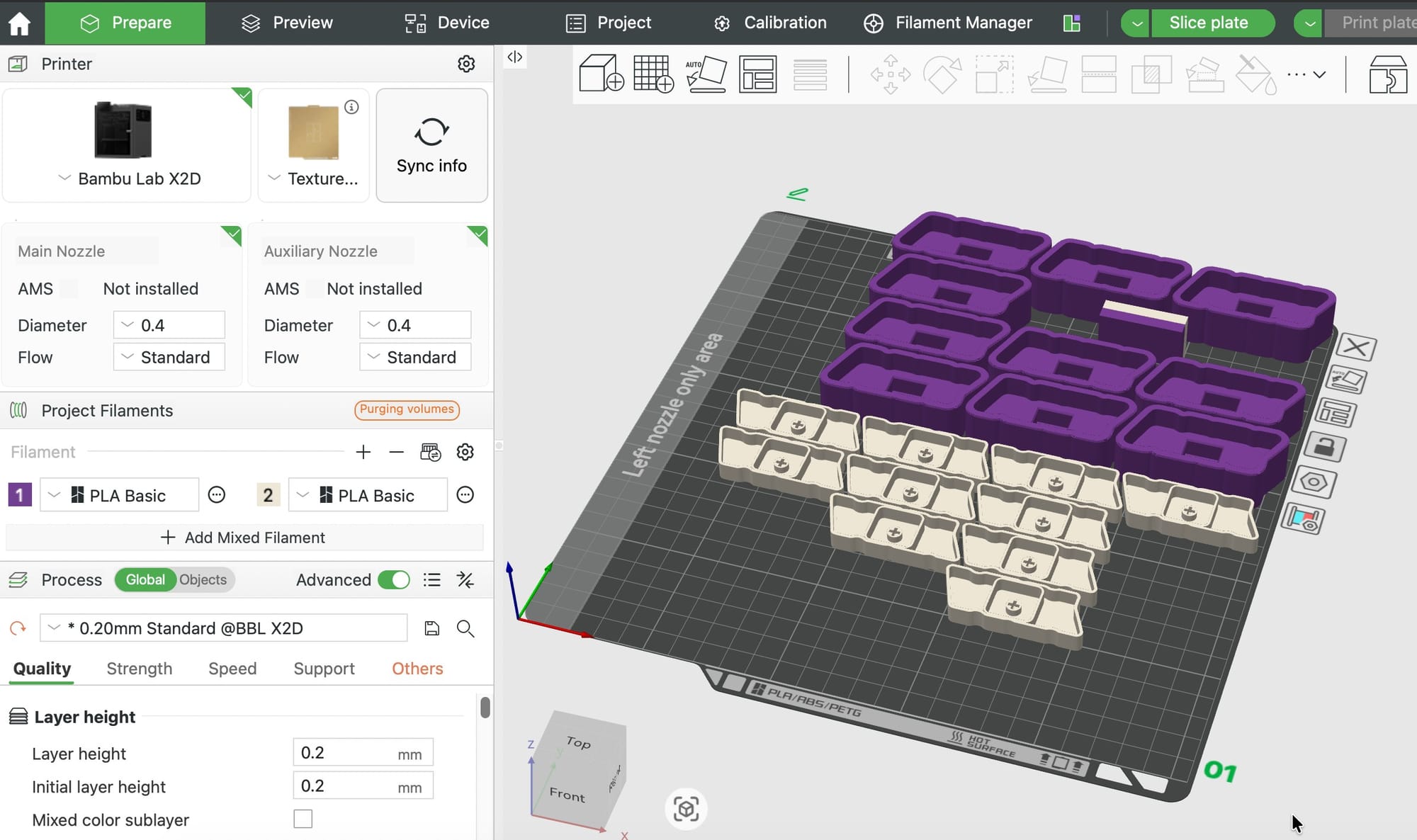
So run housings as stock. Print a plate of eight or twelve in your bestselling body color, put them in a bin, and forget about them. Then batch only the caps to order. A plate of caps prints in a couple of hours and covers a week of a small shop's volume.
This one change is the difference between "an order arrived, I must now start a printer" and "an order arrived, I'll add it to Thursday's cap plate."
Batch caps by color, not by order
Every filament change costs you time and purged plastic, and on an AMS it costs a lot of purged plastic. If Thursday's queue has six caps needing a crimson accent and four needing sunflower, print them as two plates rather than ten mixed ones. Group by palette, not by customer.
Keep the switch as the last step
Never print with the switch installed and never store assembled units. Loose switches sit in a tray, and you snap one in during packing. That's five seconds, it lets you offer switch type as an upsell, and it means a wrong-colorway order doesn't waste a switch.
Personalization is the whole moat
Anyone can list a generic printed fidget toy. Within a month, six shops list the same one for two dollars less.
Personalization breaks that. It also happens to be what Etsy's algorithm and audience actively favor — the platform's entire identity is custom and handmade goods, and personalized listings convert better and command higher prices than the identical non-personalized product.
Three tiers, roughly in order of how much you can charge:
| Tier | What the buyer sends | Your effort | Typical price |
|---|---|---|---|
| Pick a design | Nothing; they choose from your catalog | Zero, print from stock | $12–15 |
| Name or initials | A word, up to a few characters | Two minutes in the tool | $16–20 |
| Send your own artwork | A logo, pet photo, drawing | Ten minutes, plus judgment | $25–40 |
That third tier is where the real money is, and it's also where the workflow matters. Set expectations in the listing: bold, flat artwork with a few solid colors works; soft photographs do not. A customer who sends a blurry photo of their cat and expects a photorealistic result is a refund waiting to happen. Say up front that you'll convert their image to a simplified, flat, few-color emblem, and show an example of exactly that transformation in your listing photos. It sells the service and it sets the bar.
Use saved sessions as your order records
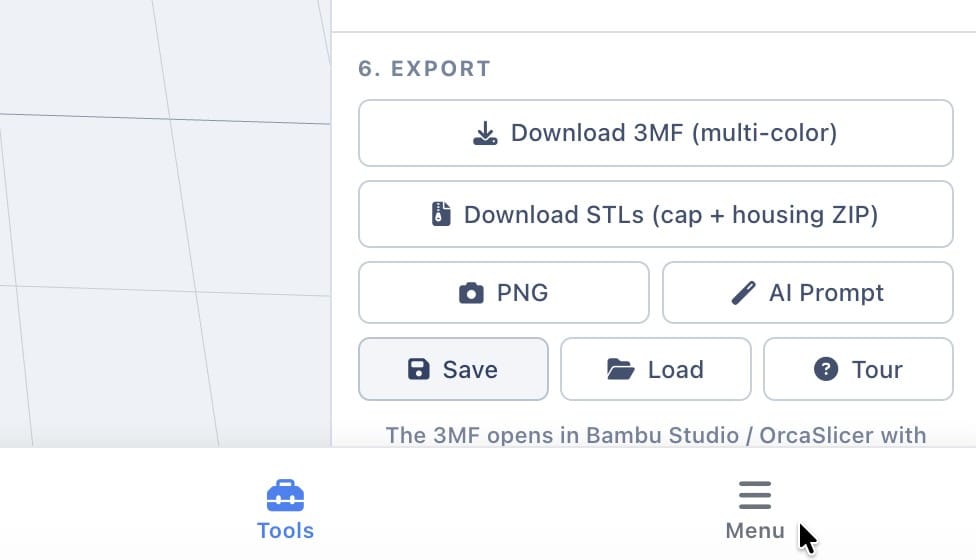
The tool's Save button in the Export section writes the entire design — artwork, palette, raised islands, outline, hang tab — to a JSON file. Load restores it exactly.
Name them by order number and keep them in a folder. When a customer comes back for three more, or asks for the same design in a different color, you reload the session instead of rebuilding from scratch. When someone claims their clicker was wrong, you have the exact file you produced.
Listing photos
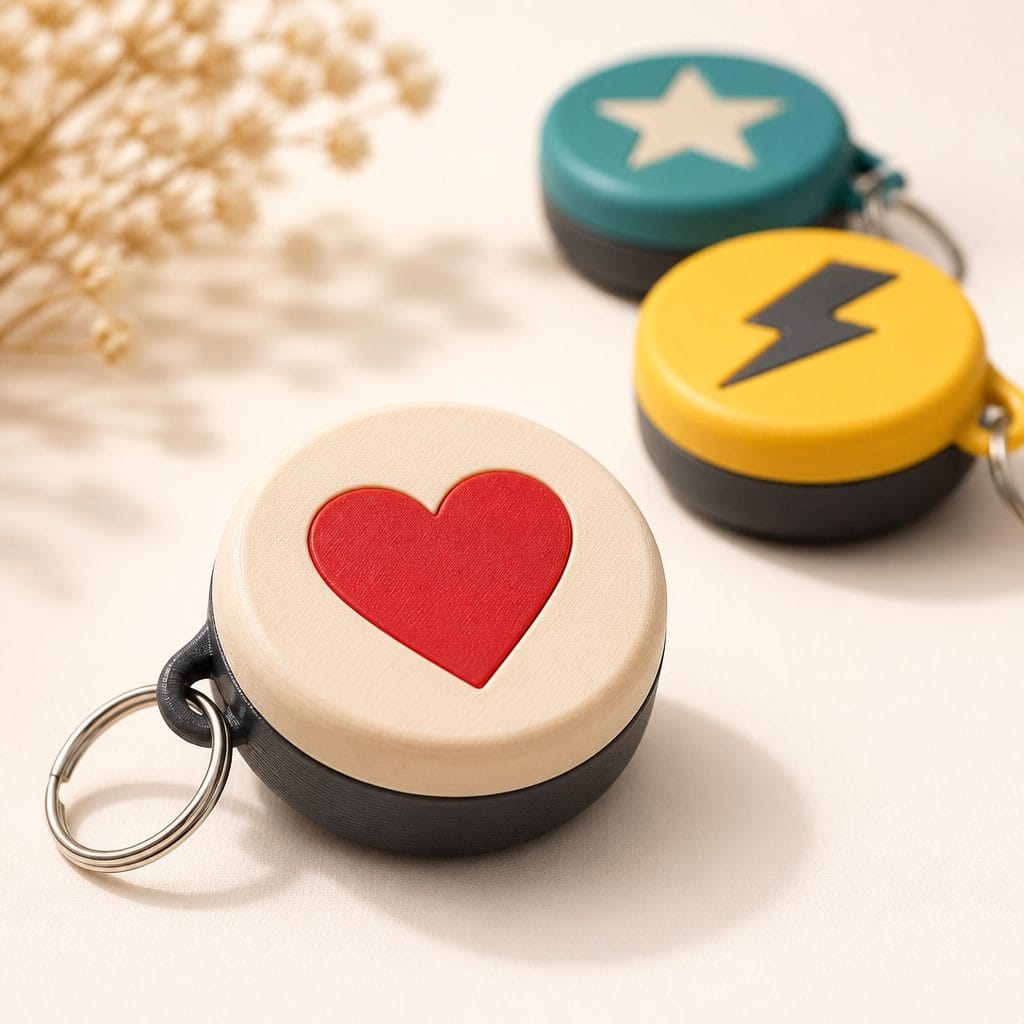
Your first photo determines whether anyone clicks. For a small object on a marketplace full of small objects, that means: fill the frame, keep the background quiet, and show scale.
A photo set that converts, in order:
- Hero — one clicker, clean background, filling most of the frame.
- In hand — a thumb pressing it. This is the single most important shot; it communicates size, weight, and the entire point of the product in one image.
- The colorway grid — every option you offer, laid out. Buyers scroll to this to find theirs.
- The personalization example — a customer's source image beside the finished clicker.
- Scale reference — next to a coin, a key, or on a keyring.
- Packaging — what arrives in the mail. Underrated for gift buyers.
- A short video — someone pressing it repeatedly. Etsy pushes listings with video, and the sound is the product.
The PNG button in the tool's Export section renders the current view, which is a fast way to produce clean catalog images for options you haven't physically printed yet. Just don't build the whole listing out of renders — buyers can tell, and real photos of real prints convert better.
If writing the listing copy is the part you dread, the AI Listing Generator produces titles, descriptions, and tags from a product image.
Etsy SEO for clicker listings
Etsy search reads your title, tags, categories, and attributes. Titles are weighted heavily and the first few words most of all.
A title formula that works:
[Personalization hook] + [Product] + [Key attribute] + [Occasion / recipient]
Applied:
- Custom Logo Fidget Clicker, Personalized Desk Toy with Real Mechanical Switch, Office Gift
- Personalized Name Fidget Clicker Keychain, 3D Printed Clicky Fidget Toy, Anxiety & Focus Aid
- Pet Portrait Fidget Clicker, Custom Dog Silhouette Keyring, Gift for Dog Mom
Do not stuff the title with the same word six times. Etsy dropped exact-match keyword repetition as a ranking signal a long time ago, and a title that reads like spam converts worse.
Tags. You get 13, each up to 20 characters. Use all 13, use multi-word phrases, and don't waste one repeating a word already in your title. A working set:
fidget clicker · custom fidget toy · mechanical switch · desk toy · anxiety relief · personalized gift · 3d printed gift · clicky keychain · stim toy · office gift · adhd fidget · stocking stuffer · coworker gift
The categories most clickers belong in: Toys & Games → Games & Puzzles → Fidget Toys, or Accessories → Keychains & Lanyards for the keyring versions. List the keyring variant separately rather than as an option — it gets you into a second category and a second set of search results.
Seasonality. Fidget toys and small personalized gifts spike hard for back-to-school (late July through September) and Q4 (November onward). Add the occasion keywords to your titles ahead of those windows, not during them; Etsy takes a couple of weeks to reflect changes in ranking.
Shipping and packaging
A clicker is roughly 15 g. Packed in a small padded mailer with a card, you're looking at a couple of ounces, which puts you in the cheapest parcel tier available domestically. Don't box it — a box triples the postage for no perceived benefit on a $15 item.
What's worth spending money on:
- A small kraft box or fabric pouch for the $25+ personalized tier. It converts a toy into a gift, and gift buyers are your best customers.
- A card with a QR code linking to your shop. Use the 3D QR Code Generator if you want a printed one, or just print cards.
- A spare switch in the higher tiers, so the buyer can try a different feel. It costs you 35 cents and it's the kind of thing that gets photographed in reviews.
What's not worth it: branded custom mailers, tissue paper, stickers with your logo on them. Nobody has ever left a five-star review because of tissue paper.
Pricing and product tiers
Don't sell one clicker at one price. Build a ladder:
| Tier | What it is | Price | Purpose |
|---|---|---|---|
| Catalog | Pick from your designs | $12–15 | Volume, review generation, entry point |
| Keyring | Catalog design plus hang tab | $15–18 | Second category, second search surface |
| Name / initials | Their word, your typeface | $16–20 | Highest margin per minute of work |
| Custom artwork | Their logo or pet | $28–40 | Anchors the ladder, real profit |
| Set of three | Any three designs | $32–38 | Raises average order value |
| Digital file | The 3MF, no physical item | $4–8 | Zero marginal cost, zero shipping |
Two notes on the ends of that ladder.
The set of three is the highest-leverage listing you can add, because shipping three clickers costs almost exactly what shipping one costs. Your margin per order roughly triples while your cost per order barely moves.
The digital file tier is genuinely free money if you're comfortable with it — no printing, no shipping, no support. The trade-off is that you're handing over the design, and it will end up on file-sharing sites. Most shops that do this well sell digital files of their older designs while keeping the current line physical-only.
Beyond clickers
Once the workflow is running, the same shop infrastructure — batching, personalization, letter-weight shipping — carries other products. Everything below uses a free PrintPal tool and lands in a similar cost and size envelope:
| Product | Tool |
|---|---|
| Custom name signs and desk plates | Name Sign Generator · Name Plate Generator |
| Photo lithophanes and night lights | Lithophane Generator |
| Scannable QR keychains and table signs | 3D QR Code Generator |
| Text-flip illusion gifts | Text Flip Generator |
| Custom jigsaw puzzles from any model | 3D Puzzle Maker |
| Articulated flexi toys | Flexi Model Creator |
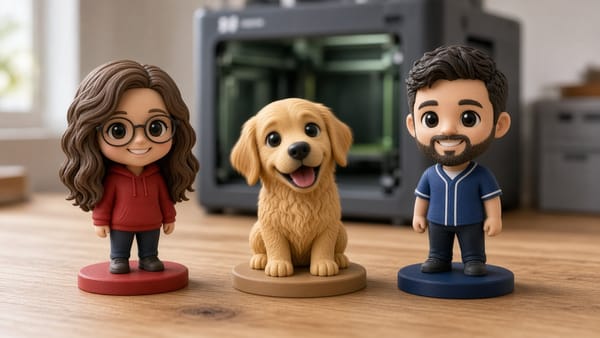
| Pet figurines from a photo | Pet 3D Generator |
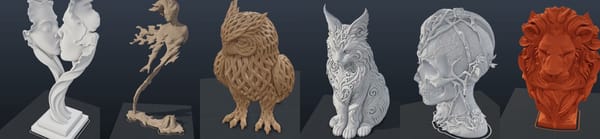
| Anything from a text description | AI 3D Generator |
The pattern worth noticing: every one of those is a personalizable product, not a generic one. That's the category that survives on a marketplace.
Mistakes that quietly kill margins
Printing one order at a time. Covered above, but it's the big one. Batching is most of the difference between a hobby and a business.
Free shipping without repricing. Etsy favors free-shipping listings, and plenty of sellers switch it on without adding the postage to the item price. That's four dollars straight off every order.
Ignoring Offsite Ads in your pricing. If 15% can turn an order unprofitable, your price is too low. Build the headroom in from the start.
Accepting bad artwork. A photo that can't be reduced to flat colors will produce a muddy clicker, an unhappy customer, and a refund plus wasted materials. Have a template message for this: explain the constraint, offer a simplified version, and show an example. Most customers say yes.
Too many colorways. Every filament color you offer is inventory, a filament change, and a slower batch. Three body colors and five accent colors is fifteen combinations — plenty of apparent choice, very little operational cost.
Under-photographing. Seven decent photos and a video will out-earn a better product with two photos. This is the highest-return hour you can spend on a listing.
Not asking for reviews. A card in the box that says "if this made you smile, a review helps a lot" measurably works, and reviews are a ranking signal.
Summary
| Goal | Action |
|---|---|
| Design a sellable clicker | Fidget Clicker Maker, Build from Scratch |
| Learn the design workflow first | How to Make Your Own Custom Fidget Clicker |
| Check your real margin | Etsy Profit Calculator |
| Write the listing | AI Listing Generator |
| Estimate batch print time | Print Time Estimator |
| Cut production time in half | Stock the housings, batch only the caps, group by color |
| Raise average order value | Add a set-of-three listing |
| Keep reorders painless | Save a session JSON per order |
| Stay out of trouble | Original artwork, names, and generic symbols only |
| Expand the product line | All PrintPal tools |
Design once, batch the caps, snap the switch in at packing, and let the customer's own artwork do the marketing.