Using OpenClaw for 3D Printing Automation and AI Workflows

OpenClaw, formerly known as Clawdbot and later MoltBot, is a self hosted AI gateway that connects chat platforms like WhatsApp, Telegram, Discord, and iMessage to powerful coding agents. For 3D printing businesses and makers, OpenClaw can become a central automation layer for design, slicing, monitoring, and customer interaction.
If you run a 3D model sharing platform or generate 3D models with AI, OpenClaw can streamline your entire workflow.
What Is OpenClaw?

OpenClaw is an open source, MIT licensed gateway that runs on your own hardware. It connects messaging apps to AI agents through a single process called the Gateway.
It evolved from Clawdbot to MoltBot and now OpenClaw. If you are searching for Clawdbot or MoltBot for 3D printing automation, OpenClaw is the current name and maintained project.
Key features for 3D printing teams:
- Multi channel messaging through WhatsApp, Telegram, Discord, and more
- Self hosted architecture for full data control
- Agent routing with session isolation
- Media support for images, files, and documents
- Web based Control UI
Why OpenClaw Is Useful for 3D Printing
3D printing workflows involve many moving parts:
- Model design
- File validation and repair
- Slicing and profile management
- Print monitoring
- Customer communication
- Order updates
OpenClaw acts as a bridge between messaging and your automation stack. You can message your AI assistant from your phone and trigger actions on your server.
Examples:
- Send a WhatsApp message to generate a 3D model from a prompt
- Upload an image and convert it to STL
- Trigger a slicer profile for a specific printer
- Check print job status remotely
- Route different users to different agents
For 3D printing businesses, this reduces friction and centralizes control.
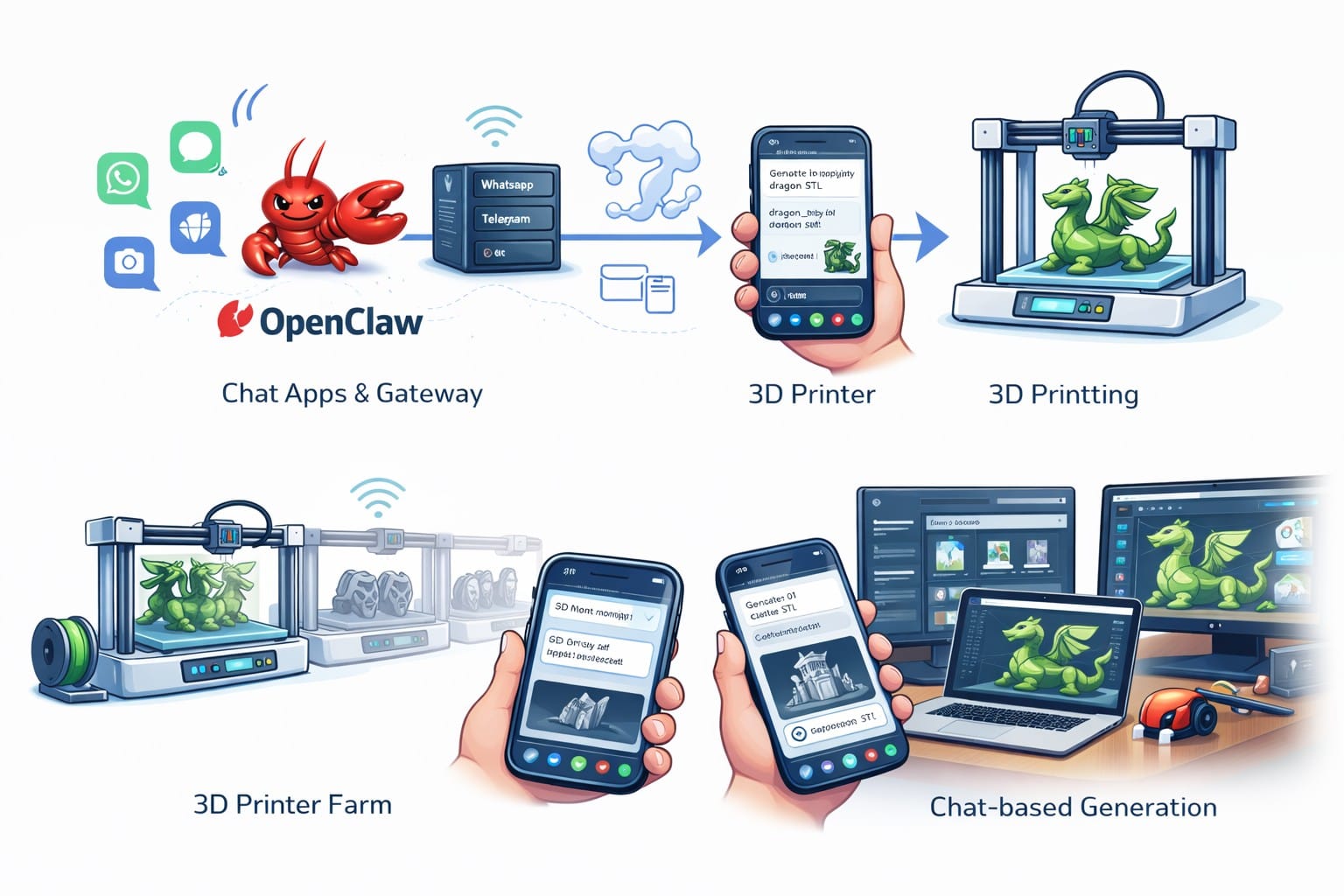
Example: AI 3D Model Generation via OpenClaw
On our 3D model sharing and AI generation platform, users can create 3D printable models from text or images in seconds. By integrating OpenClaw:
- A user sends a message such as “Generate a low poly dragon STL.”
- OpenClaw routes the request to your AI generation backend.
- Your system generates the STL file.
- The file is returned directly in chat.
This is especially powerful for creators, print farms, and agencies managing multiple clients.
You can combine:
- OpenClaw for messaging and orchestration
- Your AI 3D generation engine for geometry
- Your slicing automation for production
This creates a full conversational 3D printing pipeline.
Automating a 3D Print Farm with OpenClaw
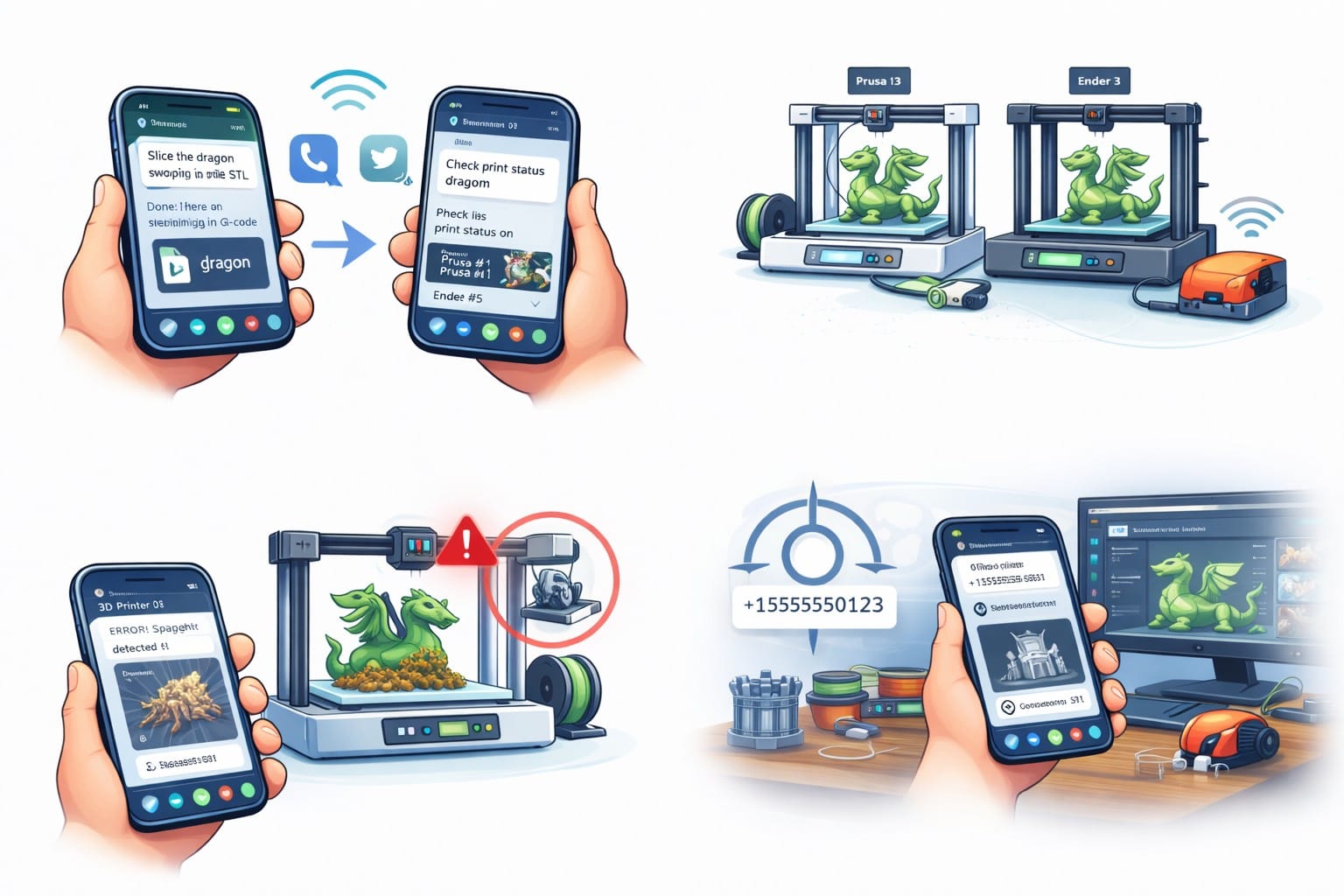
If you operate multiple printers, OpenClaw can help with:
- Remote print status checks
- Failure alerts pushed to Telegram or Discord
- File approval workflows
- Controlled access by phone number or group mention rules
- Multi agent routing per workspace or printer cluster
Because OpenClaw is self hosted, you keep control over sensitive production data.
You can also integrate it with monitoring systems and object detection pipelines to receive automated alerts when prints fail or deviate from expected geometry.
Self Hosted AI for 3D Printing Businesses
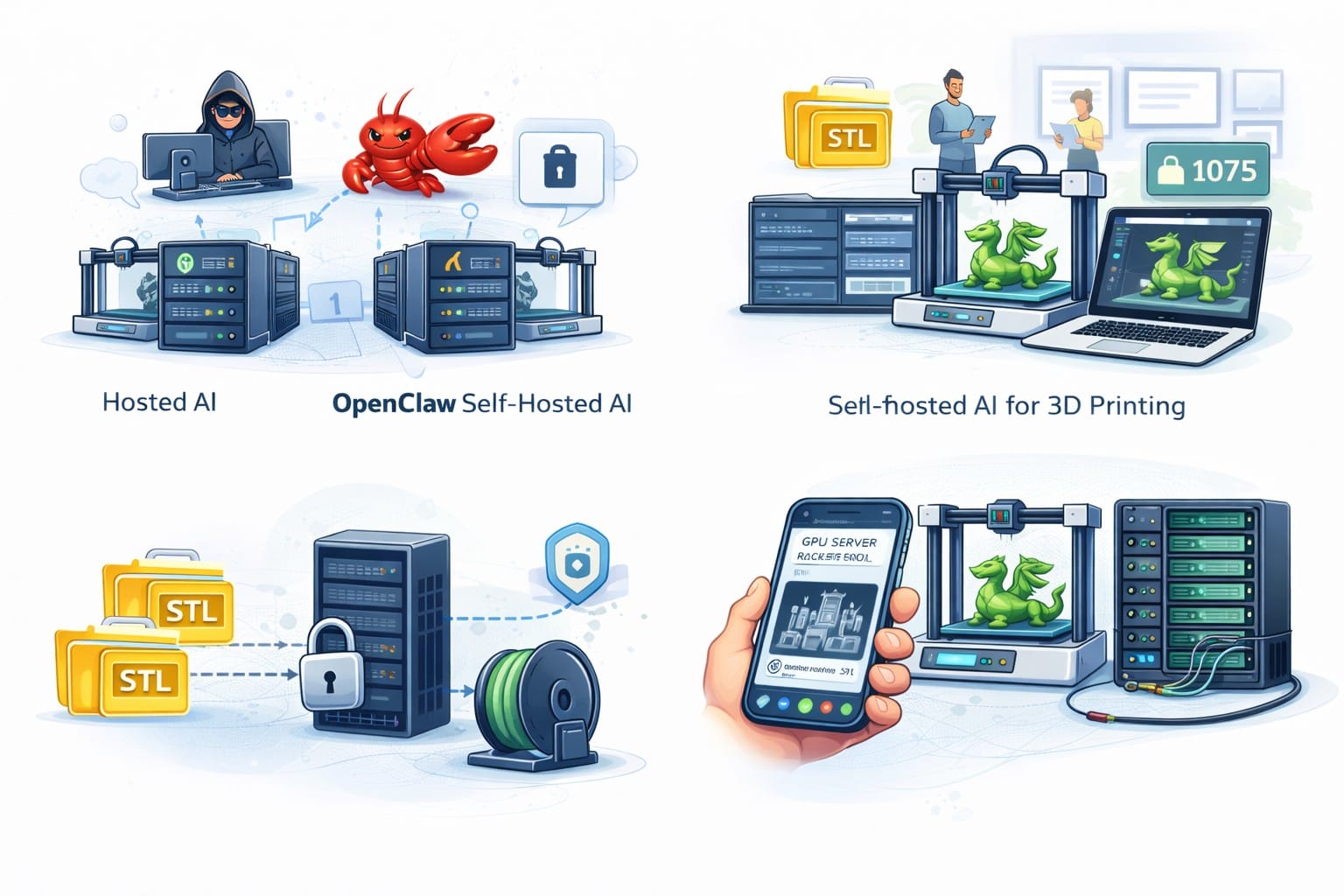
One of the biggest advantages of OpenClaw over hosted chatbots is ownership.
With OpenClaw:
- Your STL files never need to leave your server
- Your customer data stays local
- Your AI generation models run on your GPUs
- You define access rules per user or group
For 3D printing platforms that manage proprietary designs or commercial files, this matters.
Connecting OpenClaw to a 3D Model Sharing Platform
If you operate a 3D model marketplace or AI driven model generator, OpenClaw can:
- Act as a conversational API layer
- Route users to generation endpoints
- Deliver STL, OBJ, or 3MF files directly in chat
- Handle user authentication logic
- Support multi tenant routing
On our platform, users can generate 3D printable models from text or images and download clean STL files ready for slicing. By layering OpenClaw on top, you can:
- Offer chat based model generation
- Enable support bots for creators
- Automate moderation workflows
- Trigger rendering or preview jobs
This turns a traditional 3D model website into a conversational 3D printing assistant.
Quick Setup for 3D Printing Workflows
To install OpenClaw (full setup guide here):
npm install -g openclaw@latest
openclaw onboard --install-daemon
openclaw gateway --port 18789
Then:
- Pair a channel such as WhatsApp
- Configure allow lists
- Connect your AI model generation API
- Test a generation request from your phone
Within minutes, you have a self hosted AI gateway connected to your 3D printing stack.
Final Thoughts
OpenClaw, previously Clawdbot and MoltBot, is a powerful tool for 3D printing automation. It allows you to connect messaging platforms directly to your AI agents, slicers, and model generation systems.
For makers, it means faster iteration.
For print farms, it means remote control and alerts.
For 3D model platforms, it means conversational generation and file delivery.
If you are building or scaling a 3D printing ecosystem, combining OpenClaw with an AI 3D model generation platform gives you a flexible, self hosted, production ready automation layer.