Top 5 Game Development Tools for 2026: Essential AI-Powered Workflow

Game development in 2026 demands efficiency, creativity, and smart tool choices. Whether building indie passion projects or commercial titles, developers need workflows that maximize productivity without sacrificing quality. AI-powered tools have matured significantly, with solutions like PrintPal's 3D model generator transforming asset creation from time-consuming manual modeling into instant generation from text or images. Modern game development combines traditional engines with AI-powered acceleration across every production stage. This guide explores the five essential tools defining 2026 game development, from Unity's ecosystem to AI-driven asset creation, helping you build better games faster.
1. Unity and the Unity Asset Store Ecosystem
Unity remains the cornerstone of indie and mid-size game development with continuous evolution throughout 2026.
Why It Leads in 2026: Seamless cross-platform deployment, mature tooling, extensive Asset Store, and integrated AI features make Unity the default choice for most developers.
Key 2026 Features: Enhanced visual scripting, improved performance optimization tools, better mobile deployment, and native AI assistance for code completion and debugging.
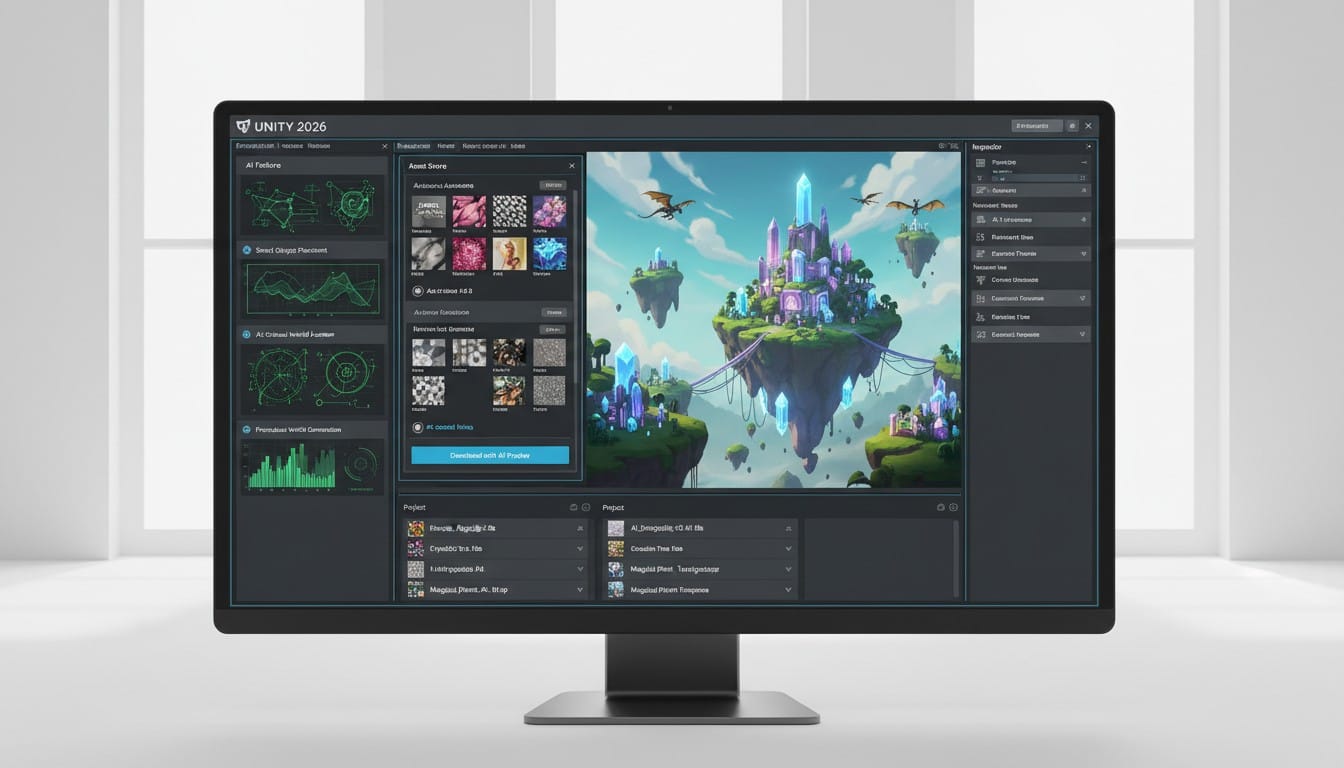
Unity Asset Store Integration: Browse thousands of ready-made assets directly in editor. Import characters, environments, VFX, audio, and complete systems with one-click installation.
Best For: Indie developers and small teams building 2D games, 3D titles, mobile apps, VR experiences, and AR applications requiring reliable cross-platform support.
2. PrintPal AI 3D Model Generator
Custom asset creation remains a bottleneck in game development. PrintPal solves this with instant AI-powered 3D generation.
Why It Transforms 2026 Workflows: Generate unique game-ready 3D models in minutes instead of days. No 3D modeling expertise required.
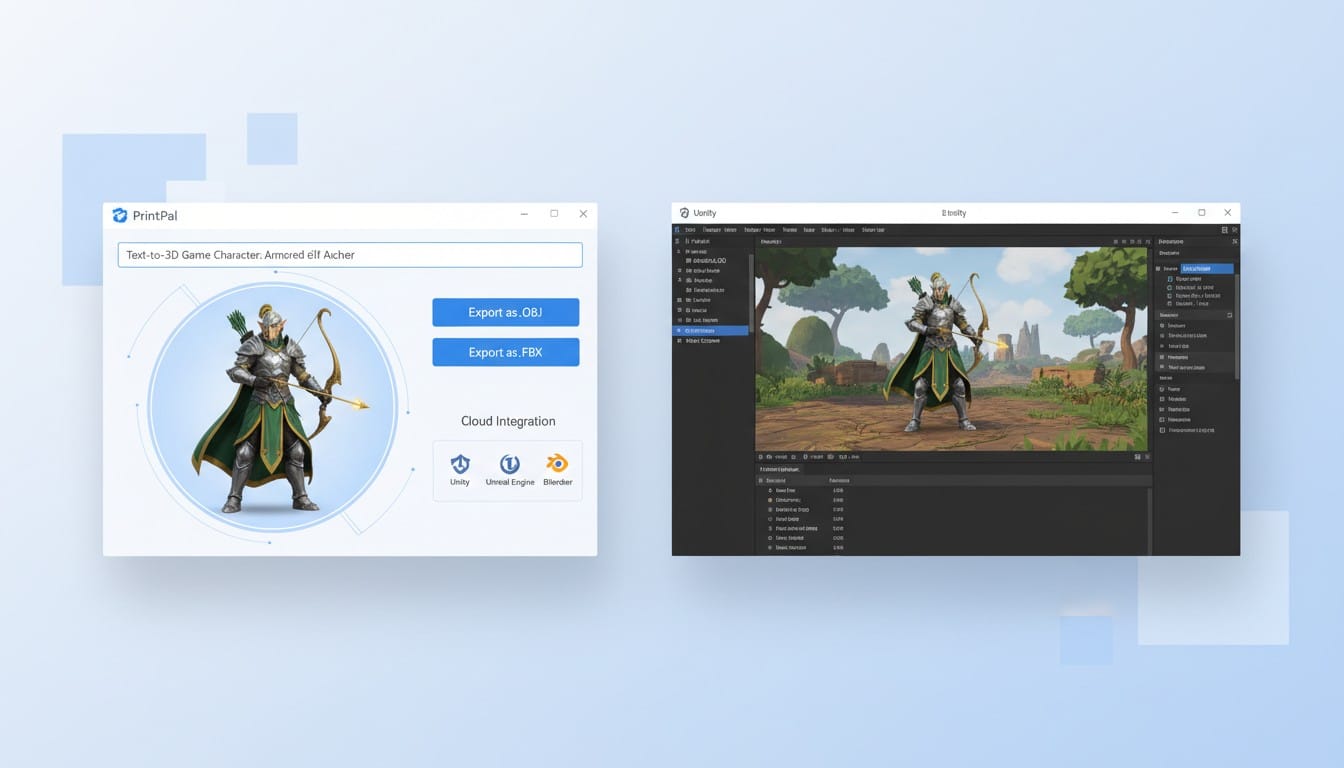
Text to 3D Generation: Describe any game object and receive downloadable models. "Low-poly fantasy castle with towers" or "futuristic hover bike" become Unity-compatible assets instantly.
Image to 3D Conversion: Convert concept art, sketches, or reference photos into 3D models. Your unique designs become game assets without manual modeling.
Unity Compatibility: Export FBX, OBJ, and GLB formats ready for immediate Unity import. Models work seamlessly with Unity's rendering pipelines and physics systems.
Best For: Developers needing custom assets unavailable in Asset Store, rapid prototyping, placeholder generation, and unique visual styles requiring original models.
3. GitHub and Modern Version Control
Collaboration and code safety remain critical in 2026. GitHub provides industry-standard version control with enhanced AI features.
Why It Matters: Protect code with automatic backups, collaborate seamlessly with team members, and track every change across development cycles.
Key 2026 Features: GitHub Copilot integration provides AI code suggestions, automated testing workflows, improved project management boards, and enhanced security scanning.
Unity Integration: Direct Unity-GitHub connection allows asset versioning, scene management, and collaborative editing without complex setup.
Best For: Any serious game development project requiring code safety, team collaboration, or long-term project maintenance and updates.
4. Blender for Advanced Asset Customization
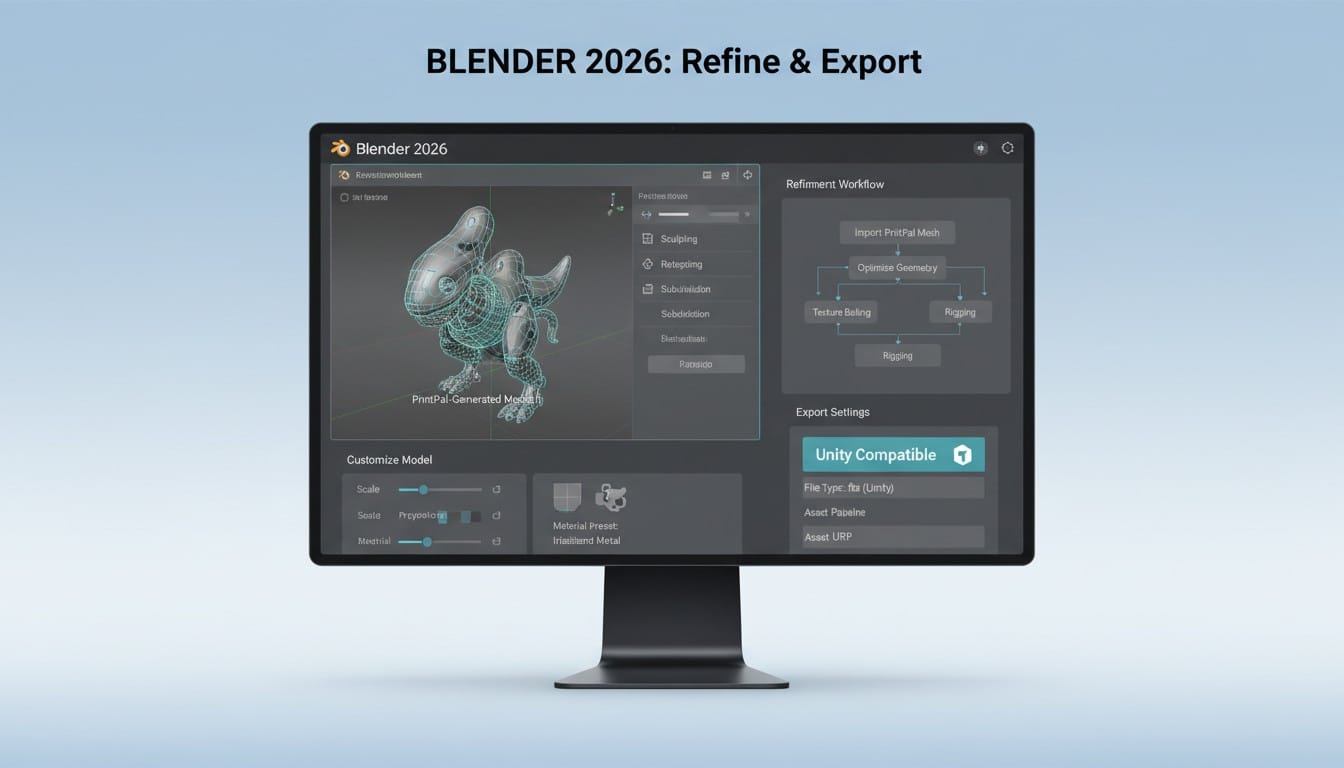
Open-source 3D software Blender continues evolving as the go-to tool for asset refinement and custom creation when needed.
Why It Endures in 2026: Free, powerful, and continuously updated with community support. Handles modeling, texturing, rigging, animation, and rendering.
Complementing AI Tools: Use PrintPal for initial generation, then refine in Blender when assets need specific adjustments or manual artistic touches.
Unity Pipeline: Export directly to Unity-compatible formats. Blender's addon ecosystem includes Unity-specific tools for proper material setup and optimization.
Best For: Developers with 3D skills wanting complete control over asset customization, animation rigging, or creating hero assets requiring artistic refinement.
5. Notion for Project Management
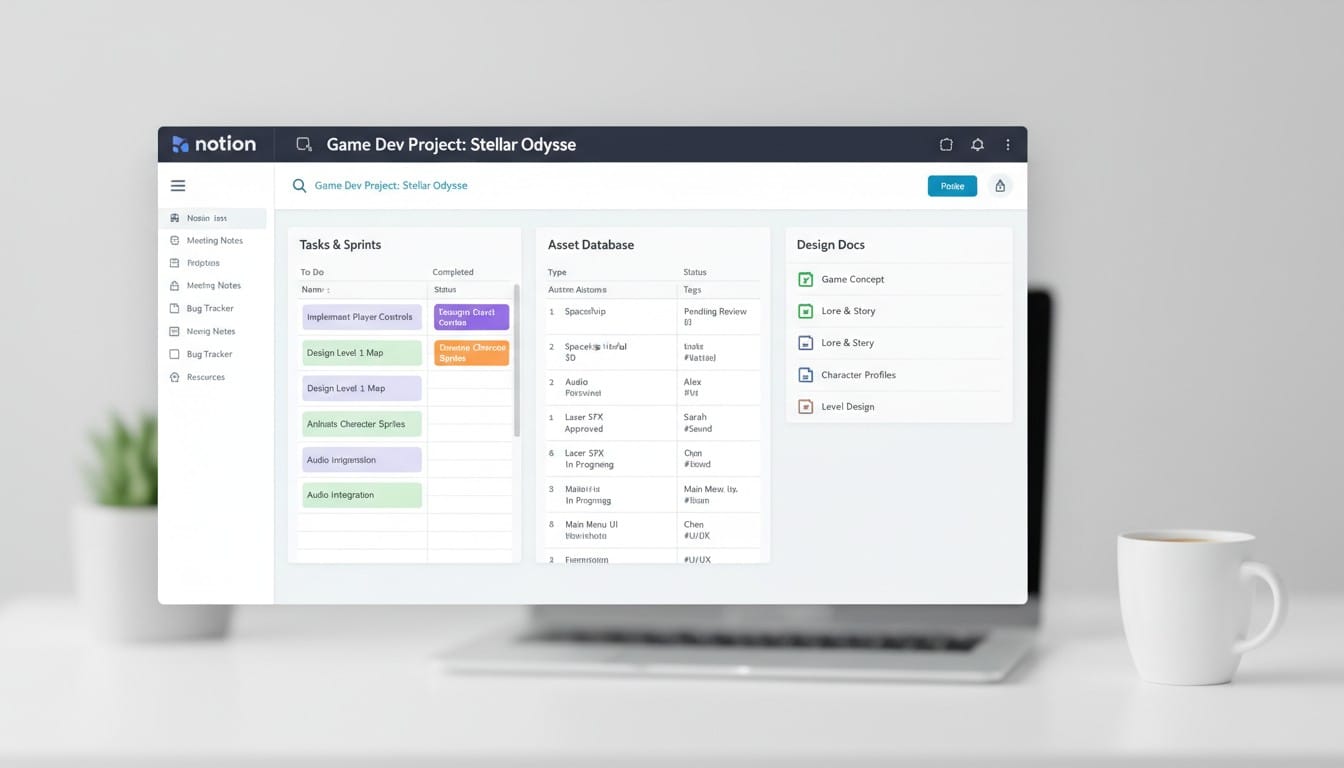
Game development requires organized documentation, task tracking, and team coordination. Notion provides flexible project management for 2026 teams.
Why It Works: Customizable databases, wiki-style documentation, task boards, timeline views, and team collaboration in unified platform.
Game Development Templates: Pre-built templates for design documents, asset tracking, bug reporting, sprint planning, and feature roadmaps.
Integration Capabilities: Connects with GitHub, Unity Cloud, and communication tools for centralized project oversight.
Best For: Solo developers organizing complex projects, small teams coordinating development, and studios maintaining comprehensive design documentation.
Building Your 2026 Game Development Stack
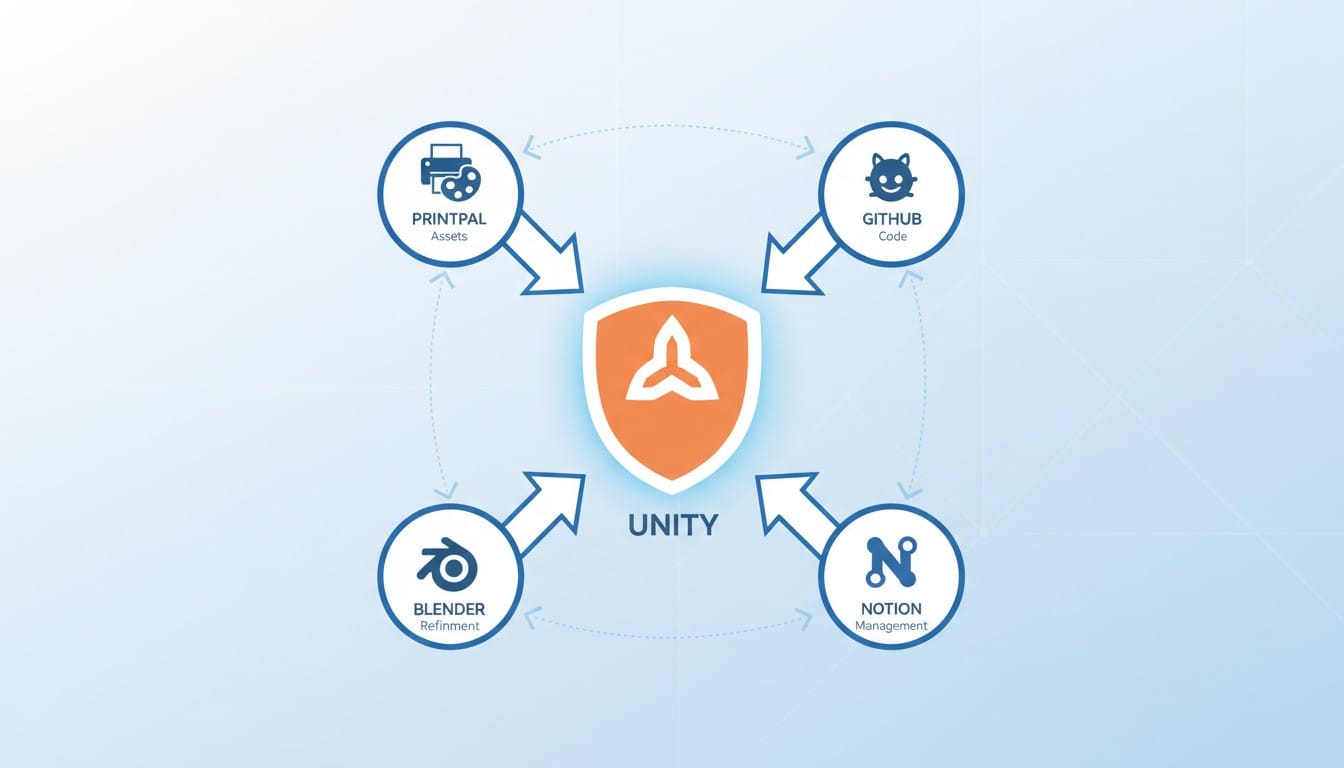
Successful 2026 game development combines proven engines with AI-powered acceleration and solid project management.
Core Engine: Unity provides foundation with Asset Store resources and cross-platform deployment capabilities.
AI Asset Creation: PrintPal generates custom 3D models when Asset Store lacks specific designs, accelerating unique visual development.
Code Management: GitHub protects work and enables collaboration with AI-assisted coding through Copilot integration.
Asset Refinement: Blender handles advanced customization for assets requiring manual artistic touches beyond AI generation.
Project Organization: Notion keeps documentation, tasks, and team coordination centralized and accessible.
Your Complete 2026 Development Workflow
Modern game development balances ready-made resources with custom AI generation and manual refinement when needed.
Browse Unity Asset Store for standard components. Generate custom assets with PrintPal when your vision requires unique designs. Refine in Blender if needed. Manage everything through GitHub and Notion.
This hybrid approach maximizes efficiency while maintaining creative control. 2026 tools eliminate traditional bottlenecks, letting developers focus on gameplay, design, and player experience.
Start Building with 2026's Best Tools
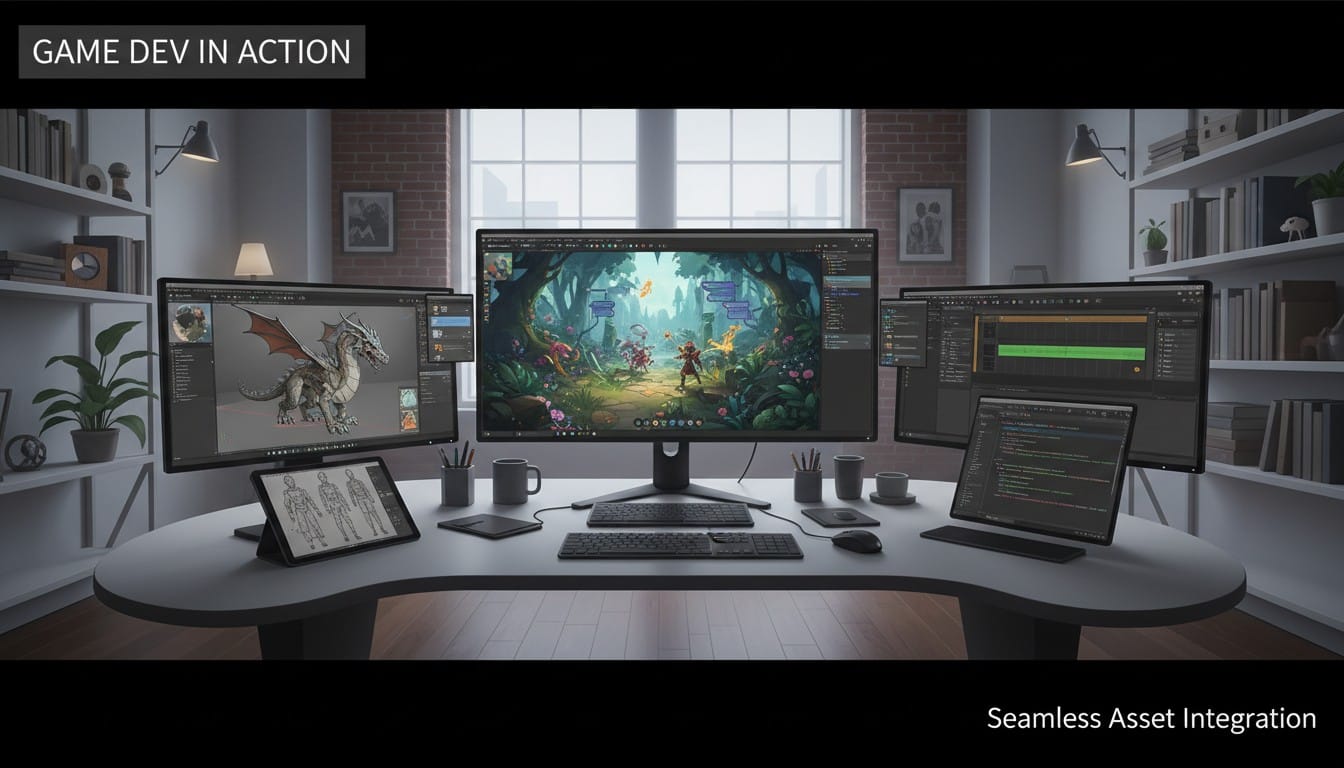
Ready to modernize your game development workflow with 2026's essential tools? Set up Unity and explore the Asset Store for foundation assets. Use PrintPal's AI-powered 3D generator to create custom game models from text descriptions or concept art when you need unique assets unavailable in marketplaces. Export Unity-compatible formats instantly and import seamlessly into your projects. Manage code with GitHub, refine assets in Blender when needed, and organize everything in Notion. These five tools form the complete modern game development stack for 2026. Stop wasting time searching for perfect assets or struggling with traditional workflows. Start building your game with AI-powered efficiency today.