Top 3D Prints for Beginners: The Best First Projects to Master Your Printer

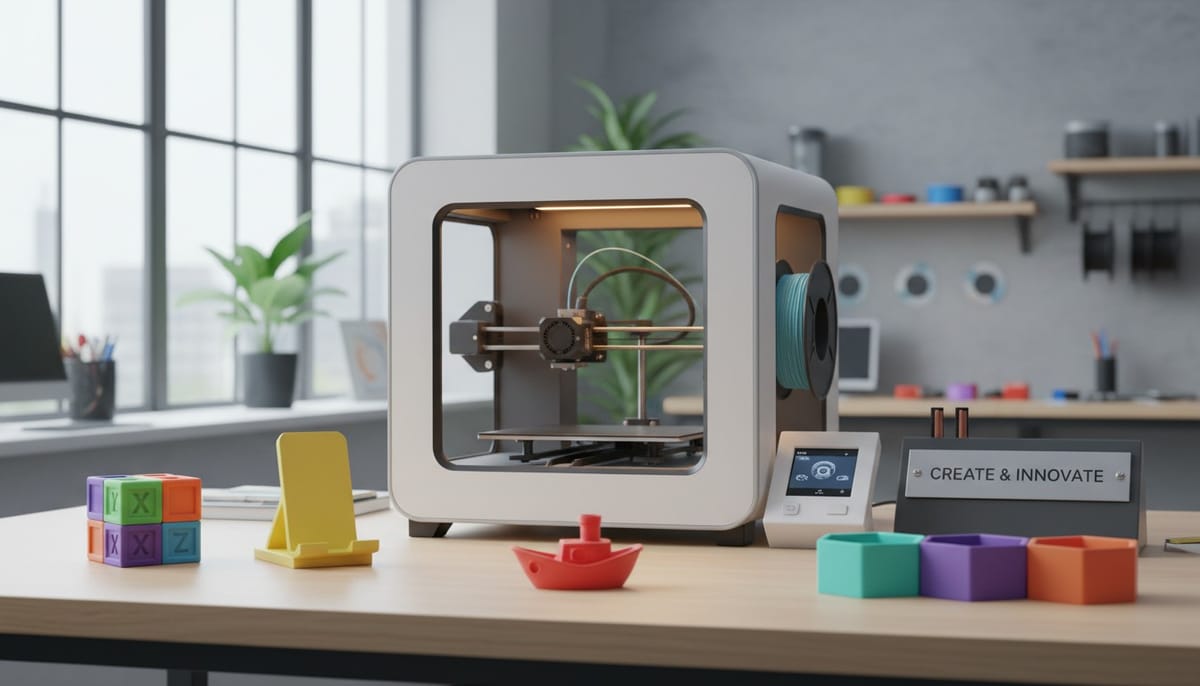
Starting your 3D printing journey can feel overwhelming. Thousands of models exist online, but which ones should you print first? The best 3D prints for beginners balance learning essential skills with creating actually useful objects. Whether you download free models from platforms like Thingiverse, Makerworld, and PrintPal, or generate custom 3D models using PrintPal's AI generator, starting with the right projects sets you up for long-term success. This guide reveals the top prints every beginner should try and why each one matters.
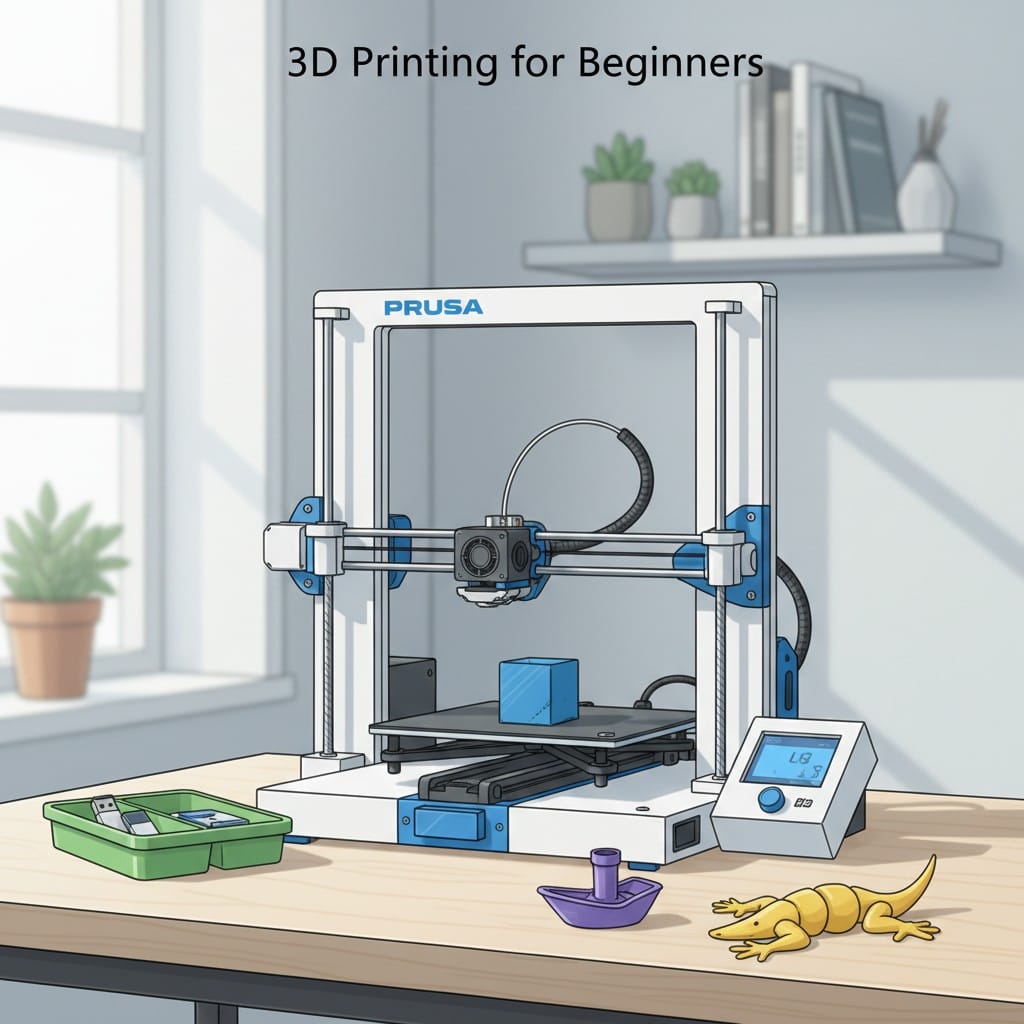
Why Your First Prints Matter
Your initial prints teach fundamental skills while building confidence. Starting with proven beginner projects means less frustration and faster learning.
Build Core Skills: Each recommended print teaches specific techniques. Simple objects help you understand bed adhesion, support structures, and print settings before tackling complex models.
Immediate Usefulness: The top 3D prints for beginners create functional items you will actually use. Practical prints motivate you to keep learning and experimenting.
Essential First Print: Calibration Cube
Every beginner should start with a calibration cube. This simple 20mm cube takes 30 minutes to print but reveals everything about your printer's accuracy.
What It Teaches: The calibration cube shows dimensional accuracy, layer adhesion, and whether your axes are properly calibrated. Each face displays measurements that should match exactly 20mm.
Where to Find It: Search "XYZ calibration cube" on Thingiverse or Makerworld. Most are free and include instructions for interpreting results.
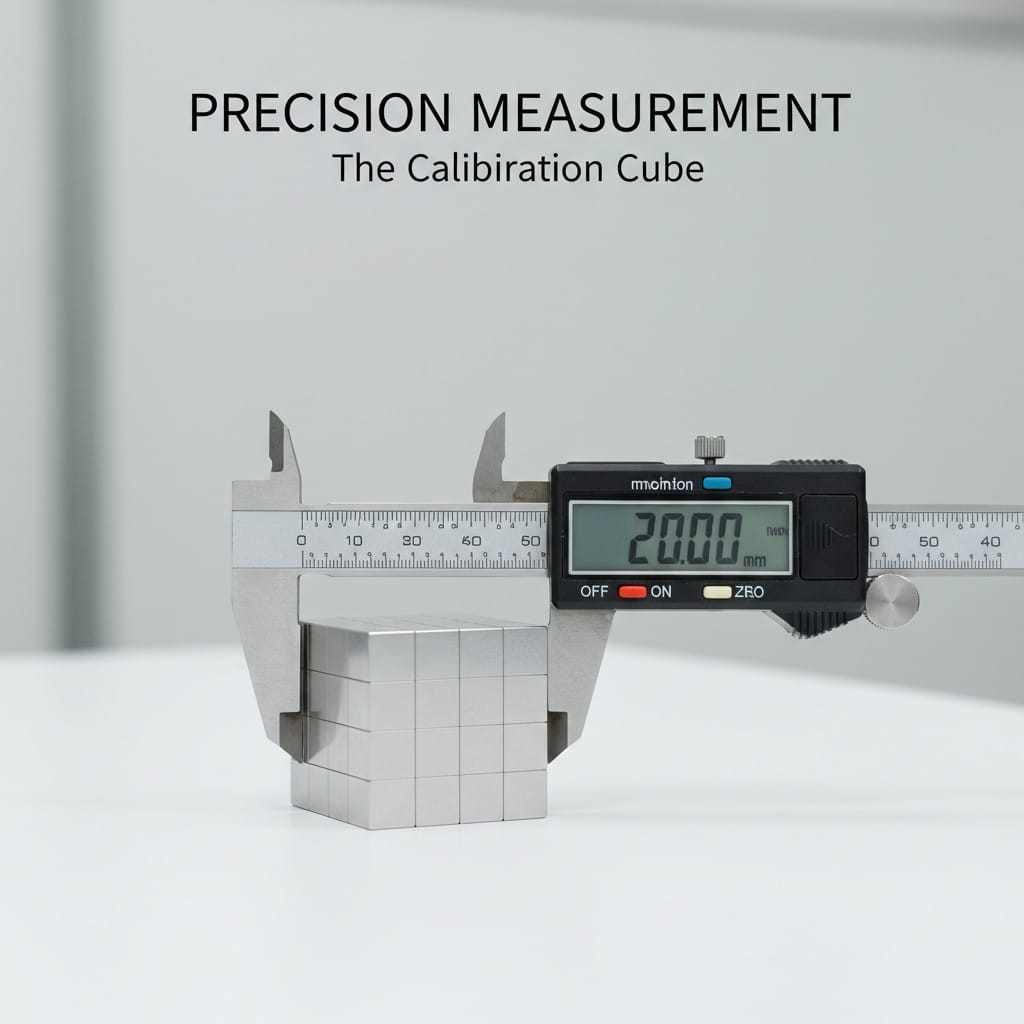
Why It Matters: Before printing anything decorative or functional, you need to know your printer produces accurate dimensions. A perfectly printed cube means your printer is properly calibrated and ready for real projects.
Top Functional Print: Phone Stand
Phone stands rank among the most popular 3D prints for beginners because they are useful, quick to print, and teach important concepts about support structures and overhangs.
Learning Value: Most phone stand designs include angled surfaces that introduce you to printing overhangs. You learn when supports are necessary and how to remove them cleanly.
Customization Opportunity: Once you print a basic design, you can customize. Use text to 3D generation on PrintPal to create a personalized stand with your name or favorite design elements.
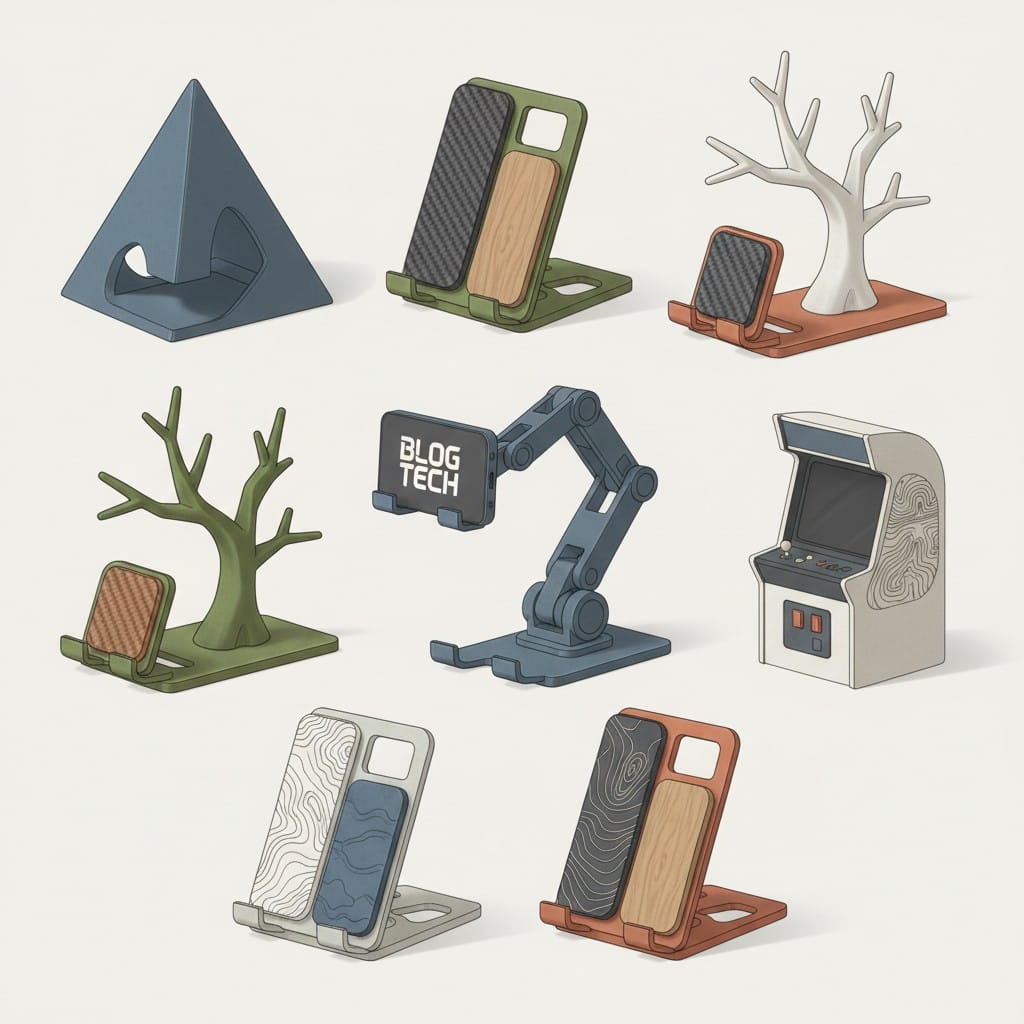
Variations to Try: Start with a simple angled stand. Graduate to adjustable stands or multi-device docks as your skills improve.
Best Practical Print: Cable Management Clips
Cable clips and organizers consistently rank as top 3D prints because everyone needs them. They print fast, use minimal filament, and solve real problems around your home.
Quick Wins: Most cable clips print in 15-30 minutes. Success comes fast, building your confidence to tackle longer prints.
Instant Household Impact: Print clips for charging cables, monitor cables, and desk organization. Family members notice and appreciate your new skill immediately.
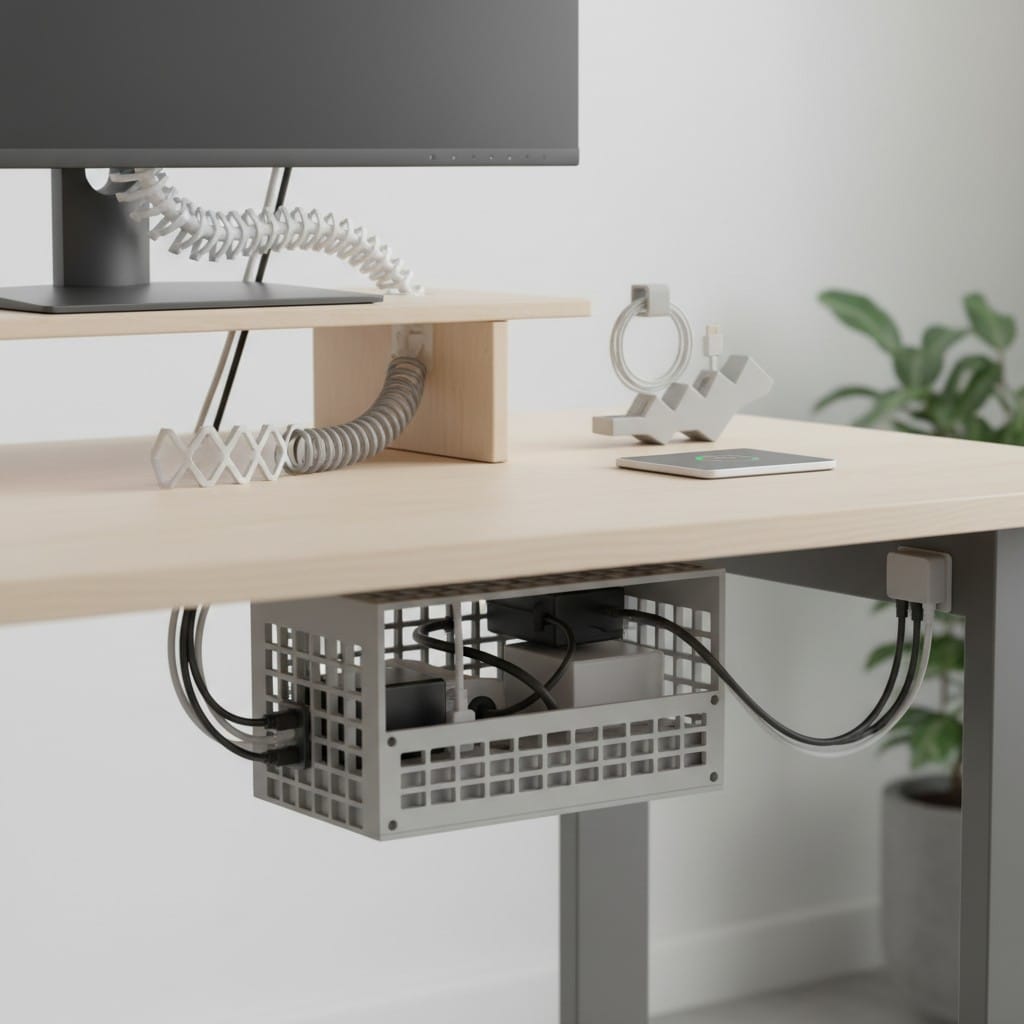
Finding Models: Search "cable clip" on any 3D model platform. Thousands of free designs exist for every cable size and mounting situation.
Learning Print: Benchy the Boat
Benchy, the small tugboat, has become the standard benchmark print in the 3D printing community. This free model tests almost every aspect of your printer's capabilities.
Comprehensive Test: Benchy includes overhangs, bridges, curved surfaces, fine details, and flat areas. It stresses your printer in ways that reveal setup issues.
Community Standard: Print Benchy and share results with online communities. Experienced users can diagnose problems by examining your Benchy photos.
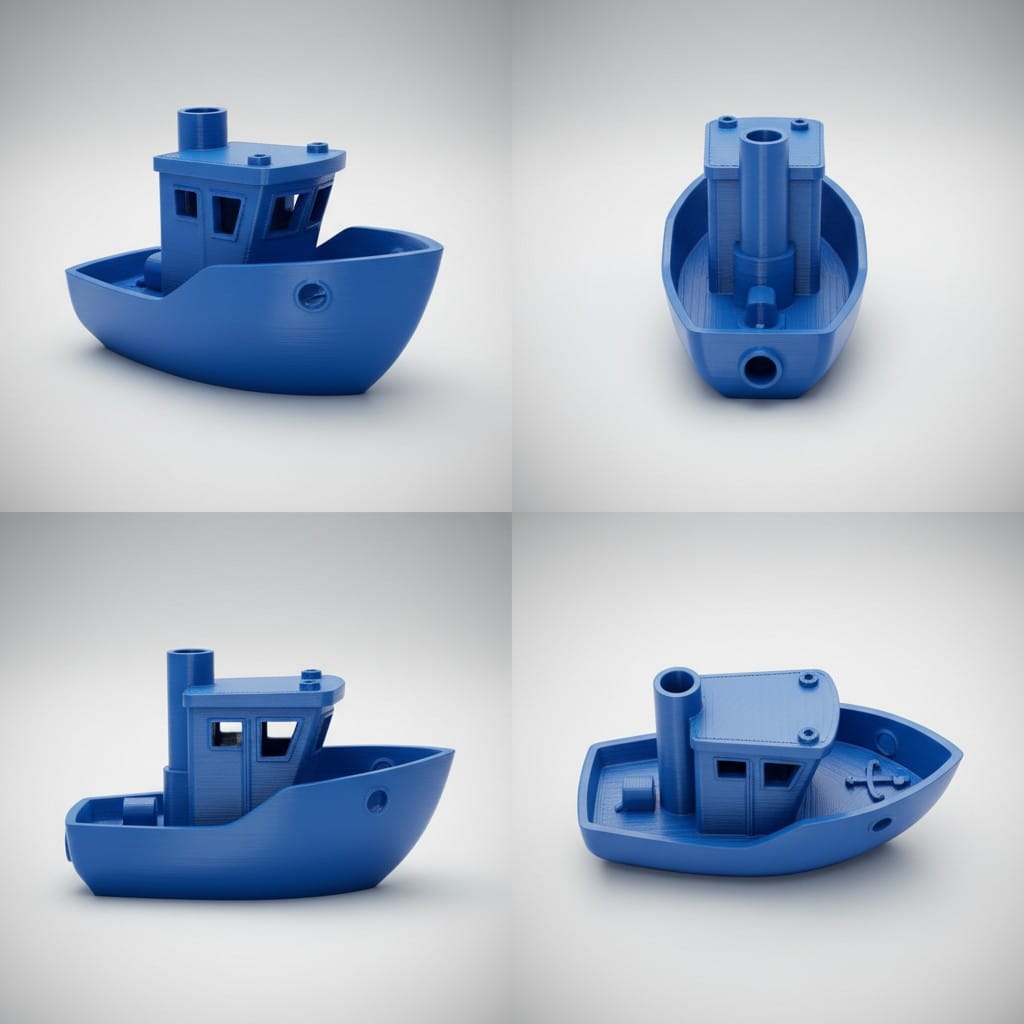
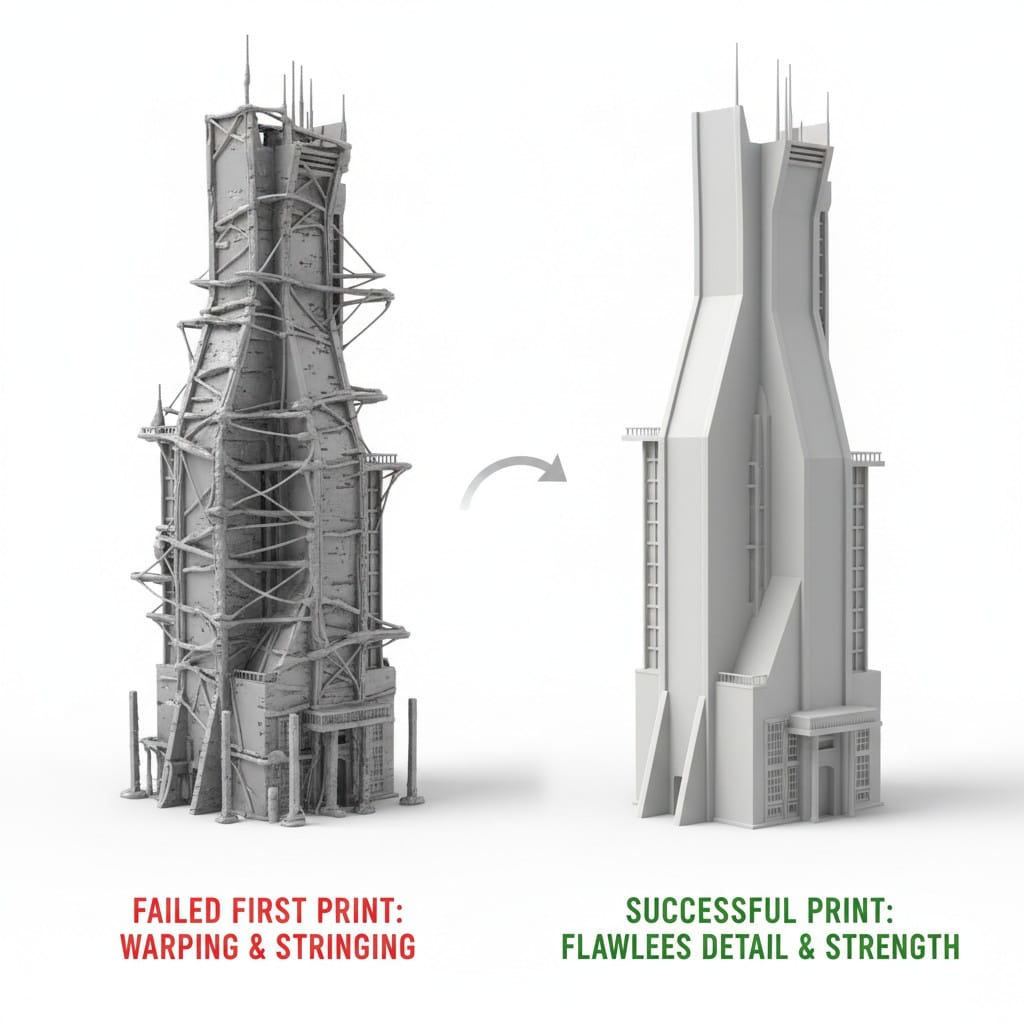
What Success Looks Like: A good Benchy has smooth curves, clean text, no stringing between parts, and intact details. Compare yours to examples online to identify areas for improvement.
Creative Starter: Simple Planters
Small planters for succulents or herbs combine function with design while teaching you about watertight printing and finish quality.
Design Appeal: Planters let you explore aesthetic choices. Try geometric patterns, organic shapes, or minimalist designs.
Custom 3D Model Generation: Cannot find the perfect planter? Use image to 3D generation on PrintPal. Photograph a planter you like or sketch your ideal design, then generate a custom 3D model in minutes.
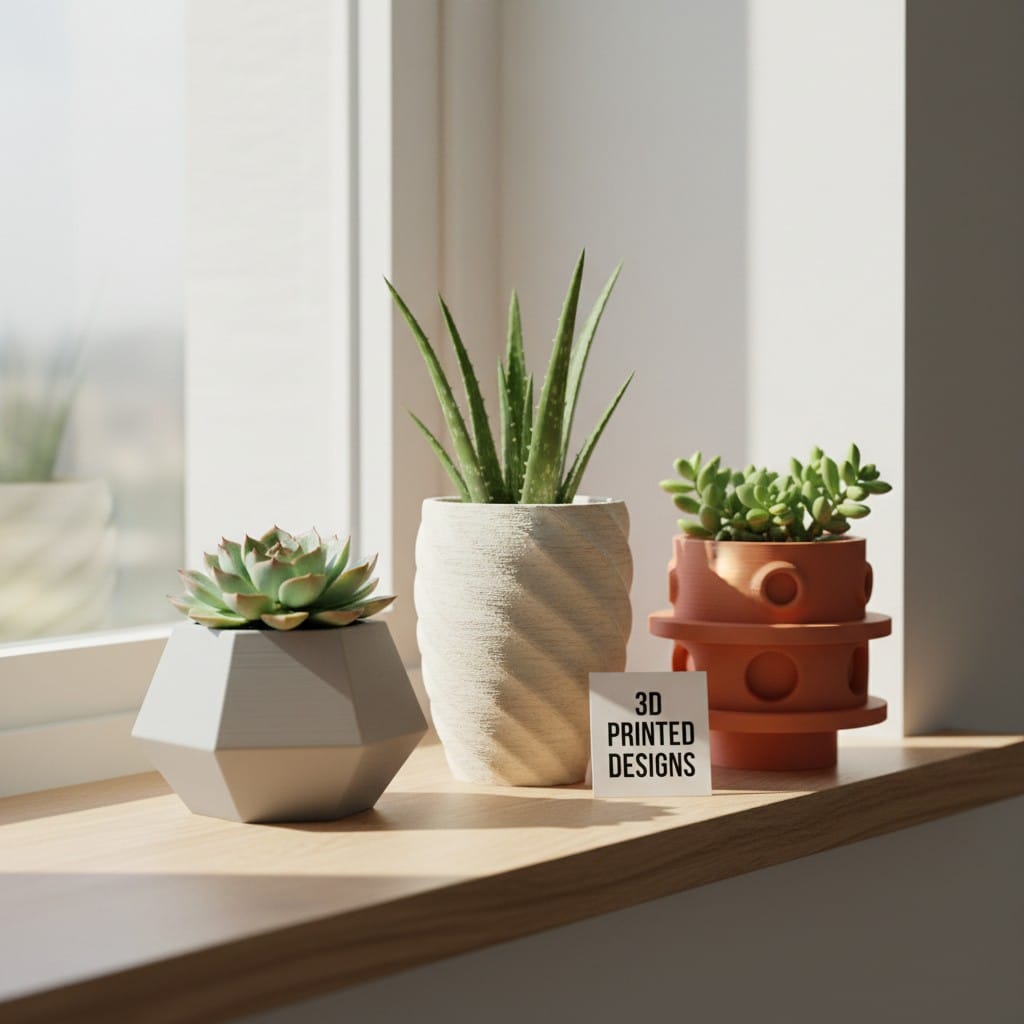
Printing Tips: Use larger layer heights for faster prints. Planters do not need fine detail, making them perfect for practicing speed versus quality tradeoffs.
Where to Find Free 3D Models
Finding quality models accelerates your learning and keeps costs down while you develop skills.
Thingiverse: The largest free 3D model library. Search by category, popularity, or "beginner friendly" tags. Download STL files instantly.
Makerworld: Curated collection focusing on quality prints. Excellent search filters help beginners find appropriate projects.
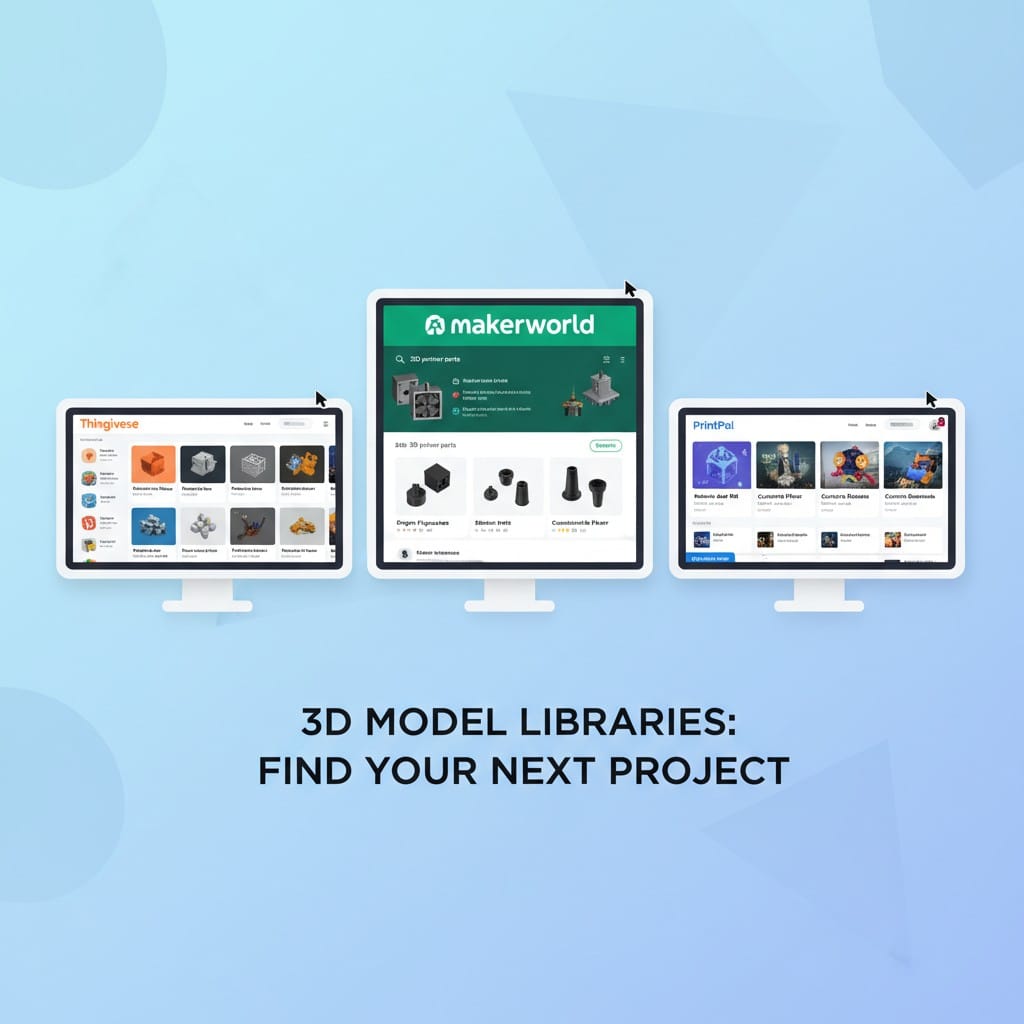
PrintPal Model Library: Browse free STL files specifically selected for printability. Many include beginner-friendly settings and support recommendations.
Creating Custom Models for Your Needs
Once comfortable with pre-made models, creating custom 3D models opens unlimited possibilities.
AI-Powered Generation: PrintPal's 3D model generator transforms text descriptions or images into printable models. Describe what you need and generate it in minutes.
No Design Skills Required: Traditional 3D modeling software has steep learning curves. Modern 3D model generate tools using AI let beginners create custom designs immediately.
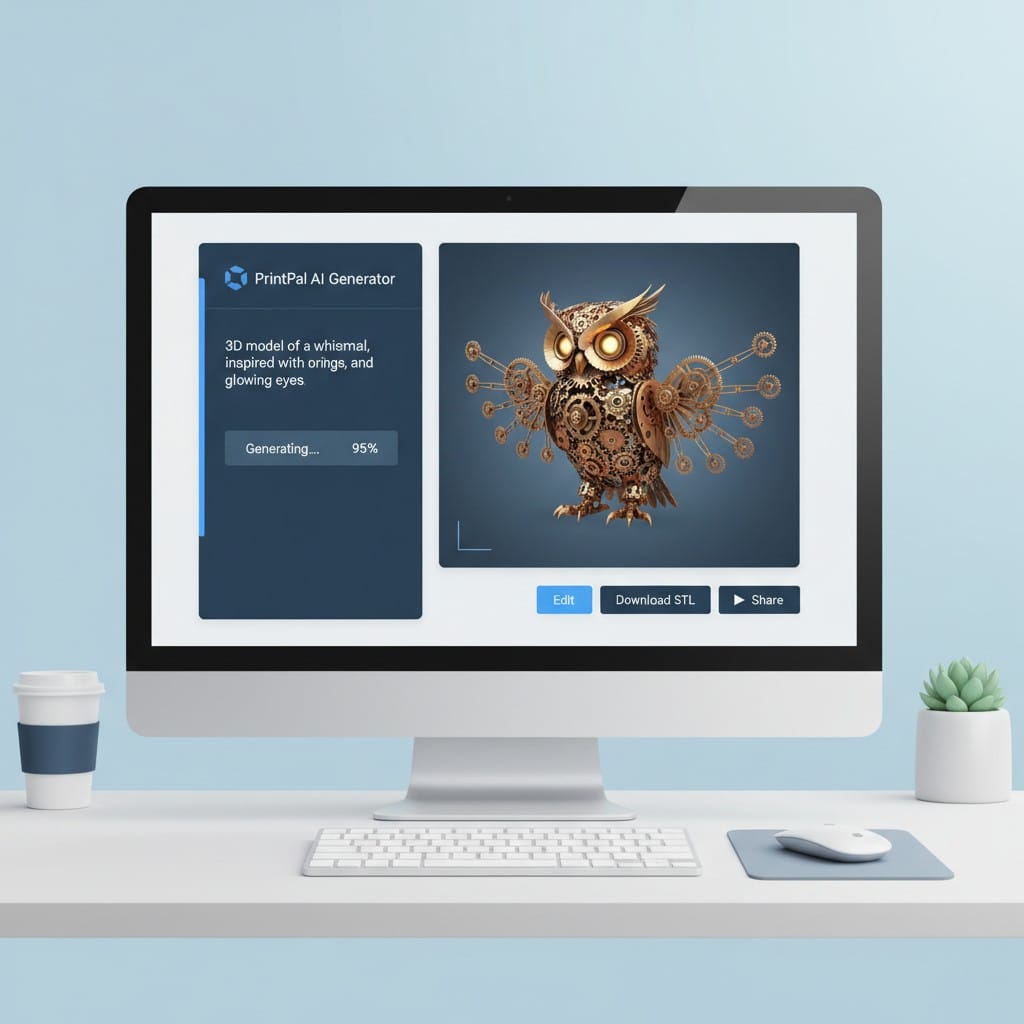
Practical Applications: Need a specific organizer? Missing a replacement part? Generate custom solutions sized exactly for your needs without learning CAD software.
Tips for Beginner Printing Success
Start Small: Your first prints should take under an hour. Quick feedback loops accelerate learning.
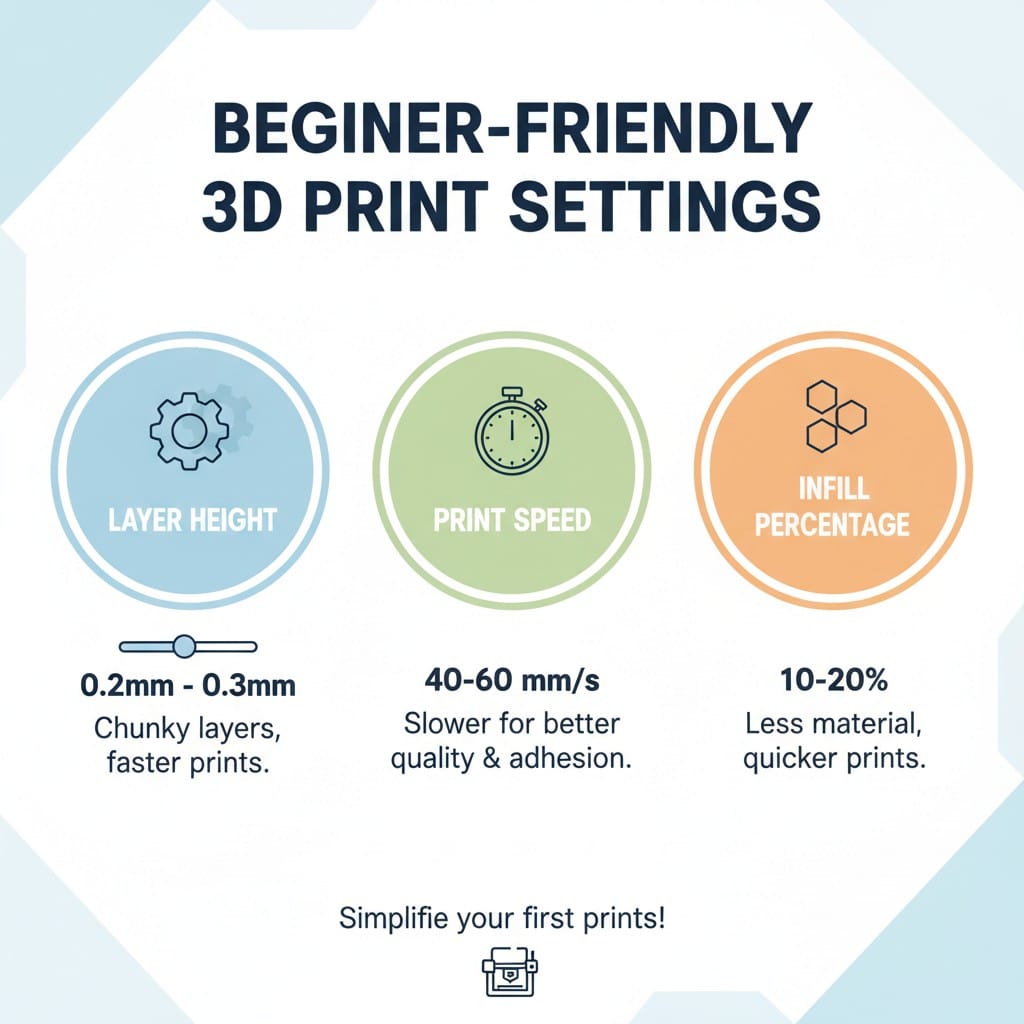
Use Recommended Settings: When downloading models, follow suggested print settings exactly. Experienced designers optimize these settings for success.
Quality Over Speed: Slower prints with smaller layers produce better results for beginners. Prioritize successful prints over fast prints initially.
Join Communities: Online forums and social media groups provide troubleshooting help and project inspiration tailored to beginners.
Your 3D Printing Journey Starts Here
The top 3D prints for beginners share common traits: they teach essential skills, complete quickly, and create genuinely useful objects. Starting with calibration cubes establishes your baseline. Functional prints like phone stands and cable clips provide immediate value. Benchmark prints like Benchy reveal your printer's capabilities and limitations.
As you master these fundamentals, explore custom 3D model creation. Modern tools democratize 3D design, letting you generate exactly what you need without years of CAD training.
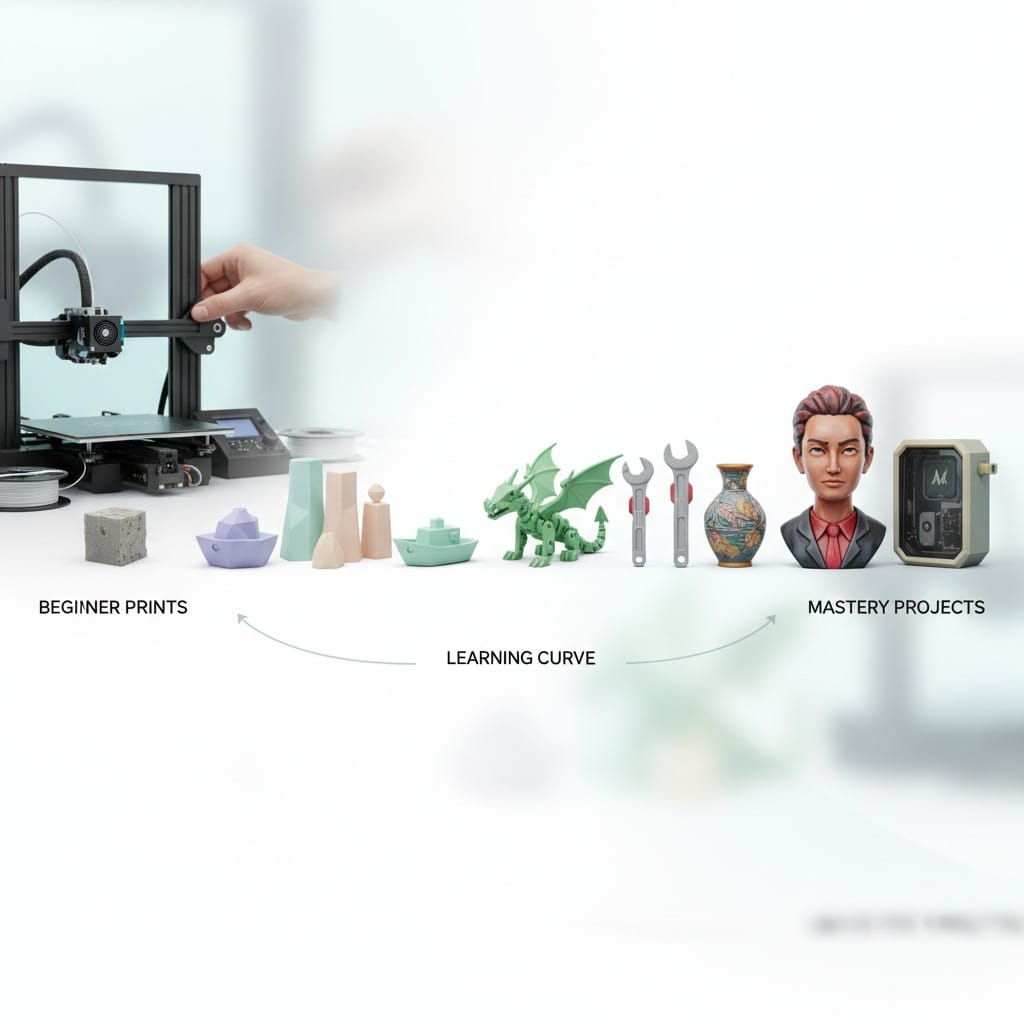
Every expert started as a beginner. These foundational prints build the skills and confidence needed for increasingly complex projects. Your journey from first calibration cube to custom designs happens one successful print at a time.
Start Your First Print Today
Ready to begin your 3D printing journey? Download your first beginner-friendly models from Thingiverse, Makerworld, or PrintPal's free library and start printing. When you are ready to create custom designs, visit PrintPal's AI-powered 3D model generator to transform your text descriptions or images into printable models in minutes. No design experience required. Generate free models, download STL files, and start bringing your ideas to life. Begin with the top 3D prints for beginners today and discover what you can create.