Top 10 ChatGPT Prompts for Generating 3D Models

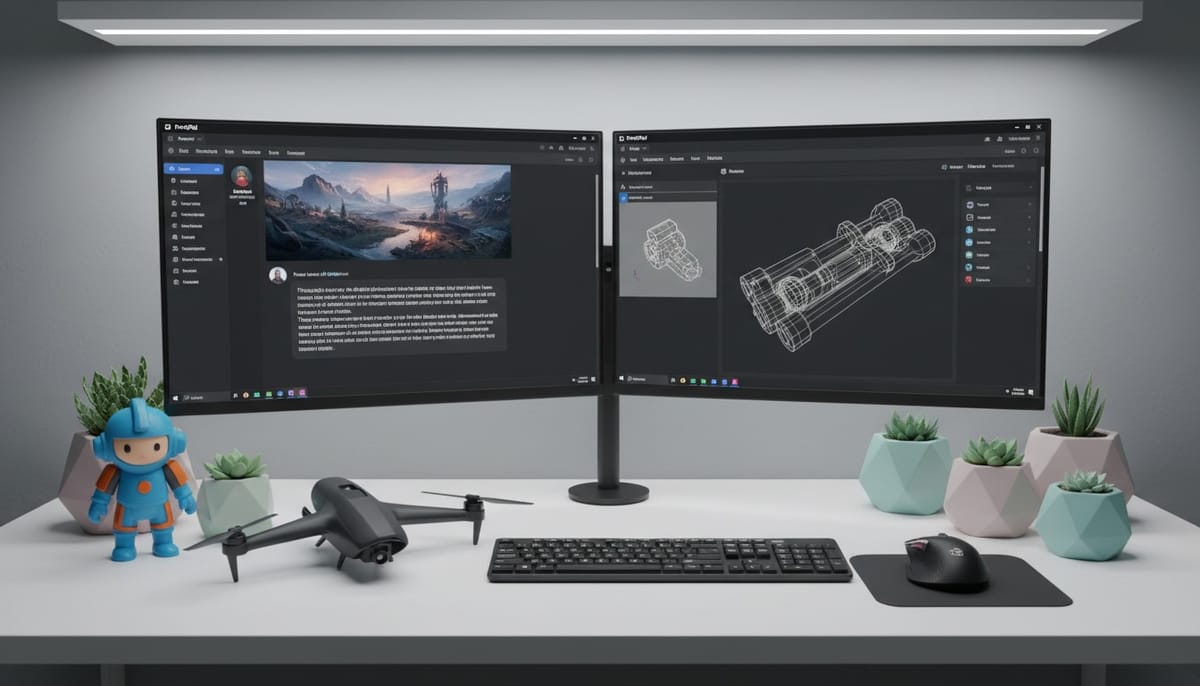
ChatGPT has revolutionized creative workflows by generating detailed images from text prompts. Combined with PrintPal's image to 3D converter, you can transform ChatGPT-generated images into printable 3D models in minutes. This powerful two-step workflow lets you describe any object to ChatGPT, generate a reference image, then upload that image to PrintPal for instant 3D model creation. This guide reveals the top 10 ChatGPT prompts optimized for 3D model generation, covering everything from characters and props to functional objects and decorative pieces.
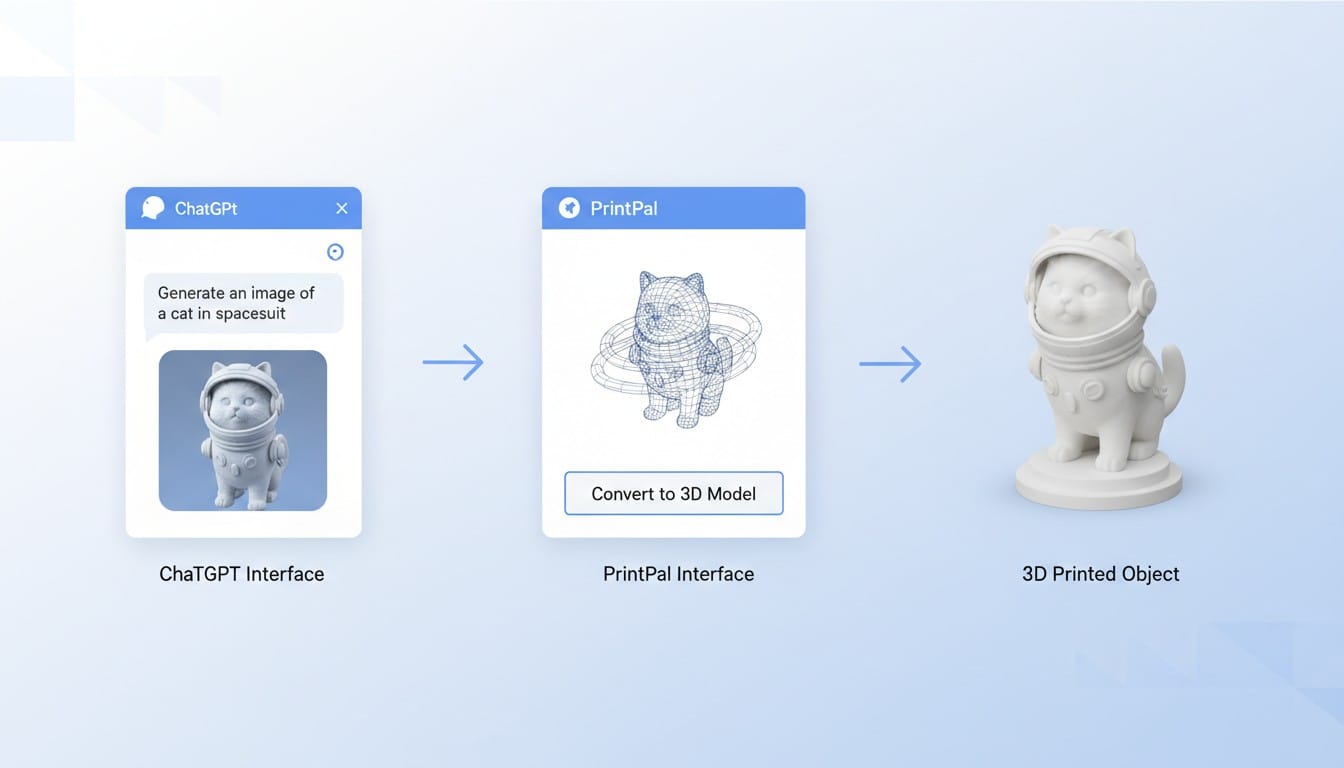
How the ChatGPT to 3D Workflow Works
The process combines two powerful AI tools for seamless 3D creation.
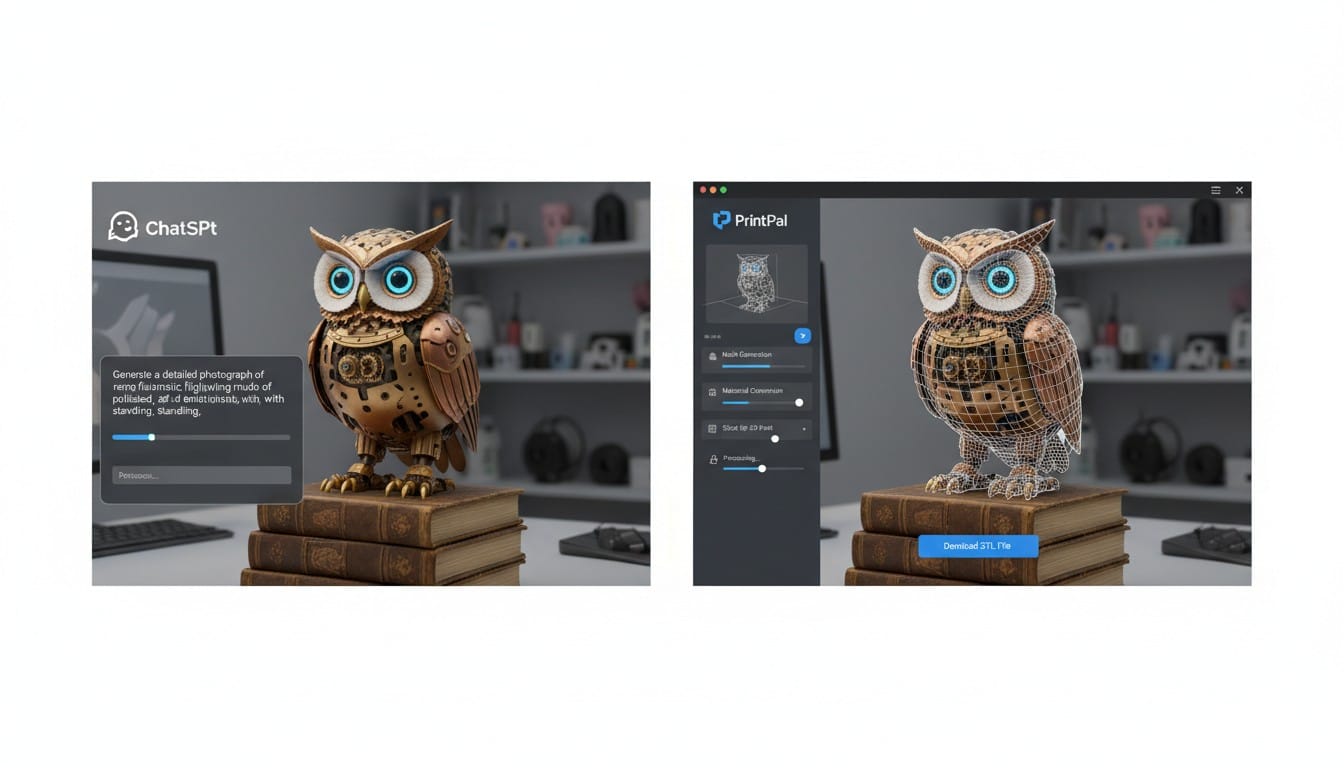
Step 1: Generate Image in ChatGPT: Use specific prompts in ChatGPT to generate detailed reference images. Request multiple angles or specific views for better 3D conversion results.
Step 2: Convert with PrintPal: Upload your ChatGPT-generated image to PrintPal's image to 3D generator. The AI analyzes the image and creates a printable 3D model automatically.
Top 10 ChatGPT Prompts for 3D Models
1. Character and Figure Prompts
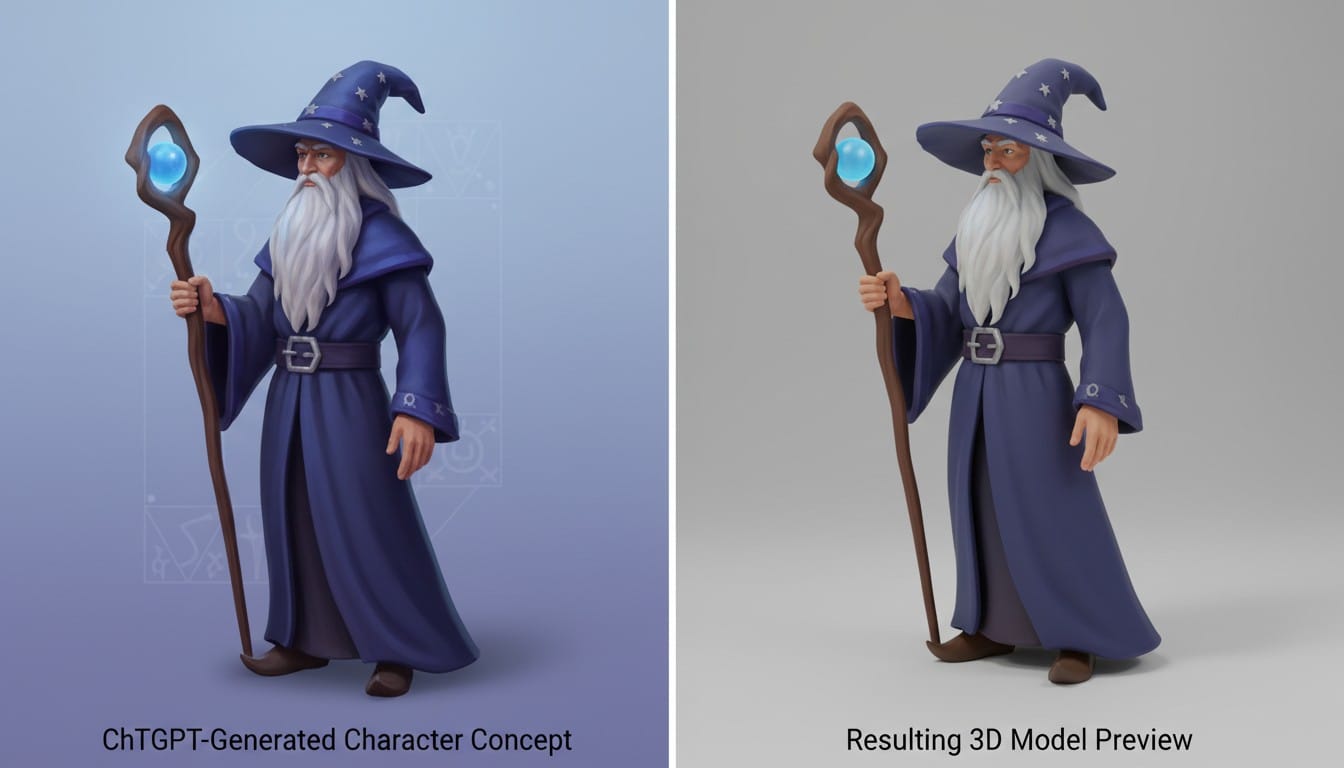
Prompt Template: "Generate a detailed image of [character description], shown from a three-quarter angle against a plain white background, clear lighting, suitable for 3D modeling"
Example: "Generate a detailed image of a fantasy wizard character with long robes and staff, shown from a three-quarter angle against a plain white background, clear lighting, suitable for 3D modeling"
Why It Works: Three-quarter angles provide depth information. Plain backgrounds help PrintPal isolate the subject cleanly.
2. Product and Object Prompts
Prompt Template: "Create a product photograph of [object description], isometric view, studio lighting, white background, high detail for 3D scanning"
Example: "Create a product photograph of a modern desk lamp, isometric view, studio lighting, white background, high detail for 3D scanning"
Why It Works: Isometric views provide dimensional clarity. Studio lighting reveals form and structure clearly.
3. Decorative Item Prompts
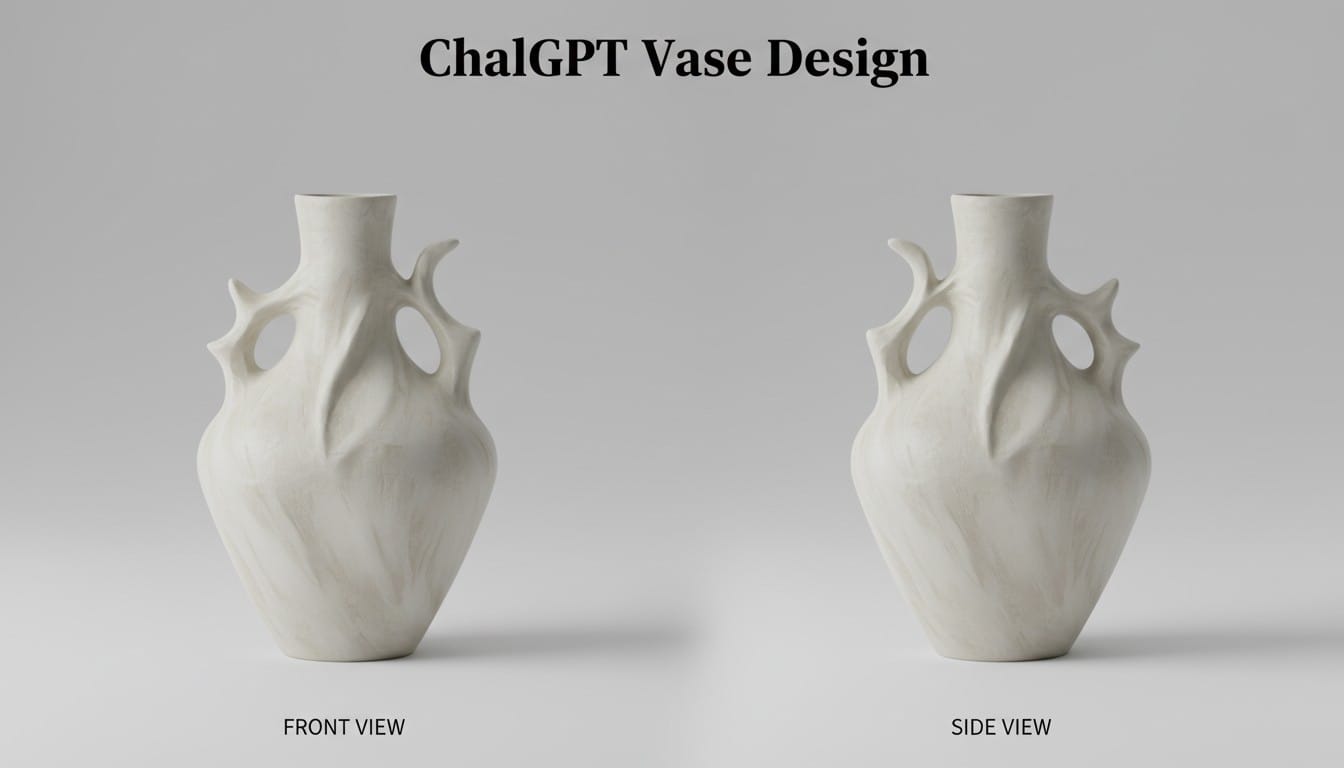
Prompt Template: "Generate a detailed image of [decorative item], front view and side view together, museum photography style, neutral background"
Example: "Generate a detailed image of an ornate vase with geometric patterns, front view and side view together, museum photography style, neutral background"
Why It Works: Multiple views in one image give PrintPal more information for accurate 3D reconstruction.
4. Miniature and Collectible Prompts
Prompt Template: "Design a collectible figure of [description], chibi art style, standing pose, turntable photography, white background"
Example: "Design a collectible figure of a space explorer, chibi art style, standing pose, turntable photography, white background"
Why It Works: Chibi proportions are perfect for 3D printing. Turntable photography style suggests dimensional form.
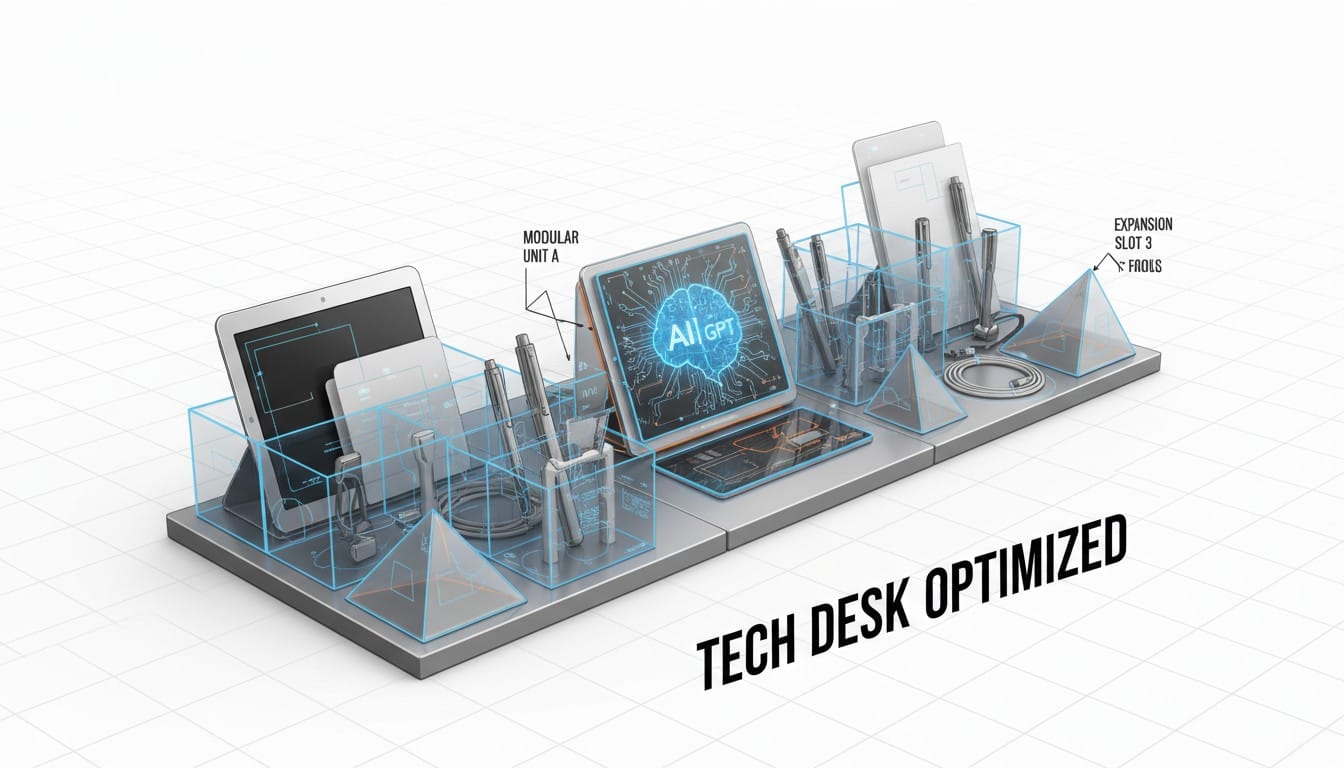
5. Functional Object Prompts
Prompt Template: "Technical illustration of [functional object], orthographic projection style, clear dimensions visible, engineering drawing aesthetic"
Example: "Technical illustration of a desk organizer with compartments, orthographic projection style, clear dimensions visible, engineering drawing aesthetic"
Why It Works: Orthographic projections help PrintPal understand exact shapes and proportions for functional items.
6. Jewelry and Small Item Prompts
Prompt Template: "Macro photography of [jewelry item], extreme detail, reflective surfaces, floating on white background, product photography"
Example: "Macro photography of an ornate ring with intricate engravings, extreme detail, reflective surfaces, floating on white background, product photography"
Why It Works: Macro photography captures fine details crucial for small 3D printed items.
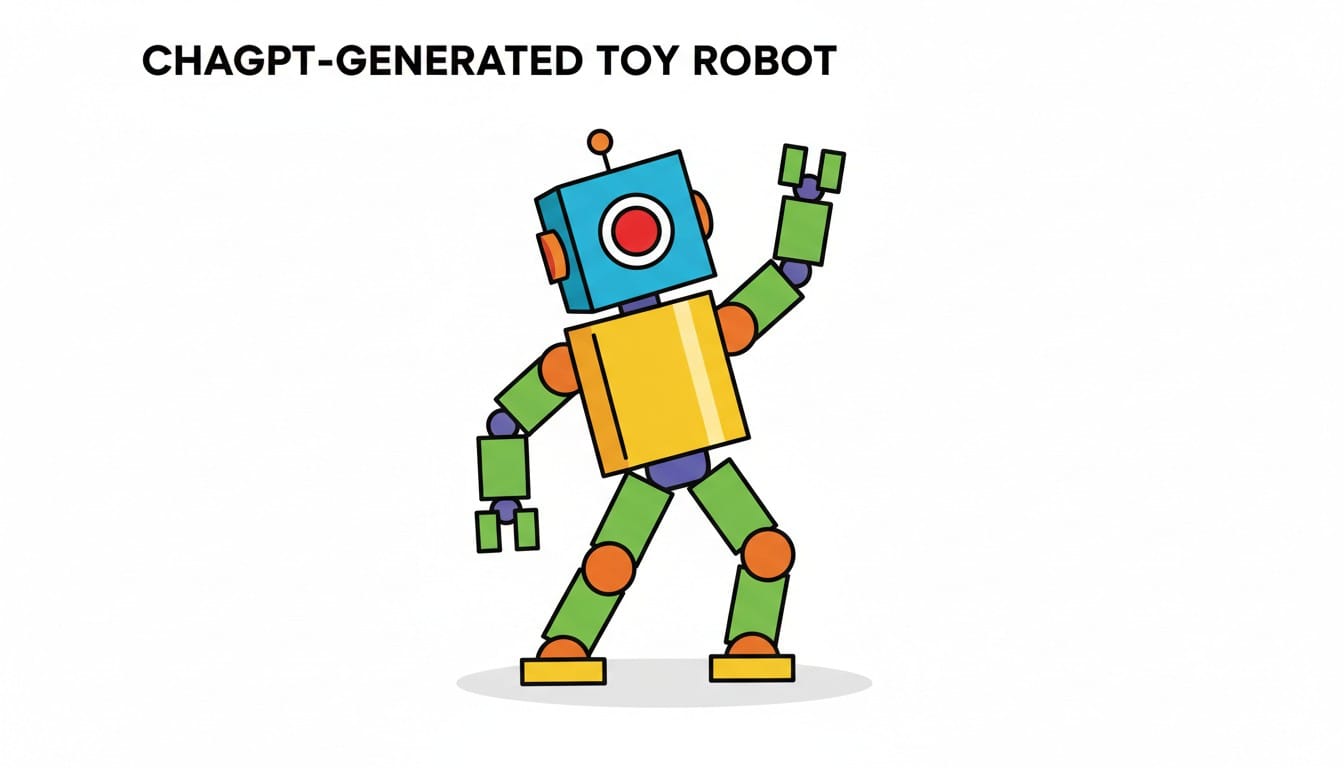
7. Toy and Game Piece Prompts
Prompt Template: "Generate [toy description], playful design, solid colors, simple geometry, photographed against seamless white background"
Example: "Generate a robot toy with chunky proportions, playful design, solid colors, simple geometry, photographed against seamless white background"
Why It Works: Simple geometry converts reliably. Solid colors help PrintPal distinguish forms clearly.
8. Architecture and Structure Prompts
Prompt Template: "Architectural model of [structure], clean lines, modern photography, elevated three-quarter view, professional architectural visualization"
Example: "Architectural model of a small pavilion, clean lines, modern photography, elevated three-quarter view, professional architectural visualization"
Why It Works: Architectural visualization style emphasizes form and structure, ideal for 3D conversion.
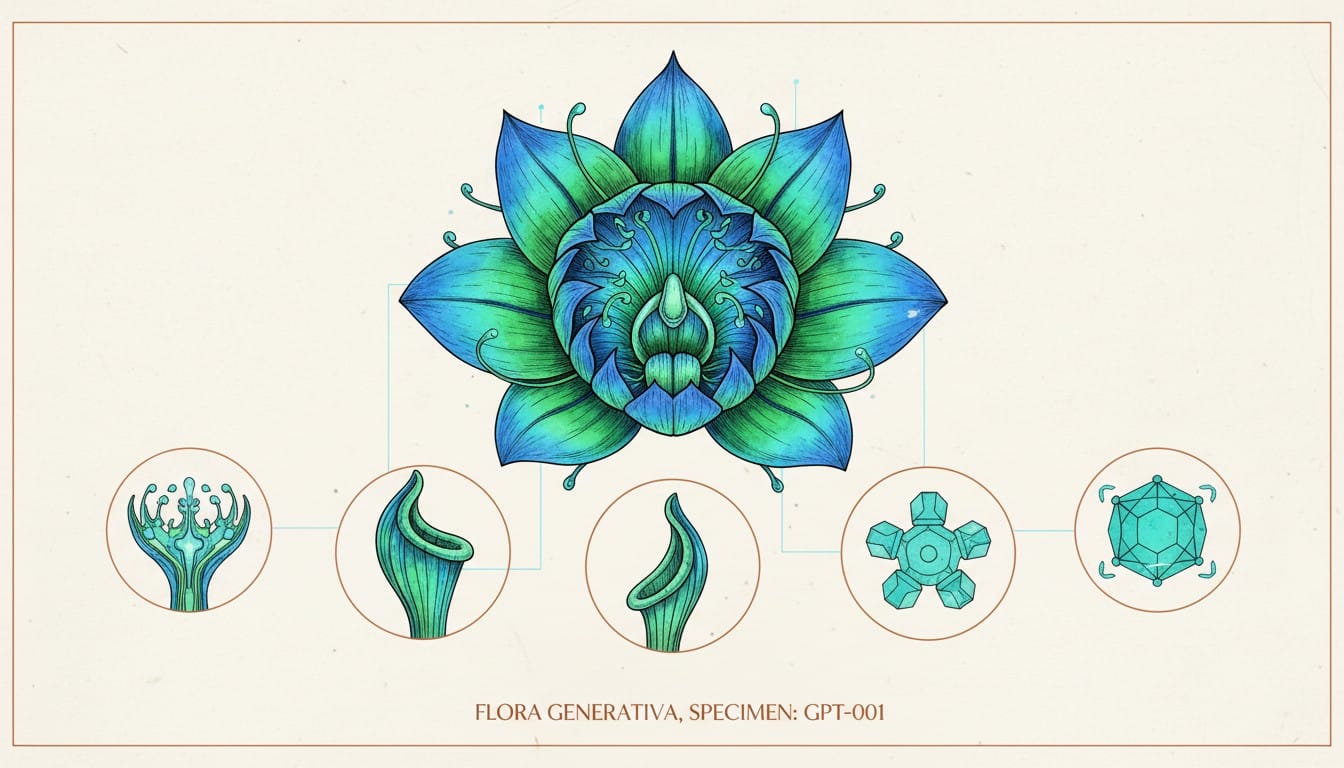
9. Nature and Organic Prompts
Prompt Template: "Botanical specimen photography of [natural object], scientific illustration style, multiple angles, labeled detail, museum quality"
Example: "Botanical specimen photography of a decorative flower arrangement, scientific illustration style, multiple angles, labeled detail, museum quality"
Why It Works: Scientific illustration style provides clarity and detail while maintaining organic appeal.
10. Prop and Replica Prompts
Prompt Template: "Movie prop replica of [generic prop description], professional prop photography, textured surfaces visible, reference photo style"
Example: "Movie prop replica of a fantasy sword, professional prop photography, textured surfaces visible, reference photo style"
Why It Works: Prop photography emphasizes dimensional form and surface detail needed for accurate 3D models.
Optimizing Your ChatGPT Prompts
Be Specific About Angles: Request three-quarter views, isometric views, or multiple angles for better 3D conversion.
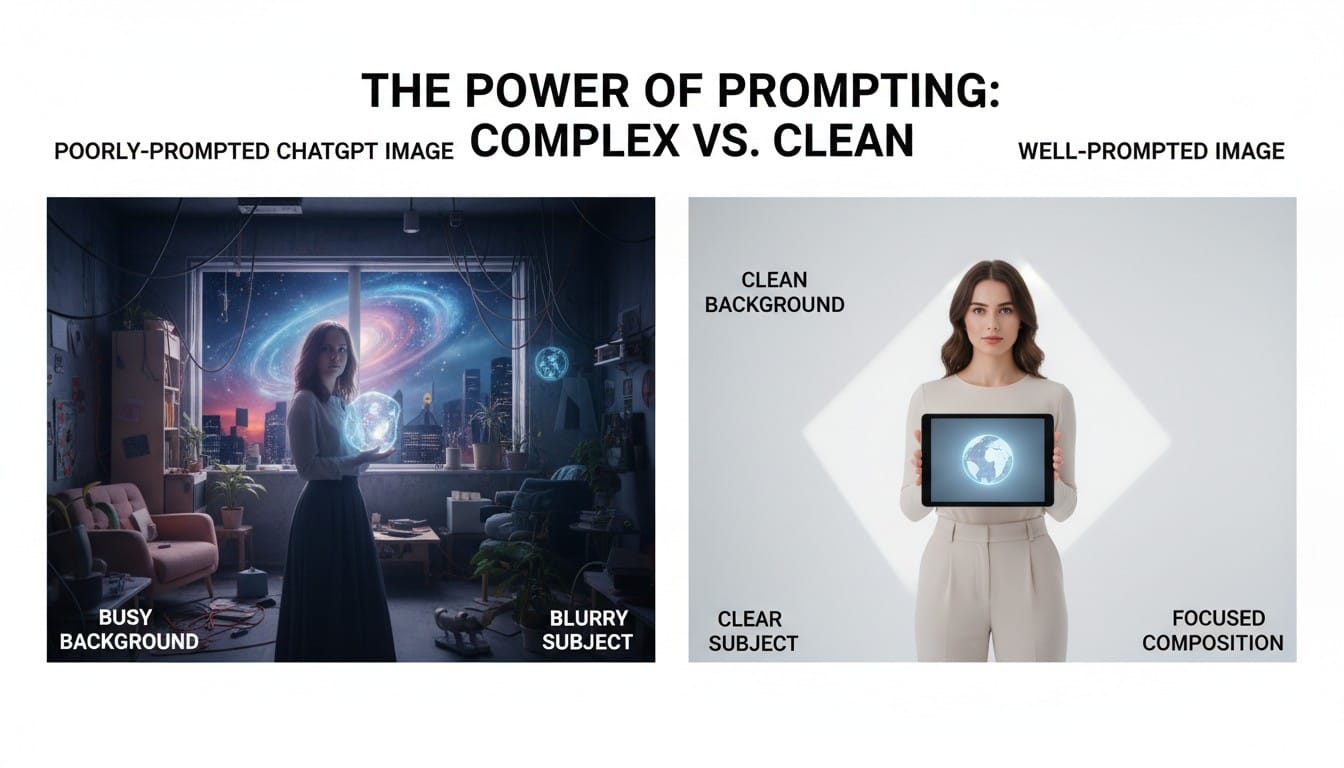
Request Clean Backgrounds: White or plain backgrounds help PrintPal isolate subjects cleanly during conversion.
Specify Lighting: Studio lighting or clear lighting reveals form better than dramatic shadows.
Include Detail Keywords: Terms like "high detail," "clear textures," or "visible surfaces" improve image quality for 3D conversion.
Converting ChatGPT Images to 3D Models
Once ChatGPT generates your perfect reference image, the conversion process is simple.
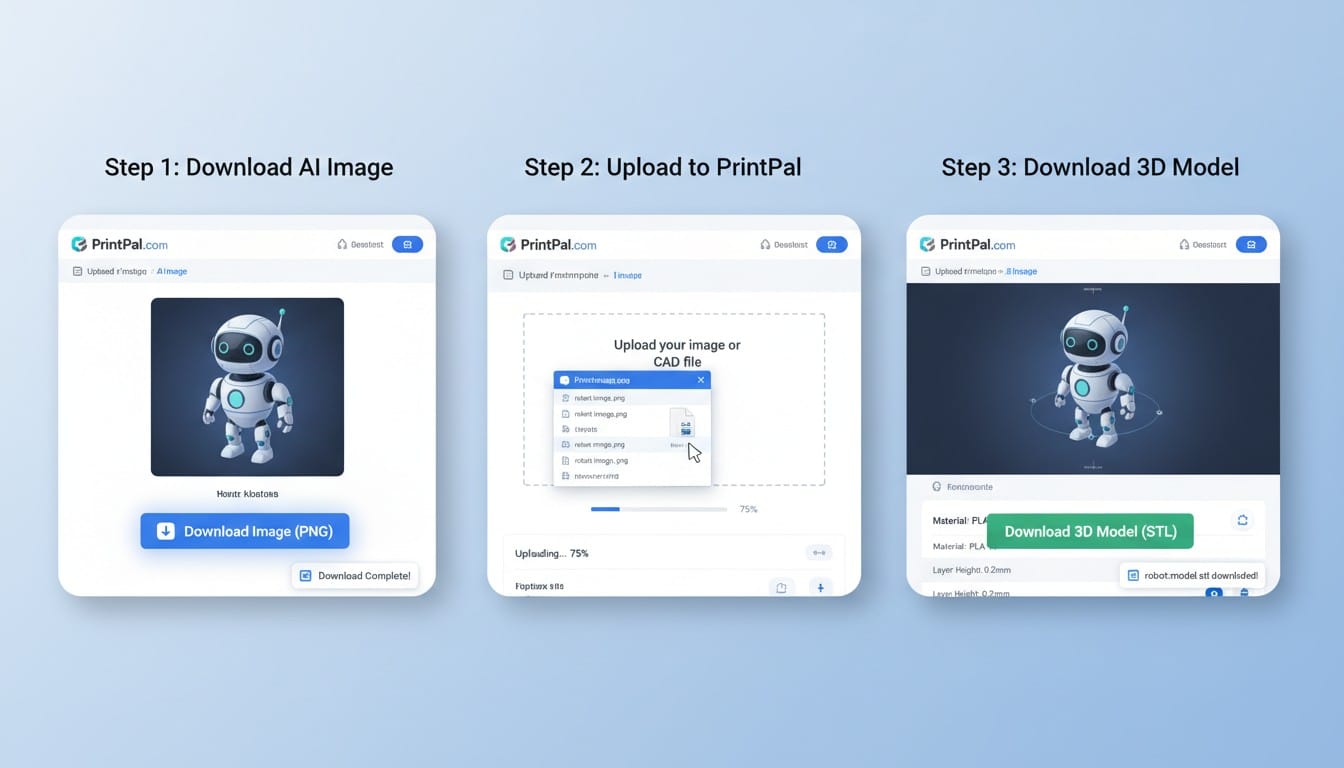
Save Your Image: Download the ChatGPT-generated image in the highest quality available.
Upload to PrintPal: Visit PrintPal's image to 3D converter and upload your saved image.
Review and Download: PrintPal processes the image and generates your 3D model. Review the model and download the STL file for printing.
Tips for Best Results
Iterate Your Prompts: If ChatGPT's first image is not ideal, refine your prompt with more specific details about angle, lighting, or background.
Request Multiple Views: Ask ChatGPT for front, side, and top views separately, then use the best angle for PrintPal conversion.
Combine Methods: Use ChatGPT for complex objects and PrintPal's text-to-3D for simpler items. Each tool excels at different tasks.
Test and Refine: The first conversion might need adjustment. Experiment with different ChatGPT images of the same object to find the best result.
Why This Workflow Works
ChatGPT excels at understanding complex descriptions and generating detailed visual references. PrintPal specializes in converting those visual references into printable 3D geometry. Together, they create a powerful pipeline from imagination to physical object.
This two-step approach gives you more control than single-step text-to-3D generation. You can verify the visual concept before committing to 3D conversion, ensuring the final model matches your vision.
Start Your ChatGPT to 3D Journey
Ready to transform ChatGPT's visual creativity into printable 3D models? Try these optimized prompts in ChatGPT to generate detailed reference images, then upload your results to PrintPal's image to 3D converter for instant 3D model creation. This powerful workflow combines the best of both AI technologies for unlimited creative possibilities. Experiment with different prompt styles, refine your descriptions, and discover which approaches work best for your projects. Start generating your ChatGPT-powered 3D models today and bring your text descriptions to life as physical objects.