How to Design Custom Architectural 3D Models: From Concept to Physical Print

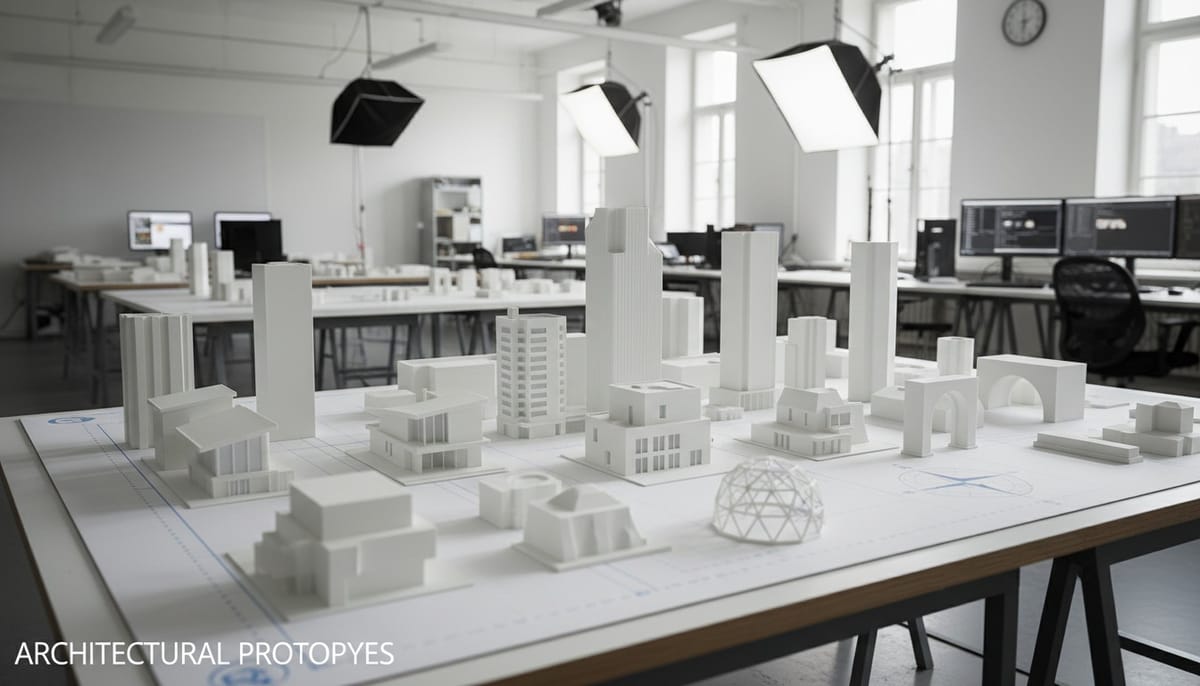
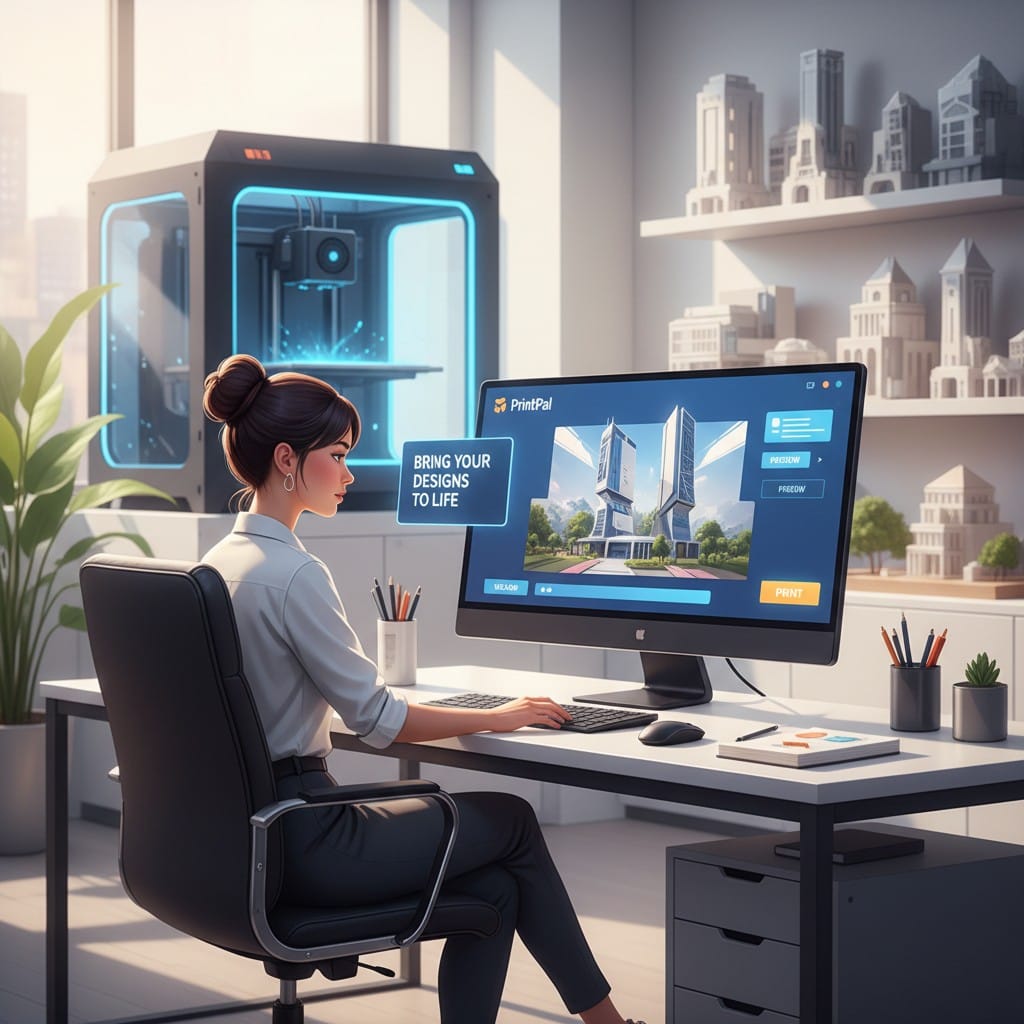
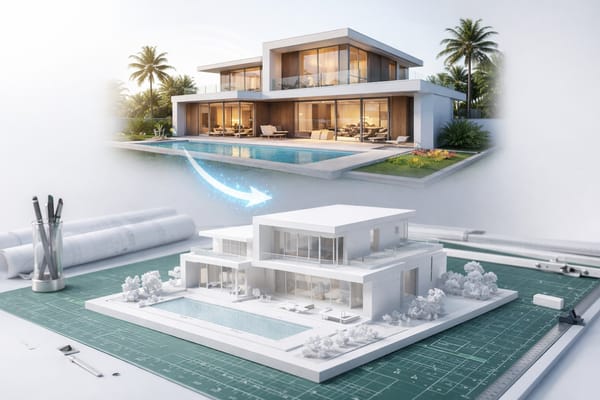
Creating custom architectural 3D models has transformed how architects, designers, students, and hobbyists visualize and present their projects. Whether you need a scale model of a building design, detailed architectural props, or concept visualizations, modern AI technology makes professional-quality models accessible to everyone. With PrintPal's AI-powered 3D generator, you can transform architectural drawings, photographs, or text descriptions into detailed printable 3D models in minutes. This guide walks you through designing, generating, and printing custom architecture models from initial concept through final presentation piece.
Why 3D Print Custom Architecture Models
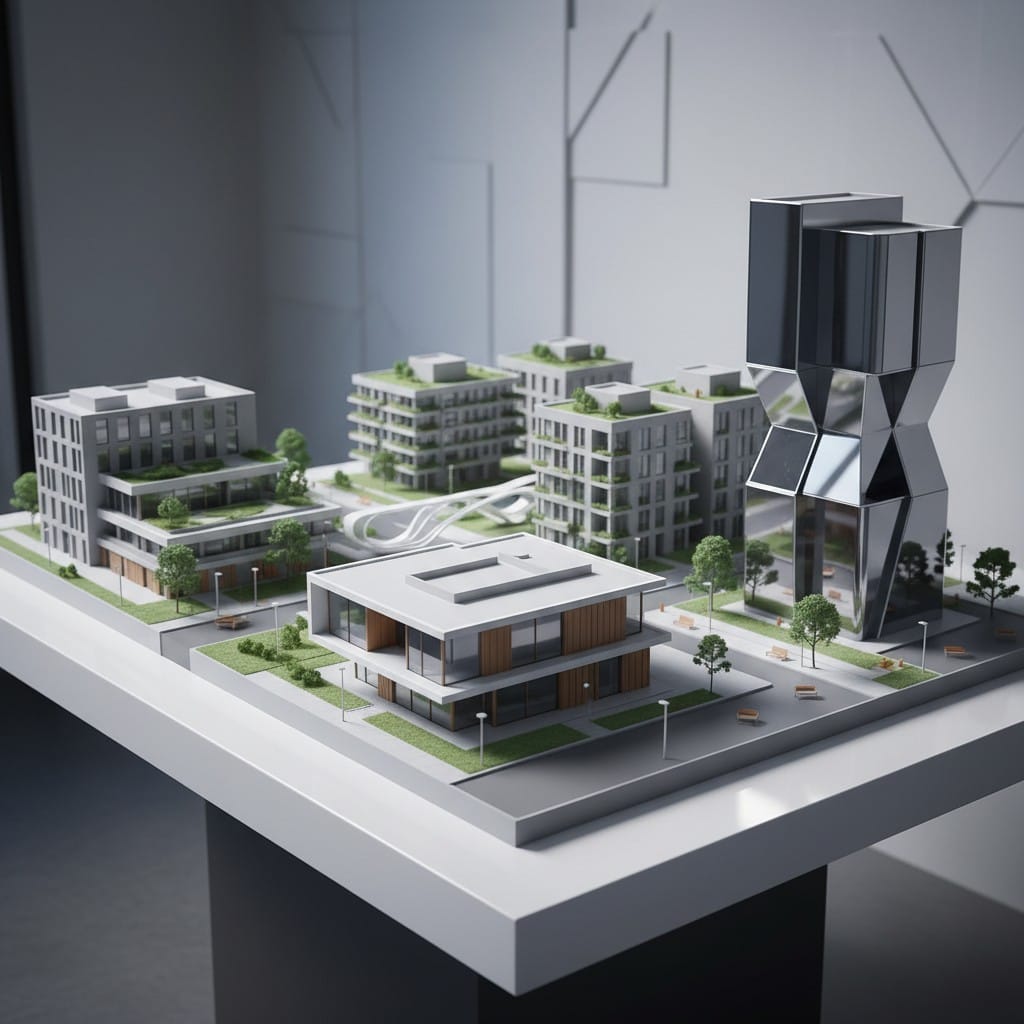
Physical architectural models provide tangible visualization that digital renders cannot match. They help clients understand spatial relationships, present designs effectively, and explore concepts hands-on.
Client Presentations: Physical models make stronger impressions than screen presentations. Clients can walk around, examine from multiple angles, and truly grasp scale and proportion.
Design Development: Holding a physical model reveals design issues that 2D plans or renders miss. Test sight lines, evaluate massing, and refine proportions before committing to construction.
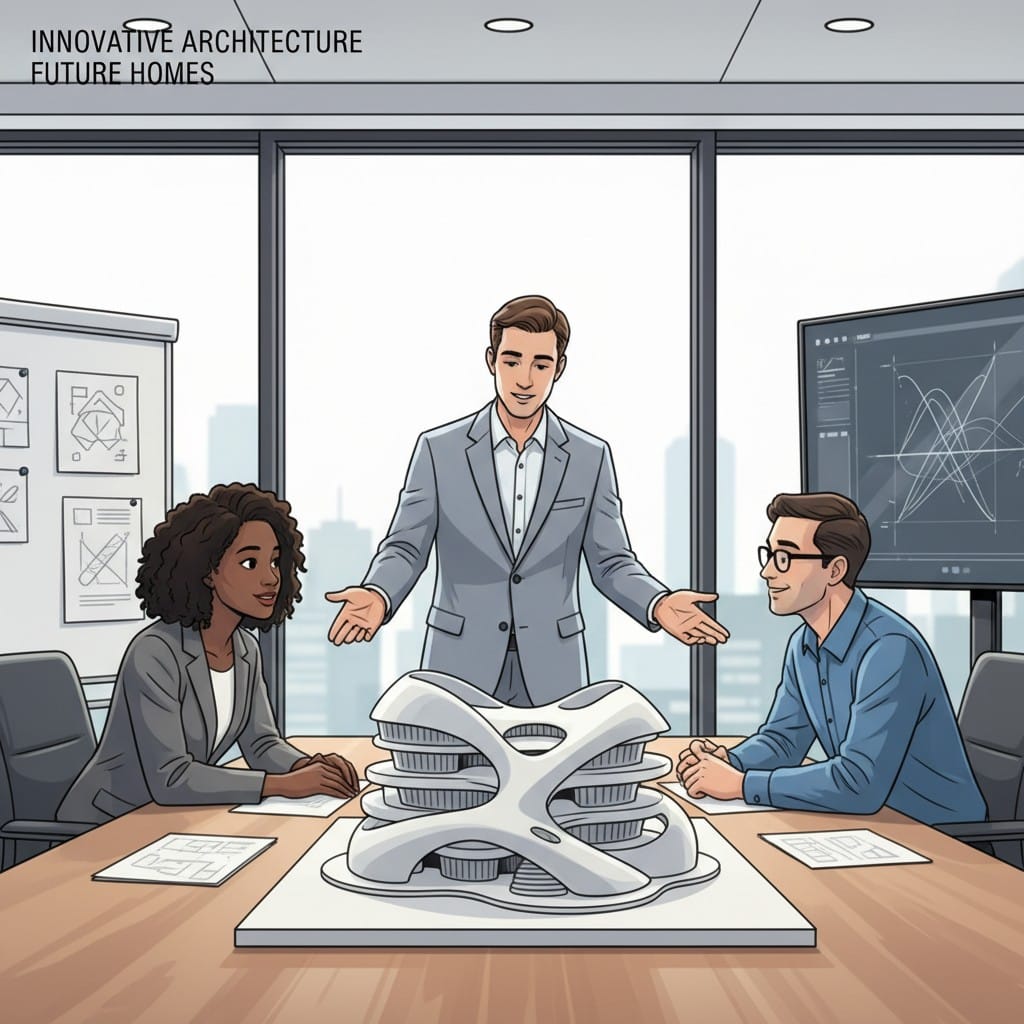
Education and Learning: Architecture students benefit from creating physical models. The process teaches spatial thinking, scale awareness, and design principles through hands-on work.
Portfolio Pieces: Physical models photograph beautifully for portfolios. They demonstrate commitment to craft and provide talking points during interviews or presentations.
Creating Custom Architecture Models With AI
Traditional architectural modeling requires expensive software expertise and hours of manual work. AI-powered 3D model generation streamlines the process dramatically.
Text to 3D: Describe Your Architecture
Generate architectural models by describing them in natural language. No CAD software required.
Effective Descriptions: "Modern two-story house with flat roof, large windows, and minimalist design" becomes a complete 3D model ready for printing. Include architectural style, key features, and proportions.
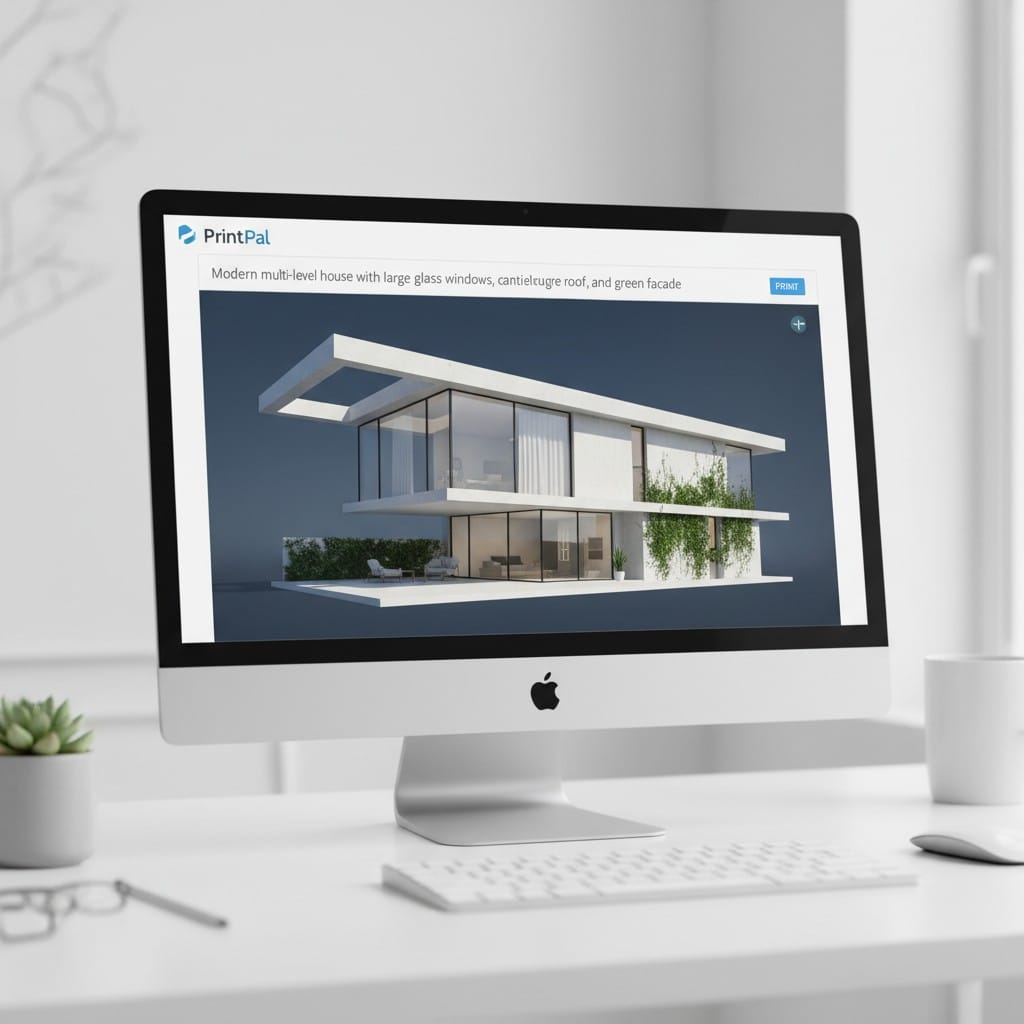
Architectural Details: Specify elements like "covered entrance," "balcony on second floor," or "floor-to-ceiling windows." More architectural detail produces more accurate custom architecture models.
Iterate Quickly: Generate variations with different descriptions. Try "Victorian mansion" versus "contemporary bungalow" to explore design options rapidly.
Image to 3D: Convert Plans and References
Transform architectural drawings, photographs, or sketches into 3D printable models.
From Elevations: Photograph or scan building elevations. Upload to PrintPal's image to 3D generator. The AI interprets the 2D drawing and creates a three-dimensional model.
Reference Photos: See inspiring architecture? Photograph it and generate a similar custom architecture model. Useful for style studies or creating props inspired by real buildings.
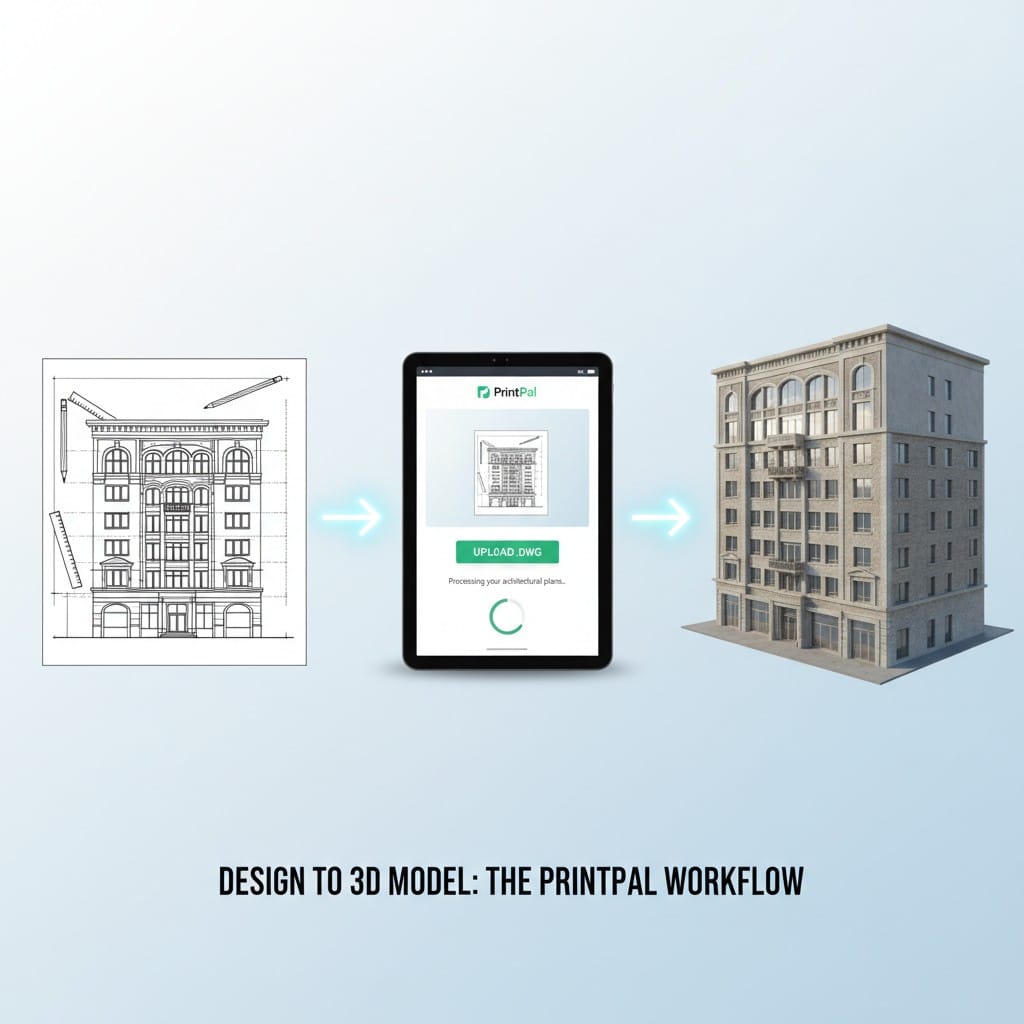
Sketch to Model: Hand-draw architectural concepts and convert them directly to 3D. Perfect for early design exploration when ideas flow faster than CAD skills.
Optimizing Models With Super Resolution
PrintPal's Super and Super+ Resolution options produce architectural models with exceptional detail and accuracy.
Why Super Resolution Matters for Architecture
Architectural models demand precision. Windows, doors, rooflines, and facade details must be crisp and accurate for professional results.
Super Resolution: Generates models with enhanced detail capture. Architectural features like columns, trim, and window frames come through cleanly. Ideal for most architectural model needs.
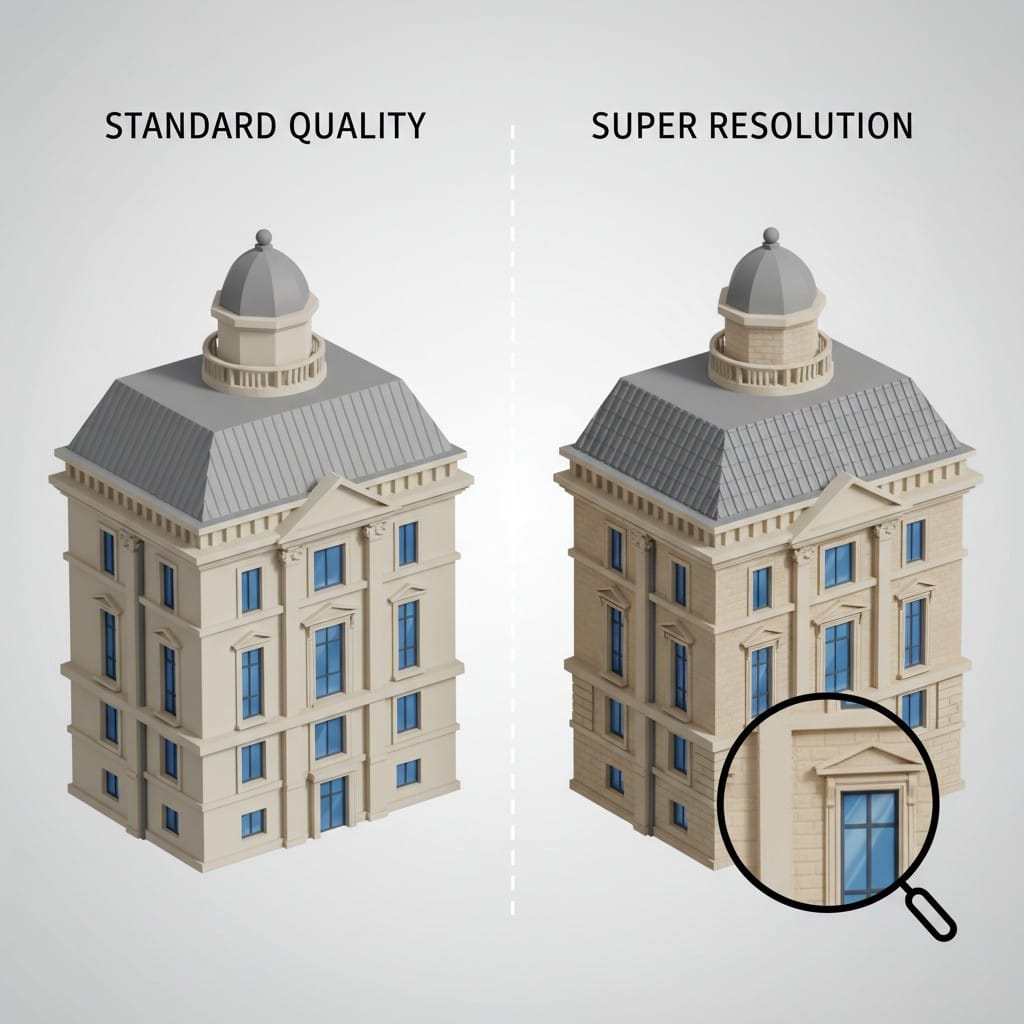
Super+ Resolution: The highest quality option captures intricate architectural details. Essential for complex facades, ornate period architecture, or models requiring extreme precision. Worth the investment for client presentations or portfolio pieces.
Detail Preservation: Both Super options maintain architectural proportions accurately while adding geometric detail that standard generation might simplify or lose.
Preparing Your Architectural Model for Printing
Once generated, proper preparation ensures your custom architecture model prints successfully with clean results.
Scale Your Model Appropriately
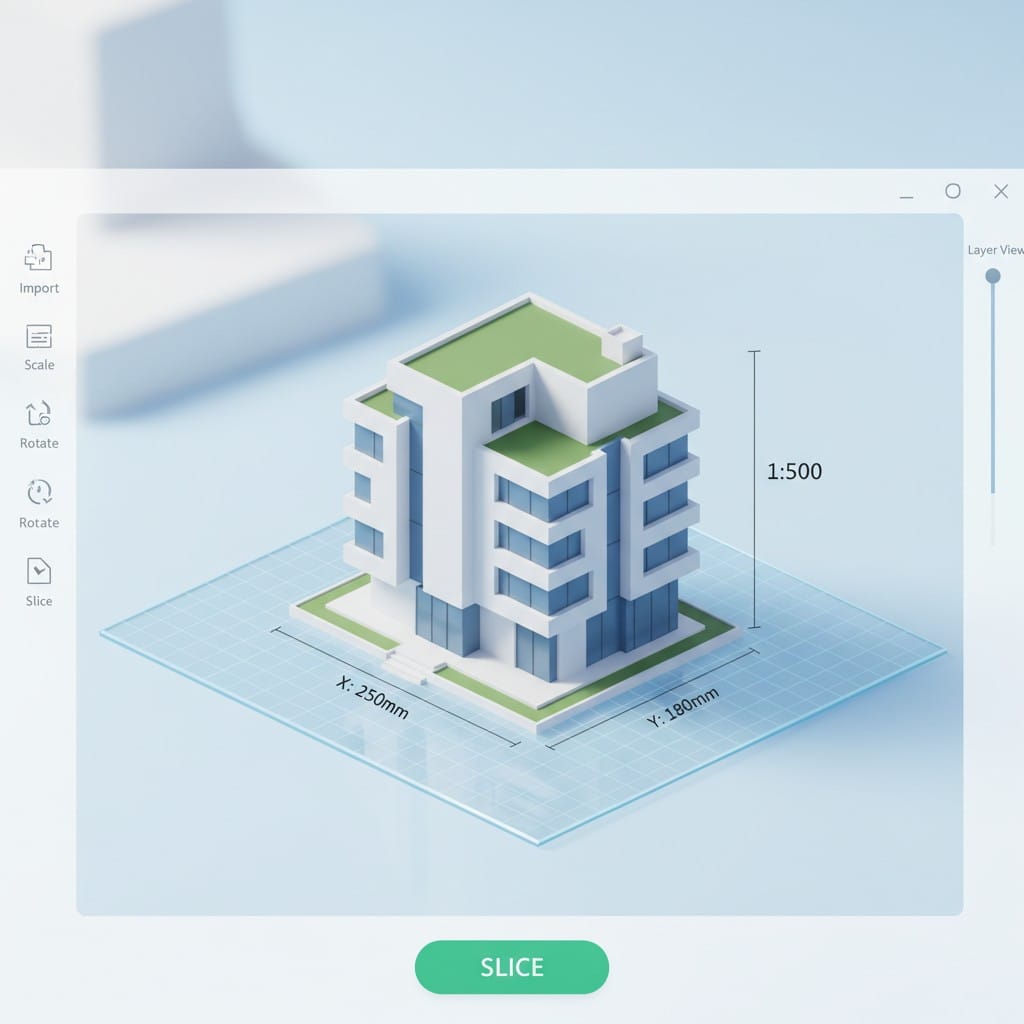
Architectural models typically follow standard scales. Common options include 1:100, 1:200, or 1:500 depending on building size and detail needs.
Determine Scale: Calculate based on your intended display size. A 40-foot-wide building at 1:100 scale prints 4.8 inches wide, manageable for most presentations.
Adjust in Slicer: Import your STL file into slicing software. Scale the model to match your chosen architectural scale. Verify measurements before printing.
Optimize Support Structures
Architectural models often have overhangs like roofs, balconies, and covered entries that require supports during printing.
Strategic Supports: Add supports under roof overhangs, balconies, and porches. Use minimal supports to reduce post-processing time while ensuring print success.
Tree Supports: Many slicers offer tree-style supports that contact models at fewer points. Excellent for architectural models as they minimize surface marks on visible areas.
Printing Your Custom Architecture Model
Material and printer choice significantly affect your architectural model's final appearance and detail level.
Material Selection for Architecture
PLA: The standard choice for architectural models. Prints easily, accepts paint well, and provides good detail. Available in white for traditional architectural model appearance.
Resin: Produces the finest architectural details. Use resin printing for intricate facades, detailed ornament, or small-scale models where precision matters most.
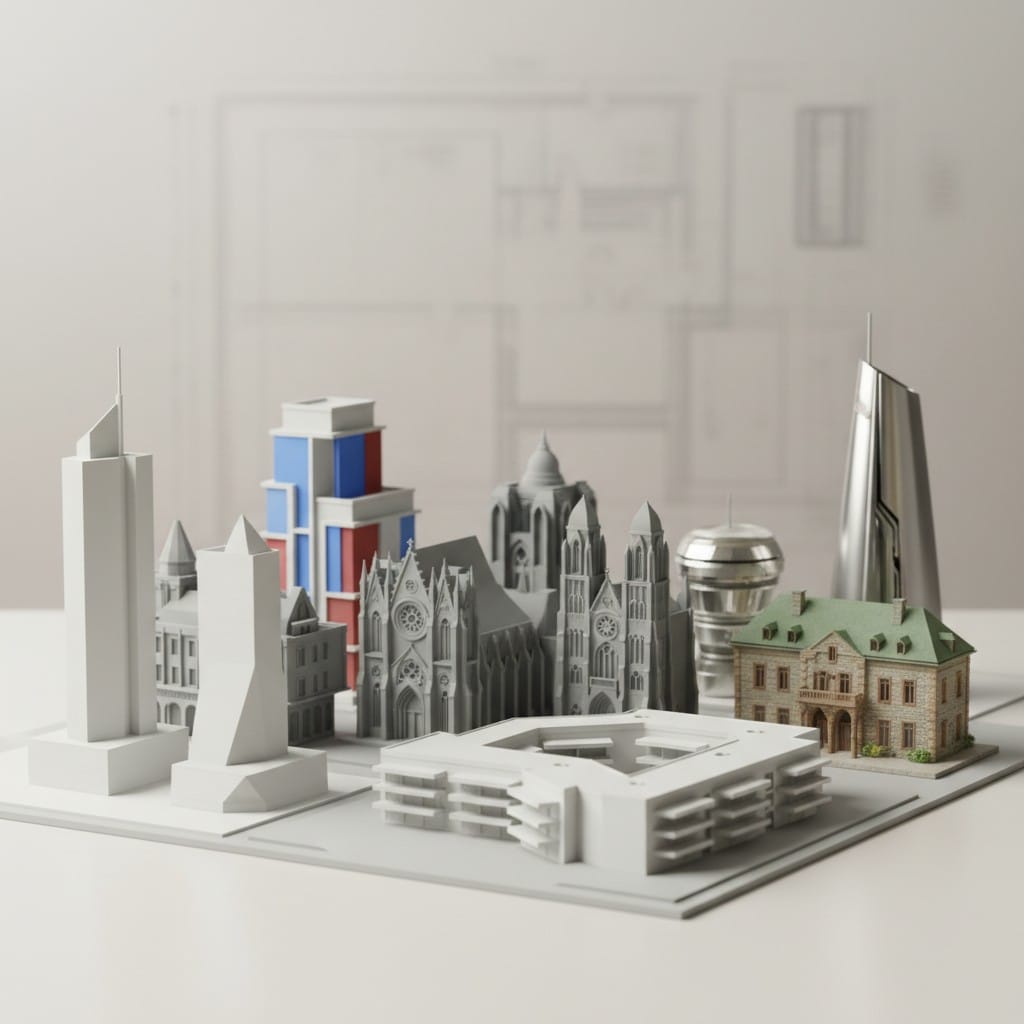
PETG: More durable than PLA while maintaining good detail. Consider for models that will be handled frequently or transported to multiple presentations.
Print Settings for Architectural Quality
Layer Height: Use 0.1mm to 0.2mm layer heights. Finer layers improve surface quality on walls and roofs. Balance detail needs against print time.
Print Speed: Slower speeds produce cleaner architectural details. Reduce speed to 40-50mm/s for best results on detailed facades.
Infill: Architectural models only need 10-15% infill since they are display pieces, not functional parts. Low infill saves material and print time while maintaining strength.
Finishing Your Architectural Model
Post-processing transforms your print from plastic output to professional presentation piece.
Clean and Assemble
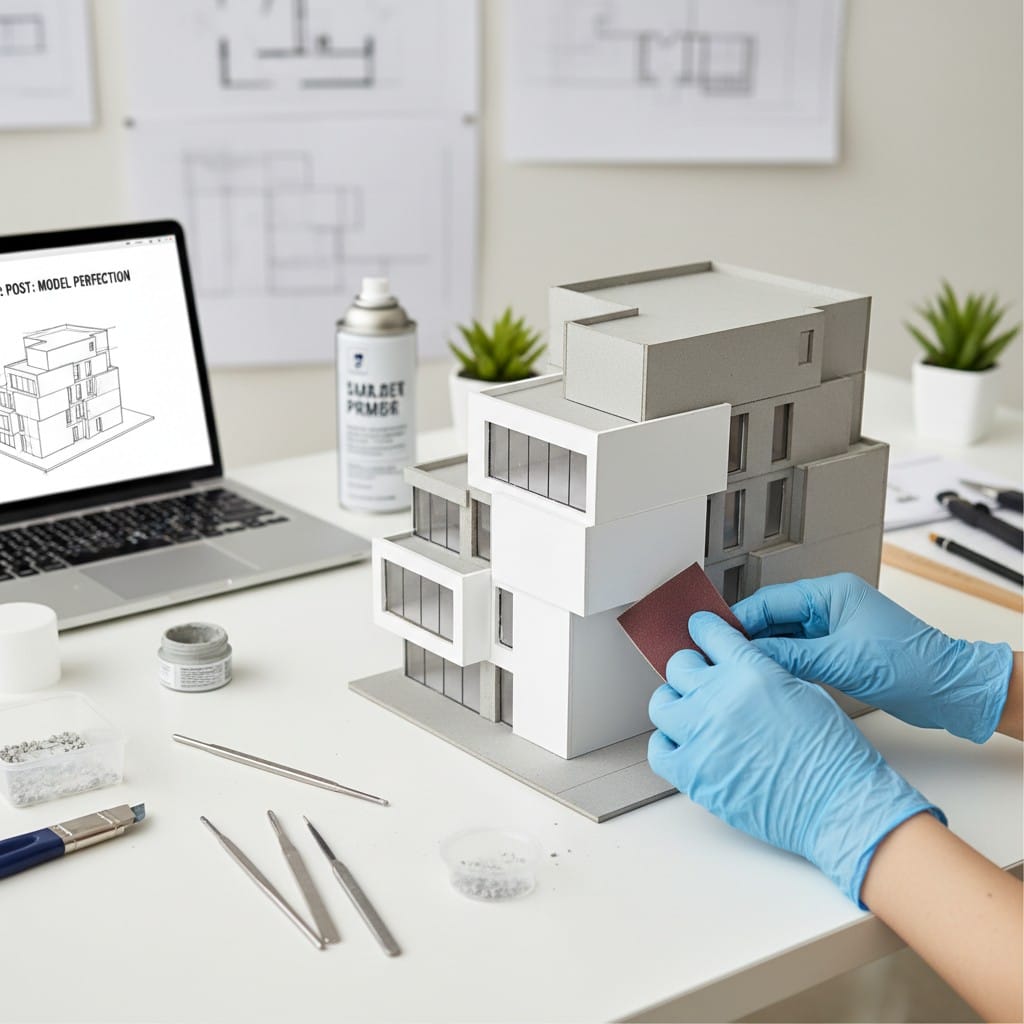
Remove Supports: Carefully remove support structures with flush cutters. Sand any remaining marks smooth, especially on visible building faces.
Surface Finishing: Light sanding with fine-grit sandpaper (220-400 grit) smooths layer lines on walls and roofs. Focus on highly visible areas.
Paint and Detail
Prime First: Spray prime your architectural model with white or gray primer. Priming provides uniform color and helps paint adhere.
Architectural Colors: White is traditional for architectural models, emphasizing form over detail. Alternatively, paint realistically with building-appropriate colors for client presentations.
Add Details: Paint windows, doors, and architectural features with contrasting colors. Add landscaping elements, figures at scale, or base presentation boards for professional results.
Applications for Custom Architectural Models
Client Presentations: Win projects by presenting physical models during pitches. Clients remember and appreciate the tangible demonstration of your design vision.
Design Reviews: Use models internally for design team discussions. Physical models facilitate better spatial conversations than screen reviews.
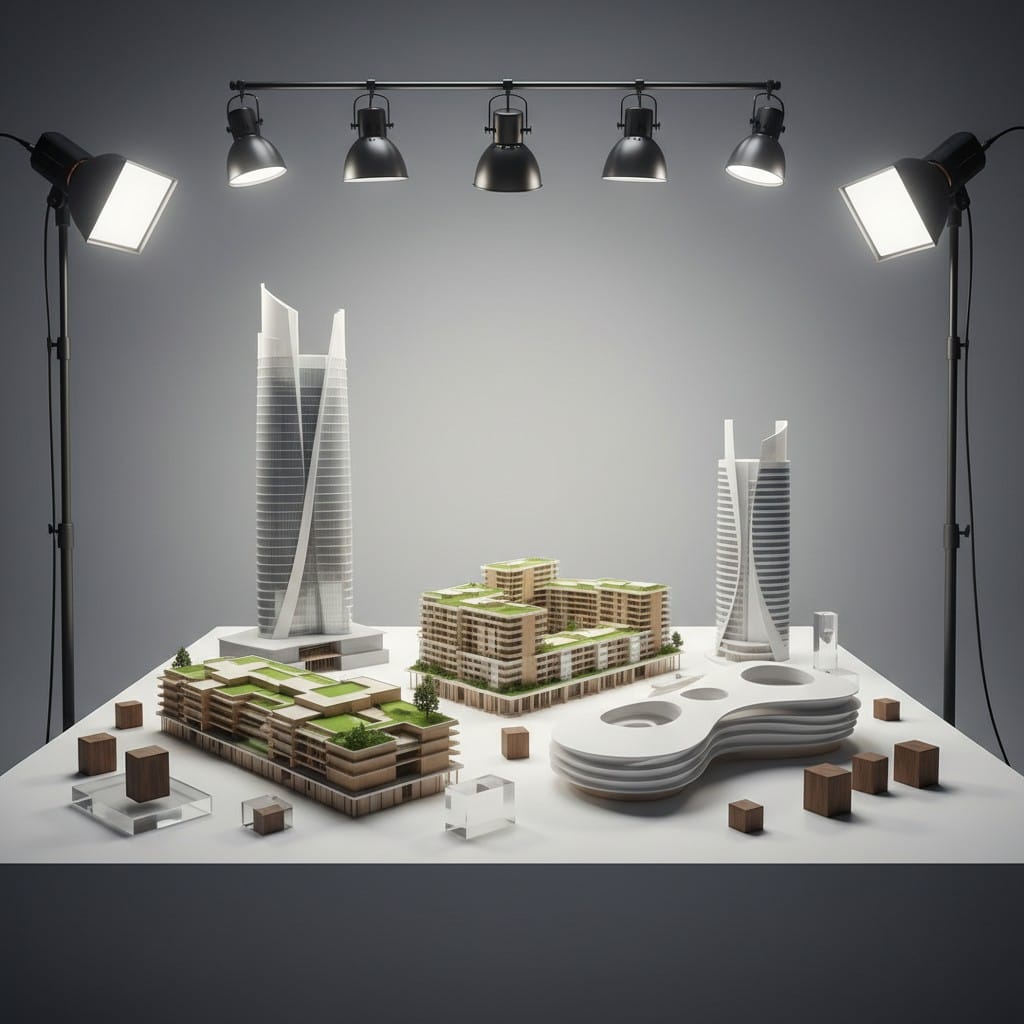
Urban Planning: Generate neighborhood or city block models. Visualize how new construction fits within existing context at larger planning scales.
Historical Recreation: Model historical buildings for preservation documentation or educational displays. AI generation from historical photographs produces accurate period models.
Film and Theater Props: Create background buildings, cityscapes, or specific architectural props for productions without expensive custom fabrication.
Your Architectural Modeling Journey
Custom architectural 3D models bridge the gap between digital design and physical reality. AI-powered generation removes traditional barriers of specialized software knowledge and tedious manual modeling. From initial concept through final painted presentation piece, you control the entire process.
Whether you are an architect presenting to clients, a student developing design skills, or a hobbyist exploring architectural forms, the ability to quickly generate and print custom architecture models accelerates your creative workflow. Each model you create refines your understanding of scale, proportion, and architectural representation.
The technology exists. The materials are accessible. Your architectural vision provides the inspiration. Start creating custom architecture models that communicate your designs more effectively than any render or plan set.
Start Creating Your Custom Architectural Models
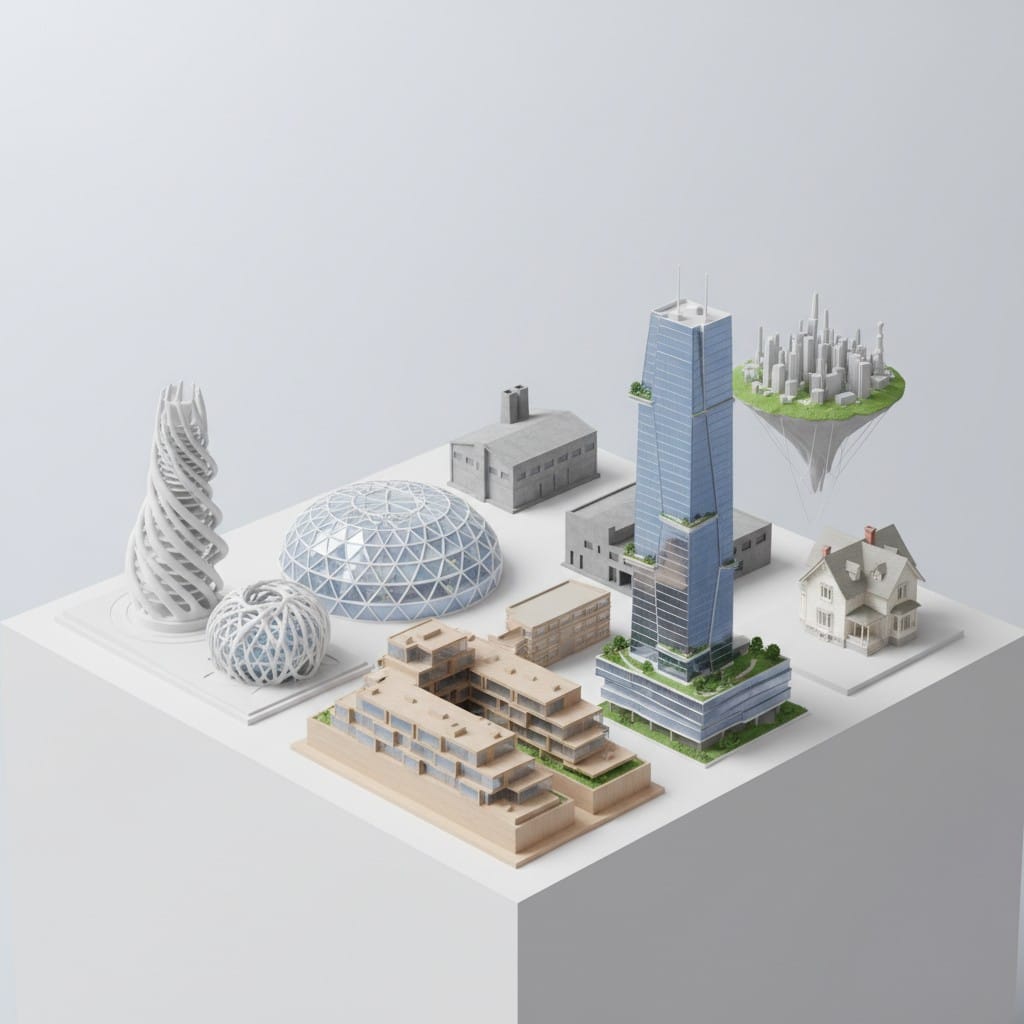
Transform your architectural concepts into physical models today. Visit PrintPal's AI-powered 3D generator to convert your text descriptions, drawings, or photographs into detailed architectural models. Use Super or Super+ Resolution for maximum detail and accuracy. No CAD expertise required. Generate your custom architecture model, download the STL file, and start printing professional-quality architectural models. Your next presentation piece is just minutes away.