How to Create Custom Minecraft 3D Models and Prints: Complete Guide

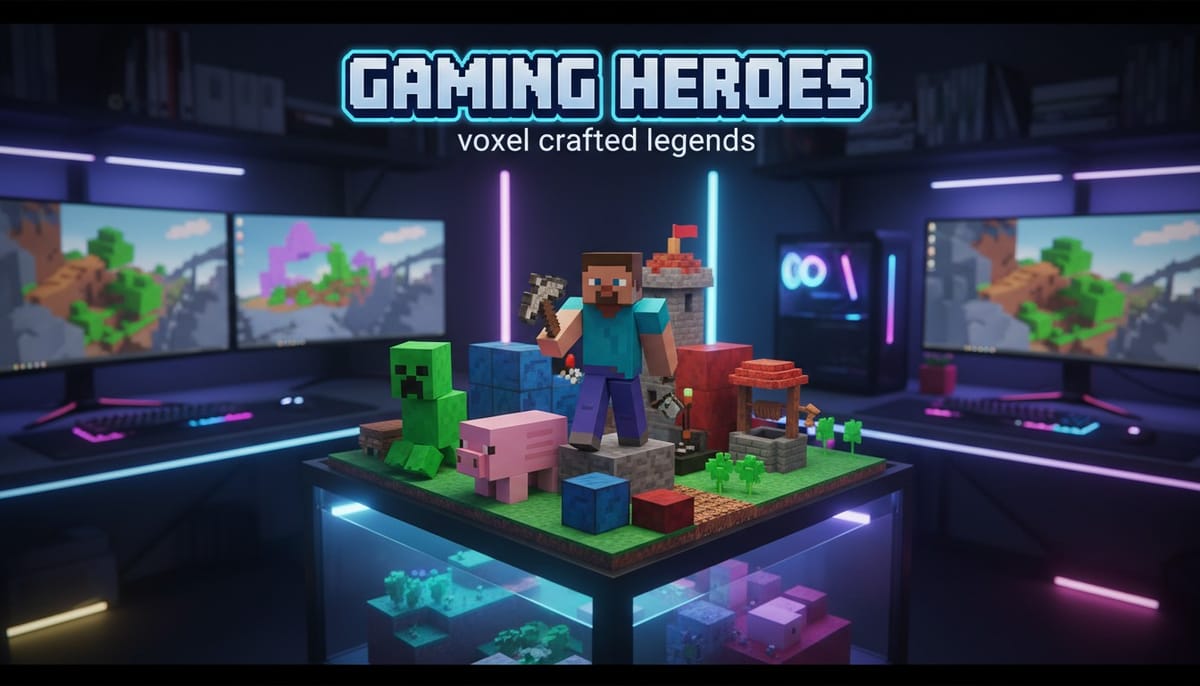
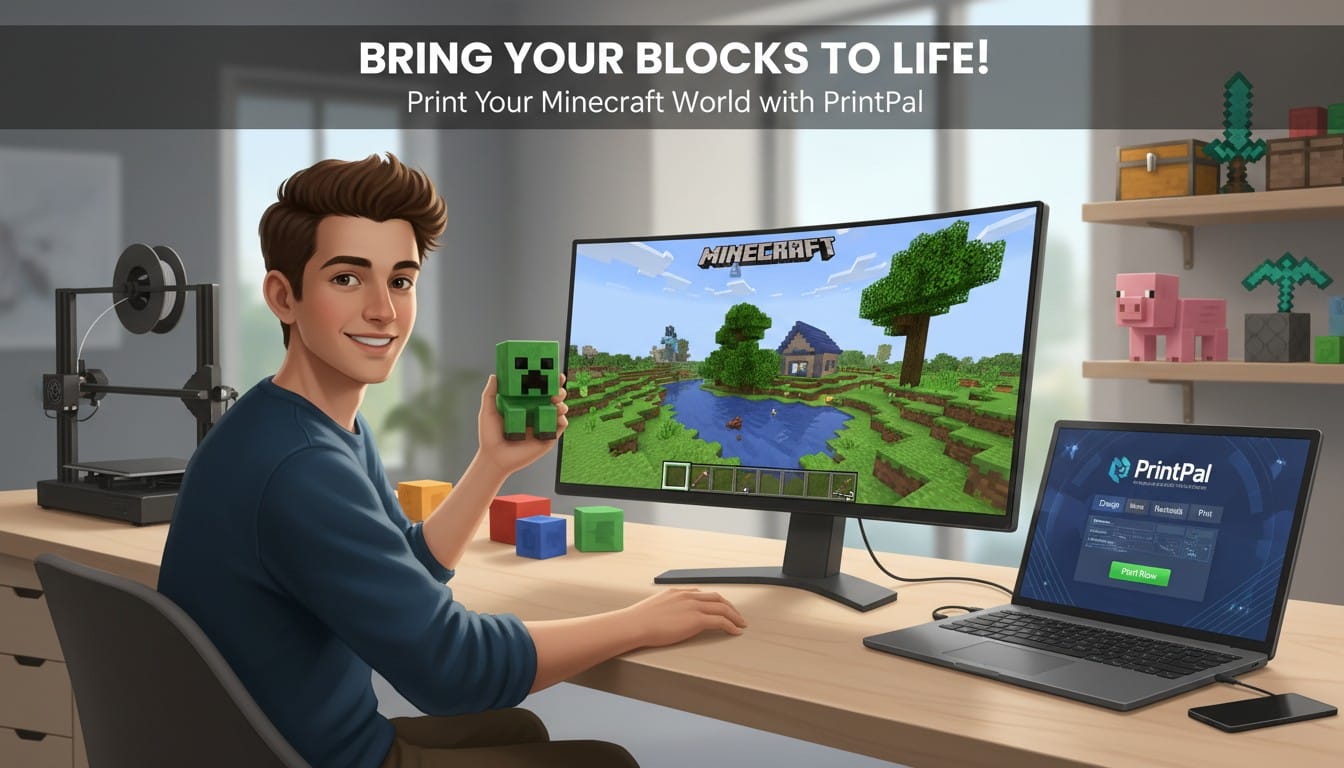
Minecraft's iconic blocky aesthetic translates perfectly into 3D printed models. Whether you want to recreate your favorite build, print your character, or turn pixel art into physical collectibles, modern AI makes it accessible without complex modeling software. With PrintPal's AI-powered 3D generator, you can transform screenshots, pixel art, or text descriptions into printable Minecraft 3D models in minutes. This guide walks you through creating custom Minecraft models from concept through final print.
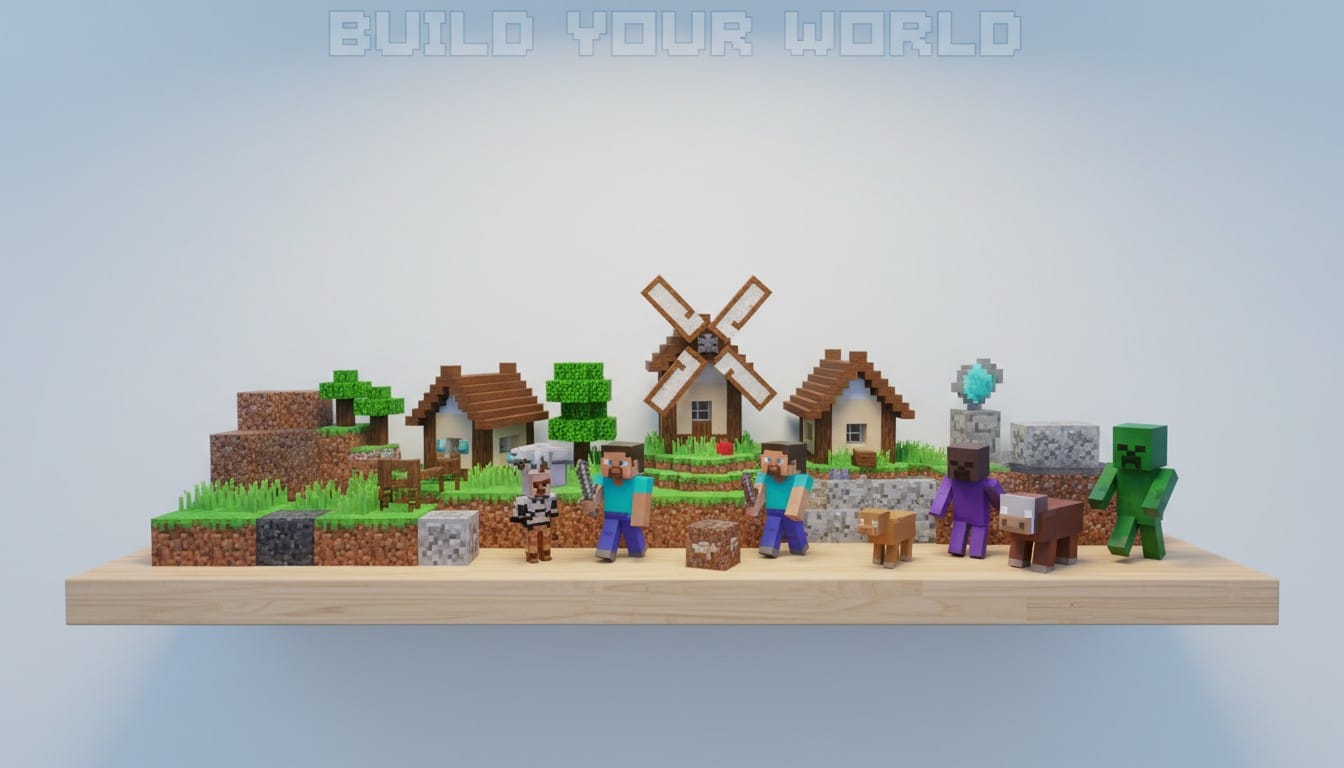
Creating Your Minecraft 3D Model
PrintPal offers multiple approaches for generating custom Minecraft models depending on what you want to create.
Image to 3D for Screenshots and Pixel Art
Convert Minecraft screenshots or pixel art directly into 3D printable models.
Screenshot Your Build: Capture clear images of your Minecraft creation. Front-facing angles work best for AI interpretation.
Upload to PrintPal: Use PrintPal's image to 3D generator. Upload your screenshot and specify "voxel style" or "blocky Minecraft aesthetic" for accurate conversion.
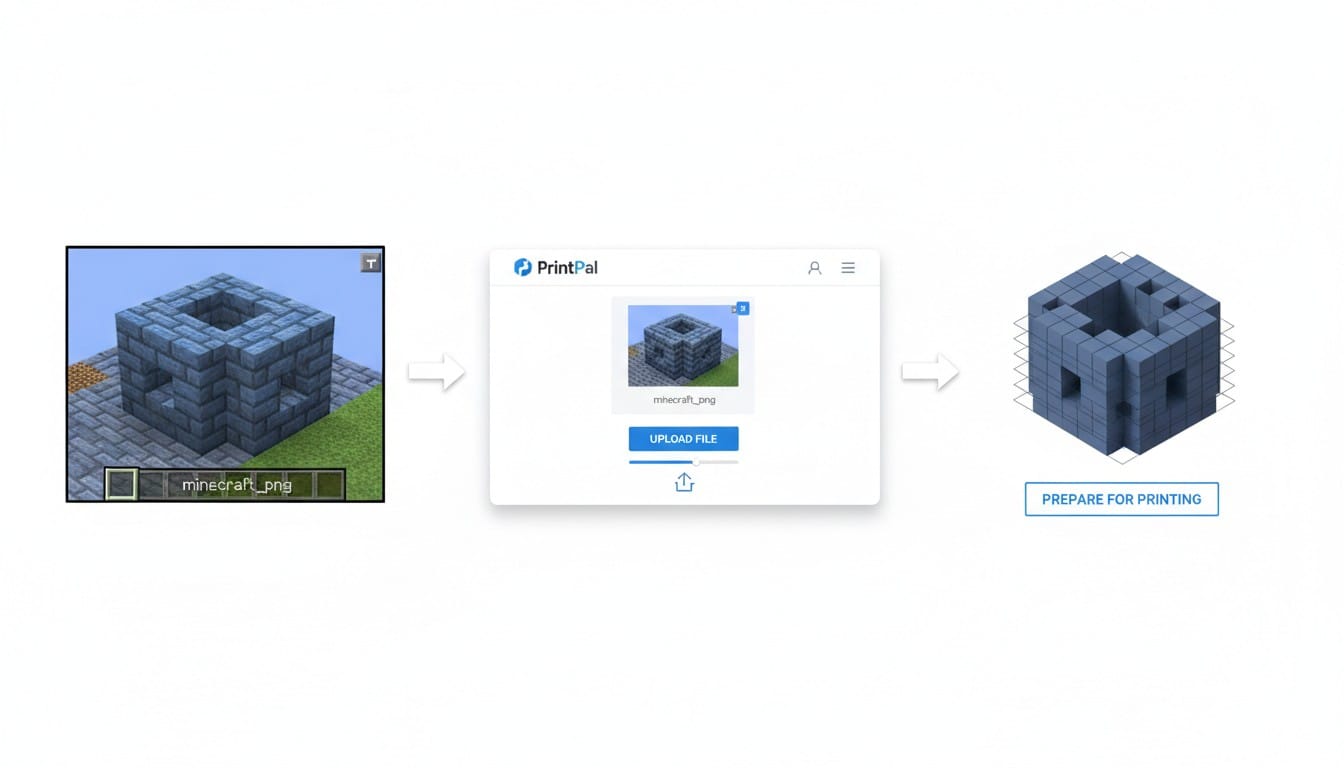
Pixel Art Conversion: Have Minecraft pixel art or character skins? Upload them to generate 3D voxel models. The blocky style converts naturally into printable geometry.
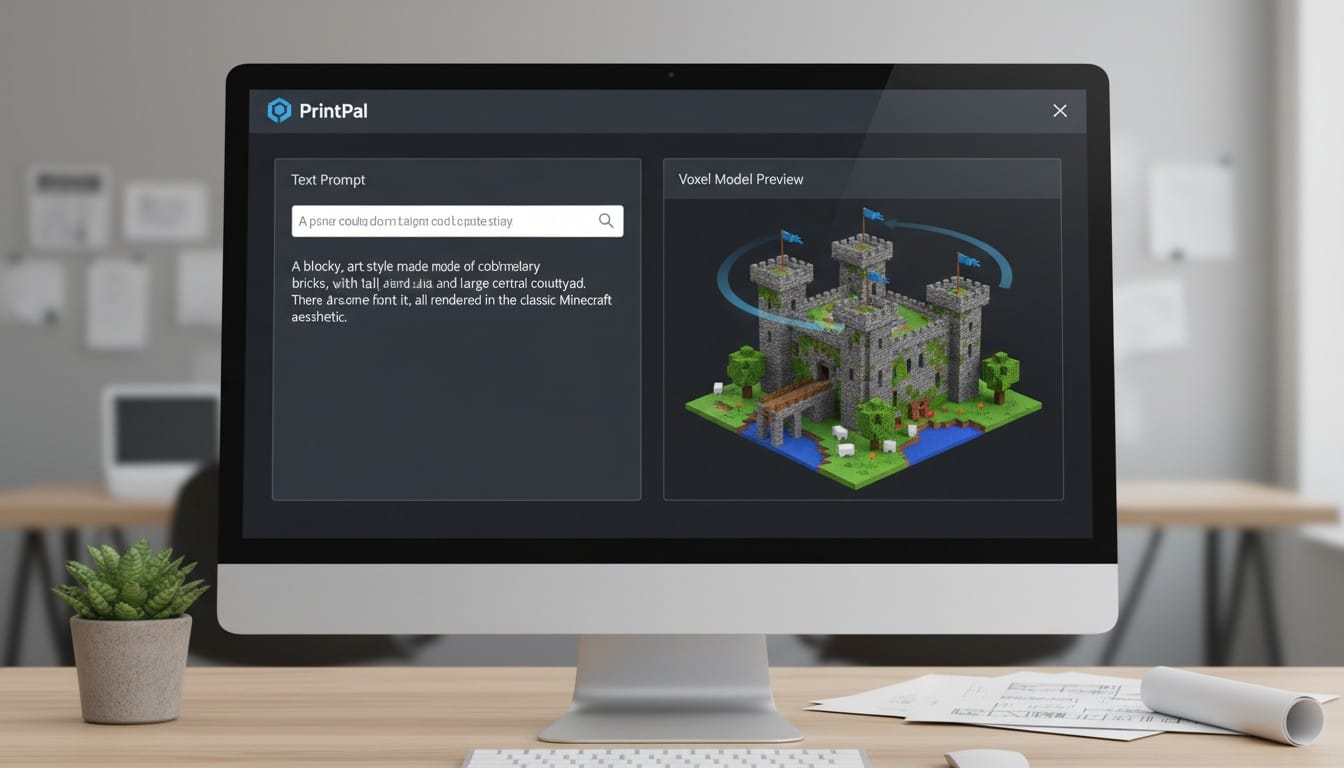
Text to 3D for Custom Creations
Cannot find the right screenshot? Describe your Minecraft 3D model in words.
Effective Descriptions: "Minecraft Steve character, blocky voxel style, cubic body parts" or "Minecraft style house with red roof and wooden walls, voxel blocks" generates custom models.
Character Generation: "Minecraft creeper, green blocky body, pixelated face" creates recognizable game elements without needing screenshots.
Preparing Your Model for Printing
Once generated, prepare your Minecraft 3D model for successful printing.
Check Dimensions: Minecraft models can print at any scale. Character figurines work well at 3-6 inches tall. Buildings may need larger scales for detail.
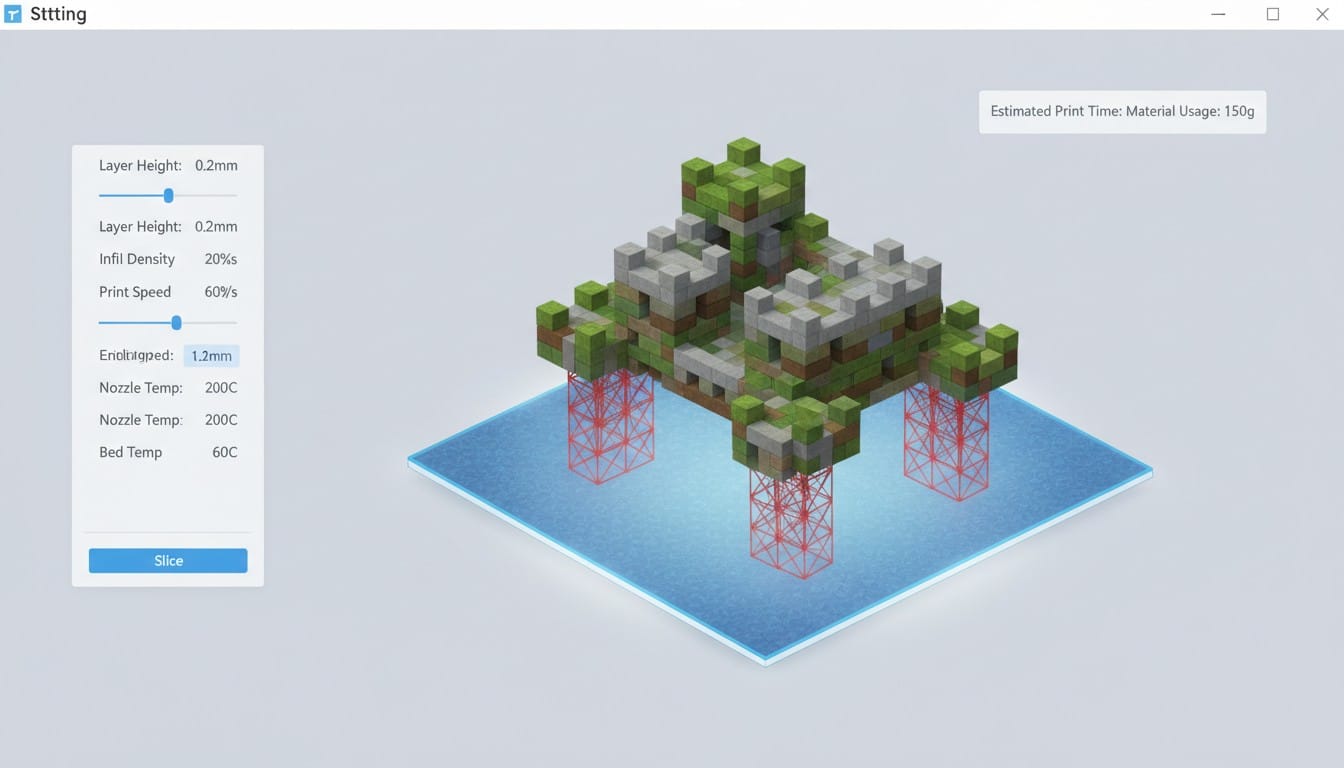
Support Structures: Blocky overhangs usually need supports. Add them in your slicing software for floating blocks or extended structures.
File Format: Download your model as STL from PrintPal. Import into your slicer (Cura, PrusaSlicer, Bambu Studio) and prepare for printing.
Printing Your Minecraft Models
PLA Filament: The standard choice for Minecraft 3D prints. Prints easily and captures the blocky aesthetic perfectly. Available in every color imaginable.
Layer Settings: Use 0.2mm layer heights. The blocky style does not require ultra-fine layers, making prints faster.
Multicolor Options: Print different colored blocks separately and assemble, or use multicolor AMS systems for automatic color changes.
Creative Minecraft 3D Print Ideas
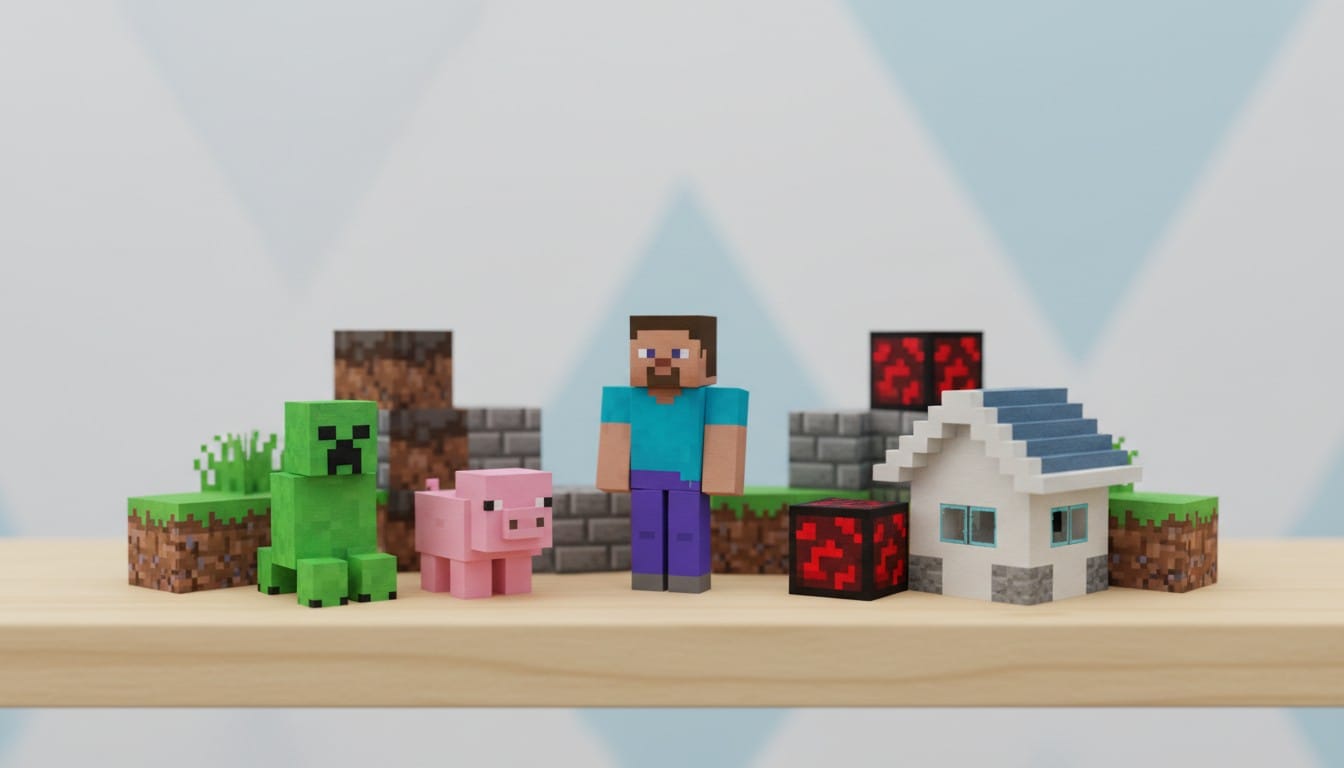
Your Character: Print your custom Minecraft skin as a figurine. Makes a perfect desk companion or gaming room decoration.
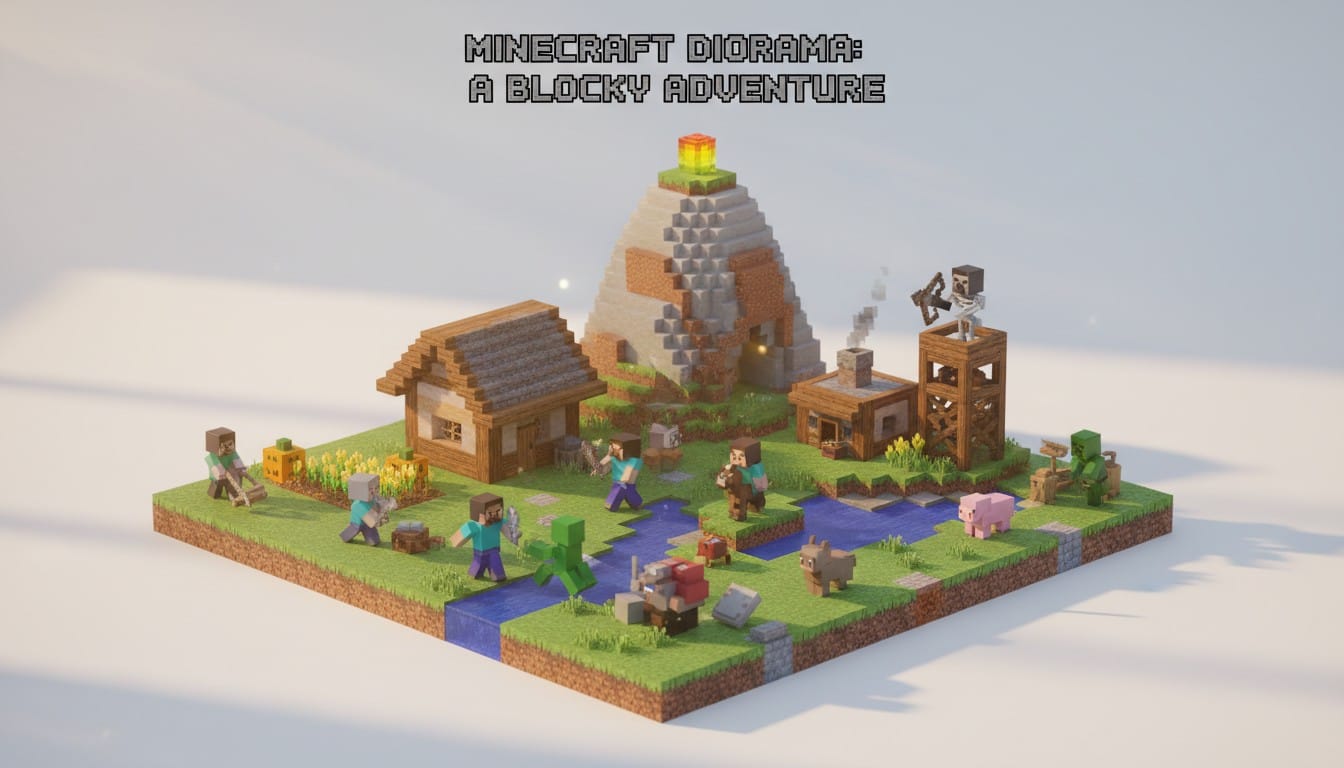
Favorite Builds: Recreate your most impressive constructions. Print your base, castle, or redstone contraption as a physical model.
Minecraft Mobs: Generate and print creepers, endermen, zombies, or any mob. Create an entire mob collection.
Pixel Art Projects: Convert your Minecraft pixel art banners, floor designs, or wall art into 3D relief sculptures or standing displays.
Educational Tools: Teachers can print Minecraft models for STEM lessons. Demonstrate geometry, architecture, or game design concepts hands-on.
Painting and Finishing
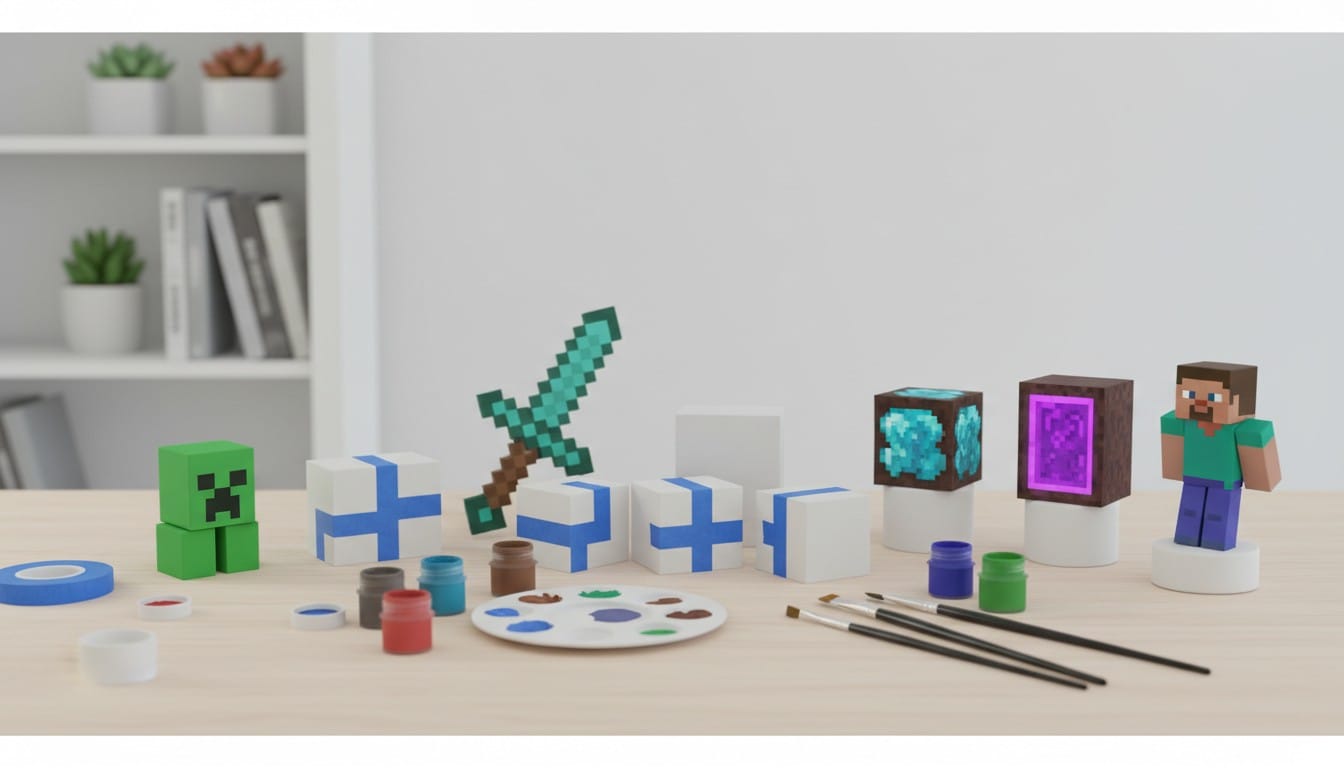
Base Colors: Print in appropriate colors when possible. Otherwise, prime and paint with acrylics to match game aesthetics.
Pixelated Details: Use painter's tape to mask clean lines between colored blocks. The grid-like structure makes painting straightforward.
Weathering Effects: Add texture with dry brushing for a more realistic or aged appearance contrasting with the clean game look.
Building Collections and Scenes
Modular Designs: Print individual blocks that connect. Create customizable Minecraft scenes you can rearrange.
Diorama Bases: Mount printed builds on textured bases representing different Minecraft biomes. Grass, stone, or sand bases complete the presentation.
Scale Consistency: Maintain consistent scales across prints. All characters and builds at the same scale create cohesive collections.
Your Minecraft Printing Journey
Custom Minecraft 3D models bridge digital gameplay with physical collectibles. Whether preserving memorable builds, creating unique gifts, or building an entire printed Minecraft world, AI-powered generation makes it accessible.
The voxel aesthetic that defines Minecraft translates naturally to 3D printing. Blocky shapes print reliably without complex supports or fine detail concerns. Each model you create celebrates your Minecraft creativity in tangible form.
Start Creating Your Minecraft Prints Today
Transform your Minecraft world into physical reality. Visit PrintPal's AI-powered 3D generator to create custom Minecraft 3D models from screenshots, pixel art, or text descriptions. Generate voxel-style models of characters, builds, mobs, and creations in minutes. Download STL files and start printing your blocky masterpieces. No modeling expertise required. Bring your Minecraft adventures into the real world today.