How to Create Custom 3D Miniatures: The Complete Guide to AI-Generated Models

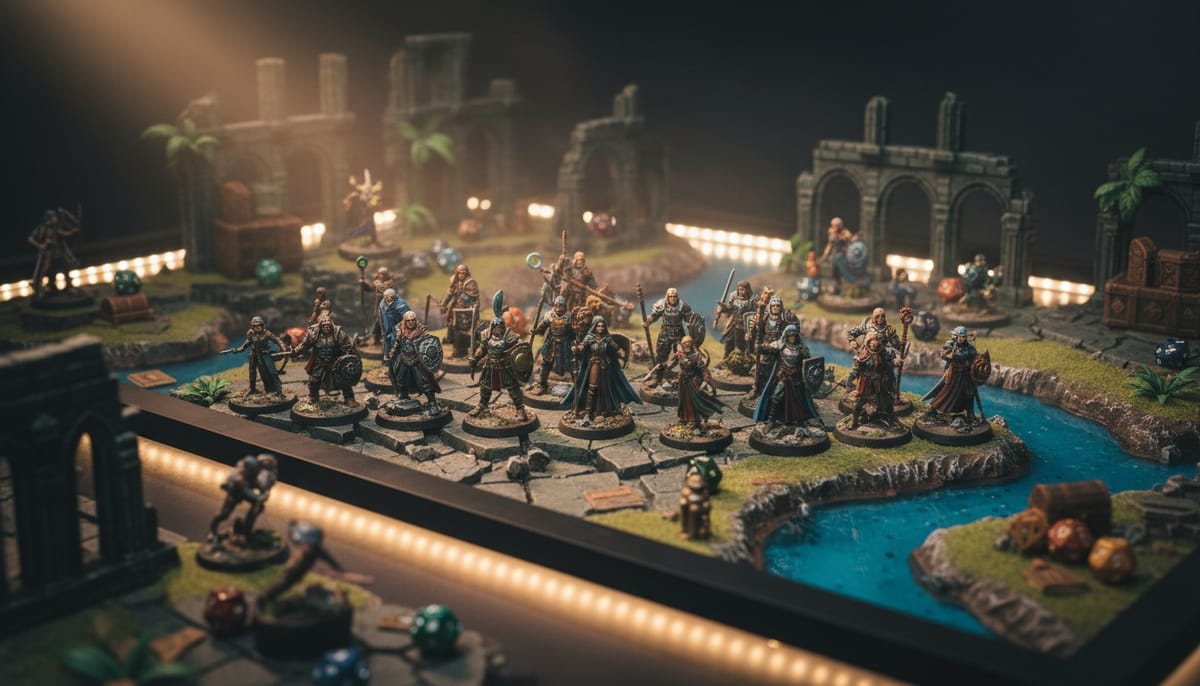
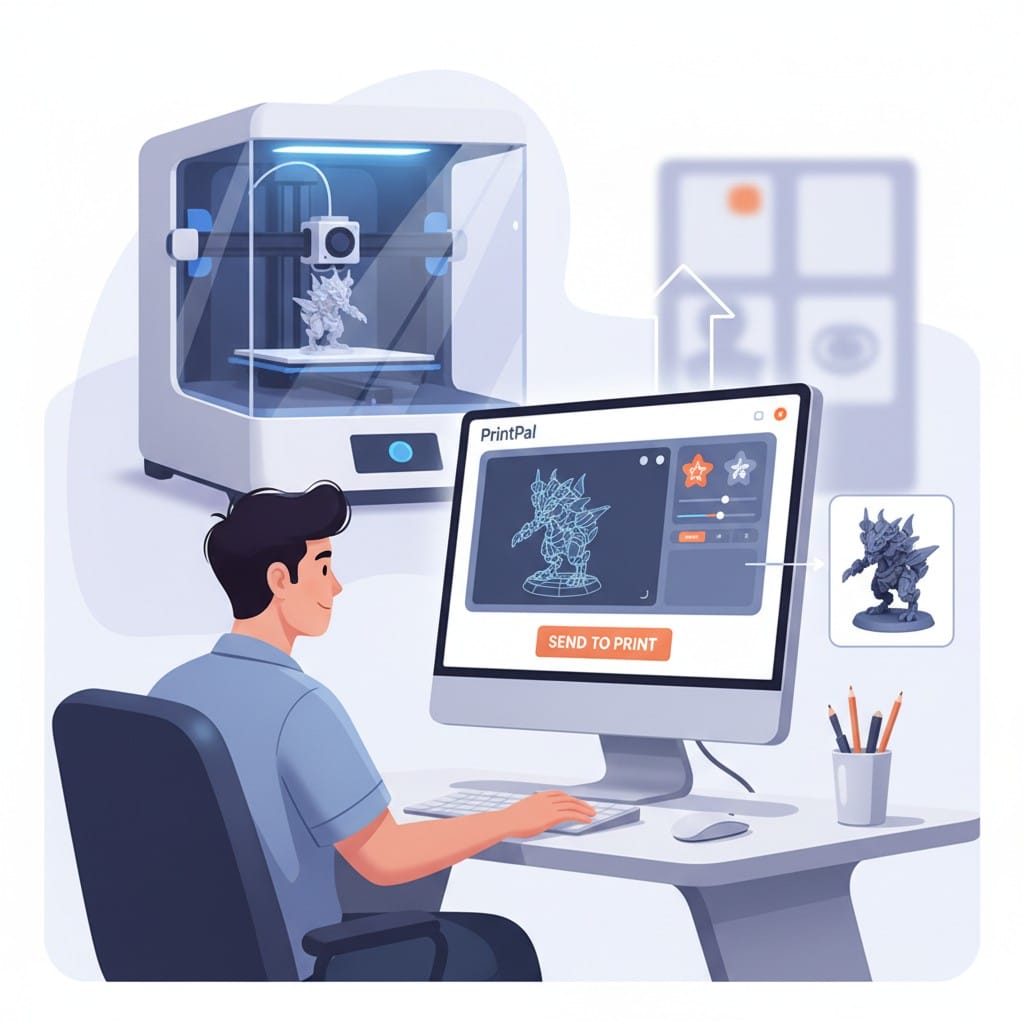
Creating custom 3D miniatures has never been more accessible. Whether you need unique characters for tabletop RPGs, personalized collectibles, or one-of-a-kind display pieces, modern AI technology lets you generate detailed custom miniatures in minutes. With PrintPal's AI-powered 3D generator, you can transform text descriptions or images into printable miniature models without learning complex 3D modeling software. This guide walks you through creating, printing, and finishing professional-quality custom miniatures from concept to completion.
What Are Custom 3D Miniatures?
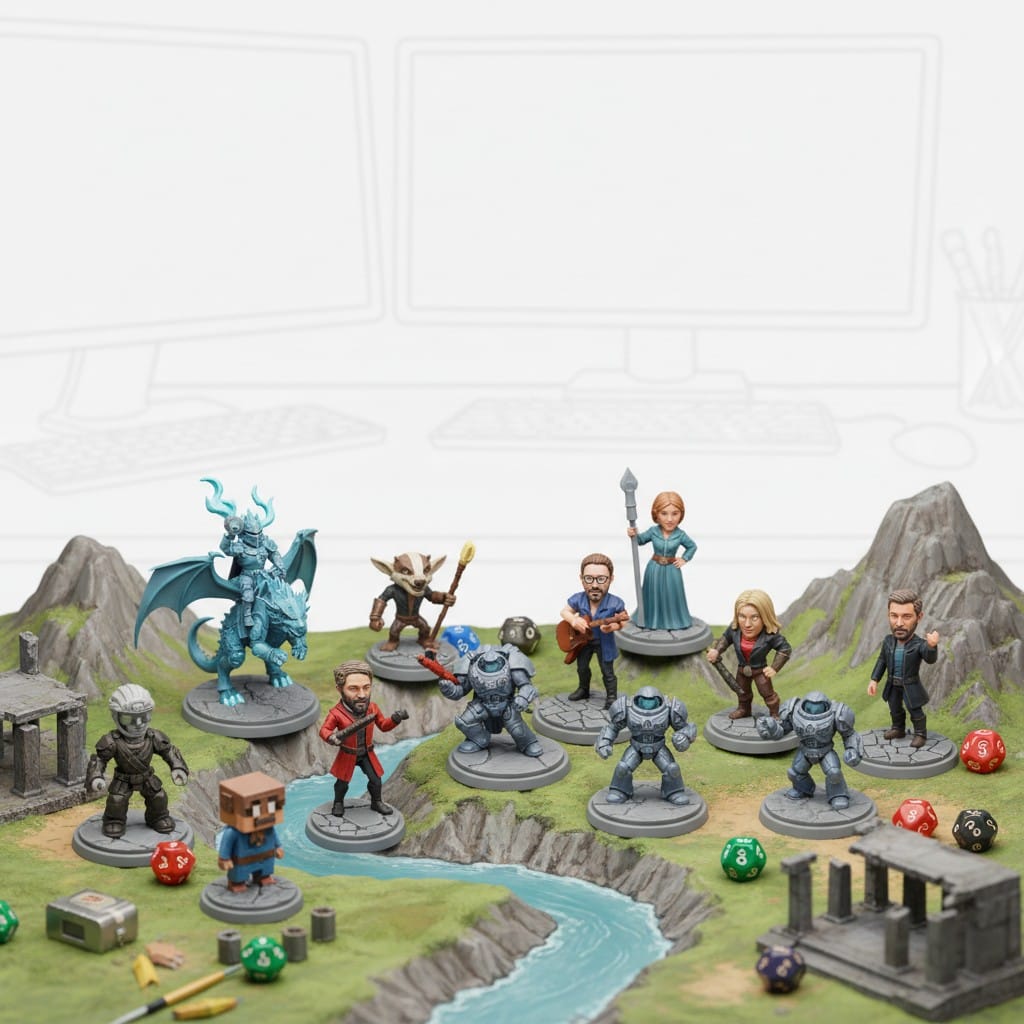
Custom 3D miniatures are small-scale models designed specifically for your needs rather than mass-produced figures. They range from 28mm gaming miniatures to larger collectible figures.
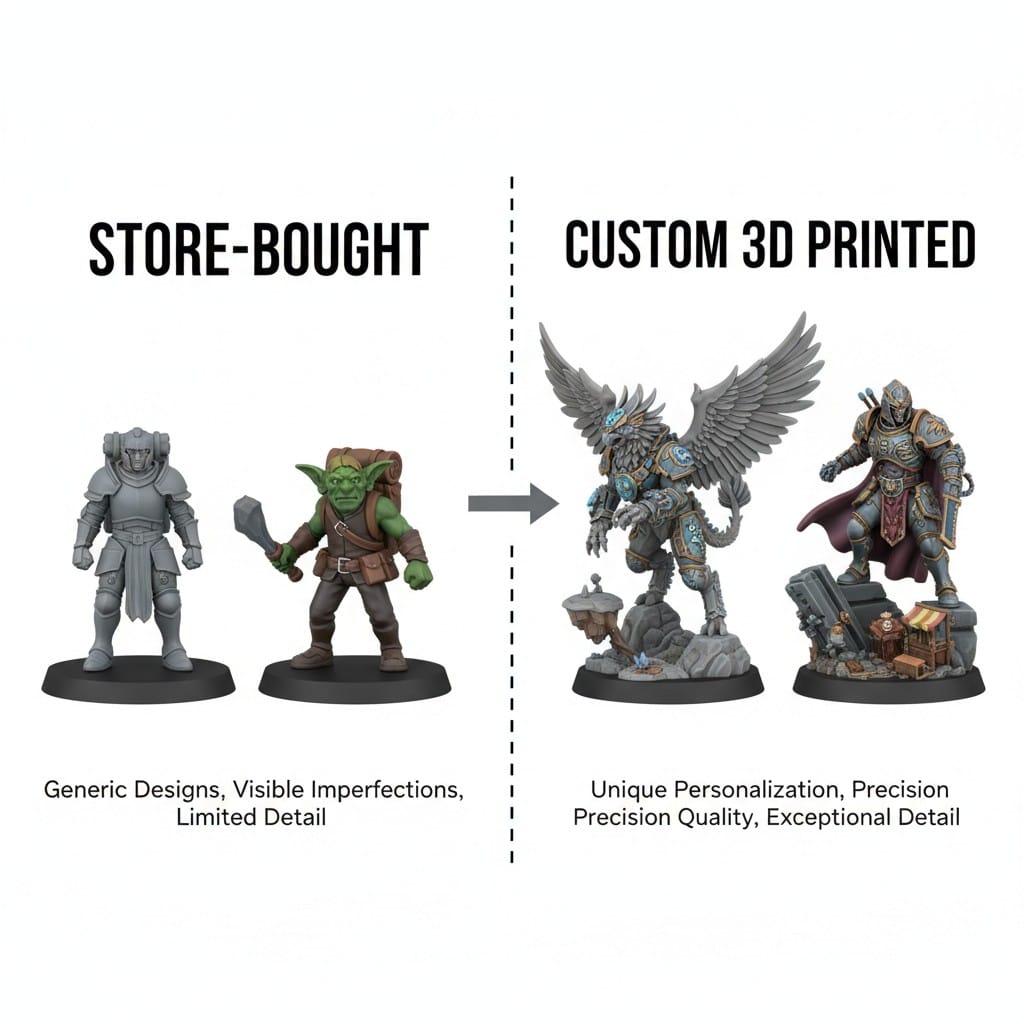
Why Custom Matters: Pre-made miniatures limit your options to what manufacturers produce. Custom miniatures let you create exactly what you envision, whether that is a character matching your campaign's specific description or a personalized gift featuring someone's likeness.
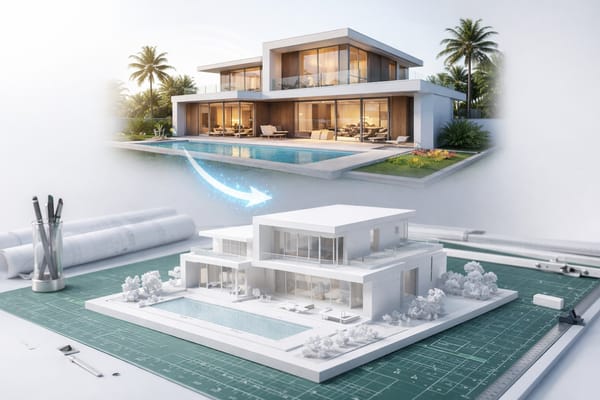
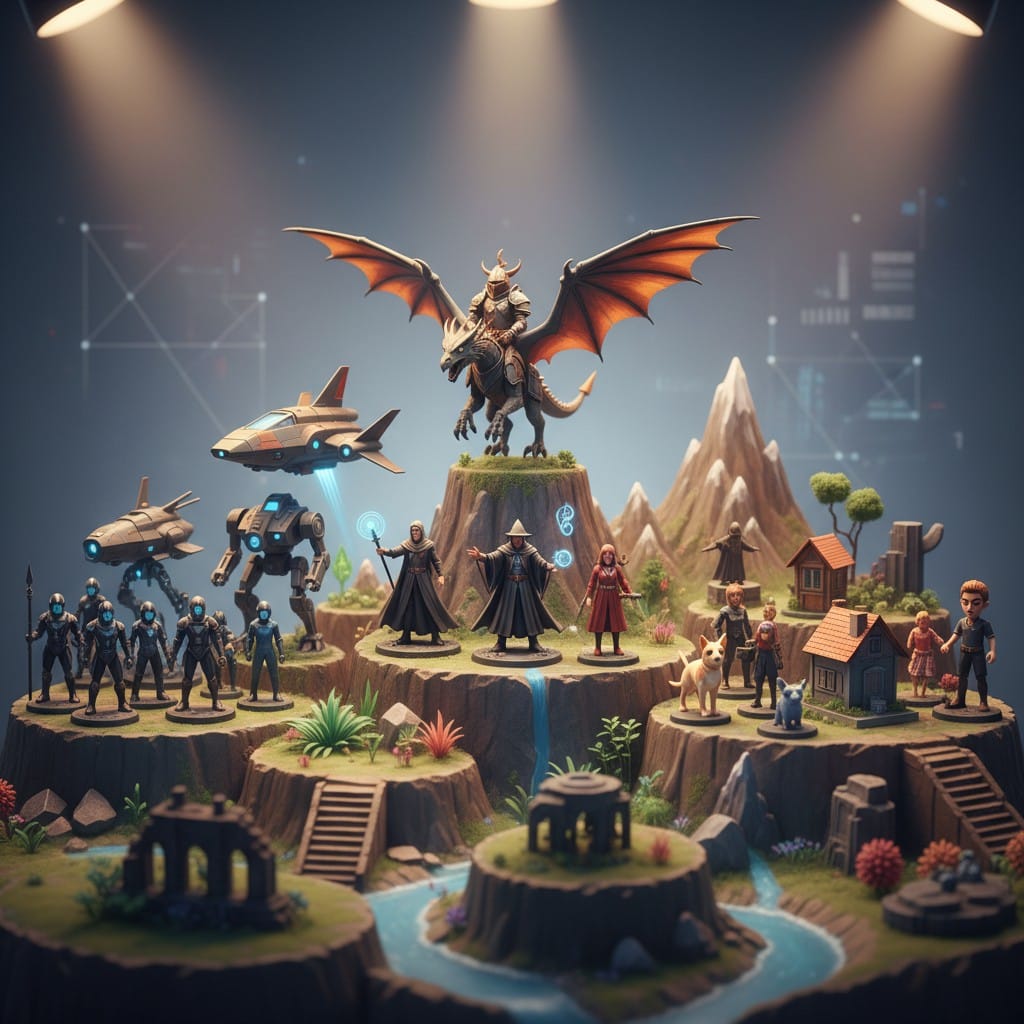
Popular Uses: Tabletop gaming (D&D, Warhammer, board games), collectible figures, diorama pieces, personalized gifts, architectural models, and hobby projects.
Creating Custom Miniatures With AI Generation
Traditional 3D modeling requires hours of training and expensive software. AI-powered 3D model generation changes everything by letting you create custom miniatures from simple descriptions or reference images.
Text to 3D: Describe Your Miniature
The fastest way to generate a custom miniature is describing what you want in plain language.
How It Works: Enter a detailed description into PrintPal's generator. "Female elf ranger with bow, leather armor, and cloak" becomes a complete 3D model ready for printing within minutes.
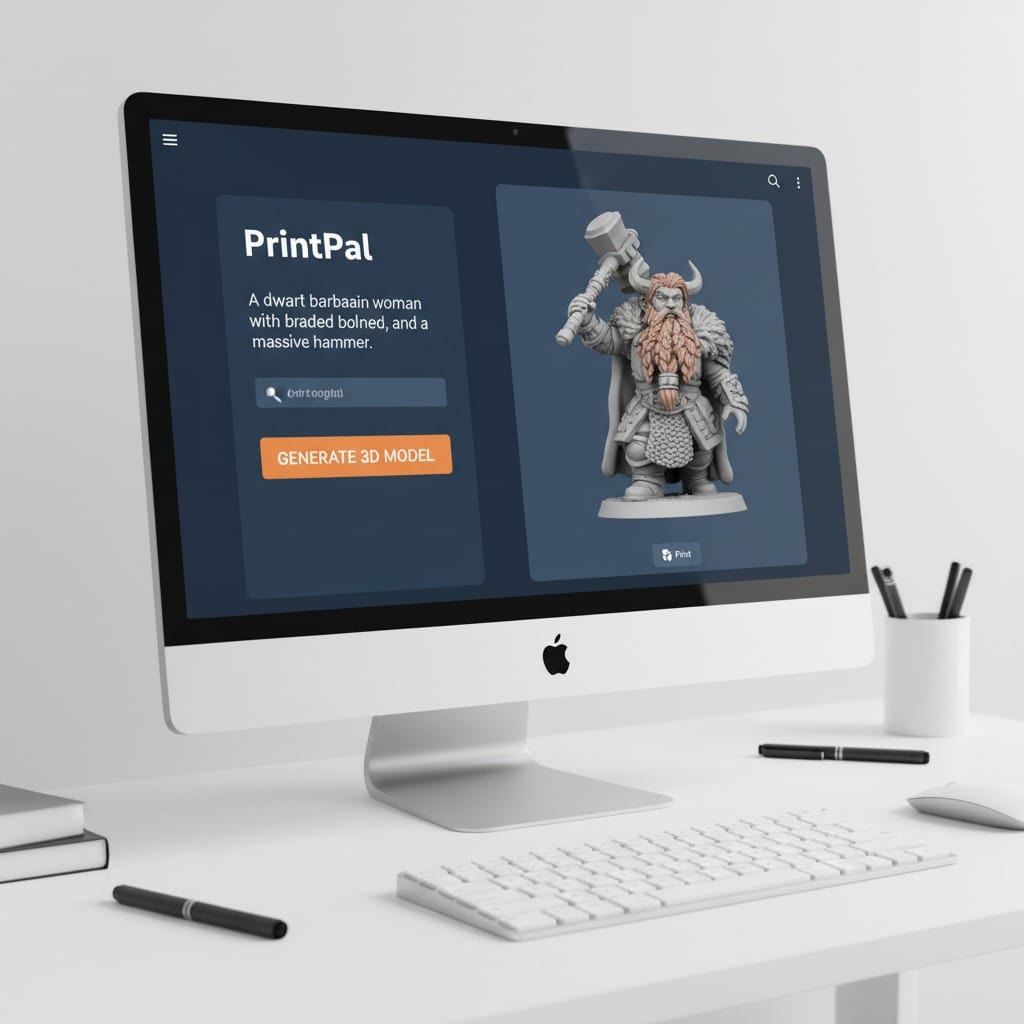
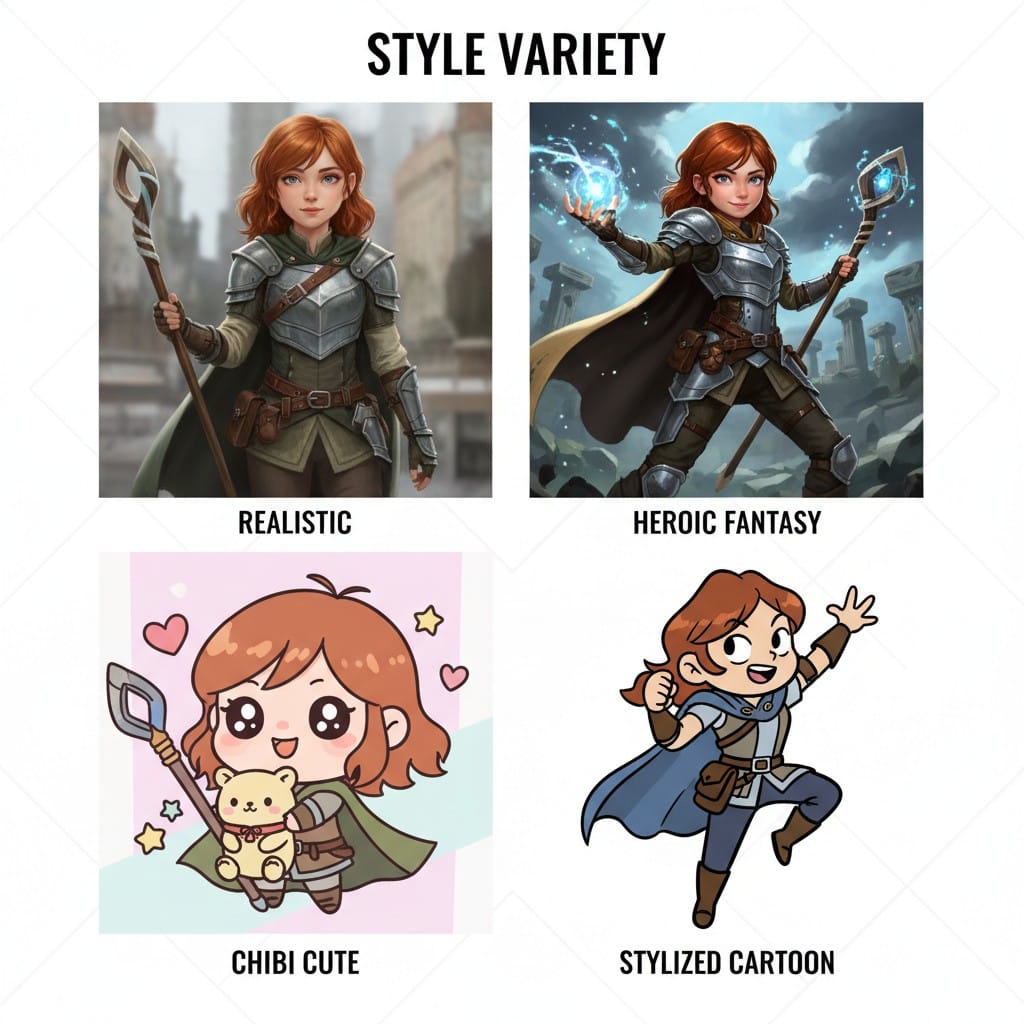
Effective Prompts: Be specific about pose, clothing, weapons, and style. Include art style references like "heroic fantasy style" or "chibi cute style" for miniatures. More detail produces better results.
Iterate Quickly: Generated model not quite right? Adjust your description and regenerate. AI generation lets you experiment with variations until you achieve the perfect custom miniature.
Image to 3D: Convert References to Models
Have a drawing, photo, or inspiration image? Convert it directly into a 3D miniature model.
Perfect for Artists: Sketch your character design, photograph your drawing, and upload it to PrintPal. The AI interprets your 2D artwork and generates a printable 3D model capturing your vision.
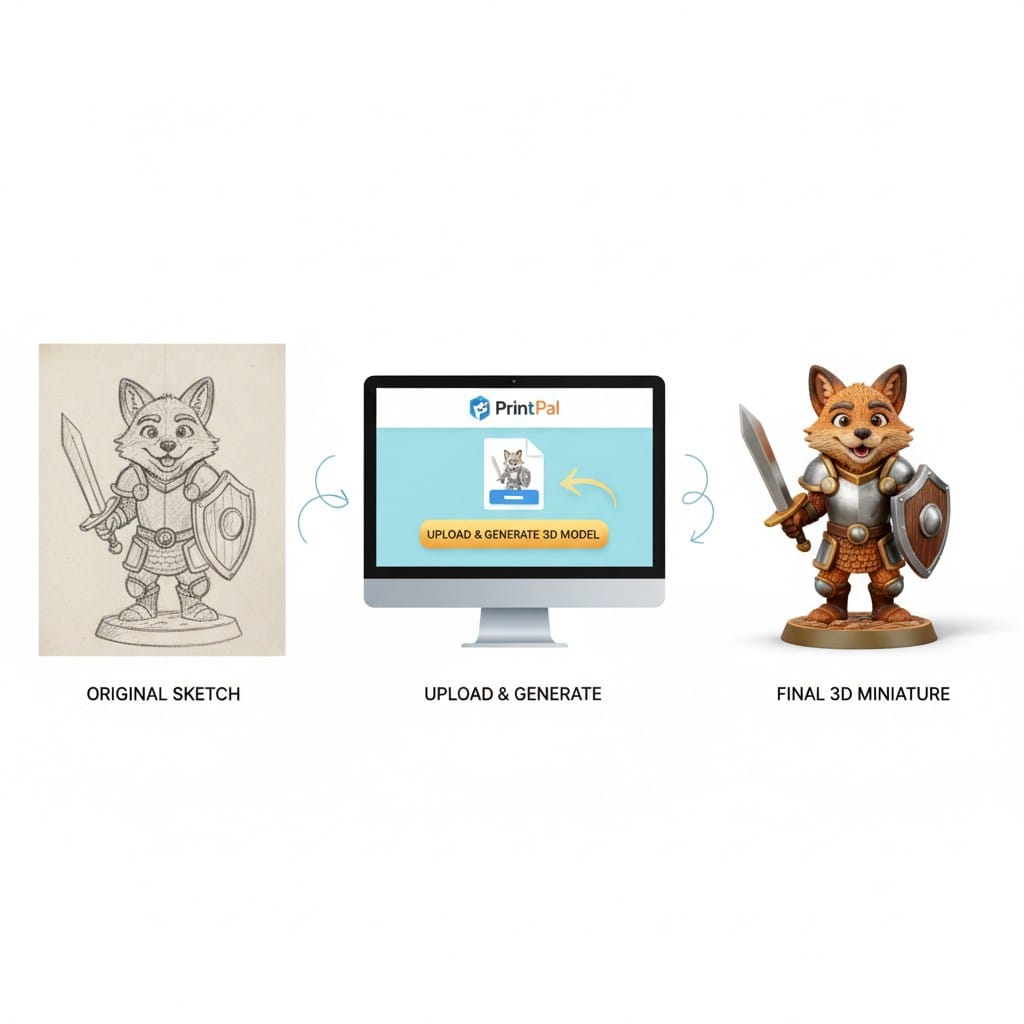
Reference Conversion: See a pose or design you like? Use it as inspiration to generate your own custom miniature. Combine elements from multiple references to create something unique.
Preparing Your Custom Miniature for Printing
Once you generate your custom 3D model, proper preparation ensures successful prints with clean details.
Download and Inspect Your Model
PrintPal provides your custom miniature as an STL file, the standard format for 3D printing.
Check the Model: Preview your generated miniature from all angles. Ensure details are clear, the pose looks correct, and the base is stable.
Scale Appropriately: Most tabletop miniatures print at 28-32mm scale. Adjust in your slicing software to match your intended size.
Add Supports and Slice
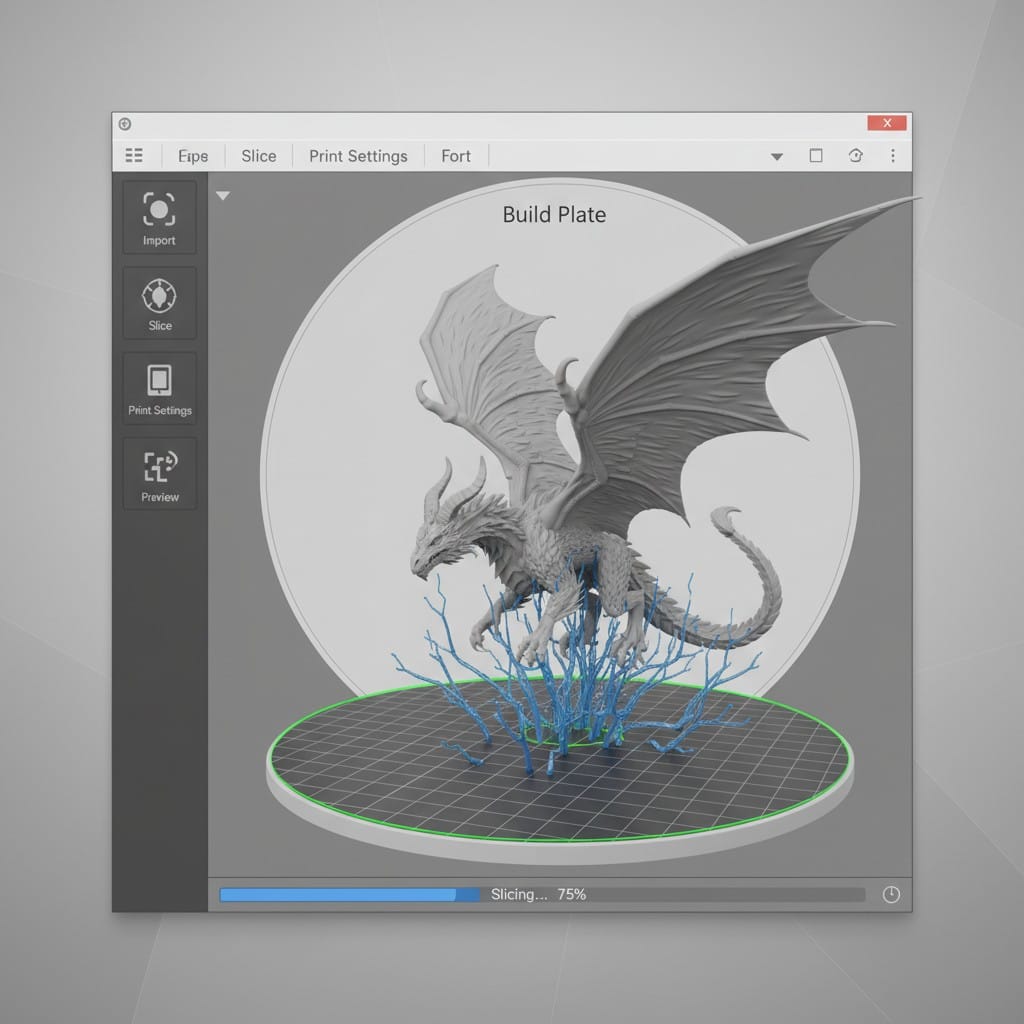
Miniatures often require support structures due to overhangs, extended arms, or weapons.
Strategic Support Placement: Add supports under arms, weapons, and any parts extending outward. Use minimal supports to reduce cleanup time while ensuring print success.
Layer Height Matters: For miniatures, use 0.05mm layer height with resin printers or 0.1-0.12mm with FDM printers. Smaller layers capture fine details like facial features and armor textures.
Printing Your Custom Miniature
Material choice significantly impacts your custom miniature's final quality and detail level.
Resin Printing for Maximum Detail
Resin printers produce the highest quality miniatures with crisp details and smooth surfaces.
Why Resin: Captures intricate features like facial expressions, armor engravings, and weapon details. The standard choice for tabletop gaming miniatures and display pieces.
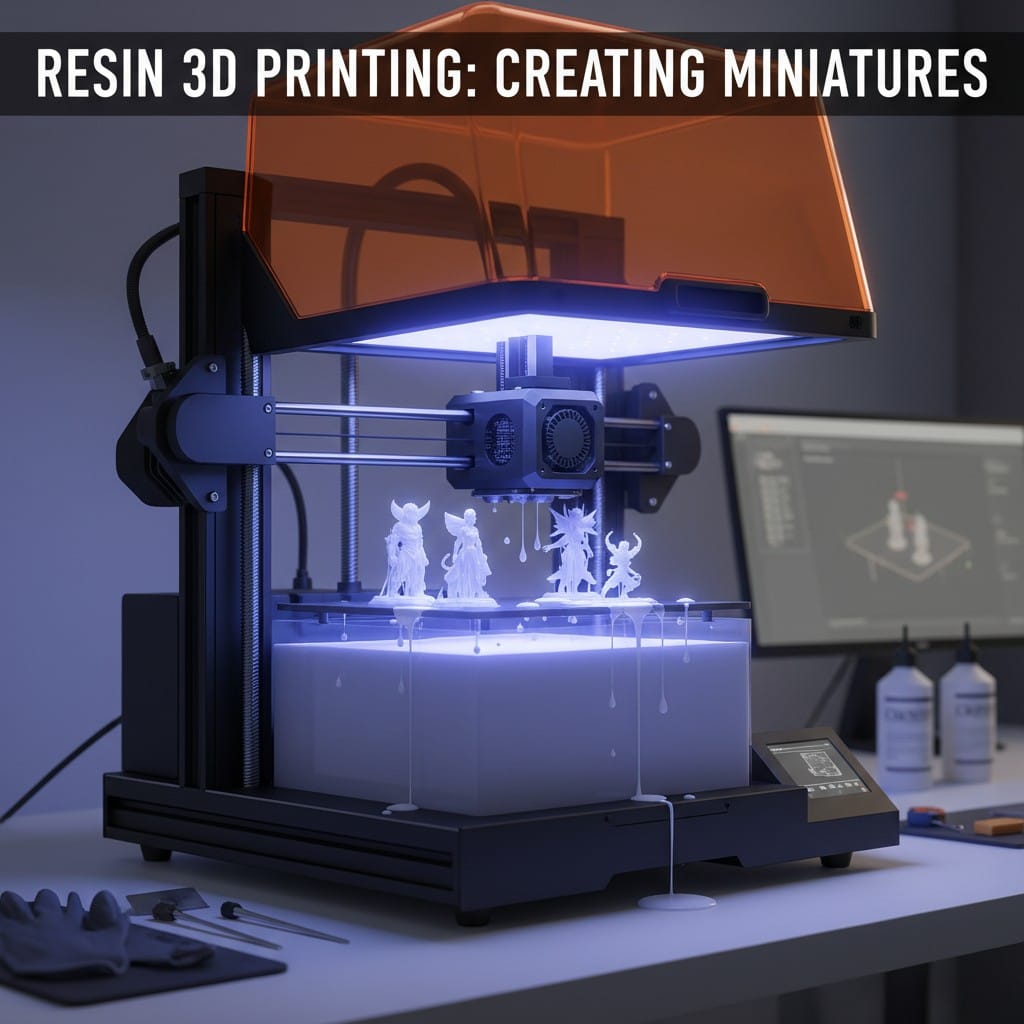
Settings: Use 0.05mm layers, appropriate exposure times for your resin, and ensure proper supports. Most miniatures print in 2-4 hours depending on size.
Safety First: Work in ventilated areas, wear gloves, and properly cure prints under UV light after printing.
FDM Printing Alternative
FDM printers work for larger custom miniatures or when you prioritize durability over extreme detail.
Best Results: Use small nozzles (0.2mm or 0.3mm) and slow print speeds. PLA works well for most miniatures.
Limitations: Cannot match resin's detail level, but acceptable for larger models or terrain pieces.
Post-Processing Your Custom Miniature
Proper finishing transforms your printed custom miniature from raw print to painted masterpiece.
Clean and Prepare
Remove Supports: Carefully clip away support structures using flush cutters. File or sand any remaining marks smooth.
Wash and Cure (Resin): Wash resin prints in isopropyl alcohol to remove uncured resin, then cure under UV light for final hardening.
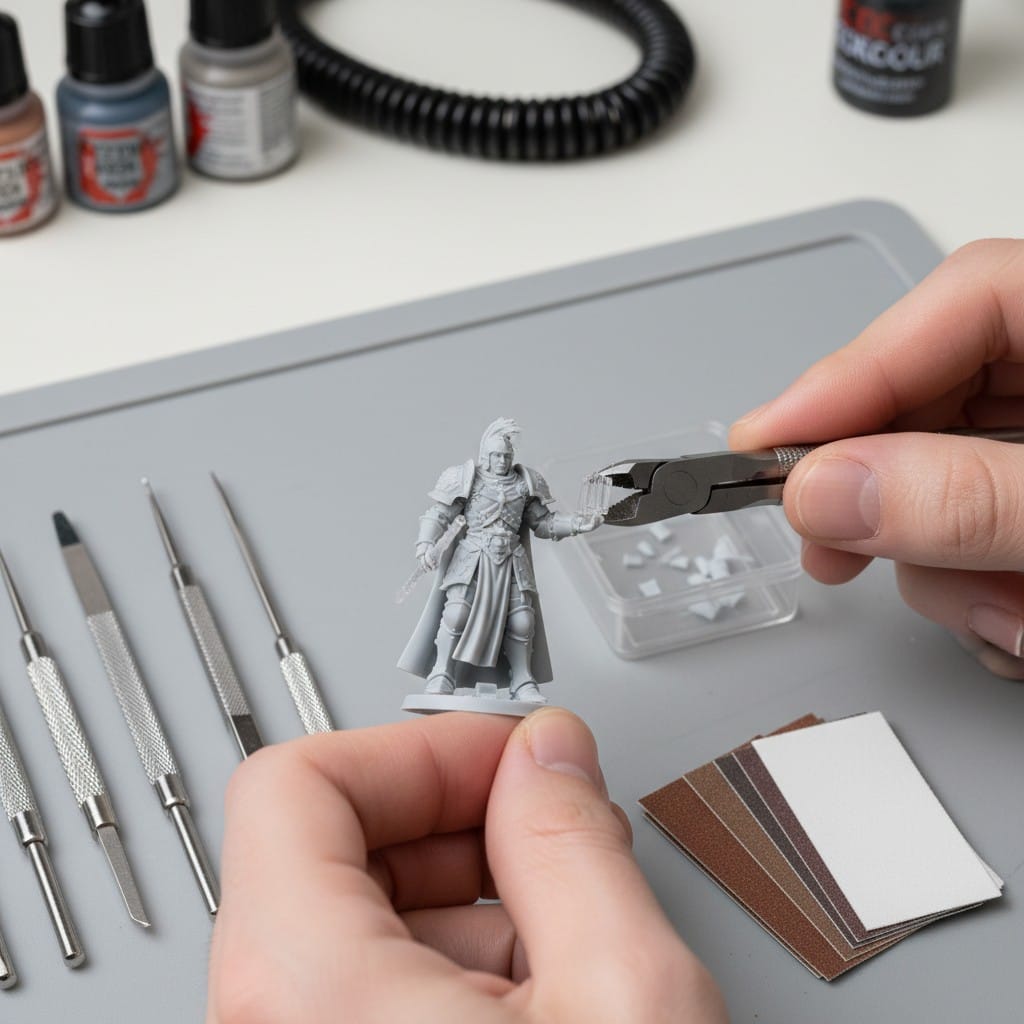
Surface Preparation: Fill any gaps with modeling putty. Sand smooth any layer lines or imperfections. Prime the miniature with spray primer for better paint adhesion.
Painting Your Custom Miniature
Painting brings your custom 3D miniature to life with color and character.
Basecoating: Apply base colors to major areas. Block in armor, clothing, skin tones, and accessories.
Layering and Shading: Build up highlights with lighter colors. Add shadows with washes or darker tones. This creates depth and dimension.
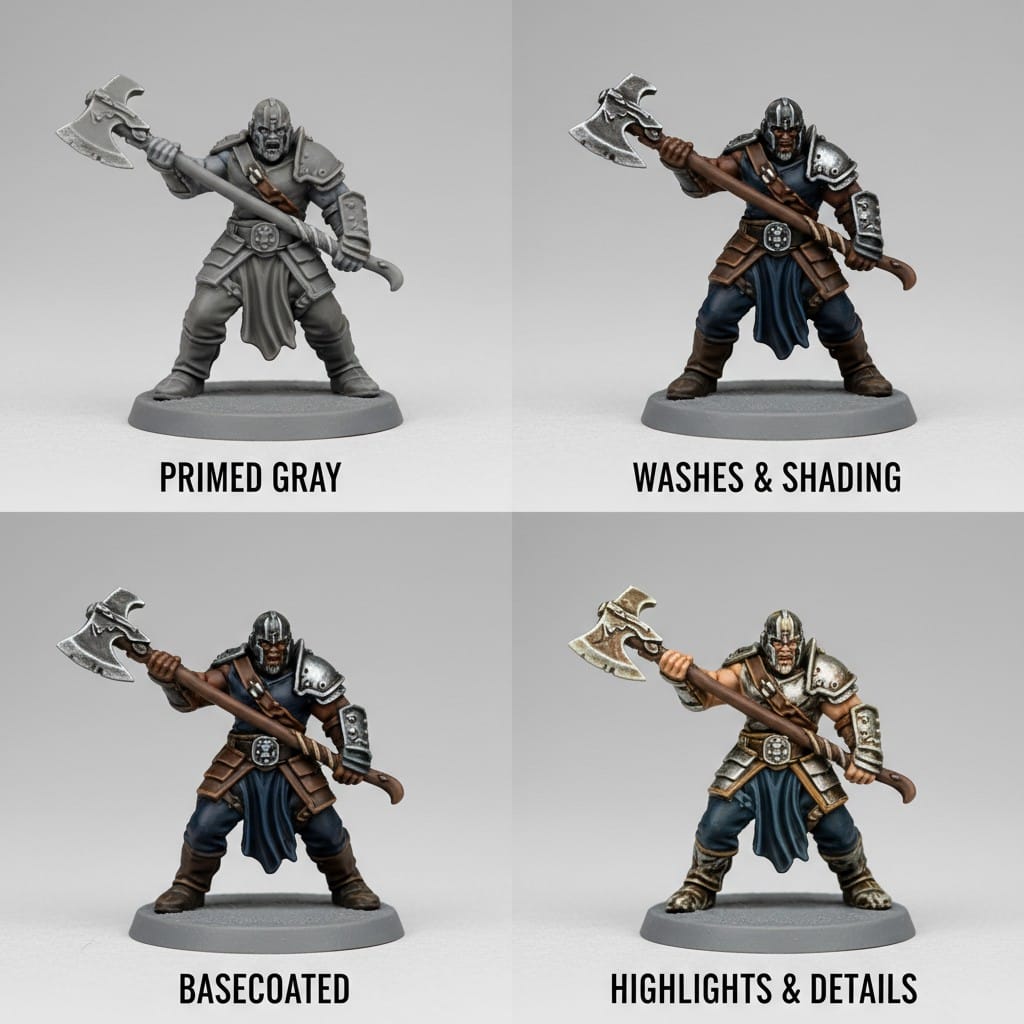
Detail Work: Use fine brushes for eyes, jewelry, weapon details, and other small features. These finishing touches make your custom miniature stand out.
Protect Your Work: Seal finished miniatures with matte or satin varnish to protect paint from handling and gameplay.
Tips for Custom Miniature Success
Start Simple: Your first custom miniatures should be straightforward poses without complex overhangs or tiny details. Build skills progressively.
Experiment With Styles: Try different art styles in your generation prompts. Chibi style prints reliably. Heroic proportions work well for gaming. Realistic styles suit collectibles.
Test Print Settings: Print small test miniatures to dial in your printer settings before committing to larger or more complex custom models.
Join Communities: Share your custom miniatures in online groups. Get feedback, discover painting techniques, and find inspiration for your next creation.
Your Custom Miniature Journey Begins
Creating custom 3D miniatures combines technology with traditional hobby craftsmanship. AI-powered 3D model generation removes the barrier of complex modeling software, letting anyone design unique miniatures. From initial concept through printing to final painting, you control every aspect of your custom miniature.
Whether you need a specific character for your campaign, want to design original collectibles, or enjoy the creative process of bringing ideas to physical form, custom miniature creation offers endless possibilities. Each miniature you create develops your skills in generation, printing, and finishing.
The tools exist. The materials are accessible. Your imagination provides the designs. Start creating custom miniatures that reflect your unique vision rather than settling for mass-produced alternatives.
Create Your Custom Miniatures Today
Stop searching for the perfect miniature and start creating it. Visit PrintPal's AI-powered 3D generator to transform your text descriptions or images into custom miniature models in minutes. No 3D modeling experience required. Describe your character, upload your sketch, or provide reference images, and generate printable STL files instantly. Download your custom 3D model and start printing your unique miniatures today. Your perfect custom miniature is just a prompt away.