Create Custom Roblox 3D Models and 3D Print Your Avatar
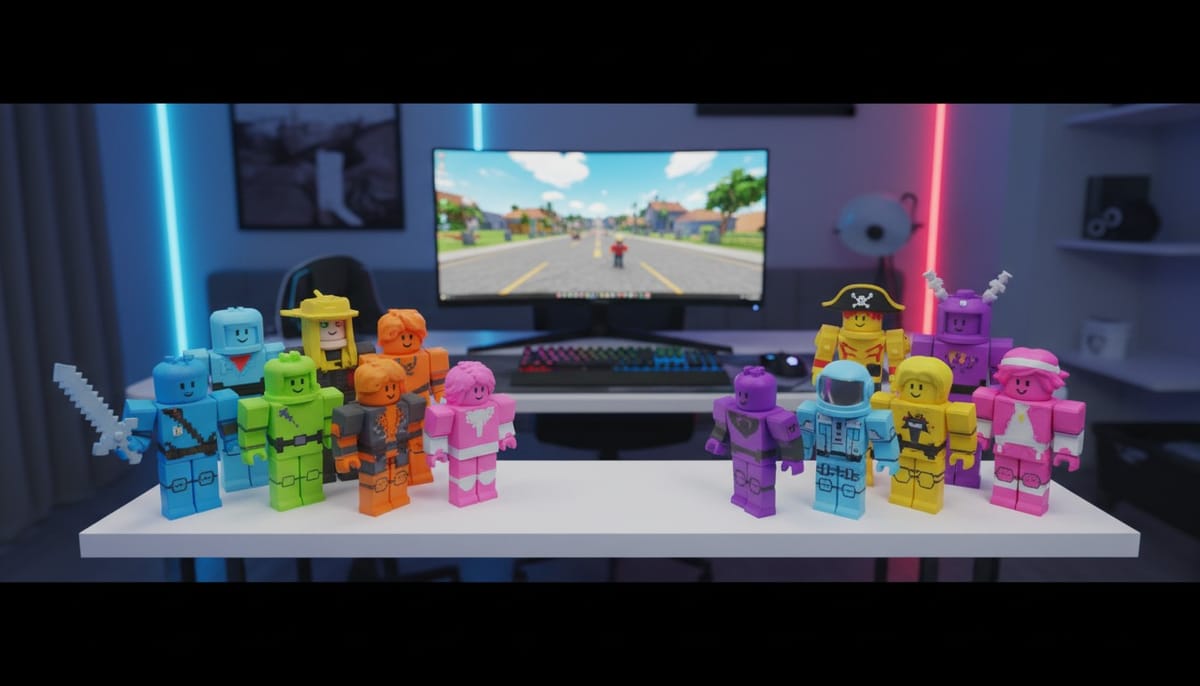
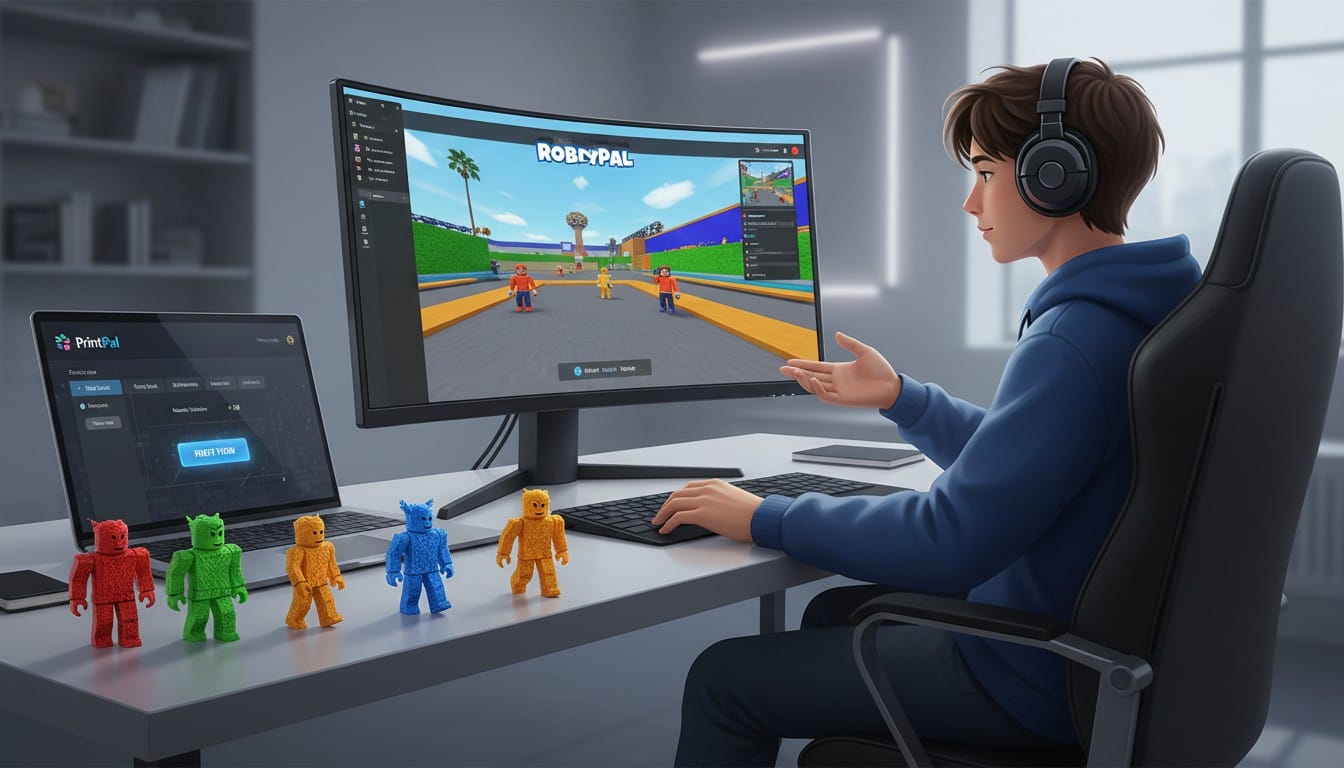
Roblox lets millions of players express creativity through custom avatars and imaginative worlds. Now you can bring that creativity into the physical world by 3D printing models of your own Roblox avatar and original character designs. With PrintPal's AI-powered 3D generator, you can transform screenshots of your Roblox character or describe original blocky character designs to create personalized 3D printable figures. This guide shows you how to design and print custom Roblox models for personal display while respecting the creative rights of the Roblox community.
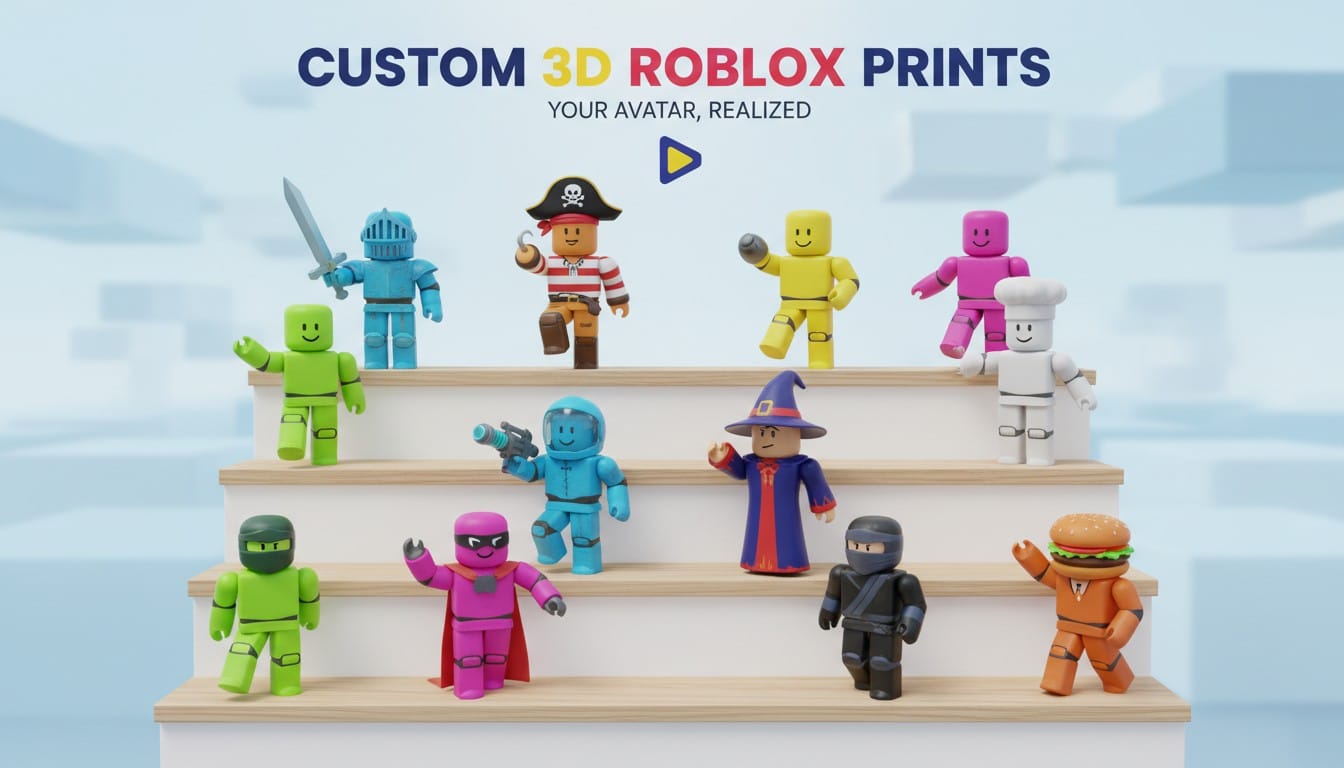
Understanding Roblox Model Ethics
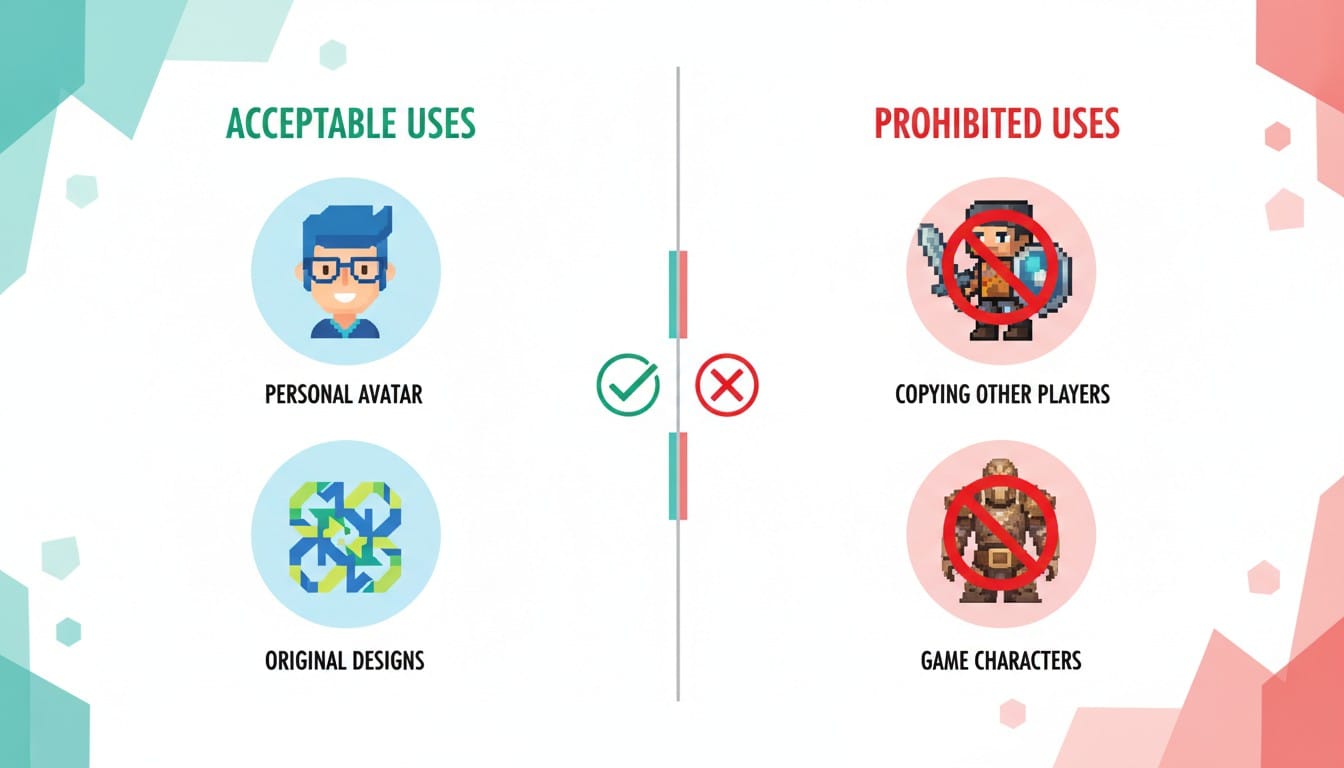
Creating Roblox models for personal use requires respecting intellectual property and community creativity.
Your Own Avatar Only: Print models of your personal Roblox avatar that you created and customized. Your avatar represents your creative choices and personal style.
Original Character Designs: Create new Roblox-inspired characters featuring original designs, outfits, and accessories. Design blocky characters inspired by the aesthetic without copying specific user creations.
Never Copy Others: Do not recreate other players' avatars, popular Roblox game characters, or copyrighted content from Roblox experiences without explicit permission from creators.
Capturing Your Roblox Avatar
Screenshots of your own Roblox character serve as the foundation for 3D model generation.
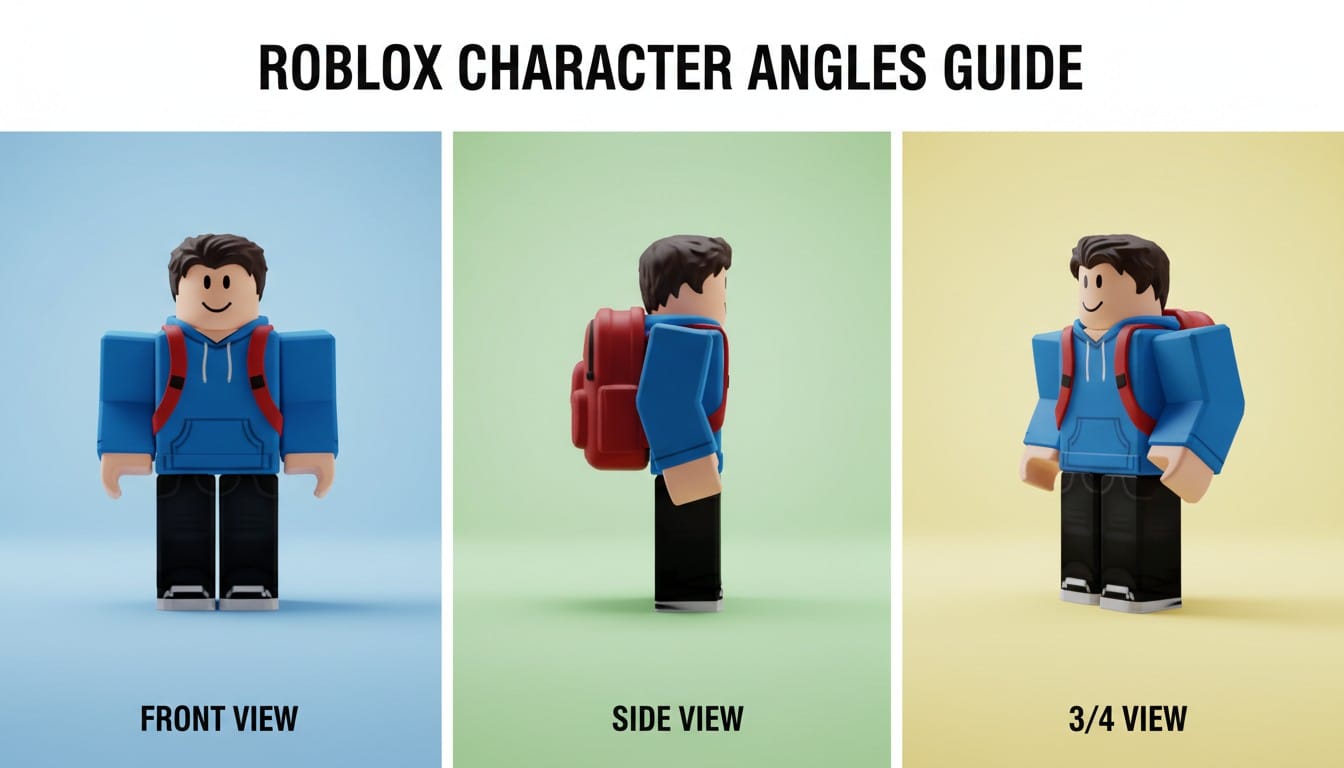
Best Screenshot Practices: Take clear screenshots of your avatar from multiple angles. Use Roblox Studio or in-game camera controls for clean shots without background clutter.
Pose Selection: Capture your avatar in dynamic poses like victory stances, emotes, or signature moves. The more distinctive the pose, the more unique your printed figure.
Outfit Details: Screenshot your favorite outfit combinations. Your custom clothing choices, accessories, and color schemes make your avatar uniquely yours.
Generating Your Roblox Model
AI-powered 3D generation makes creating printable Roblox figures simple and accessible.
Image to 3D for Your Avatar
Convert screenshots of your Roblox character into 3D printable models.
Upload Your Screenshot: Use PrintPal's image to 3D generator to upload clear screenshots of your avatar. The AI captures blocky proportions and distinctive features.
Angle Considerations: Three-quarter view or slight side angles often generate better results than straight front views. Experiment with different screenshot angles for optimal model generation.
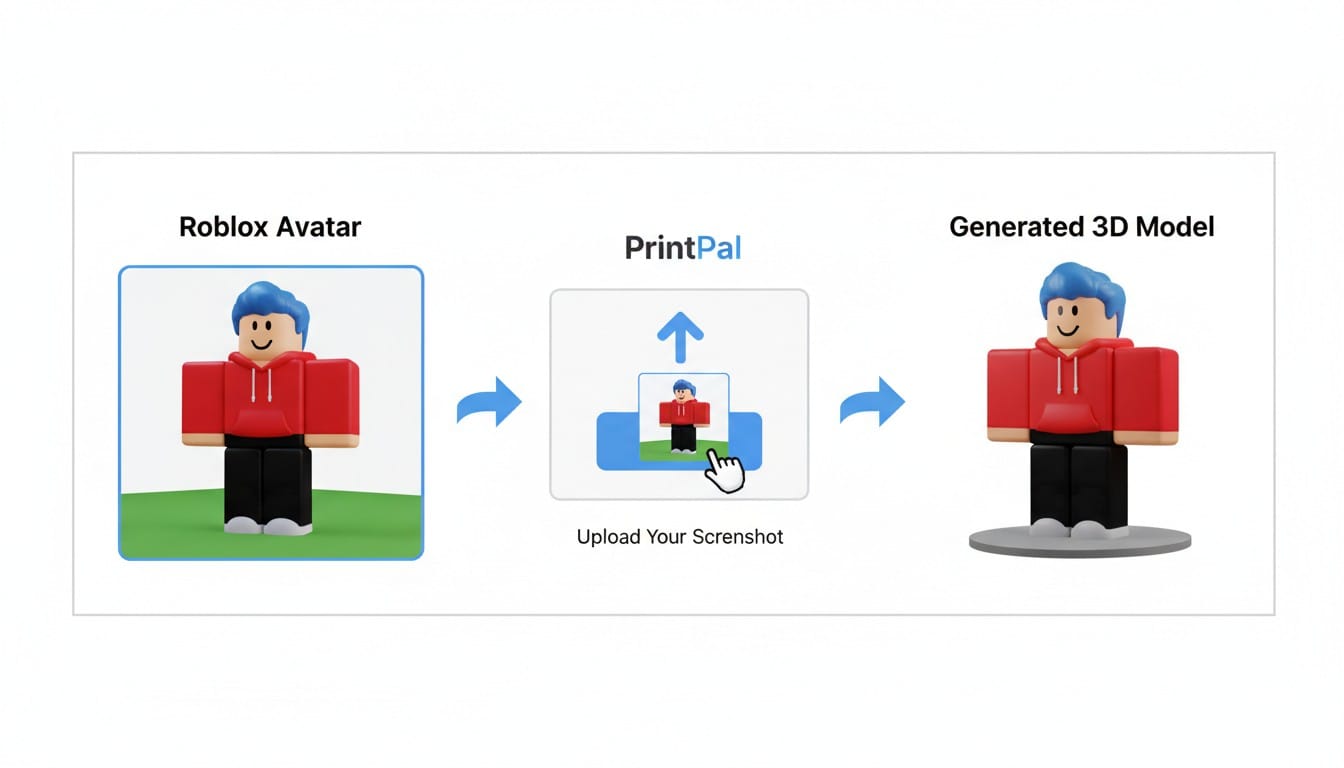
Detail Refinement: Generated models capture overall shape and proportions. Use text prompts to refine specific details or adjust the pose during generation.
Text to 3D for Original Characters
Describe original Roblox-inspired characters from your imagination.
Effective Prompts: "Blocky character in Roblox style, wearing space suit with helmet, standing pose, colorful design" creates original figures. Include outfit details, accessories, and color preferences.
Style Keywords: Use terms like "blocky game character," "Roblox proportions," or "cubic character design" to guide the AI toward the distinctive aesthetic.
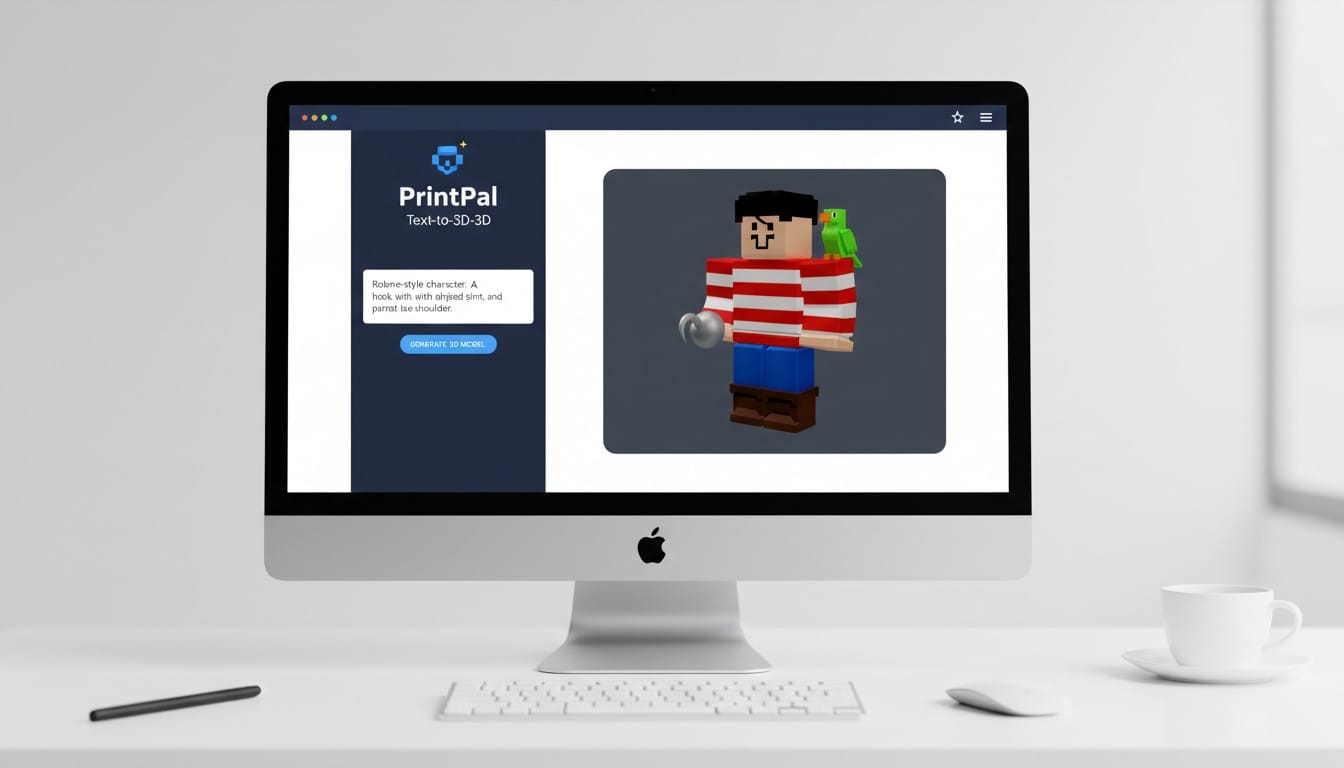
Original Accessories: Design unique hats, tools, pets, or accessories inspired by Roblox but featuring your own creative concepts.
Multicolor AMS Printing
AMS-compatible 3D printers bring Roblox characters to life with vibrant colors matching your avatar's style.
Automatic Color Switching: Print skin tones, clothing colors, and accessories in proper colors without manual filament changes. Bambu Lab and similar AMS systems handle multiple colors seamlessly.
Roblox Color Accuracy: Replicate your avatar's exact outfit colors. The blocky aesthetic and bold color choices of Roblox translate perfectly to multicolor 3D printing.
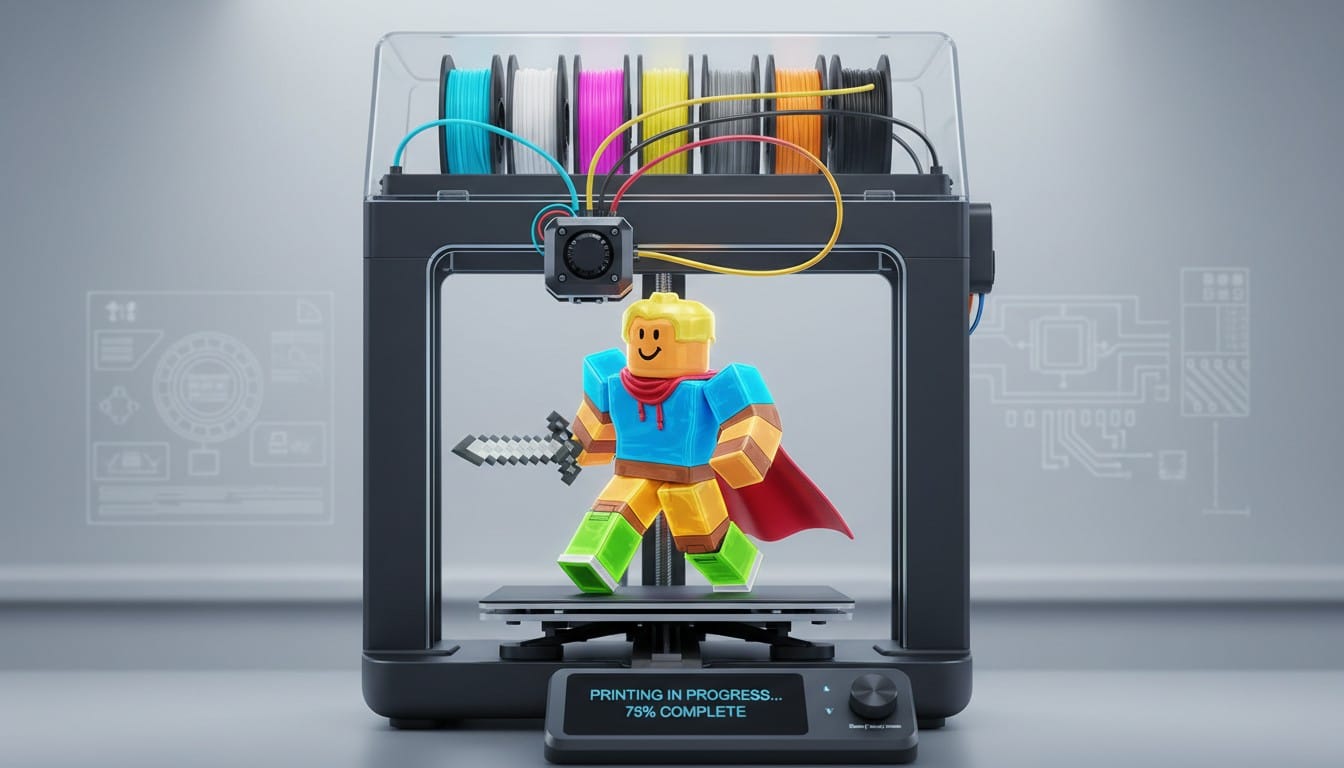
Efficient Printing: Create multiple character variations or print several figures for collection displays. Automatic color changes enable batch production without constant monitoring.
Single Color Printing and Painting
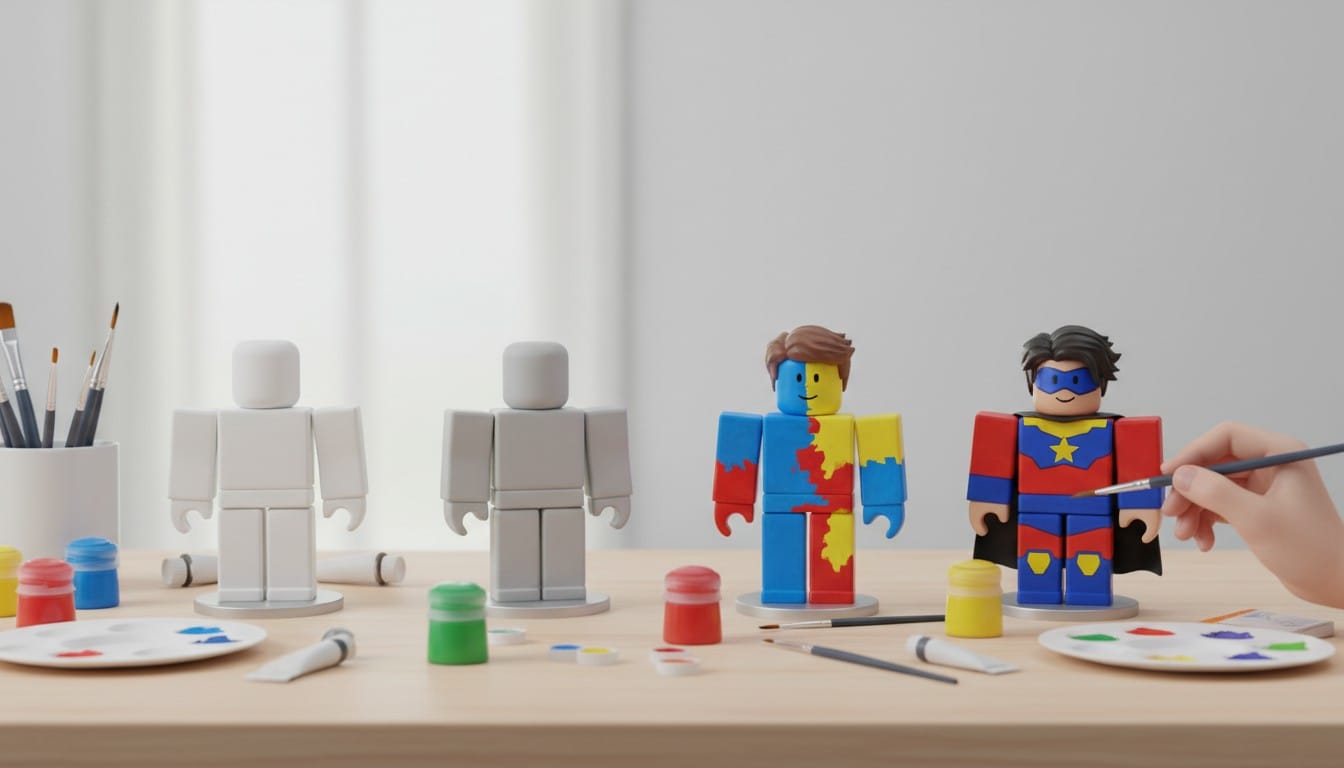
Standard single filament printing works great when you want to paint your Roblox figure yourself.
Print Settings: Use 0.15-0.2mm layer heights for smooth surfaces. The blocky aesthetic of Roblox characters prints reliably with minimal support structures.
Material Choice: PLA in white or gray provides excellent painting surfaces. The simple geometry of blocky characters makes them beginner-friendly prints.
Support Placement: Minimal supports needed due to blocky design. Place supports carefully under accessories or extended arms to avoid marks on visible surfaces.
Painting Your Roblox Figure
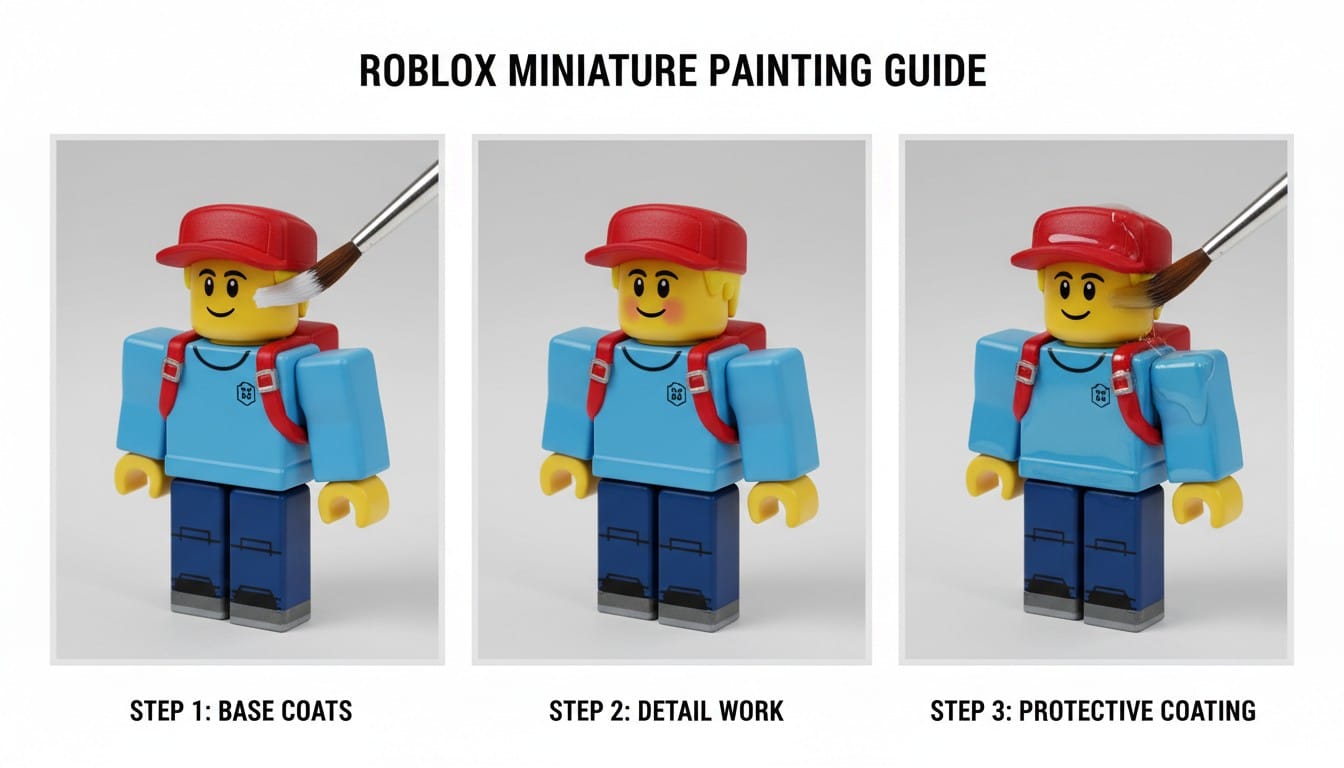
Base Coating: Apply primer for smooth paint adhesion. White primer works well for bright Roblox colors.
Color Blocking: Roblox characters feature distinct color zones perfect for clean painting. Use painter's tape to create sharp lines between clothing sections.
Face Details: Paint simple facial features matching your avatar's expression. Roblox's minimalist face style is easy to replicate with steady brush work or decals.
Protective Coating: Apply clear matte or satin varnish. Roblox figures typically look best with low-gloss finishes that match the game's visual style.
Display and Collection Ideas
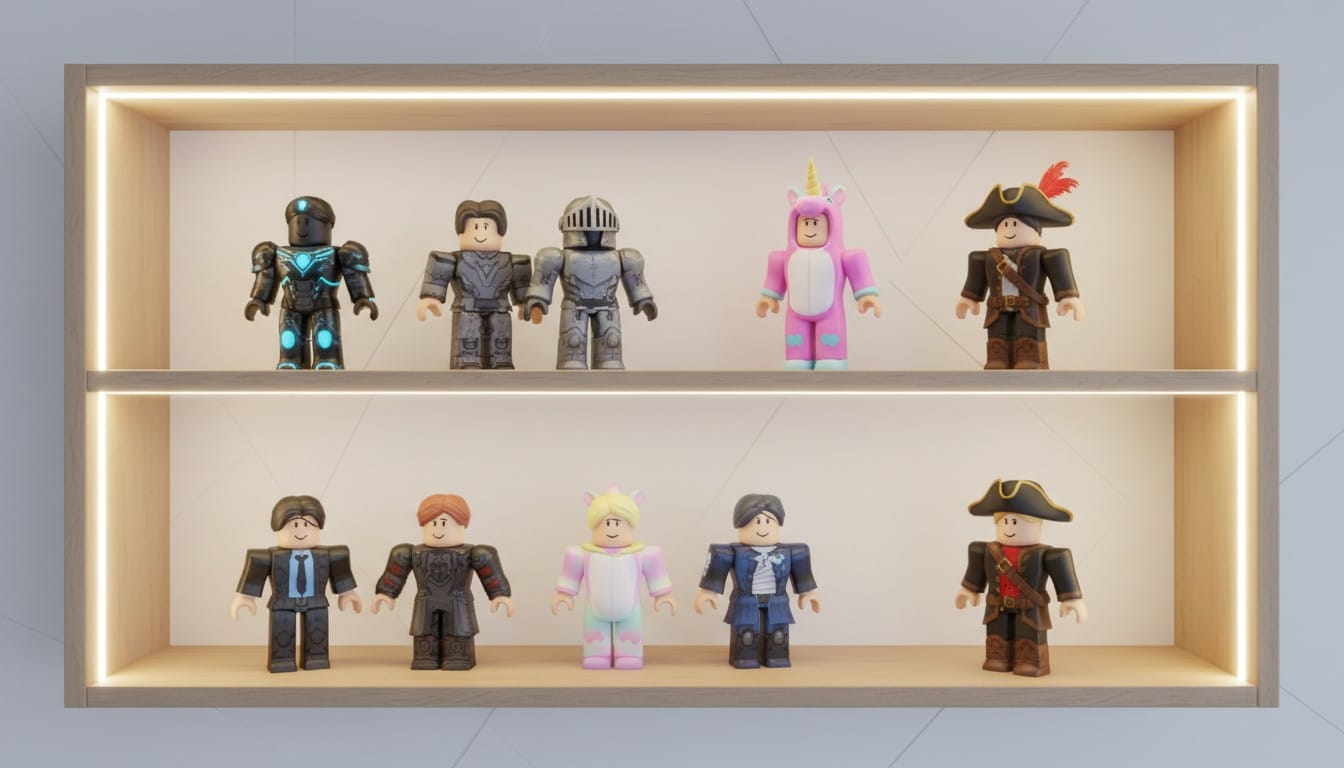
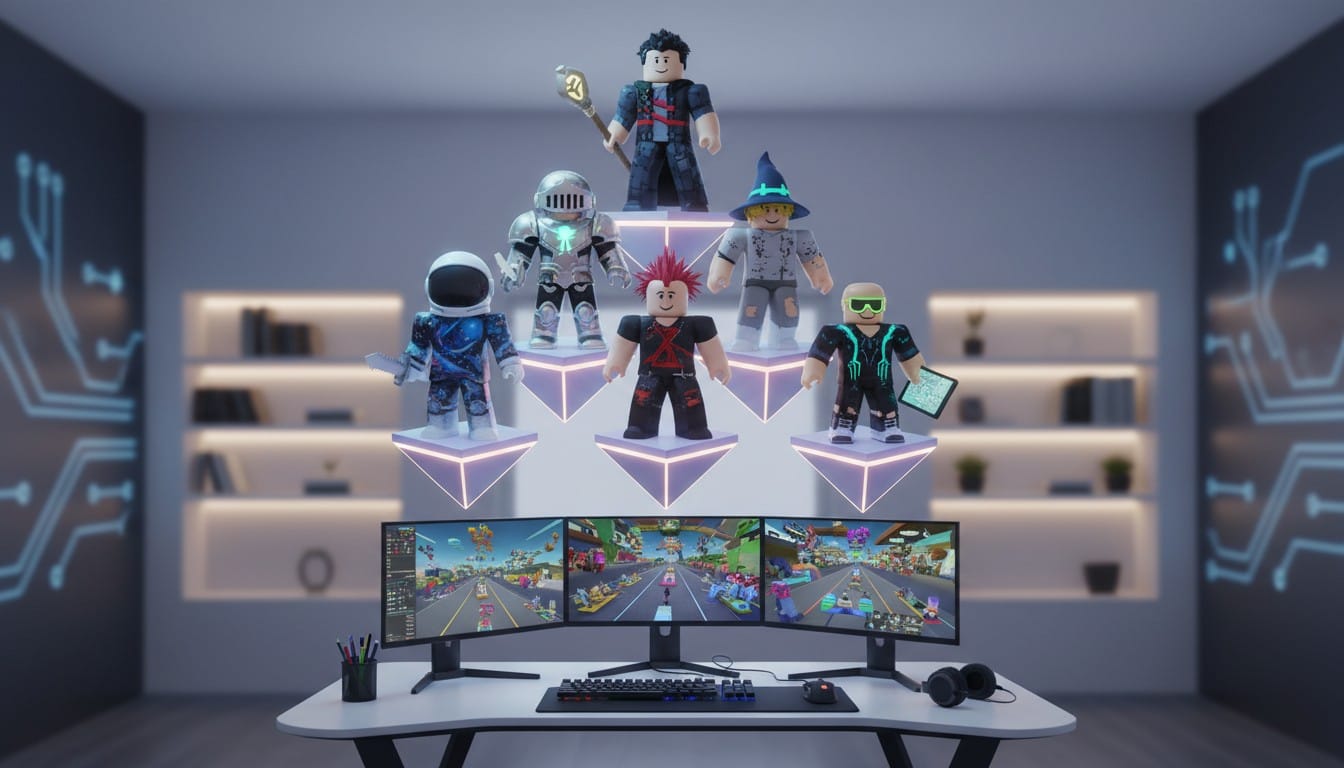
Shelf Arrangements: Display your printed avatar alongside other personal creations. Arrange chronologically to show avatar evolution or group by theme.
Pose Variations: Print your avatar in different poses or outfits. Create a collection showcasing your Roblox style journey.
Desktop Displays: Roblox figures make great desk decorations. Print small scale versions as workspace companions or conversation starters.
Respecting the Roblox Community
Personal Creations Only: Focus on your own avatar and original designs. Your creative choices deserve to be celebrated in physical form.
Community Guidelines: Follow Roblox terms of service regarding avatar usage. Creating personal displays is acceptable; commercial reproduction requires proper authorization.
Credit Creators: If your avatar uses UGC (User Generated Content) items from Roblox creators, acknowledge their work when sharing your prints online.
Support the Platform: Continue supporting Roblox and its creator community by properly licensing content and respecting intellectual property boundaries.
Your Roblox Printing Journey
Custom Roblox 3D models bridge digital and physical creativity. Your avatar represents countless hours of customization and personal expression. Printing that avatar creates lasting memorabilia of your Roblox experiences.
AI-powered generation combined with accessible 3D printing democratizes figure creation. No professional modeling skills required to transform your blocky character into a tangible collectible.
Start Printing Your Roblox Avatar
Ready to bring your Roblox character into the real world? Visit PrintPal's AI-powered 3D generator to transform screenshots of your avatar or create original Roblox-inspired characters. Upload clear screenshots of your personal avatar or describe original blocky character designs using text prompts. Download STL files and print with standard or AMS multicolor systems for game-accurate colors. Create lasting memorabilia of your Roblox journey and display your digital creativity physically. Remember to only print your own avatar and original designs while respecting the broader Roblox community. Start designing your custom Roblox 3D models today and celebrate your unique style.